# IPinfo Developer Documentation - Complete Reference
This file contains all IPinfo developer documentation in a single document,
optimized for consumption by Large Language Models (LLMs) and AI assistants.
Generated: 2026-02-01T08:07:17.348Z
Source: https://ipinfo.io/developers
Documentation Pages: 47
---
================================================================================
PAGE: Developer Resource
URL: https://ipinfo.io/developers/
SLUG: index
DESCRIPTION: Welcome to our IPinfo developer resource - the quickest and easiest way to get started with IPinfo is to use one of our official libraries.
================================================================================
# IPinfo Developer Resource
[Watch video](https://www.youtube.com/embed/oMwqfJZ8Lfc)
The quickest and easiest way to get started with IPinfo is to use one of our [official libraries](/developers/libraries), which are available for many popular programming languages and frameworks. If you'd like to write your own library or interact directly with our API, then the documentation below can help you.
## Authentication
Your API token is used to authenticate you with our API and can be provided either as an HTTP Basic Auth username, a bearer token, or alternatively as a token URL parameter.
**IPinfo Lite**
[IPinfo Lite](/developers/lite-api) is our free tier API service available to all users.
```bash
# With token query parameter
curl https://api.ipinfo.io/lite/me?token=$TOKEN
# With Basic Auth
curl -u $TOKEN: https://api.ipinfo.io/lite/me
# With Bearer token
curl -H "Authorization: Bearer $TOKEN" https://api.ipinfo.io/lite/me
```
API Response
```json
{
"ip": "8.8.8.8",
"asn": "AS15169",
"as_name": "Google LLC",
"as_domain": "google.com",
"country_code": "US",
"country": "United States",
"continent_code": "NA",
"continent": "North America"
}
```
**IPinfo Lookup**
IPinfo Lookup is available to users of [IPinfo Core](/developers/core-api) and [IPinfo Plus](/developers/plus-api).
```bash
# With token query parameter
curl https://api.ipinfo.io/lookup/me?token=$TOKEN
# With Basic Auth
curl -u $TOKEN: https://api.ipinfo.io/lookup/me
# With Bearer token
curl -H "Authorization: Bearer $TOKEN" https://api.ipinfo.io/lookup/me
```
API Response
```json
{
"ip": "8.8.8.8",
"hostname": "dns.google",
"geo": {
"city": "Mountain View",
"region": "California",
"region_code": "CA",
"country": "United States",
"country_code": "US",
"continent": "North America",
"continent_code": "NA",
"latitude": 38.00881,
"longitude": -122.11746,
"timezone": "America/Los_Angeles",
"postal_code": "94043",
"dma_code": "807",
"geoname_id": "5375478",
"radius": 500
},
"as": {
"asn": "AS15169",
"name": "Google LLC",
"domain": "google.com",
"type": "hosting",
"last_changed": "2021-05-01"
},
"mobile": {},
"anonymous": {
"is_proxy": false,
"is_relay": false,
"is_tor": false,
"is_vpn": false
},
"is_anonymous": false,
"is_anycast": true,
"is_hosting": true,
"is_mobile": false,
"is_satellite": false
}
```
**IPinfo Legacy**
IPinfo Legacy Service is available to our legacy and [enterprise API users](/developers/enterprise-api).
```bash
# With token query parameter
curl https://ipinfo.io?token=$TOKEN
# With Basic Auth
curl -u $TOKEN: https://ipinfo.io
# With Bearer token
curl -H "Authorization: Bearer $TOKEN" https://ipinfo.io
```
API Response
```json
{
"ip": "82.102.30.130",
"city": "Los Angeles",
"region": "California",
"country": "US",
"loc": "34.0522,-118.2437",
"org": "AS9009 M247 Europe SRL",
"postal": "90012",
"timezone": "America/Los_Angeles",
"asn": {
"asn": "AS9009",
"name": "M247 Europe SRL",
"domain": "m247global.com",
"route": "82.102.30.0/24",
"type": "hosting"
},
"company": {
"name": "VENUS BUSINESS COMMUNICATIONS LIMITED",
"domain": "m247.com",
"type": "hosting"
},
"privacy": {
"vpn": true,
"proxy": false,
"tor": false,
"relay": false,
"hosting": true,
"service": "PrivateVPN",
"confidence": 3,
"coverage": 1,
"census": false,
"census_ports": "",
"device_activity": false,
"inferred": false,
"vpn_config": false,
"whois": false,
"first_seen": "2025-10-14",
"last_seen": "2026-01-11"
},
"abuse": {
"address": "Turing House, Archway 5, Manchester, M15 5RL, UNITED KINGDOM",
"country": "GB",
"email": "network.infrastructure@m247.com",
"name": "M247 UK Ltd Network Infrastructure",
"network": "82.102.30.128/25",
"phone": ""
},
"domains": {
"ip": "82.102.30.130",
"total": 53,
"domains": [
"hdchina.org",
"ymjump.com",
"musicool.cn",
"viewpointcloud.com",
"itempurl.com"
]
},
"resproxy": {
"last_seen": "2026-01-05",
"percent_days_seen": 13,
"service": "ProxyScrape"
},
"is_anycast": false,
"is_mobile": false,
"is_anonymous": true,
"is_satellite": false,
"is_hosting": true
}
```
**IPinfo Resproxy**
[IPinfo Resproxy API](/developers/residential-proxy-api) service to detect residential proxy IPs.
```bash
# With token query parameter
curl https://ipinfo.io/resproxy?token=$TOKEN
# With Basic Auth
curl -u $TOKEN: https://ipinfo.io/resproxy
# With Bearer token
curl -H "Authorization: Bearer $TOKEN" https://ipinfo.io/resproxy
```
API Response
```json
{
"ip": "175.107.211.204",
"last_seen": "2026-01-10",
"percent_days_seen": 100,
"service": "PYPROXY"
}
```
## IP Address Parameter
The API supports passing in a single IPv4 or IPv6 IP address. Alternatively, if you do not pass in any IP address, we'll return details for the calling address. This allows you to look up your own (or a visitor to your site) IP address details without knowing the IP address in advance.
### URL Structure
The API follows a consistent URL structure with the following components:
| Component | Description | Examples |
|-----------|-------------|----------|
| **Base URL** | The base domain for all API requests | `api.ipinfo.io` |
| **Endpoint** | The API version endpoint | `lite` (IPinfo Lite)
`lookup` (Core/Plus) |
| **IP Address** | The IP to lookup (optional, defaults to requester's IP) | `me` (your IP)
`8.8.8.8` (IPv4)
`2001:4860:4860::8888` (IPv6) |
| **Field Filter** | Optional filter to return only specific fields (returned as plaintext) | `/country`
`/asn`
`/country_code`
`/is_proxy` |
| **Token** | Your authentication token (query parameter) | `?token=$TOKEN` |
**Example URLs:**
```
https://api.ipinfo.io/lite/me?token=$TOKEN
https://api.ipinfo.io/lookup/8.8.8.8?token=$TOKEN
https://api.ipinfo.io/lite/2001:4860:4860::8888/country?token=$TOKEN
```
**IPinfo Lite**
```bash
# Get details for 8.8.8.8
curl https://api.ipinfo.io/lite/8.8.8.8?token=$TOKEN
# Get details for 2001:4860:4860::8888
curl https://api.ipinfo.io/lite/2001:4860:4860::8888?token=$TOKEN
# Get details for your own IP address, which'll be included in the response
curl https://api.ipinfo.io/lite/me?token=$TOKEN
```
**IPinfo Lookup**
```bash
# Get details for 8.8.8.8
curl https://api.ipinfo.io/lookup/8.8.8.8?token=$TOKEN
# Get details for 2001:4860:4860::8888
curl https://api.ipinfo.io/lookup/2001:4860:4860::8888?token=$TOKEN
# Get details for your own IP address, which'll be included in the response
curl https://api.ipinfo.io/lookup/me?token=$TOKEN
```
**IPinfo Legacy**
```bash
# Get details for 8.8.8.8
curl https://ipinfo.io/8.8.8.8?token=$TOKEN
# Get details for 2001:4860:4860::8888
curl https://ipinfo.io/2001:4860:4860::8888?token=$TOKEN
# Get details for your own IP address, which'll be included in the response
curl https://ipinfo.io?token=$TOKEN
```
> Our API is available over a secure HTTPS connection for all users. Simply add `https://` to the request URLs to make the requests secure.
## Rate Limits
IPinfo Lite offers unlimited access to our API. Paid plans include monthly request limits with configurable alerts to help you stay in control. If you exceed your plan’s limit, you’ll receive a 429 HTTP status code—but with metered billing, you can automatically extend your usage without interruptions.
[Paid plans](/pricing) come with higher monthly limits, and configurable alerts.
## Filtering Responses
You can filter the API response down to specific fields or objects by adding the field or object name to the URL. In the case of a field you'll get it returned in plaintext, and an object will get returned as JSON.
**IPinfo Lite**
```bash
# Get the ASN
curl https://api.ipinfo.io/lite/8.8.8.8/asn?token=$TOKEN
AS15169
# Get country ISO code as plaintext
curl https://api.ipinfo.io/lite/8.8.8.8/country_code?token=$TOKEN
US
```
**IPinfo Lookup**
```bash
# Get the ASN
curl https://api.ipinfo.io/lookup/8.8.8.8/asn?token=$TOKEN
AS15169
# Get just the city as plaintext
curl https://api.ipinfo.io/lookup/8.8.8.8/city?token=$TOKEN
Mountain View
# Get country ISO code as plaintext
curl https://api.ipinfo.io/lookup/8.8.8.8/country_code?token=$TOKEN
US
```
**IPinfo Legacy**
```bash
# Get the organization field
curl https://ipinfo.io/8.8.8.8/org?token=$TOKEN
AS15169 Google Inc.
# Get just the city as plaintext
curl https://ipinfo.io/8.8.8.8/city?token=$TOKEN
Mountain View
# Get country ISO code as plaintext
curl https://ipinfo.io/8.8.8.8/country?token=$TOKEN
US
```
## Dual Stack API Service
Our API system is dual-stacked, making it easier for users on IPv6 connections. You can access the API seamlessly without needing to switch endpoints.
The examples below show how to force IPv4 or IPv6 connections using the `-4` and `-6` flags with curl.
**IPinfo Lite**
On IPv4 Connection:
```bash
curl -6 https://api.ipinfo.io/lite/me?token=$TOKEN
```
API Response
```json
{
"ip": "2602:f8de::",
"asn": "AS53356",
"as_name": "Free Range Cloud Hosting Inc.",
"as_domain": "freerangecloud.com",
"country_code": "US",
"country": "United States",
"continent_code": "NA",
"continent": "North America"
}
```
---
On IPv6 Connection:
```bash
curl -4 https://api.ipinfo.io/lite/me?token=$TOKEN
```
API Response
```json
{
"ip": "102.135.36.0",
"asn": "AS208485",
"as_name": "Nese Mala trading as Moon Dc",
"as_domain": "moondc.com",
"country_code": "TR",
"country": "Turkey",
"continent_code": "AS",
"continent": "Asia"
}
```
**IPinfo Lookup**
On IPv4 Connection:
```bash
curl -6 https://api.ipinfo.io/lookup/me?token=$TOKEN
```
API Response
```json
{
"ip": "2602:f8de::",
"geo": {
"city": "Sheridan",
"region": "Wyoming",
"region_code": "WY",
"country": "United States",
"country_code": "US",
"continent": "North America",
"continent_code": "NA",
"latitude": 44.79719,
"longitude": -106.95618,
"timezone": "America/Denver",
"postal_code": "82801",
"dma_code": "764",
"geoname_id": "5838198",
"radius": 20,
"last_changed": "2024-08-04"
},
"as": {
"last_changed": "2025-10-02"
},
"mobile": {},
"anonymous": {
"is_proxy": false,
"is_relay": false,
"is_tor": false,
"is_vpn": false
},
"is_anonymous": false,
"is_anycast": false,
"is_hosting": false,
"is_mobile": false,
"is_satellite": false
}
```
---
On IPv6 Connection:
```bash
curl -4 https://api.ipinfo.io/lookup/me?token=$TOKEN
```
API Response
```json
{
"ip": "102.135.36.0",
"geo": {
"city": "Victoria",
"region": "La Rivière Anglaise",
"region_code": "16",
"country": "Seychelles",
"country_code": "SC",
"continent": "Africa",
"continent_code": "AF",
"latitude": -4.62001,
"longitude": 55.45501,
"timezone": "Indian/Mahe",
"geoname_id": "241131",
"radius": 5000,
"last_changed": "2025-12-07"
},
"as": {
"asn": "AS9009",
"name": "M247 Europe SRL",
"domain": "m247global.com",
"type": "hosting",
"last_changed": "2025-09-04"
},
"mobile": {},
"anonymous": {
"is_proxy": false,
"is_relay": false,
"is_tor": false,
"is_vpn": false
},
"is_anonymous": false,
"is_anycast": false,
"is_hosting": true,
"is_mobile": false,
"is_satellite": false
}
```
### Explicit IPv4 and IPv6 endpoint
**IPinfo Lite**
For IPv4 connections, you can prepend the API endpoint with the subdomain `v4`.
```bash
curl https://v4.api.ipinfo.io/lite/me?token=$TOKEN
curl https://v4.api.ipinfo.io/lite/8.8.8.8?token=$TOKEN
```
For IPv6 connections, you can prepend the API endpoint with the subdomain `v6`.
```bash
curl https://v6.api.ipinfo.io/lite/me?token=$TOKEN
curl https://v6.api.ipinfo.io/lite/8.8.8.8?token=$TOKEN
```
**IPinfo Lookup**
For IPv4 connections, you can prepend the API endpoint with the subdomain `v4`.
```bash
curl https://v4.api.ipinfo.io/lookup/me?token=$TOKEN
curl https://v4.api.ipinfo.io/lookup/8.8.8.8?token=$TOKEN
```
For IPv6 connections, you can prepend the API endpoint with the subdomain `v6`.
```bash
curl https://v6.api.ipinfo.io/lookup/me?token=$TOKEN
curl https://v6.api.ipinfo.io/lookup/8.8.8.8?token=$TOKEN
```
## JSONP/CORS Requests
JSONP and CORS are supported, allowing you to use ipinfo.io entirely in client-side code. For JSONP you just need to specify the callback parameter, e.g. `http://ipinfo.io/?callback=callback&token=$TOKEN`.
**Fetch API (Promise)**
```javascript
fetch("https://api.ipinfo.io/lite/me?token=$TOKEN")
.then((response) => response.json())
.then((jsonResponse) => console.log(jsonResponse.ip, jsonResponse.country));
```
**Fetch API (Async/Await)**
```javascript
const request = await fetch("https://api.ipinfo.io/lite/me?token=$TOKEN");
const jsonResponse = await request.json();
console.log(jsonResponse.ip, jsonResponse.country);
```
**JSONP**
```html
function recordData(data) {
console.log(data.ip, data.country);
}
```
================================================================================
PAGE: IPinfo API Overview
URL: https://ipinfo.io/developers/ipinfo-api
SLUG: ipinfo-api
DESCRIPTION: Complete guide to IPinfo's API tiers including Lite, Core, Plus, Business, and Enterprise plans with feature comparisons.
================================================================================
# IPinfo API
IPinfo's API services provide a mix of geolocation, ASN, privacy, carrier detection, and confidence metrics across different tiers of API services.
### IPinfo Bundle APIs
- **[IPinfo Lite](/developers/lite-api)**: A free API with unlimited requests provides general location data (country, country code, continent, continent code) and ASN details (ASN, name, domain).
- **[IPinfo Core](/developers/core-api)**: The IPinfo Core API plan provides detailed IP address information including geolocation (city, region, country, continent, latitude/longitude, timezone, postal code), ASN and ISP details (ASN, name, domain, type), and network characteristics such as anonymity, anycast, hosting, mobile, and satellite status.
- **[IPinfo Plus](/developers/plus-api)**: The IPinfo Plus API plan provides comprehensive IP data including full geolocation (city, region, country, continent, coordinates, timezone, postal code, geoname ID, radius, and last change date), ASN details (ASN, name, domain, type), and extensive network characteristics such as mobile, anonymous proxy, relay, Tor, VPN, anycast, hosting, and satellite status.
API Schema
```json
{
"$schema": "http://json-schema.org/draft-07/schema#",
"title": "IPinfo API Response",
"description": "Schema for IPinfo API response across Lite, Core, and Plus tiers",
"type": "object",
"properties": {
"ip": {
"type": "string",
"description": "The IP address being queried.",
"example": "51.68.57.72",
"availability": {
"lite": true,
"core": true,
"plus": true
}
},
"hostname": {
"type": "string",
"description": "The hostname associated with the IP address.",
"example": "generic.hostname.com",
"availability": {
"lite": true,
"core": true,
"plus": true
}
},
"geo": {
"type": "object",
"description": "Geographic location information for the IP address.",
"properties": {
"city": {
"type": "string",
"description": "The city where the IP address is located.",
"example": "Lille",
"availability": {
"lite": false,
"core": true,
"plus": true
}
},
"region": {
"type": "string",
"description": "The region or state where the IP address is located.",
"example": "Hauts-de-France",
"availability": {
"lite": false,
"core": true,
"plus": true
}
},
"region_code": {
"type": "string",
"description": "The two-letter region code in ISO 3166 format.",
"example": "HDF",
"availability": {
"lite": false,
"core": true,
"plus": true
}
},
"country": {
"type": "string",
"description": "The country where the IP address is located.",
"example": "France",
"availability": {
"lite": true,
"core": true,
"plus": true
}
},
"country_code": {
"type": "string",
"description": "The ISO 3166 country code of the IP address.",
"example": "FR",
"availability": {
"lite": true,
"core": true,
"plus": true
}
},
"continent": {
"type": "string",
"description": "The continent where the IP address is located.",
"example": "Europe",
"availability": {
"lite": true,
"core": true,
"plus": true
}
},
"continent_code": {
"type": "string",
"description": "The two-letter continent code.",
"example": "EU",
"availability": {
"lite": true,
"core": true,
"plus": true
}
},
"latitude": {
"type": "number",
"description": "The latitude coordinate of the IP address location.",
"example": 50.63297,
"availability": {
"lite": false,
"core": true,
"plus": true
}
},
"longitude": {
"type": "number",
"description": "The longitude coordinate of the IP address location.",
"example": 3.05858,
"availability": {
"lite": false,
"core": true,
"plus": true
}
},
"timezone": {
"type": "string",
"description": "The local timezone of the IP address location, formatted according to the IANA Time Zone Database.",
"example": "Europe/Paris",
"availability": {
"lite": false,
"core": true,
"plus": true
}
},
"postal_code": {
"type": "string",
"description": "The postal or zip code associated with the IP address location.",
"example": "59000",
"availability": {
"lite": false,
"core": true,
"plus": true
}
},
"dma_code": {
"type": "string",
"description": "The Designated Market Area (DMA) code, representing a TV media market region.",
"example": "59",
"availability": {
"lite": false,
"core": false,
"plus": true
}
},
"geoname_id": {
"type": "integer",
"description": "The unique numerical identifier for geographic locations from Geonames.org.",
"example": 2998324,
"availability": {
"lite": false,
"core": false,
"plus": true
}
},
"radius": {
"type": "integer",
"description": "The location accuracy radius in kilometers.",
"example": 200,
"availability": {
"lite": false,
"core": false,
"plus": true
}
},
"last_changed": {
"type": "string",
"format": "date",
"description": "The date when the IP address's location was last updated, in YYYY-MM-DD format (ISO-8601).",
"example": "2025-06-15",
"availability": {
"lite": false,
"core": false,
"plus": true
}
}
}
},
"as": {
"type": "object",
"description": "Autonomous System (AS) information for the IP address.",
"properties": {
"asn": {
"type": "string",
"description": "The Autonomous System Number (ASN) identifying the organization that owns or operates the IP address.",
"example": "AS16276",
"availability": {
"lite": true,
"core": true,
"plus": true
}
},
"name": {
"type": "string",
"description": "The official name of the Autonomous System (AS) organization.",
"example": "OVH SAS",
"availability": {
"lite": true,
"core": true,
"plus": true
}
},
"domain": {
"type": "string",
"description": "The official domain name of the Autonomous System (AS) organization.",
"example": "ovhcloud.com",
"availability": {
"lite": true,
"core": true,
"plus": true
}
},
"type": {
"type": "string",
"description": "The type of the Autonomous System (AS) organization, such as hosting, ISP, education, government, or business.",
"example": "hosting",
"enum": ["hosting", "isp", "education", "government", "business"],
"availability": {
"lite": false,
"core": true,
"plus": true
}
},
"last_changed": {
"type": "string",
"format": "date",
"description": "The date when the IP address's ASN was last updated, in YYYY-MM-DD format (ISO-8601).",
"example": "2025-03-09",
"availability": {
"lite": false,
"core": false,
"plus": true
}
}
}
},
"mobile": {
"type": "object",
"description": "Mobile carrier information for the IP address.",
"availability": {
"lite": false,
"core": false,
"plus": true
},
"properties": {
"name": {
"type": "string",
"description": "The name of the mobile carrier organization.",
"example": "dtac",
"availability": {
"lite": false,
"core": false,
"plus": true
}
},
"mcc": {
"type": "string",
"description": "The Mobile Country Code (MCC) of the carrier.",
"example": "520",
"availability": {
"lite": false,
"core": false,
"plus": true
}
},
"mnc": {
"type": "string",
"description": "The Mobile Network Code (MNC) of the carrier.",
"example": "05",
"availability": {
"lite": false,
"core": false,
"plus": true
}
}
}
},
"anonymous": {
"type": "object",
"description": "Anonymity and privacy service detection information.",
"properties": {
"is_proxy": {
"type": "boolean",
"description": "Indicates whether the IP address is an open web proxy.",
"example": false,
"availability": {
"lite": false,
"core": true,
"plus": true
}
},
"is_relay": {
"type": "boolean",
"description": "Indicates whether the IP address is part of an anonymous relay service, such as iCloud Private Relay.",
"example": false,
"availability": {
"lite": false,
"core": true,
"plus": true
}
},
"is_tor": {
"type": "boolean",
"description": "Indicates whether the IP address is a TOR (The Onion Router) exit node.",
"example": false,
"availability": {
"lite": false,
"core": true,
"plus": true
}
},
"is_vpn": {
"type": "boolean",
"description": "Indicates whether the IP address is a Virtual Private Network (VPN) exit node.",
"example": true,
"availability": {
"lite": false,
"core": true,
"plus": true
}
},
"name": {
"type": "string",
"description": "The name of the privacy service provider, such as a VPN, Proxy, or Relay service provider.",
"example": "NordVPN",
"availability": {
"lite": false,
"core": false,
"plus": true
}
}
}
},
"is_anonymous": {
"type": "boolean",
"description": "Indicates whether the IP address is anonymous. true if the IP address is associated with an IP privacy service.",
"example": false,
"availability": {
"lite": false,
"core": true,
"plus": true
}
},
"is_anycast": {
"type": "boolean",
"description": "Indicates whether the IP address is an anycast IP. true if the IP address maps to multiple physical servers.",
"example": false,
"availability": {
"lite": false,
"core": true,
"plus": true
}
},
"is_hosting": {
"type": "boolean",
"description": "Indicates whether the IP address is an internet service hosting IP address.",
"example": true,
"availability": {
"lite": false,
"core": true,
"plus": true
}
},
"is_mobile": {
"type": "boolean",
"description": "Indicates whether the IP address belongs to a mobile network.",
"example": false,
"availability": {
"lite": false,
"core": true,
"plus": true
}
},
"is_satellite": {
"type": "boolean",
"description": "Indicates whether the IP address is part of a satellite internet connection.",
"example": false,
"availability": {
"lite": false,
"core": true,
"plus": true
}
}
}
}
```
| Field Name | Description | Example | [IPinfo Lite](/developers/lite-api) | [IPinfo Core](/developers/core-api) | [IPinfo Plus](/developers/plus-api) |
| --- | --- | --- | --- | --- | --- |
| **`ip`** | The IP address being queried. | `51.68.57.72` | ✓ | ✓ | ✓ |
| **`hostname`** | The hostname associated with the IP address. | `generic.hostname.com` | ✓ | ✓ | ✓ |
| **`geo`** | `city` | The city where the IP address is located. | `Lille` | ✗ | ✓ | ✓ |
| `region` | The region or state where the IP address is located. | `Hauts-de-France` | ✗ | ✓ | ✓ |
| `region_code` | The two-letter region code in ISO 3166 format. | `HDF` | ✗ | ✓ | ✓ |
| `country` | The country where the IP address is located. | `France` | ✓ | ✓ | ✓ |
| `country_code` | The ISO 3166 country code of the IP address. | `FR` | ✓ | ✓ | ✓ |
| `continent` | The continent where the IP address is located. | `Europe` | ✓ | ✓ | ✓ |
| `continent_code` | The two-letter continent code. | `EU` | ✓ | ✓ | ✓ |
| `latitude` | The latitude coordinate of the IP address location. | `50.63297` | ✗ | ✓ | ✓ |
| `longitude` | The longitude coordinate of the IP address location. | `3.05858` | ✗ | ✓ | ✓ |
| `timezone` | The local timezone of the IP address location, formatted according to the IANA Time Zone Database. | `Europe/Paris` | ✗ | ✓ | ✓ |
| `postal_code` | The postal or zip code associated with the IP address location. | `59000` | ✗ | ✓ | ✓ |
| `dma_code` | The Designated Market Area (DMA) code, representing a TV media market region. | `59` | ✗ | ✗ | ✓ |
| `geoname_id` | The unique numerical identifier for geographic locations from Geonames.org. | `2998324` | ✗ | ✗ | ✓ |
| `radius` | The location accuracy radius in kilometers. | `200` | ✗ | ✗ | ✓ |
| `last_changed` | The date when the IP address's location was last updated, in YYYY-MM-DD format (ISO-8601). | `2025-06-15` | ✗ | ✗ | ✓ |
| **`as`** | `asn` | The Autonomous System Number (ASN) identifying the organization that owns or operates the IP address. | `AS16276` | ✓ | ✓ | ✓ |
| `name` | The official name of the Autonomous System (AS) organization. | `OVH SAS` | ✓ | ✓ | ✓ |
| `domain` | The official domain name of the Autonomous System (AS) organization. | `ovhcloud.com` | ✓ | ✓ | ✓ |
| `type` | The type of the Autonomous System (AS) organization, such as hosting, ISP, education, government, or business. | `hosting` | ✗ | ✓ | ✓ |
| `last_changed` | The date when the IP address's ASN was last updated, in YYYY-MM-DD format (ISO-8601). | `2025-03-09` | ✗ | ✗ | ✓ |
| **`mobile`** | `name` | The name of the mobile carrier organization. | `dtac` | ✗ | ✗ | ✓ |
| `mcc` | The Mobile Country Code (MCC) of the carrier. | `520` | ✗ | ✗ | ✓ |
| `mnc` | The Mobile Network Code (MNC) of the carrier. | `05` | ✗ | ✗ | ✓ |
| **`anonymous`** | `is_proxy` | Indicates whether the IP address is an open web proxy. | `false` | ✗ | ✓ | ✓ |
| `is_relay` | Indicates whether the IP address is part of an anonymous relay service, such as iCloud Private Relay. | `false` | ✗ | ✓ | ✓ |
| `is_tor` | Indicates whether the IP address is a TOR (The Onion Router) exit node. | `false` | ✗ | ✓ | ✓ |
| `is_vpn` | Indicates whether the IP address is a Virtual Private Network (VPN) exit node. | `true` | ✗ | ✓ | ✓ |
| `name` | The name of the privacy service provider, such as a VPN, Proxy, or Relay service provider. | `NordVPN` | ✗ | ✗ | ✓ |
| `**is_anonymous**` | Indicates whether the IP address is anonymous. `true` if the IP address is associated with an IP privacy service. | `false` | ✗ | ✓ | ✓ |
| `**is_anycast**` | Indicates whether the IP address is an anycast IP. `true` if the IP address maps to multiple physical servers. | `false` | ✗ | ✓ | ✓ |
| `**is_hosting**` | Indicates whether the IP address is an internet service hosting IP address. | `true` | ✗ | ✓ | ✓ |
| `**is_mobile**` | Indicates whether the IP address belongs to a mobile network. | `false` | ✗ | ✓ | ✓ |
| `**is_satellite**` | Indicates whether the IP address is part of a satellite internet connection. | `false` | ✗ | ✓ | ✓ |
Currently, we have the following API services available directly for customers.
- [IPinfo Lite](/developers/lite-api): The IPinfo Lite API is our free plan that includes unlimited country-level geolocation and basic ASN information.
- [IPinfo Core](/developers/core-api): Our basic premium API plan that includes detailed geolocation data, ASN information, network flags, and access to the dedicated ASN API.
- [IPinfo Plus](/developers/plus-api): IPinfo Plus API provides detailed IP address data, including geolocation, ASN information, carrier details, anonymous IP address data details, and geolocation and ASN change frequency.
- [IPinfo Enterprise](/developers/enterprise-api): The IPinfo Enterprise plan includes everything in the Business plan plus IP Whois, IP Ranges, IP Activity, and a full list of domains hosted on the IP.
### Other IP APIs
Besides providing information about IP Addresses, IPInfo also offers APIs that can be used to get:
- [Geolocation API](/developers/geolocation): Query IP address geolocation data including city, region, country, and coordinates.
- [Privacy Detection API](/developers/privacy): Detect VPNs, proxies, Tor exit nodes, relays, and hosting providers.
- [ASN API](/developers/asn): Detailed information about ASNs
- [IP ranges API](/developers/ranges): IP ranges owned by a company.
- [Hosted Domains API](/developers/hosted-domains): Domains hosted on an IP address
- [IP WHOIS API](/developers/whois): Programmatically Access WHOIS Data
- [Residential Proxy Detection API](/developers/residential-proxy-api): Detection and detailed insights of residential proxy services
- [IP to Privacy Detection Extended API](/developers/privacy-extended-api): Provides detection metadata and confidence metrics for detecting anonymous IP data.
### IPinfo Legacy API
Starting in 2025, we rolled out a new updated API system. However, we continue to provide the same service through our legacy API service that many users have grandfathered into.
The legacy API system is actively maintained and provides the identical service as our standard API service. We will continue to provide access and service to our users who have been using the legacy service; however, we recommend that no new users request joining the legacy service.
The following section is for our legacy API system documentation that does not apply to our current API system.
**JSON Response**
We try to automatically detect when someone wants to call our API versus view our website, and then we send back the appropriate JSON response rather than HTML. We do this based on the user agent for known popular programming languages, tools, and frameworks. However, there are a couple of other ways to force a JSON response when it doesn't happen automatically.
One is to append `/json` at the end of any request:
```bash
curl ipinfo.io/json
curl ipinfo.io/8.8.8.8/json
```
The other is to set the `Accept` header to `application/json`:
```bash
curl -H "Accept: application/json" ipinfo.io
curl -H "Accept: application/json" ipinfo.io/8.8.8.8
```
**IPv6 API endpoint**
IPinfo's API ensures seamless support for both IPv4 and IPv6 connection. However, for technical reasons, we use distinct API endpoints:
- IPv4 connection: [ipinfo.io](https://ipinfo.io/)
- IPv6 connection: [v6.ipinfo.io](https://v6.ipinfo.io/)
If you're on an IPv6 address, use the ### [v6.ipinfo.io](https://v6.ipinfo.io/) API endpoint, which functions identically to the standard IPv4 API. All API parameters and arguments are supported as usual.
Example:
```bash
curl https://v6.ipinfo.io
```
Our website, however, is fully dual-stacked, supporting both IPv4 and IPv6 natively through the [ipinfo.io](https://ipinfo.io/) domain. Our IP data download product always includes both IPv4 and IPv6 IP addresses in each individual database download. If you are looking up IPv6 addresses as an API parameter or input, you can do so simply as well. Usage of [v6.ipinfo.io](https://v6.ipinfo.io/) only applies to IPv6 traffic visiting our API service.
By separating the API endpoints, we prevent unintended behavior when tools default to IPv6 (via AAAA records). This ensures you receive the expected address type for your query. Because if we have A and AAAA records for the domain (supporting both v4 and v6), the users would get their v6 address back when they go to ipinfo.io's API (internet services usually default to v6 if it’s available), which is not usually what they expect.
================================================================================
PAGE: IPinfo Lite API
URL: https://ipinfo.io/developers/lite-api
SLUG: lite-api
DESCRIPTION: Free API tier with unlimited country-level geolocation and basic ASN information.
================================================================================
# IPinfo Lite API Developer Resource
**Available for**: Every IPinfo user
The [IPinfo Lite API](https://ipinfo.io/lite) is our free-tier API access plan, which includes unlimited country-level geolocation information and unlimited basic ASN information. Geolocation information provided by the IPinfo Lite API service includes country and continent information, while ASN information includes ASN, organization name, and domain name.
The API has no daily or monthly limit and provides unlimited access. The API is based on our IPinfo IPinfo Lite IP database.
> You can access IPinfo Lite data as a downloadable dataset as well: **[IPinfo Lite IP Data Downloads](/developers/ipinfo-lite-database)**
## Quick Reference
API Schema
```json
{
"$schema": "http://json-schema.org/draft-07/schema#",
"title": "IPinfo Lite API Response",
"description": "Schema for IPinfo Lite API response",
"type": "object",
"properties": {
"ip": {
"type": "string",
"description": "The IP address being queried.",
"example": "51.68.57.72"
},
"hostname": {
"type": "string",
"description": "The hostname associated with the IP address.",
"example": "generic.hostname.com"
},
"geo": {
"type": "object",
"description": "Geographic location information for the IP address.",
"properties": {
"country": {
"type": "string",
"description": "The country where the IP address is located.",
"example": "France"
},
"country_code": {
"type": "string",
"description": "The ISO 3166 country code of the IP address.",
"example": "FR"
},
"continent": {
"type": "string",
"description": "The continent where the IP address is located.",
"example": "Europe"
},
"continent_code": {
"type": "string",
"description": "The two-letter continent code.",
"example": "EU"
}
}
},
"as": {
"type": "object",
"description": "Autonomous System (AS) information for the IP address.",
"properties": {
"asn": {
"type": "string",
"description": "The Autonomous System Number (ASN) identifying the organization that owns or operates the IP address.",
"example": "AS16276"
},
"name": {
"type": "string",
"description": "The official name of the Autonomous System (AS) organization.",
"example": "OVH SAS"
},
"domain": {
"type": "string",
"description": "The official domain name of the Autonomous System (AS) organization.",
"example": "ovhcloud.com"
}
}
}
}
}
```
| Field | Description | Example |
| ---------------- | ------------------------------------------------- | --------------- |
| `ip` | The client IP address or IP address being queried | `8.8.8.8` |
| `asn` | Autonomous System Number | `AS15169` |
| `as_name` | Organization name | `Google LLC` |
| `as_domain` | Organization's domain name | `google.com` |
| `country_code` | Two-letter country code (ISO 3166-1 alpha-2) | `US` |
| `country` | Full country name | `United States` |
| `continent_code` | Two-letter continent code | `NA` |
| `continent` | Full continent name | `North America` |
### Lookup IP addresses:
**bash**
```bash
curl https://api.ipinfo.io/lite/8.8.8.8?token=$TOKEN
```
```json
{
"ip": "8.8.8.8",
"asn": "AS15169",
"as_name": "Google LLC",
"as_domain": "google.com",
"country_code": "US",
"country": "United States",
"continent_code": "NA",
"continent": "North America"
}
```
**Python**
```python
import ipinfo
# Initialize Lite handler
handler = ipinfo.getHandlerLite(access_token='$TOKEN')
# Look up a specific IP address
details = handler.getDetails("8.8.8.8")
print(details.ip) # '8.8.8.8'
print(details.country_code) # 'US'
print(details.country) # 'United States'
print(details.asn) # 'AS15169'
print(details.as_name) # 'Google LLC'
print(details.all)
```
```json
{
"ip": "8.8.8.8",
"asn": "AS15169",
"as_name": "Google LLC",
"as_domain": "google.com",
"country_code": "US",
"country": "United States",
"continent_code": "NA",
"continent": "North America"
}
```
Get information on your or visitors' IP address:
**bash**
```bash
curl https://api.ipinfo.io/lite/me?token=$TOKEN
```
```json
{
"ip": "8.8.8.8",
"asn": "AS15169",
"as_name": "Google LLC",
"as_domain": "google.com",
"country_code": "US",
"country": "United States",
"continent_code": "NA",
"continent": "North America"
}
```
**Python**
```python
import ipinfo
# Initialize Lite handler
handler = ipinfo.getHandlerLite(access_token='$TOKEN')
# Call getDetails() without an IP address
details = handler.getDetails()
# Access your information
my_details = handler.getDetails()
print(my_details.ip) # Your IP address
print(my_details.country) # Your country
# Get ALL details as a dictionary
print(my_details.all)
```
```json
{
"ip": "8.8.8.8",
"asn": "AS15169",
"as_name": "Google LLC",
"as_domain": "google.com",
"country_code": "US",
"country": "United States",
"continent_code": "NA",
"continent": "North America"
}
```
The API endpoint also supports explicit declaration of IP address connections (IPv4/IPv6).
| Description | Endpoint type | Endpoint |
| --- | --- | --- |
| **General (Dual Stacked)** | Self / Client IP | `curl https://api.ipinfo.io/lite/me?token=$TOKEN` |
| Lookup / Target IP | `curl https://api.ipinfo.io/lite/8.8.8.8?token=$TOKEN` |
| **IPv4** | Self / Client IP | `curl https://v4.api.ipinfo.io/lite/me?token=$TOKEN` |
| Lookup / Target IP | `curl https://v4.api.ipinfo.io/lite/8.8.8.8?token=$TOKEN` |
| **IPv6** | Self / Client IP | `curl https://v6.api.ipinfo.io/lite/me?token=$TOKEN` |
| Lookup / Target IP | `curl https://v6.api.ipinfo.io/lite/8.8.8.8?token=$TOKEN` |
> The general API endpoint is built to support **both** IPv4 and IPv6 connection, ensuring you can call it from either without any issues.
If the IP is anycast or bogon an [additional field is returned](/developers/data-types#geolocation-data) indicating that.
**Check out the [code snippets section for IPinfo Lite API](/developers/code-snippets#lite-api-snippets) related code and responses.**
================================================================================
PAGE: IPinfo Core API
URL: https://ipinfo.io/developers/core-api
SLUG: core-api
DESCRIPTION: Basic premium API plan with geolocation, ASN data, network flags, and dedicated ASN API access.
================================================================================
# IPinfo Core API Developer Resource
The [IPinfo Core API](https://ipinfo.io/core) is our entry-level premium API access plan, which includes granular [geolocation information](/developers/data-types#geolocation-data), ASN information, network flags, and access to the [dedicated ASN API](/developers/asn).
- **Geolocation information**: City, Region/State, Country, Postal code etc.
- **ASN information**: ASN (Autonomous System Number), AS Name, ASN Domain and ASN Type
- **Network flags**: Anonymous IP address (VPN, proxy, Tor, or relay), Hosting IP address (data center or server IP), Anycast IP, Carrier mobile IP flag, and Satellite IP address
> You can access IPinfo Core data as a downloadable dataset as well: **[IPinfo Core IP Data Downloads](/developers/ipinfo-core-database)**
## Quick Reference
API Schema
```json
{
"$schema": "http://json-schema.org/draft-07/schema#",
"title": "IPinfo Core API Response",
"description": "Schema for IPinfo Core API response",
"type": "object",
"properties": {
"ip": {
"type": "string",
"description": "The IP address being queried.",
"example": "51.68.57.72"
},
"hostname": {
"type": "string",
"description": "The hostname associated with the IP address.",
"example": "generic.hostname.com"
},
"geo": {
"type": "object",
"description": "Geographic location information for the IP address.",
"properties": {
"city": {
"type": "string",
"description": "The city where the IP address is located.",
"example": "Lille"
},
"region": {
"type": "string",
"description": "The region or state where the IP address is located.",
"example": "Hauts-de-France"
},
"region_code": {
"type": "string",
"description": "The two-letter region code in ISO 3166 format.",
"example": "HDF"
},
"country": {
"type": "string",
"description": "The country where the IP address is located.",
"example": "France"
},
"country_code": {
"type": "string",
"description": "The ISO 3166 country code of the IP address.",
"example": "FR"
},
"continent": {
"type": "string",
"description": "The continent where the IP address is located.",
"example": "Europe"
},
"continent_code": {
"type": "string",
"description": "The two-letter continent code.",
"example": "EU"
},
"latitude": {
"type": "number",
"description": "The latitude coordinate of the IP address location.",
"example": 50.63297
},
"longitude": {
"type": "number",
"description": "The longitude coordinate of the IP address location.",
"example": 3.05858
},
"timezone": {
"type": "string",
"description": "The local timezone of the IP address location, formatted according to the IANA Time Zone Database.",
"example": "Europe/Paris"
},
"postal_code": {
"type": "string",
"description": "The postal or zip code associated with the IP address location.",
"example": "59000"
}
}
},
"as": {
"type": "object",
"description": "Autonomous System (AS) information for the IP address.",
"properties": {
"asn": {
"type": "string",
"description": "The Autonomous System Number (ASN) identifying the organization that owns or operates the IP address.",
"example": "AS16276"
},
"name": {
"type": "string",
"description": "The official name of the Autonomous System (AS) organization.",
"example": "OVH SAS"
},
"domain": {
"type": "string",
"description": "The official domain name of the Autonomous System (AS) organization.",
"example": "ovhcloud.com"
},
"type": {
"type": "string",
"description": "The type of the Autonomous System (AS) organization, such as hosting, ISP, education, government, or business.",
"example": "hosting",
"enum": ["hosting", "isp", "education", "government", "business"]
}
}
},
"anonymous": {
"type": "object",
"description": "Anonymity and privacy service detection information.",
"properties": {
"is_proxy": {
"type": "boolean",
"description": "Indicates whether the IP address is an open web proxy.",
"example": false
},
"is_relay": {
"type": "boolean",
"description": "Indicates whether the IP address is part of an anonymous relay service, such as iCloud Private Relay.",
"example": false
},
"is_tor": {
"type": "boolean",
"description": "Indicates whether the IP address is a TOR (The Onion Router) exit node.",
"example": false
},
"is_vpn": {
"type": "boolean",
"description": "Indicates whether the IP address is a Virtual Private Network (VPN) exit node.",
"example": true
}
}
},
"is_anonymous": {
"type": "boolean",
"description": "Indicates whether the IP address is anonymous. true if the IP address is associated with an IP privacy service.",
"example": false
},
"is_anycast": {
"type": "boolean",
"description": "Indicates whether the IP address is an anycast IP. true if the IP address maps to multiple physical servers.",
"example": false
},
"is_hosting": {
"type": "boolean",
"description": "Indicates whether the IP address is an internet service hosting IP address.",
"example": true
},
"is_mobile": {
"type": "boolean",
"description": "Indicates whether the IP address belongs to a mobile network.",
"example": false
},
"is_satellite": {
"type": "boolean",
"description": "Indicates whether the IP address is part of a satellite internet connection.",
"example": false
}
}
}
```
| Field | Description | Example |
| --- | --- | --- |
| **`ip`** | Queried IP address | `51.68.57.72` |
| **`geo`** | `city` | City of the IP address | `Lille` |
| `region` | Region/State of the IP address | `Hauts-de-France` |
| `region_code` | Region code in two-letter format in ISO 3166 | `HDF` |
| `country` | Name of the country of the IP address | `France` |
| `country_code` | ISO 3166 country code of the IP address | `FR` |
| `continent` | Name of the continent | `Europe` |
| `continent_code` | Continent name code in two-letter format | `EU` |
| `latitude` | Latitude value of the IP address | `50.63297` |
| `longitude` | Longitude value of the IP address | `3.05858` |
| `timezone` | The local timezone of the IP address location, formatted according to the IANA Time Zone Database. | `Europe/Paris` |
| `postal_code` | The postal code or zip code associated with the IP address's location. | `59000` |
| **as** | asn | Autonomous System Number (ASN), identifying the organization that owns or operates the IP address. | `AS16276` |
| name | The official name of the Autonomous System (AS) organization. | `OVH SAS` |
| domain | The official domain name of the Autonomous System (AS) organization. | `ovhcloud.com` |
| type | The type of the Autonomous System (AS) organization, such as hosting, ISP, education, government, or business. | `hosting` |
| `**is_anonymous**` | Indicates whether the IP address is **anonymous**. `true` if the IP address is associated with an IP privacy service. | `false` |
| `**is_anycast**` | Indicates whether the IP address is an **anycast IP**. `true` if the IP address maps to multiple physical servers. | `false` |
| `**is_hosting**` | Indicates whether the IP address is an internet service hosting IP address. | `true` |
| `**is_mobile**` | Indicates whether the IP address belongs to a **mobile network**. | `false` |
| `**is_satellite**` | Indicates whether the IP address is part of a **satellite internet connection**. | `false` |
### Lookup IP addresses:
```bash
curl https://api.ipinfo.io/lookup/8.8.8.8?token=$TOKEN
```
```json
{
"ip": "8.8.8.8",
"geo": {
"city": "Mountain View",
"region": "California",
"region_code": "CA",
"country": "United States",
"country_code": "US",
"continent": "North America",
"continent_code": "NA",
"latitude": 37.4056,
"longitude": -122.0775,
"timezone": "America/Los_Angeles",
"postal_code": "94043"
},
"as": {
"asn": "AS15169",
"name": "Google LLC",
"domain": "google.com",
"type": "hosting"
},
"is_anonymous": false,
"is_anycast": true,
"is_hosting": true,
"is_mobile": false,
"is_satellite": false
}
```
The API endpoint also supports explicit declaration of IP address connections (IPv4/IPv6).
| Description | Endpoint type | Endpoint |
| --- | --- | --- |
| **General (Dual Stacked)** | Self / Client IP | `curl https://api.ipinfo.io/lookup/me?token=$TOKEN` |
| Lookup / Target IP | `curl https://api.ipinfo.io/lookup/8.8.8.8?token=$TOKEN` |
| **IPv4** | Self / Client IP | `curl https://v4.api.ipinfo.io/lookup/me?token=$TOKEN` |
| Lookup / Target IP | `curl https://v4.api.ipinfo.io/lookup/8.8.8.8?token=$TOKEN` |
| **IPv6** | Self / Client IP | `curl https://v6.api.ipinfo.io/lookup/me?token=$TOKEN` |
| Lookup / Target IP | `curl https://v6.api.ipinfo.io/lookup/8.8.8.8?token=$TOKEN` |
> The general API endpoint is built to support **both** IPv4 and IPv6 connection, ensuring you can call it from either without any issues.
## Alternative API Schema
Our legacy API is still maintained with fresh data, and we are committed to providing continued service to existing customers.
IPinfo Core (Legacy)
Built on top of the IPinfo Basic tier API service, the IPinfo Core API service includes the IPinfo Core API and the network flags.
```bash
curl https://ipinfo.io/8.8.8.8/json?token=$TOKEN
```
```json
{
"ip": "8.8.8.8",
"hostname": "dns.google",
"city": "Mountain View",
"region": "California",
"country": "US",
"loc": "37.4056,-122.0775",
"postal": "94043",
"timezone": "America/Los_Angeles",
"is_anycast": true,
"is_mobile": false,
"is_anonymous": false,
"is_satellite": false,
"is_hosting": true,
"asn": {
"asn": "AS15169",
"name": "Google LLC",
"domain": "google.com",
"route": "8.8.8.0/24",
"type": "hosting"
}
}
```
IPinfo Basic (Legacy)
IPinfo Basic has been upgraded to the IPinfo Core API tier. It now includes network flags and extended geolocation details that were previously not available in the Basic tier.
```bash
curl https://ipinfo.io/8.8.8.8/json?token=$TOKEN
```
```json
{
"ip": "8.8.8.8",
"hostname": "dns.google",
"city": "Mountain View",
"region": "California",
"country": "US",
"loc": "37.4056,-122.0775",
"postal": "94043",
"timezone": "America/Los_Angeles",
"asn": {
"asn": "AS15169",
"name": "Google LLC",
"domain": "google.com",
"route": "8.8.8.0/24",
"type": "hosting"
}
}
```
**Check out the [code snippets section for IPinfo Core API](/developers/code-snippets#core-api-snippets) related code and responses.**
================================================================================
PAGE: IPinfo Plus API
URL: https://ipinfo.io/developers/plus-api
SLUG: plus-api
================================================================================
# IPinfo Plus API Developer Resource
The [IPinfo Plus](https://ipinfo.io/plus) API is our most popular API service that provides detailed IP address data, including geolocation, ASN information, mobile carrier details, privacy-related flags and access to the [dedicated ASN API](/developers/asn).
- **Geolocation information**: City, Region/State, Country, Postal code etc. and accuracy radius and last change date.
- **ASN information**: ASN (Autonomous System Number), AS Name, ASN Domain, ASN Type and last change date
- **Anonymous IP address**: Identifies whether an IP address is associated with privacy services such as VPNs, proxies, Tor nodes, or relay services.
- **Carrier information**: Provides details about the mobile carrier, including the carrier name, Mobile Country Code (MCC), and Mobile Network Code (MNC).
- **Network flags**: Anonymous IP address (VPN, proxy, Tor, or relay), Hosting IP address (data center or server IP), Anycast IP, Carrier mobile IP flag, and Satellite IP address
> You can access IPinfo Plus data as a downloadable dataset as well: **[IPinfo Plus IP Data Downloads](/developers/ipinfo-plus-database)**
## Quick Reference
API Schema
```json
{
"$schema": "http://json-schema.org/draft-07/schema#",
"title": "IPinfo Plus API Response",
"description": "Schema for IPinfo Plus API response",
"type": "object",
"properties": {
"ip": {
"type": "string",
"description": "The IP address being queried.",
"example": "51.68.57.72"
},
"hostname": {
"type": "string",
"description": "The hostname associated with the IP address.",
"example": "generic.hostname.com"
},
"geo": {
"type": "object",
"description": "Geographic location information for the IP address.",
"properties": {
"city": {
"type": "string",
"description": "The city where the IP address is located.",
"example": "Lille"
},
"region": {
"type": "string",
"description": "The region or state where the IP address is located.",
"example": "Hauts-de-France"
},
"region_code": {
"type": "string",
"description": "The two-letter region code in ISO 3166 format.",
"example": "HDF"
},
"country": {
"type": "string",
"description": "The country where the IP address is located.",
"example": "France"
},
"country_code": {
"type": "string",
"description": "The ISO 3166 country code of the IP address.",
"example": "FR"
},
"continent": {
"type": "string",
"description": "The continent where the IP address is located.",
"example": "Europe"
},
"continent_code": {
"type": "string",
"description": "The two-letter continent code.",
"example": "EU"
},
"latitude": {
"type": "number",
"description": "The latitude coordinate of the IP address location.",
"example": 50.63297
},
"longitude": {
"type": "number",
"description": "The longitude coordinate of the IP address location.",
"example": 3.05858
},
"timezone": {
"type": "string",
"description": "The local timezone of the IP address location, formatted according to the IANA Time Zone Database.",
"example": "Europe/Paris"
},
"postal_code": {
"type": "string",
"description": "The postal or zip code associated with the IP address location.",
"example": "59000"
},
"dma_code": {
"type": "string",
"description": "The Designated Market Area (DMA) code, representing a TV media market region.",
"example": "59"
},
"geoname_id": {
"type": "integer",
"description": "The unique numerical identifier for geographic locations from Geonames.org.",
"example": 2998324
},
"radius": {
"type": "integer",
"description": "The location accuracy radius in kilometers.",
"example": 200
},
"last_changed": {
"type": "string",
"format": "date",
"description": "The date when the IP address's location was last updated, in YYYY-MM-DD format (ISO-8601).",
"example": "2025-06-15"
}
}
},
"as": {
"type": "object",
"description": "Autonomous System (AS) information for the IP address.",
"properties": {
"asn": {
"type": "string",
"description": "The Autonomous System Number (ASN) identifying the organization that owns or operates the IP address.",
"example": "AS16276"
},
"name": {
"type": "string",
"description": "The official name of the Autonomous System (AS) organization.",
"example": "OVH SAS"
},
"domain": {
"type": "string",
"description": "The official domain name of the Autonomous System (AS) organization.",
"example": "ovhcloud.com"
},
"type": {
"type": "string",
"description": "The type of the Autonomous System (AS) organization, such as hosting, ISP, education, government, or business.",
"example": "hosting",
"enum": ["hosting", "isp", "education", "government", "business"]
},
"last_changed": {
"type": "string",
"format": "date",
"description": "The date when the IP address's ASN was last updated, in YYYY-MM-DD format (ISO-8601).",
"example": "2025-03-09"
}
}
},
"mobile": {
"type": "object",
"description": "Mobile carrier information for the IP address.",
"properties": {
"name": {
"type": "string",
"description": "The name of the mobile carrier organization.",
"example": "dtac"
},
"mcc": {
"type": "string",
"description": "The Mobile Country Code (MCC) of the carrier.",
"example": "520"
},
"mnc": {
"type": "string",
"description": "The Mobile Network Code (MNC) of the carrier.",
"example": "05"
}
}
},
"anonymous": {
"type": "object",
"description": "Anonymity and privacy service detection information.",
"properties": {
"is_proxy": {
"type": "boolean",
"description": "Indicates whether the IP address is an open web proxy.",
"example": false
},
"is_relay": {
"type": "boolean",
"description": "Indicates whether the IP address is part of an anonymous relay service, such as iCloud Private Relay.",
"example": false
},
"is_tor": {
"type": "boolean",
"description": "Indicates whether the IP address is a TOR (The Onion Router) exit node.",
"example": false
},
"is_vpn": {
"type": "boolean",
"description": "Indicates whether the IP address is a Virtual Private Network (VPN) exit node.",
"example": true
},
"name": {
"type": "string",
"description": "The name of the privacy service provider, such as a VPN, Proxy, or Relay service provider.",
"example": "NordVPN"
}
}
},
"is_anonymous": {
"type": "boolean",
"description": "Indicates whether the IP address is anonymous. true if the IP address is associated with an IP privacy service.",
"example": false
},
"is_anycast": {
"type": "boolean",
"description": "Indicates whether the IP address is an anycast IP. true if the IP address maps to multiple physical servers.",
"example": false
},
"is_hosting": {
"type": "boolean",
"description": "Indicates whether the IP address is an internet service hosting IP address.",
"example": true
},
"is_mobile": {
"type": "boolean",
"description": "Indicates whether the IP address belongs to a mobile network.",
"example": false
},
"is_satellite": {
"type": "boolean",
"description": "Indicates whether the IP address is part of a satellite internet connection.",
"example": false
}
}
}
```
| Field | Description | Example |
| --- | --- | --- |
| **`ip`** | The IP address being queried. | `51.68.57.72` |
| **`hostname`** | The hostname associated with the IP address. | `generic.hostname.com` |
| **`geo`** | `city` | The city where the IP address is located. | `Lille` |
| `region` | The region or state where the IP address is located. | `Hauts-de-France` |
| `region_code` | The two-letter region code in ISO 3166 format. | `HDF` |
| `country` | The country where the IP address is located. | `France` |
| `country_code` | The ISO 3166 country code of the IP address. | `FR` |
| `continent` | The continent where the IP address is located. | `Europe` |
| `continent_code` | The two-letter continent code. | `EU` |
| `latitude` | The latitude coordinate of the IP address location. | `50.63297` |
| `longitude` | The longitude coordinate of the IP address location. | `3.05858` |
| `timezone` | The local timezone of the IP address location, formatted according to the IANA Time Zone Database. | `Europe/Paris` |
| `postal_code` | The postal or zip code associated with the IP address location. | `59000` |
| `dma_code` | The Designated Market Area (DMA) code, representing a TV media market region. | `59` |
| `geoname_id` | The unique numerical identifier for geographic locations from Geonames.org. | `2998324` |
| `radius` | The location accuracy radius in kilometers. | `200` |
| `last_changed` | The date when the IP address's location was last updated, in YYYY-MM-DD format (ISO-8601). | `2025-06-15` |
| **as** | `asn` | The Autonomous System Number (ASN) identifying the organization that owns or operates the IP address. | `AS16276` |
| `name` | The official name of the Autonomous System (AS) organization. | `OVH SAS` |
| `domain` | The official domain name of the Autonomous System (AS) organization. | `ovhcloud.com` |
| `type` | The type of the Autonomous System (AS) organization, such as hosting, ISP, education, government, or business. | `hosting` |
| `last_changed` | The date when the IP address's ASN was last updated, in YYYY-MM-DD format (ISO-8601). | `2025-03-09` |
| **mobile** | `name` | The name of the mobile carrier organization. | `dtac` |
| `mcc` | The Mobile Country Code (MCC) of the carrier. | `520` |
| `mnc` | The Mobile Network Code (MNC) of the carrier. | `05` |
| **anonymous** | `is_proxy` | Indicates whether the IP address is an open web proxy. | `false` |
| `is_relay` | Indicates whether the IP address is part of an anonymous relay service, such as iCloud Private Relay. | `false` |
| `is_tor` | Indicates whether the IP address is a TOR (The Onion Router) exit node. | `false` |
| `is_vpn` | Indicates whether the IP address is a Virtual Private Network (VPN) exit node. | `true` |
| `name` | The name of the privacy service provider, such as a VPN, Proxy, or Relay service provider. | `NordVPN` |
| `**is_anonymous**` | Indicates whether the IP address is anonymous. `true` if the IP address is associated with an IP privacy service. | `false` |
| `**is_anycast**` | Indicates whether the IP address is an anycast IP. `true` if the IP address maps to multiple physical servers. | `false` |
| `**is_hosting**` | Indicates whether the IP address is an internet service hosting IP address. | `true` |
| `**is_mobile**` | Indicates whether the IP address belongs to a mobile network. | `false` |
| `**is_satellite**` | Indicates whether the IP address is part of a satellite internet connection. | `false` |
### Lookup IP addresses:
```bash
curl https://api.ipinfo.io/lookup/51.68.57.72?token=$TOKEN
```
```json
{
"ip": "51.68.57.72",
"hostname": "ip72.ip-51-68-57.eu",
"geo": {
"city": "Lille",
"region": "Hauts-de-France",
"region_code": "HDF",
"country": "France",
"country_code": "FR",
"continent": "Europe",
"continent_code": "EU",
"latitude": 50.63297,
"longitude": 3.05858,
"timezone": "Europe/Paris",
"postal_code": "59000",
"dma_code": "59",
"geoname_id": "2998324",
"radius": 200,
"last_changed": "2025-06-15"
},
"as": {
"asn": "AS16276",
"name": "OVH SAS",
"domain": "ovhcloud.com",
"type": "hosting",
"last_changed": "2025-03-09"
},
"mobile": {},
"anonymous": {
"is_proxy": false,
"is_relay": false,
"is_tor": false,
"is_vpn": false
},
"is_anonymous": false,
"is_anycast": false,
"is_hosting": true,
"is_mobile": false,
"is_satellite": false
}
```
Get information on your or visitors' IP address:
```bash
curl https://api.ipinfo.io/lookup/me?token=$TOKEN
```
The IPinfo Plus also supports ASN lookups via the [ASN API](/developers/asn).
The API endpoint also supports explicit declaration of IP address connections (IPv4/IPv6).
| Description | Endpoint type | Endpoint |
| --- | --- | --- |
| **General (Dual Stacked)** | Self / Client IP | `curl https://api.ipinfo.io/lookup/me?token=$TOKEN` |
| Lookup / Target IP | `curl https://api.ipinfo.io/lookup/8.8.8.8?token=$TOKEN` |
| **IPv4** | Self / Client IP | `curl https://v4.api.ipinfo.io/lookup/me?token=$TOKEN` |
| Lookup / Target IP | `curl https://v4.api.ipinfo.io/lookup/8.8.8.8?token=$TOKEN` |
| **IPv6** | Self / Client IP | `curl https://v6.api.ipinfo.io/lookup/me?token=$TOKEN` |
| Lookup / Target IP | `curl https://v6.api.ipinfo.io/lookup/8.8.8.8?token=$TOKEN` |
> The general API endpoint is built to support **both** IPv4 and IPv6 connections, ensuring compatibility with either protocol.
## Alternative API Schema
Our legacy API is still maintained with fresh data, and we are committed to providing continued service to existing customers.
IPinfo Standard (Legacy)
IPinfo Standard has been upgraded to the IPinfo Plus API tier.
```bash
curl https://ipinfo.io/8.8.8.8/json?token=$TOKEN
```
```json
{
"ip": "8.8.8.8",
"hostname": "dns.google",
"anycast": true,
"city": "Mountain View",
"region": "California",
"country": "US",
"loc": "37.4056,-122.0775",
"postal": "94043",
"timezone": "America/Los_Angeles",
"asn": {
"asn": "AS15169",
"name": "Google LLC",
"domain": "google.com",
"route": "8.8.8.0/24",
"type": "business"
},
"privacy": {
"vpn": false,
"proxy": false,
"tor": false,
"relay": false,
"hosting": false,
"service": ""
}
}
```
**Check out the [code snippets section for IPinfo Plus API](/developers/code-snippets#plus-api-snippets) related code and responses.**
================================================================================
PAGE: IPinfo Business API
URL: https://ipinfo.io/developers/business-api
SLUG: business-api
DESCRIPTION: Business tier API with privacy detection, abuse contacts, company data, carrier information, and domain listings.
================================================================================
# IPinfo Business
> The Business API is no longer available for new customers. Existing customers retain full access.
Our IPinfo Business plan includes access to multiple data fields besides ASN and geolocation, including `privacy`, `abuse`, `company`, `carrier` and limited `domains` hosted on the IP.
```bash
curl https://ipinfo.io/8.8.8.8/json?token=$TOKEN
```
```json
{
"ip": "8.8.8.8",
"hostname": "dns.google",
"anycast": true,
"city": "Mountain View",
"region": "California",
"country": "US",
"loc": "37.4056,-122.0775",
"postal": "94043",
"timezone": "America/Los_Angeles",
"asn": {
"asn": "AS15169",
"name": "Google LLC",
"domain": "google.com",
"route": "8.8.8.0/24",
"type": "hosting"
},
"company": {
"name": "Google LLC",
"domain": "google.com",
"type": "hosting"
},
"privacy": {
"vpn": false,
"proxy": false,
"tor": false,
"relay": false,
"hosting": true,
"service": ""
},
"abuse": {
"address": "US, CA, Mountain View, 1600 Amphitheatre Parkway, 94043",
"country": "US",
"email": "network-abuse@google.com",
"name": "Abuse",
"network": "8.8.8.0/24",
"phone": "+1-650-253-0000"
},
"domains": {
"ip": "8.8.8.8",
"total": 9791,
"domains": [
"musicool.cn",
"kagou.vip",
"nmgk2.com",
"91xiazai.com",
"bits-hyderabad.ac.in"
]
}
}
```
You can also query domains data separately. Check [how you can find domains hosted on IP](/developers/hosted-domains) using [Hosted Domains API](/data/hosted-domains).
```bash
curl https://ipinfo.io/domains/8.8.8.8?token=$TOKEN
```
```json
{
"ip": "8.8.8.8",
"total": 11606,
"domains": [
"41.cn",
"onionflix.cc",
"newmax.info",
"ftempurl.com",
"itempurl.com"
]
}
```
================================================================================
PAGE: IPinfo Enterprise API
URL: https://ipinfo.io/developers/enterprise-api
SLUG: enterprise-api
DESCRIPTION: Premium API tier with Plus features plus IP to Company, WHOIS data, IP ranges, activity tracking, and complete hosted domains lists.
================================================================================
# IPinfo Enterprise
Our IPinfo Enterprise plan includes access to everything in IPinfo Plus plan and `IP to Company`, `IP Whois`, `IP Ranges`, `IP Activity` and full `domains` hosted on the IP.
**IP Ranges API**
```bash
curl https://ipinfo.io/ranges/comcast.net?token=$TOKEN
```
```json
{
"domain": "comcast.net",
"num_ranges": "37330",
"ranges": [
"23.24.240.0/29",
"23.24.240.64/29",
"23.24.240.128/28",
"23.24.240.152/29",
"23.24.240.168/29",
"23.24.240.192/29",
"23.24.240.208/29",
"23.24.241.40/29",
"23.24.241.72/29",
"23.24.241.96/29",
"23.24.241.112/28",
"23.24.241.136/29",
"23.24.241.168/29",
"23.24.241.184/29",
...
]
}
```
**Hosted Domains API**
The [Hosted Domains API](/data/hosted-domains) in the IPinfo Enterprise plan, you can get up to 1000 domains.
```bash
curl https://ipinfo.io/domains/8.8.8.8?token=$TOKEN
```
```json
{
"ip": "8.8.8.8",
"total": "37330",
"domains": [
"41.cn",
"onionflix.cc",
"newmax.info",
"ftempurl.com",
"itempurl.com",
"authrock.com",
"ctempurl.com",
"mtqnia.com",
"server-panel.net",
"gtempurl.com",
"htempurl.com",
...
]
}
```
================================================================================
PAGE: Geolocation API
URL: https://ipinfo.io/developers/geolocation
SLUG: geolocation
DESCRIPTION: Query IP address geolocation data including city, region, country, coordinates, timezone, and postal code.
================================================================================
# Geolocation API Developer Resource
**Available in**: IPinfo Core, IPinfo Plus, and IPinfo Enterprise
The Geolocation API allows you to programmatically access detailed location data for any IP address, including city, region, country, geographic coordinates, timezone, and postal code. The Geolocation API is available at `/{ip}/geo`.
## Quick Reference
API Schema
```json
{
"$schema": "http://json-schema.org/draft-07/schema#",
"title": "IPinfo Geolocation API Response",
"description": "Schema for IPinfo Geolocation API response",
"type": "object",
"properties": {
"city": {
"type": "string",
"description": "The city where the IP address is located.",
"example": "Mountain View"
},
"region": {
"type": "string",
"description": "The region or state where the IP address is located.",
"example": "California"
},
"region_code": {
"type": "string",
"description": "The two-letter region code in ISO 3166 format.",
"example": "CA"
},
"country": {
"type": "string",
"description": "The country where the IP address is located.",
"example": "United States"
},
"country_code": {
"type": "string",
"description": "The ISO 3166-1 alpha-2 country code of the IP address.",
"example": "US"
},
"continent": {
"type": "string",
"description": "The continent where the IP address is located.",
"example": "North America"
},
"continent_code": {
"type": "string",
"description": "The two-letter continent code.",
"example": "NA"
},
"latitude": {
"type": "number",
"description": "The latitude coordinate of the IP address location.",
"example": 37.4056
},
"longitude": {
"type": "number",
"description": "The longitude coordinate of the IP address location.",
"example": -122.0775
},
"timezone": {
"type": "string",
"description": "The local timezone of the IP address location, formatted according to the IANA Time Zone Database.",
"example": "America/Los_Angeles"
},
"postal_code": {
"type": "string",
"description": "The postal or zip code associated with the IP address location.",
"example": "94043"
}
}
}
```
| Field | Type | Description | Example |
|-------|------|-------------|---------|
| `city` | string | The city where the IP address is located. | `Mountain View` |
| `region` | string | The region or state where the IP address is located. | `California` |
| `region_code` | string | The two-letter region code in ISO 3166 format. | `CA` |
| `country` | string | The country where the IP address is located. | `United States` |
| `country_code` | string | The ISO 3166-1 alpha-2 country code of the IP address. | `US` |
| `continent` | string | The continent where the IP address is located. | `North America` |
| `continent_code` | string | The two-letter continent code. | `NA` |
| `latitude` | number | The latitude coordinate of the IP address location. | `37.4056` |
| `longitude` | number | The longitude coordinate of the IP address location. | `-122.0775` |
| `timezone` | string | The local timezone of the IP address location, formatted according to the IANA Time Zone Database. | `America/Los_Angeles` |
| `postal_code` | string | The postal or zip code associated with the IP address location. | `94043` |
### Lookup IP Address Geolocation
```bash
curl https://ipinfo.io/8.8.8.8/geo?token=$TOKEN
```
```json
{
"city": "Mountain View",
"region": "California",
"region_code": "CA",
"country": "United States",
"country_code": "US",
"continent": "North America",
"continent_code": "NA",
"latitude": 37.4056,
"longitude": -122.0775,
"timezone": "America/Los_Angeles",
"postal_code": "94043"
}
```
## Extended Geolocation Fields
IPinfo Plus and Enterprise plans include additional geolocation fields for enhanced location accuracy and metadata.
| Field | Type | Description | Example | Availability |
|-------|------|-------------|---------|--------------|
| `dma_code` | string | The Designated Market Area (DMA) code, representing a TV media market region. | `807` | Plus, Enterprise |
| `geoname_id` | integer | The unique numerical identifier for geographic locations from Geonames.org. | `5375480` | Plus, Enterprise |
| `radius` | integer | The location accuracy radius in kilometers. | `5` | Plus, Enterprise |
| `last_changed` | string (date) | The date when the IP address's location was last updated, in YYYY-MM-DD format (ISO-8601). | `2025-06-15` | Plus, Enterprise |
### Extended Geolocation Response Example
```bash
curl https://ipinfo.io/8.8.8.8/geo?token=$TOKEN
```
```json
{
"city": "Mountain View",
"region": "California",
"region_code": "CA",
"country": "United States",
"country_code": "US",
"continent": "North America",
"continent_code": "NA",
"latitude": 37.4056,
"longitude": -122.0775,
"timezone": "America/Los_Angeles",
"postal_code": "94043",
"dma_code": "807",
"geoname_id": 5375480,
"radius": 5,
"last_changed": "2025-06-15"
}
```
## Querying Specific Geolocation Fields
You can query specific geolocation fields directly by appending the field name to the API endpoint.
```bash
# Get only the city
curl https://ipinfo.io/8.8.8.8/city?token=$TOKEN
# Response: Mountain View
# Get only the country
curl https://ipinfo.io/8.8.8.8/country?token=$TOKEN
# Response: US
# Get only the coordinates (loc)
curl https://ipinfo.io/8.8.8.8/loc?token=$TOKEN
# Response: 37.4056,-122.0775
# Get only the timezone
curl https://ipinfo.io/8.8.8.8/timezone?token=$TOKEN
# Response: America/Los_Angeles
# Get only the postal code
curl https://ipinfo.io/8.8.8.8/postal?token=$TOKEN
# Response: 94043
```
## Related Resources
- [IP to Geolocation Database](/developers/ip-to-geolocation-database): Download the complete geolocation database for offline use.
- [IP to Geolocation Extended Database](/developers/ip-to-geolocation-extended): Extended geolocation data with additional fields and metadata.
- [IPinfo Core API](/developers/core-api): Full IP lookup including geolocation, ASN, and network flags.
- [IPinfo Plus API](/developers/plus-api): Comprehensive IP data with extended geolocation and privacy detection.
If you are using an IPv6 connection, please use the [v6.ipinfo.io endpoint](https://ipinfo.io/faq/article/133-do-you-support-ipv6).
================================================================================
PAGE: Privacy Detection API
URL: https://ipinfo.io/developers/privacy
SLUG: privacy
DESCRIPTION: Detect VPNs, proxies, Tor exit nodes, relays, and hosting providers for fraud prevention and security.
================================================================================
# Privacy Detection API Developer Resource
**Available in**: IPinfo Core, IPinfo Plus, and IPinfo Enterprise
The Privacy Detection API allows you to programmatically identify IP addresses associated with privacy services such as VPNs, proxies, Tor exit nodes, anonymous relays, and hosting/data center providers. The Privacy Detection API is available at `/{ip}/privacy`.
## Quick Reference
API Schema
```json
{
"$schema": "http://json-schema.org/draft-07/schema#",
"title": "IPinfo Privacy Detection API Response",
"description": "Schema for IPinfo Privacy Detection API response",
"type": "object",
"properties": {
"vpn": {
"type": "boolean",
"description": "Indicates whether the IP address is a Virtual Private Network (VPN) service exit node.",
"example": true
},
"proxy": {
"type": "boolean",
"description": "Indicates whether the IP address is an open web proxy.",
"example": false
},
"tor": {
"type": "boolean",
"description": "Indicates whether the IP address is a Tor (The Onion Router) exit node.",
"example": false
},
"relay": {
"type": "boolean",
"description": "Indicates whether the IP address is part of a location-preserving anonymous relay service (e.g., iCloud Private Relay).",
"example": false
},
"hosting": {
"type": "boolean",
"description": "Indicates whether the IP address belongs to a hosting provider, cloud service, or data center.",
"example": true
},
"service": {
"type": "string",
"description": "The name of the privacy service provider (VPN, Proxy, or Relay provider name).",
"example": "NordVPN"
}
}
}
```
| Field | Type | Description | Example |
|-------|------|-------------|---------|
| `vpn` | boolean | Indicates whether the IP address is a Virtual Private Network (VPN) service exit node. | `true` |
| `proxy` | boolean | Indicates whether the IP address is an open web proxy. | `false` |
| `tor` | boolean | Indicates whether the IP address is a Tor (The Onion Router) exit node. | `false` |
| `relay` | boolean | Indicates whether the IP address is part of a location-preserving anonymous relay service (e.g., iCloud Private Relay). | `false` |
| `hosting` | boolean | Indicates whether the IP address belongs to a hosting provider, cloud service, or data center. | `true` |
| `service` | string | The name of the privacy service provider (VPN, Proxy, or Relay provider name). | `NordVPN` |
### Lookup IP Address Privacy Data
```bash
curl https://ipinfo.io/193.42.96.221/privacy?token=$TOKEN
```
```json
{
"vpn": true,
"proxy": false,
"tor": false,
"relay": false,
"hosting": true,
"service": "NordVPN"
}
```
## Understanding Privacy Detection Fields
### VPN Detection
VPN (Virtual Private Network) detection identifies IP addresses that are exit nodes for commercial VPN services. When `vpn` is `true`, the IP address is being used by a VPN provider to route user traffic.
### Proxy Detection
Proxy detection identifies open web proxies that allow users to route their traffic through an intermediary server. These are often used to bypass geographic restrictions or hide the user's original IP address.
### Tor Detection
Tor (The Onion Router) detection identifies exit nodes in the Tor network. These IP addresses are the final hop in the Tor circuit, where traffic exits the Tor network to reach its destination.
### Relay Detection
Relay detection identifies location-preserving anonymous relay services like Apple's iCloud Private Relay. Unlike VPNs, these services maintain the user's approximate geographic location while still providing privacy.
### Hosting Detection
Hosting detection identifies IP addresses belonging to cloud providers, data centers, and hosting services. Traffic from these IPs may indicate automated requests, bots, or users connecting through cloud-based infrastructure.
### Service Name
When a privacy service is detected, the `service` field provides the name of the provider (e.g., "NordVPN", "ExpressVPN", "ProtonVPN"). This field is empty for non-anonymous IPs or hosting-only detections.
## Response Examples
### VPN-detected IP Address
```bash
curl https://ipinfo.io/193.42.96.221/privacy?token=$TOKEN
```
```json
{
"vpn": true,
"proxy": false,
"tor": false,
"relay": false,
"hosting": true,
"service": "NordVPN"
}
```
### Tor Exit Node
```bash
curl https://ipinfo.io/185.220.101.1/privacy?token=$TOKEN
```
```json
{
"vpn": false,
"proxy": false,
"tor": true,
"relay": false,
"hosting": true,
"service": ""
}
```
### Non-Anonymous IP Address
```bash
curl https://ipinfo.io/8.8.8.8/privacy?token=$TOKEN
```
```json
{
"vpn": false,
"proxy": false,
"tor": false,
"relay": false,
"hosting": true,
"service": ""
}
```
### Relay Service (iCloud Private Relay)
```bash
curl https://ipinfo.io/172.224.224.1/privacy?token=$TOKEN
```
```json
{
"vpn": false,
"proxy": false,
"tor": false,
"relay": true,
"hosting": false,
"service": "iCloud Private Relay"
}
```
## Extended Privacy Detection
For additional detection metadata including confidence scores, detection methodology flags, and observation timestamps, see the [Privacy Detection Extended API](/developers/privacy-extended-api).
The extended API provides:
- **Confidence levels** (1-3) indicating detection certainty
- **Coverage metrics** for inferred ranges
- **Detection methodology flags** (census, device_activity, vpn_config, whois)
- **First seen/last seen timestamps** for tracking detection history
## Related Resources
- [Privacy Detection Extended API](/developers/privacy-extended-api): Extended privacy detection with confidence metrics and detection metadata.
- [Privacy Detection Database](/developers/privacy-detection-database): Download the complete privacy detection database for offline use.
- [Privacy Detection Extended Database](/developers/privacy-detection-extended): Extended database with detection methodology metadata.
- [Residential Proxy Detection API](/developers/residential-proxy-api): Specialized detection for residential proxy services.
- [IPinfo Core API](/developers/core-api): Full IP lookup including privacy detection flags.
If you are using an IPv6 connection, please use the [v6.ipinfo.io endpoint](https://ipinfo.io/faq/article/133-do-you-support-ipv6).
================================================================================
PAGE: Residential Proxy Detection API
URL: https://ipinfo.io/developers/residential-proxy-api
SLUG: residential-proxy-api
DESCRIPTION: Detect residential proxy IPs with activity insights, proxy service identification, and comprehensive lookup capabilities.
================================================================================
# Residential Proxy Detection API
The IPinfo Residential Proxy Detection API provides detailed insights into IP addresses associated with residential, mobile, or datacenter proxy networks, including activity patterns, and service identification.
> You can access IPinfo IP to Residential Proxy Detection data as a downloadable dataset as well: **[IPinfo Residential Proxy Data Downloads](/developers/ip-to-residential-proxy)**
## Quick Reference
API Schema
```json
{
"$schema": "http://json-schema.org/draft-07/schema#",
"title": "IPinfo Residential Proxy Detection API Response",
"description": "Schema for IPinfo Residential Proxy Detection API response",
"type": "object",
"properties": {
"ip": {
"type": "string",
"description": "The IPv4 or IPv6 address associated with a residential proxy.",
"example": "175.107.211.204"
},
"last_seen": {
"type": "string",
"format": "date",
"description": "The last recorded date when the residential proxy IP was active, formatted as YYYY-MM-DD (ISO-8601). The timezone is UTC.",
"example": "2025-06-24"
},
"percent_days_seen": {
"type": "integer",
"description": "The percentage of days the IP was active in the last 7-day period, reflecting its activity and frequency within a residential proxy pool.",
"minimum": 0,
"maximum": 100,
"example": 14
},
"service": {
"type": "string",
"description": "The name of the residential proxy service. Carrier/mobile services are suffixed with `_mobile` (e.g., `soax_mobile`) and datacenter services are suffixed with `_datacenter` (e.g., `brightdata_datacenter`).",
"example": "ipfoxy"
}
}
}
```
| Field | Description | Example |
| ------------------- | ----------------------------------------------------------------------------------------------------------------------------------------- | ----------------- |
| `ip` | The IPv4 or IPv6 address associated with a residential proxy. | `175.107.211.204` |
| `last_seen` | The last recorded date when the residential proxy IP was active, formatted as YYYY-MM-DD (ISO-8601). The timezone is UTC. | `2025-06-24` |
| `percent_days_seen` | The percentage of days the IP was active in the last 7-day period, reflecting its activity and frequency within a residential proxy pool. | `14` |
| `service` | The name of the residential proxy service. Carrier/mobile services are suffixed with `_mobile` (e.g., `soax_mobile`) and datacenter services are suffixed with `_datacenter` (e.g., `brightdata_datacenter`). | `ipfoxy` |
## Types of Proxies Detected
We currently recognize three types of residential proxies:
- Standard residential proxies: Residential proxy IP addresses
- Mobile/Carrier/Phone-based residential proxy IP addresses
- Datacenter-based residential proxy IP addresses
### Lookup IP addresses:
```bash
curl https://ipinfo.io/resproxy/175.107.211.204?token=$TOKEN
```
```json
{
"ip": "175.107.211.204",
"last_seen": "2025-06-24",
"percent_days_seen": 14,
"service": "ipfoxy"
}
```
If you are using an IPv6 connection, please use the [v6.ipinfo.io endpoint](https://ipinfo.io/faq/article/133-do-you-support-ipv6).
================================================================================
PAGE: Privacy Detection Extended API
URL: https://ipinfo.io/developers/privacy-extended-api
SLUG: privacy-extended-api
DESCRIPTION: Extended anonymous IP detection with metadata and detailed detection methodologies for VPNs, proxies, and hosting providers.
================================================================================
# Privacy Detection API (Extended)
The IPinfo IP to Privacy Detection (Extended) API service provides detection methodology related metadata to support risk scoring, confidence metrics, and IP reputation aspects behind each IP address that IPinfo detects to be anonymous.
IPinfo uses multi-modal detection methods to detect anonymous IP addresses, which includes internet measurement, IP address behavior and characteristics, internet records metadata, etc. This multi-data detection method makes for a robust detection process and can be used to fine-tune fraud detection models based on the risk models of companies.
> You can access IPinfo Anonymous IP Detection (Extended) data as a downloadable dataset as well: **[Privacy Detection Extended Data Downloads](/developers/privacy-detection-extended)**
## Quick Reference
API Schema
```json
{
"$schema": "http://json-schema.org/draft-07/schema#",
"title": "IPinfo IP to Privacy Detection (Extended) API Response",
"description": "Schema for IPinfo IP to Privacy Detection (Extended) API response",
"type": "object",
"properties": {
"vpn": {
"type": "boolean",
"description": "Indicates Virtual Private Network (VPN) service exit node IP address.",
"example": true
},
"proxy": {
"type": "boolean",
"description": "Indicates an open web proxy IP address.",
"example": false
},
"tor": {
"type": "boolean",
"description": "Indicates a Tor (The Onion Router) exit node IP address.",
"example": false
},
"relay": {
"type": "boolean",
"description": "Indicates a location-preserving anonymous relay service.",
"example": false
},
"hosting": {
"type": "boolean",
"description": "Indicates a hosting/cloud service/data center IP address.",
"example": true
},
"service": {
"type": "string",
"description": "Name of the privacy service provider - includes VPN, Proxy, and Relay service provider names.",
"example": "NordVPN"
},
"confidence": {
"type": "integer",
"description": "The level of confidence attributed to the best source associated with this range. Level 3: Direct observation of commercial use (vpn_config). Level 2: Direct observation of VPN software running on the range (census) + registrar information associated with VPNs or specific providers OR highly convincing device activity. Level 1: Direct observation of VPN software running on the range (census) without known association to specific providers or VPNs in general OR suspicious device data not associated with hosting ranges.",
"minimum": 1,
"maximum": 3,
"example": 3
},
"coverage": {
"type": "number",
"description": "For inferred ranges (see inferred flag), represents the proportion of the range (in IP count) that we saw direct evidence of VPN activity on; the remaining percentage of the range (1 - coverage) is composed of IPs we did not directly observe. For IPs/ranges we've fully directly observed VPN evidence on, this value is 1.0.",
"minimum": 0,
"maximum": 1,
"example": 1.0
},
"census": {
"type": "boolean",
"description": "Ranges where we've observed VPN software/ports on; we run scans on ports and protocols commonly associated with VPN software. Ranges with the census flag are those where these scans obtained positive results.",
"example": false
},
"census_ports": {
"type": "array",
"description": "The ports we've gotten positive results for when running our VPN detection census.",
"items": {
"type": "integer"
},
"example": []
},
"device_activity": {
"type": "boolean",
"description": "Ranges on which we've observed device activity compatible with VPN usage (outside of known infrastructure area; simultaneous use around a large area; pingable and/or associated with hosting providers).",
"example": false
},
"inferred": {
"type": "boolean",
"description": "Whether the range associated with the record is the result of direct observation or inference based on neighboring IPs.",
"example": false
},
"vpn_config": {
"type": "boolean",
"description": "Ranges where we confirmed VPN activity by directly running VPN software from almost 200 different providers and collecting exit IPs.",
"example": false
},
"whois": {
"type": "boolean",
"description": "Ranges where we've observed VPN software/ports on AND have a WHOIS association with either VPNs in general or specific VPN providers. e.g. if our ipsec scan returned a positive result for an IP and its WHOIS record indicates that it is owned by a VPN provider, this flag will be true.",
"example": false
},
"first_seen": {
"type": "string",
"format": "date",
"description": "Date when the activity on an anonymous IP address was first observed. Date in YYYY-MM-DD format, ISO-8601. Within the 3-month lookback period.",
"example": "2025-09-19"
},
"last_seen": {
"type": "string",
"format": "date",
"description": "Date when the activity on an anonymous IP address was last/recently observed. Date in YYYY-MM-DD format, ISO-8601.",
"example": "2025-11-06"
}
}
}
```
| Field | Description | Example |
|-------------------|-------------------------------------------------------------------------------------------------------------------------------------------------------------------------------------------------------------------------------------------------------------------------------------------------------------------------------------|--------------|
| `vpn` | Indicates Virtual Private Network (VPN) service exit node IP address | `true` |
| `proxy` | Indicates an open web proxy IP address | `false` |
| `tor` | Indicates a Tor (The Onion Router) exit node IP address | `false` |
| `relay` | Indicates a location-preserving anonymous relay service | `false` |
| `hosting` | Indicates a hosting/cloud service/data center IP address | `true` |
| `service` | Name of the privacy service provider - includes VPN, Proxy, and Relay service provider names | `NordVPN` |
| `confidence` | The level (from 1 to 3) of confidence attributed to the best source associated with this range | `3` |
| `coverage` | For inferred ranges (see inferred flag), represents the proportion of the range (in IP count) that we saw direct evidence of VPN activity on; the remaining percentage of the range (1 - coverage) is composed of IPs we did not directly observe. For IPs/ranges we've fully directly observed VPN evidence on, this value is 1.0. | `1` |
| `census` | Ranges where we've observed VPN software/ports on; we run scans on ports and protocols commonly associated with VPN software. Ranges with the census flag are those where these scans obtained positive results | `false` |
| `census_ports` | The ports we've gotten positive results for when running our VPN detection census | `` |
| `device_activity` | Ranges on which we've observed device activity compatible with VPN usage (outside of known infrastructure area; simultaneous use around a large area; pingable and/or associated with hosting providers) | `false` |
| `inferred` | Whether the range associated with the record is the result of direct observation or inference based on neighboring IPs | `false` |
| `vpn_config` | Ranges where we confirmed VPN activity by directly running VPN software from almost 200 different providers and collecting exit IPs | `false` |
| `whois` | Ranges where we've observed VPN software/ports on AND have a WHOIS association with either VPNs in general or specific VPN providers. e.g. if our ipsec scan returned a positive result for an IP and its WHOIS record indicates that it is owned by a VPN provider, this flag will be true. | `false` |
| `first_seen` | Date when the activity on an anonymous IP address was first observed: Date in YYYY-MM-DD format, ISO-8601. Within the 3-month lookback period. | `2025-09-19` |
| `last_seen` | Date when the activity on an anonymous IP address was last/recently observed: Date in YYYY-MM-DD format, ISO-8601. | `2025-11-06` |
Confidence intervals defined:
| Confidence Level | Description |
| ---------------- | ---------------------------------------------------------------------------------------------------------------------------------------------------------------------------------------------------------------------------------------------------------------------------------------------------------------------- |
| 3 | Direct observation of commercial use (vpn_config) |
| 2 | Direct observation of VPN software running on the range (census) + registrar information associated with VPNs or specific providers OR highly convincing device activity (large spread of devices on pingable networks that are not associated with carrier traffic and known to be associated with hosting providers) |
| 1 | Direct observation of VPN software running on the range (census) without known association to specific providers or VPNs in general OR device data that is suspicious but not associated with hosting ranges |
### Lookup IP addresses:
```bash
curl https://ipinfo.io/193.42.96.221/privacy?token=$TOKEN
```
```json
{
"vpn": true,
"proxy": false,
"tor": false,
"relay": false,
"hosting": true,
"service": "NordVPN",
"confidence": 3,
"coverage": 1,
"census": false,
"census_ports": "",
"device_activity": false,
"inferred": false,
"vpn_config": false,
"whois": false,
"first_seen": "2025-09-19",
"last_seen": "2025-11-06"
}
```
In the case that the IP address is not an anonymous type or actively hosting IP anonymization technology (only a hosting-type IP), the respective detection metadata fields will not be present.
non-anonymous IP address
```bash
curl https://ipinfo.io/93.42.96.221/privacy?token=$TOKEN
```
```json
{
"vpn": false,
"proxy": false,
"tor": false,
"relay": false,
"hosting": false,
"service": ""
}
```
Hosting (only) type IP address
```bash
curl https://ipinfo.io/2a02:6ea0:2700:1:1012:2a00:4028:0/privacy?token=$TOKEN
```
```json
{
"vpn": false,
"proxy": false,
"tor": false,
"relay": false,
"hosting": true,
"service": ""
}
```
If you are using an IPv6 connection, please use the [v6.ipinfo.io endpoint](https://ipinfo.io/faq/article/133-do-you-support-ipv6).
================================================================================
PAGE: ASN API
URL: https://ipinfo.io/developers/asn
SLUG: asn
DESCRIPTION: Query Autonomous System Numbers (ASN) for network ownership, routing information, and organization details.
================================================================================
# ASN API Developer Resource
**Available in**: IPinfo Core, IPinfo Plus, and IPinfo Enterprise
ASN API allows you to programmatically access details about an ASN, such as the assigned prefixes, related domain, and more. The ASN API is available at `/ASXX/json`.
## Quick Reference
API Schema
```json
{
"$schema": "http://json-schema.org/draft-07/schema#",
"title": "IPinfo ASN API Response",
"description": "Schema for IPinfo ASN API response",
"type": "object",
"properties": {
"asn": {
"type": "string",
"description": "The Autonomous System Number (ASN) in AS-prefixed format.",
"example": "AS7922"
},
"name": {
"type": "string",
"description": "The official name of the organization that owns the ASN.",
"example": "Comcast Cable Communications, LLC"
},
"country": {
"type": "string",
"description": "The ISO 3166-1 alpha-2 country code where the ASN is registered.",
"example": "US"
},
"allocated": {
"type": "string",
"format": "date",
"description": "The date when the ASN was allocated, in YYYY-MM-DD format (ISO-8601).",
"example": "1997-02-14"
},
"registry": {
"type": "string",
"description": "The Regional Internet Registry (RIR) that allocated the ASN.",
"enum": ["arin", "ripencc", "apnic", "lacnic", "afrinic"],
"example": "arin"
},
"domain": {
"type": "string",
"description": "The primary domain associated with the organization that owns the ASN.",
"example": "comcast.com"
},
"num_ips": {
"type": "integer",
"description": "The total number of IPv4 addresses announced by this ASN.",
"example": 71224576
},
"type": {
"type": "string",
"description": "The type of organization that owns the ASN.",
"enum": ["isp", "hosting", "business", "education", "government"],
"example": "isp"
},
"prefixes": {
"type": "array",
"description": "List of IPv4 prefixes (netblocks) announced by this ASN.",
"items": {
"type": "object",
"properties": {
"netblock": {
"type": "string",
"description": "The IPv4 CIDR notation for the prefix.",
"example": "104.69.216.0/22"
},
"id": {
"type": "string",
"description": "The network identifier or handle for the prefix.",
"example": "AKAMAI"
},
"name": {
"type": "string",
"description": "The name of the organization associated with the prefix.",
"example": "Akamai Technologies, Inc."
},
"country": {
"type": "string",
"description": "The ISO 3166-1 alpha-2 country code for the prefix.",
"example": "US"
}
}
}
},
"prefixes6": {
"type": "array",
"description": "List of IPv6 prefixes (netblocks) announced by this ASN.",
"items": {
"type": "object",
"properties": {
"netblock": {
"type": "string",
"description": "The IPv6 CIDR notation for the prefix.",
"example": "2601::/20"
},
"id": {
"type": "string",
"description": "The network identifier or handle for the prefix.",
"example": "COMCAST6NET"
},
"name": {
"type": "string",
"description": "The name of the organization associated with the prefix.",
"example": "Comcast Cable Communications, LLC"
},
"country": {
"type": "string",
"description": "The ISO 3166-1 alpha-2 country code for the prefix.",
"example": "US"
}
}
}
}
}
}
```
| Field | Type | Description | Example |
|-------|------|-------------|---------|
| `asn` | string | The Autonomous System Number (ASN) in AS-prefixed format. | `AS7922` |
| `name` | string | The official name of the organization that owns the ASN. | `Comcast Cable Communications, LLC` |
| `country` | string | The ISO 3166-1 alpha-2 country code where the ASN is registered. | `US` |
| `allocated` | string (date) | The date when the ASN was allocated, in YYYY-MM-DD format (ISO-8601). | `1997-02-14` |
| `registry` | string | The Regional Internet Registry (RIR) that allocated the ASN. One of: `arin`, `ripencc`, `apnic`, `lacnic`, `afrinic`. | `arin` |
| `domain` | string | The primary domain associated with the organization that owns the ASN. | `comcast.com` |
| `num_ips` | integer | The total number of IPv4 addresses announced by this ASN. | `71224576` |
| `type` | string | The type of organization that owns the ASN. One of: `isp`, `hosting`, `business`, `education`, `government`. | `isp` |
| `prefixes` | array | List of IPv4 prefixes (netblocks) announced by this ASN. | See below |
| `prefixes6` | array | List of IPv6 prefixes (netblocks) announced by this ASN. | See below |
Prefix Object Fields
The `prefixes` and `prefixes6` arrays contain objects with the following fields:
| Field | Type | Description | Example |
|-------|------|-------------|---------|
| `netblock` | string | The CIDR notation for the prefix (IPv4 for `prefixes`, IPv6 for `prefixes6`). | `104.69.216.0/22` or `2601::/20` |
| `id` | string | The network identifier or handle for the prefix. | `AKAMAI` |
| `name` | string | The name of the organization associated with the prefix. | `Akamai Technologies, Inc.` |
| `country` | string | The ISO 3166-1 alpha-2 country code for the prefix. | `US` |
Lookup ASN:
```bash
curl ipinfo.io/AS7922/json?token=$TOKEN
```
```json
{
"asn": "AS7922",
"name": "Comcast Cable Communications, LLC",
"country": "US",
"allocated": "1997-02-14",
"registry": "arin",
"domain": "comcast.com",
"num_ips": 71224576,
"type": "isp",
"prefixes": [
{
"netblock": "104.69.216.0/22",
"id": "AKAMAI",
"name": "Akamai Technologies, Inc.",
"country": "US"
},
{
"netblock": "104.69.220.0/23",
"id": "AKAMAI",
"name": "Akamai Technologies, Inc.",
"country": "US"
}
],
"prefixes6": [
{
"netblock": "2601::/20",
"id": "COMCAST6NET",
"name": "Comcast Cable Communications, LLC",
"country": "US"
},
{
"netblock": "2603:2000::/20",
"id": "COMCAST6NET",
"name": "Comcast Cable Communications, LLC",
"country": "US"
},
{
"netblock": "2603:3000::/24",
"id": "COMCAST6NET",
"name": "Comcast Cable Communications, LLC",
"country": "US"
},
{
"netblock": "2a03:2880:d001::/48",
"id": "IE-FACEBOOK-201100822",
"name": "Facebook Ireland Ltd",
"country": "IE"
}
]
}
```
================================================================================
PAGE: IP Ranges API
URL: https://ipinfo.io/developers/ranges
SLUG: ranges
DESCRIPTION: Query IP address ranges and CIDR blocks for network analysis and infrastructure mapping.
================================================================================
# IP Ranges Developer Resource
**Available in**: IPinfo Enterprise
Our [IP address ranges API](/products/ranges-api) returns a list of all of the IP addresses ranges assigned to or operated by a company, identified by the provided domain name.
```bash
curl https://ipinfo.io/ranges/nytimes.com?token=$TOKEN
```
```json
{
"domain": "nytimes.com",
"redirects_to": null,
"num_ranges": 24,
"ranges": [
"80.4.179.80/28",
"97.67.74.80/29",
"2a00:2381:2ebf::/56",
"194.73.217.40/29",
"2a00:2381:2ebf:100::/56",
...
]
}
```
Even though the foundational data of the IP ranges API is based on the [IP to Company Database](https://ipinfo.io/data/ip-company), the API accepts domain inputs that ultimately resolve to an organization's domain. The target domain that the input domain redirects to is mentioned in the `redirects_to` key.
```bash
curl https://ipinfo.io/ranges/times.com?token=$TOKEN
```
```json
{
"domain": "times.com",
"redirects_to": "nytimes.com",
"num_ranges": 24,
"ranges": [
"80.4.179.80/28",
"97.67.74.80/29",
"2a00:2381:2ebf::/56",
"194.73.217.40/29",
"2a00:2381:2ebf:100::/56",
...
]
}
```
================================================================================
PAGE: Hosted Domains API
URL: https://ipinfo.io/developers/hosted-domains
SLUG: hosted-domains
DESCRIPTION: List all domains hosted on an IP address for competitive intelligence and security research.
================================================================================
# Hosted Domains API Developer Resource
**Available in**: IPinfo Enterprise
Our Hosted Domains, or [Reverse IP API](/data/hosted-domains) returns a list of all of the domains hosted on the provided IP address. IPinfo Enterprise plan users receive up to 1,000 domains per API request.
```bash
curl "ipinfo.io/domains/198.35.26.96?token=$TOKEN"
```
```json
{
"ip": "198.35.26.96",
"total": 16596,
"domains": [
"wikipedia.org",
"wikimedia.org",
"wiktionary.org",
"wikisource.org",
"wikibooks.org"
...
]
}
```
## API pagination with the `page` parameter
The `page` query parameter can be used to go through paginated records. `page` starts at 0 and the parameter is part of the response when included in the request.
```bash
curl "ipinfo.io/domains/198.35.26.96?token=$TOKEN&page=2"
```
```json
{
"ip": "198.35.26.96",
"page": 2,
"total": 16596,
"domains": [
"wikivoyage.org",
"wikiversity.org",
"aeronet.cz",
"wikipedia.com",
"wikipedia.pl"
...
]
}
```
## Limiting the number of domains per API requests
1,000 domains per API request on the IPinfo Enterprise tier. For both the API and the [database](/data/hosted-domains), we have a total limit of 1,000 domains per IP address. The `limit` parameter can be used to control the number of domains per page.
```bash
curl "ipinfo.io/domains/198.35.26.96?token=$TOKEN&limit=3"
```
```json
{
"ip": "198.35.26.96",
"total": 16596,
"domains": ["wikipedia.org", "wikimedia.org", "wiktionary.org"]
}
```
================================================================================
PAGE: IP Whois API Developer Resource
URL: https://ipinfo.io/developers/whois
SLUG: whois
DESCRIPTION: Access IP WHOIS data programmatically by IP address, ID, or domain with registration and ownership details.
================================================================================
# IP Whois API Developer Resource
**Available in**: IPinfo Enterprise
IP Whois API allows you to programmatically access Whois data by IP, ID or domain. The API is available at `/whois`.
The `page` query parameter can be used to go through paginated records. `page` starts at 0 and the parameter is part of the response when included in the request. The API returns up to 50 records per page.
## Search Net records by Net ID:
```bash
curl ipinfo.io/whois/net/NEW-ENGLAND-5?token=$TOKEN
```
```json
{
"net": "NEW-ENGLAND-5",
"total": 100,
"page": 0,
"records": [
{
"range": "24.62.0.0/15",
"id": "",
"name": "Comcast Cable Communications Holdings, Inc",
"country": "US",
"org": "POC object or null",
"admin": "POC object or null",
"abuse": "POC object or null",
"tech": "POC object or null",
"maintainer": "POC object or null",
"updated": "2010-10-18",
"status": "REASSIGNMENT",
"source": "arin",
"raw": ""
},
...
]
}
```
## Search Net records by IP or IP Range:
```bash
curl ipinfo.io/whois/net/24.62.0.0/15?token=$TOKEN
```
```json
{
"net": "24.62.0.0/15",
"total": 100,
"page": 0,
"records": [
{
"range": "24.62.0.0/15",
"id": "NEW-ENGLAND-5",
"name": "Comcast Cable Communications Holdings, Inc",
"country": "US",
"org": "C02610695",
"updated": "2010-10-18",
"status": "REASSIGNMENT",
"source": "arin",
"raw": ""
},
...
]
}
```
## Search Net records by domain:
```bash
curl ipinfo.io/whois/net/comcast.net?token=$TOKEN
```
```json
{
"net": "comcast.net",
"total": 80,
"page": 0,
"records": [
{
"range": "24.147.0.0/17",
"id": "NEW-ENGLAND-10",
"name": "Comcast Cable Communications Holdings, Inc",
"country": "US",
"org": "C02610737",
"status": "REASSIGNMENT",
"tech": null,
"maintainer": null,
"admin": null,
"abuse": null,
"updated": "2010-10-18",
"source": "arin",
"raw": "",
"domain": "comcast.net"
},
...
]
}
```
## Search Net records by ASN:
```bash
curl ipinfo.io/whois/net/AS9541?token=$TOKEN
```
```json
{
"net": "AS9541",
"total": 47,
"page": 0,
"records": [
{
"range": "58.65.203.0/24",
"id": "CYBERNET",
"name": "Broadband Services",
"country": "PK",
"org": null,
"status": "ALLOCATED NON-PORTABLE",
"admin": "POC object or null",
"abuse": "POC object or null",
"tech": "POC object or null",
"maintainer": "POC object or null",
"updated": "2021-01-27",
"source": "apnic",
"raw": ""
},
...
]
}
```
## Search Org records by Org ID:
```bash
curl ipinfo.io/whois/org/PINEAP?token=$TOKEN
```
```json
{
"org": "PINEAP",
"total": 100,
"page": 0,
"records": [
{
"id": "PINEAP",
"name": "Pineapple Houser",
"address": null,
"country": "US",
"admin": "POC object or null",
"abuse": "POC object or null",
"tech": "POC object or null",
"maintainer": "POC object or null",
"created": "2000-03-25",
"updated": "2011-09-24",
"source": "arin",
"raw": ""
},
...
]
}
```
## Search POC records by POC ID:
```bash
curl ipinfo.io/whois/poc/CP312-ARIN?token=$TOKEN
```
```json
{
"poc": "CP312-ARIN",
"total": 1,
"page": 0,
"records": [
{
"id": "CP312-ARIN",
"name": "Cynthia Pararo",
"email": "spararo@mindspring.com",
"address": "US, GA, Atlanta, Pineapple Houser\\n2131 Plaster Bridge Rd Ne, 303244036",
"country": "US",
"phone": "",
"fax": "",
"created": "2000-03-25",
"updated": "2000-03-25",
"source": "arin",
"raw": ""
},
...
]
}
```
## Filtering records by source:
All APIs accept `source` query parameter to filter records by provided Whois source.
```bash
curl ipinfo.io/whois/poc/CP312-ARIN?token=$TOKEN&source=arin
```
```json
{
"poc": "CP312-ARIN",
"total": 1,
"page": 0,
"records": [
{
"id": "CP312-ARIN",
"name": "Cynthia Pararo",
"email": "spararo@mindspring.com",
"address": "US, GA, Atlanta, Pineapple Houser\\n2131 Plaster Bridge Rd Ne, 303244036",
"country": "US",
"phone": "",
"fax": "",
"created": "2000-03-25",
"updated": "2000-03-25",
"source": "arin",
"raw": ""
},
...
],
"source": "arin"
}
```
================================================================================
PAGE: IP Data Types
URL: https://ipinfo.io/developers/data-types
SLUG: data-types
DESCRIPTION: Comprehensive reference for all IPinfo data fields including geolocation, company, ASN, privacy, mobile carrier, and more.
================================================================================
# IP Data Types Developer Resource
When you make a request to IPinfo using a token, the API returns all the data the token has access to for the target IP address.
> Please note that:
>
> - `https://api.ipinfo.io` is used for updated API tiers: [IPinfo Lite](/developers/lite-api), [IPinfo Core](/developers/core-api) and [IPinfo Plus](/developers/plus-api).
> - `https://ipinfo.io` is used for [IPinfo Enterprise](/developers/enterprise-api).
## Geolocation Data
**Available in**: [IPinfo Lite](/developers/lite-api) (Limited), [IPinfo Core](/developers/core-api), [IPinfo Plus](/developers/plus-api), and [IPinfo Enterprise](/developers/enterprise-api)
- Country-level geolocation data is offered in the [IPinfo Lite API](/developers/lite-api).
- The full IP geolocation response is available across all our [paid plans](/pricing).
- The [IPinfo Plus API service](/developers/plus-api) comes with [accuracy radius](/accuracy) and geolocation stability fields.
**[IPinfo Lite](/developers/lite-api)**
```bash
curl https://api.ipinfo.io/lite/8.8.8.8?token=$TOKEN
```
```json
{
// ...
"country_code": "US",
"country": "United States",
"continent_code": "NA",
"continent": "North America"
}
```
**[IPinfo Core](/developers/core-api)**
```bash
curl https://api.ipinfo.io/lookup/8.8.8.8?token=$TOKEN
```
```json
{
// ...
"geo": {
"city": "Mountain View",
"region": "California",
"region_code": "CA",
"country": "United States",
"country_code": "US",
"continent": "North America",
"continent_code": "NA",
"latitude": 37.4056,
"longitude": -122.0775,
"timezone": "America/Los_Angeles",
"postal_code": "94043",
"dma_code": "807",
"geoname_id": "5375480",
"radius": 50
},
// ...
}
```
**[IPinfo Plus](/developers/plus-api)** (Includes `radius` and `last_changed` fields)
```bash
curl https://api.ipinfo.io/lookup/38.181.131.54?token=$TOKEN
```
```json
{
// ...
"geo": {
"city": "Harmony Garden",
"region": "Eastern",
"region_code": "",
"country": "Hong Kong",
"country_code": "HK",
"continent": "Asia",
"continent_code": "AS",
"latitude": 22.26573,
"longitude": 114.2487,
"timezone": "Asia/Hong_Kong",
"postal_code": "999077",
"geoname_id": "12719613",
"radius": 100,
"last_changed": "2025-02-09"
}
// ...
}
```
[IPinfo Enterprise](/developers/enterprise-api)**
```bash
curl https://ipinfo.io?token=$TOKEN
```
```json
{
"ip": "54.246.228.58",
"hostname": "ec2-54-246-228-58.eu-west-1.compute.amazonaws.com",
"city": "Dublin",
"region": "Leinster",
"country": "IE",
"loc": "53.3331,-6.2489",
"org": "AS16509 Amazon.com, Inc.",
"postal": "D02",
"timezone": "Europe/Dublin"
}
```
## ASN Data
**Available in**: [IPinfo Lite](/developers/lite-api) (Limited), [IPinfo Core](/developers/core-api), [IPinfo Plus](/developers/plus-api), and [IPinfo Enterprise](/developers/enterprise-api)
Along with details ASN information, the [paid API tiers](/pricing) provide access to the dedicated [ASN API service](/data/ip-asn) returns information related to the ASN (Autonomous System Number) of the current or queried IP.
- In the [IPinfo Lite](/developers/lite-api) plan, the API will return the ASN, ASN Organization name, and ASN Domain name.
- In the [IPinfo Core](/developers/core-api) and [IPinfo Plus](/developers/plus-api) API tiers, you will have access to ASN, AS Organization name, ASN Domain name, and ASN type. This also includes access to the [ASN API service](/developers/asn) (ASN → ASN Information).
- In the [IPinfo Enterprise](/developers/enterprise-api) API services, you will have ASN, AS Organization name, ASN Domain name, ASN type, and ASN route/prefix information for the queried IP address. This also includes access to the [ASN API service](/developers/asn) for ASN Information.
**[IPinfo Lite](/developers/lite-api)**
```bash
curl https://api.ipinfo.io/lite/8.8.8.8?token=$TOKEN
```
```json
{
//...
"asn": "AS15169",
"as_name": "Google LLC",
"as_domain": "google.com",
//...
}
```
**[IPinfo Core](/developers/core-api)**
```bash
curl https://api.ipinfo.io/lookup/177.155.240.88?token=$TOKEN
```
```json
//...
{
"as": {
"asn": "AS52778",
"name": "SANER TELECOM INFORMATICA LTDA ME",
"domain": "vilanet.com.br",
"type": "isp"
}
//...
}
```
**[IPinfo Plus](/developers/plus-api)**
```bash
curl https://api.ipinfo.io/lookup/177.155.240.88?token=$TOKEN
```
```json
//...
{
"as": {
"asn": "AS52778",
"name": "SANER TELECOM INFORMATICA LTDA ME",
"domain": "vilanet.com.br",
"type": "isp",
"last_changed": "2025-03-09"
}
//...
}
```
**[IPinfo Enterprise](/developers/enterprise-api)**
```bash
curl https://ipinfo.io/8.8.8.8?token=$TOKEN
```
```json
{
//...
"asn": {
"asn": "AS15169",
"name": "Google LLC",
"domain": "google.com",
"route": "8.8.8.0/24",
"type": "business"
}
//...
}
```
In the [paid plans](https://ipinfo.io/pricing), you also get access to the standalone [ASN API](/developers/asn) service, which provides information on the queried ASN.
```bash
curl https://ipinfo.io/AS7922/json?token=$TOKEN
```
```json
{
"asn": "AS7922",
"name": "Comcast Cable Communications, LLC",
"country": "US",
"allocated": "1997-02-14",
"registry": "arin",
"domain": "comcast.com",
"num_ips": 71224576,
"type": "isp",
"prefixes": [
{
"netblock": "104.69.216.0/22",
"id": "AKAMAI",
"name": "Akamai Technologies, Inc.",
"country": "US"
},
{
"netblock": "104.69.220.0/23",
"id": "AKAMAI",
"name": "Akamai Technologies, Inc.",
"country": "US"
}
],
"prefixes6": [
{
"netblock": "2601::/20",
"id": "COMCAST6NET",
"name": "Comcast Cable Communications, LLC",
"country": "US"
},
// ...
]
}
```
You can learn more about the ASN API from [its documentation page](/developers/asn).
## IP Privacy Detection Data
**Available in**: [IPinfo Core](/developers/core-api) (Limited), [IPinfo Plus](/developers/plus-api), and [IPinfo Enterprise](/developers/#ipinfo-enterprise)
[Privacy Data](/data/proxy-vpn-detection) or anonymous IP data returns various methods used to mask a user's true IP address, including [VPN detection](/tools/vpn-providers-detected), proxy detection, tor usage, private relay usage, or a connection via a hosting provider, which could potentially be used to tunnel traffic, and mask the true IP address.
- The full anonymous IP flag response indicating whether an IP is a VPN, proxy, Tor exit node, relay, or hosting service along with the name of the anonymous IP service provider, is available in the and [IPinfo Enterprise](/developers/enterprise-api).
- A limited response is available on the [IPinfo Core](/developers/core-api) plan, showing if the IP address is an anonymous IP and whether it belongs to a hosting or data center service.
- [IPinfo Plus](/developers/plus-api) returns information related to the anonymous IP. However, it does not mention the name of the service.
**[IPinfo Core](/developers/core-api)**
```bash
curl https://ipinfo.io/lookup/164.90.184.99?token=$TOKEN
```
```json
{
...
"is_anonymous": true,
"is_hosting": true,
...
}
```
**[IPinfo Plus](/developers/plus-api)**
```bash
curl https://api.ipinfo.io/lookup/164.90.184.99?token=$TOKEN
```
```json
{
//...
"anonymous": {
"is_proxy": false,
"is_relay": false,
"is_tor": false,
"is_vpn": false
},
//...
}
```
[IPinfo Enterprise](/developers/enterprise-api)**
```bash
curl https://ipinfo.io/164.90.184.99?token=$TOKEN
```
```json
{
...
"privacy": {
"vpn": true,
"proxy": false,
"tor": false,
"relay": false,
"hosting": true,
"service": "TunnelBear"
}
...
}
```
## Carrier or Mobile IP Data
**Available in**: [IPinfo Core](/developers/core-api) (Partial), [IPinfo Plus](/developers/plus-api), and [IPinfo Enterprise](/developers/#ipinfo-enterprise)
[Carrier Data](/data/ip-carrier) returns mobile or carrier-related information for the IP address.
- In limited capability, [IPinfo Core](/developers/core-api) also contains IP to carrier information, flagging carrier IP addresses.
- The full IP to Carrier response is available across the [IPinfo Plus](/developers/plus-api), and [IPinfo Enterprise](/developers/enterprise-api), which include the mobile carrier's name, its country code (MCC), and network code (MNC).
**[IPinfo Core](/developers/core-api)**
```bash
curl https://ipinfo.io/66.87.125.72?token=$TOKEN
```
```json
{
//...
"is_mobile": true,
//...
}
```
**[IPinfo Plus](/developers/plus-api)**
```bash
curl https://api.ipinfo.io/lookup/1.39.203.0?token=$TOKEN
```
```json
{
//...
"mobile": {
"name": "Vi India",
"mcc": "404",
"mnc": "22"
}
//...
}
```
[IPinfo Enterprise](/developers/enterprise-api)**
```bash
curl https://ipinfo.io/66.87.125.72?token=$TOKEN
```
```json
{
...
"carrier": {
"name": "Sprint Corporation",
"mcc": "310",
"mnc": "120"
}
}
```
## Company Data
**Available in**: [IPinfo Enterprise](/developers/enterprise-api)
[Company Data](/data/ip-company) identifies the `name` of the organization behind the IP, the `type` of business, and its `domain` . We source this information from various publicly available datasets.
```bash
curl https://ipinfo.io/8.8.8.8?token=$TOKEN
```
```json
{
...
"company": {
"name": "Google LLC",
"domain": "google.com",
"type": "business"
}
}
```
> **Note**: The ability of IPinfo to tell the company depends on the size of the company and how it runs its network.
>
> Suppose, WeWork NYC has rented its space to a startup. If someone from that startups visits your website, we might not be able to identify the company since it's small and uses its building's network. We will, however, be able to tell you that it's from WeWork.
## Hosted Domains Data
**Available in**: [IPinfo Enterprise](/developers/enterprise-api)
[Hosted Domains Data](/data/hosted-domains) returns the `total` count of domains being hosted on the IP address and a list of domains.
```bash
curl https://ipinfo.io/66.87.125.72?token=$TOKEN
```
```json
{
...
"domains": {
"ip": "8.8.8.8",
"total": 11606,
"domains": [
"41.cn",
"onionflix.cc",
"newmax.info",
"ftempurl.com",
"itempurl.com"
]
}
}
```
The number of domains returned per API request depends on the user's pricing tier:
- [IPinfo Enterprise](/developers/enterprise-api) tier: Up to 1,000 domains are returned per API request.
- Hosted Domains database download: Up to 1,000 domains are available per IP address entry.
[IPinfo Enterprise](/developers/enterprise-api) users have access to a total of 1,000 domain names. The documentation and API parameters for the Hosted Domains endpoint are available in the [Hosted Domains API documentation section](/developers/hosted-domains).
## Abuse Contact Data
**Available in**: [IPinfo Enterprise](/developers/enterprise-api)
[Abuse Contact Data](/data/ip-abuse-contact) is contact information (usually of the network administrator) which can be used to report IP addresses that are engaged in fraudulent/malicious activites.
```bash
curl https://ipinfo.io/1.1.1.1?token=$TOKEN
```
```json
{
...
"abuse": {
"address": "PO Box 3646, South Brisbane, QLD 4101, Australia",
"country": "AU",
"email": "abuse@apnic.net",
"name": "APNIC RESEARCH",
"network": "1.1.1.0/24",
"phone": "+61-7-3858-3188"
}
}
```
## IP Type Data
**Available in**: [IPinfo Lite](/developers/lite-api), [IPinfo Core](/developers/core-api), [IPinfo Plus](/developers/plus-api), and [IPinfo Enterprise](/developers/enterprise-api).
If the IP address is an [anycast](/faq/article/129-what-is-anycast-ip-address) or a [bogon](/faq/article/79-what-is-a-bogon-ip-address), the API returns a field indicating that.
**Bogon Address Information**
```bash
curl https://ipinfo.io/127.0.0.1?token=$TOKEN
```
```json
{
"ip": "127.0.0.1",
"bogon": true
}
```
**Anycast Information**
```bash
curl https://ipinfo.io/8.8.8.8?token=$TOKEN
```
```json
{
"ip": "8.8.8.8",
"hostname": "dns.google",
"anycast": true,
"city": "Mountain View",
//...
}
```
================================================================================
PAGE: RWHOIS
URL: https://ipinfo.io/developers/rwhois
SLUG: rwhois
================================================================================
The data we deliver via our API, and much more, is able to be purchased as a direct download. These sets of data come in any format of your choice (e.g., CSV, JSON, MMDB) and can contain any of the fields that your use case requires. We are able to automatically update these fields at a custom frequency (e.g., daily, weekly, monthly), accessible by a secure URL endpoint which will be made available specifically for you.
Pricing for access to this data starts at $1000 per month, and adjustments to this price are based on the fields that you require and the frequency at which you require the data to be updated. To receive a quote on what your custom data requirements will cost, please use the form at the bottom of this page to contact our sales team.
We are currently offering direct downloads for our RWHOIS, RIR WHOIS, and hosting and domains data sets.
## RWHOIS Data
Our RWHOIS data is created from full WHOIS record sets of around 400 WHOIS servers updated on a regular basis. We parse the responses and combine the company, organization, and network records into a single data entry for servers that provide them separately.
Here are the fields that we can provide:
| | |
| ------- | ---------------------------------------------------------------- |
| range | IP address range/netblock (usually CIDR, occasionally start-end) |
| id | Raw netblock identifier from WHOIS |
| name | Name of netblock |
| descr | Description |
| host | RWHOIS host details |
| email | Email address of RWHOIS response (if available) |
| abuse | Abuse contact details (if available) |
| domain | Domain name (from WHOIS entry or inferred) |
| country | Two-letter ISO code of administrative contact (if available) |
| city | City (if available) |
| street | Street (if available) |
| postal | Postal/ZIP code (if available) |
| updated | Last updated date (taken from WHOIS entry) |
Additional data that we can offer includes geolocation of the address data in the RWHOIS record, which we match against our location database. We can also match the IP ranges against any of our ASN data and include these fields.
## RIR WHOIS Data
Our RIR WHOIS data is created by parsing IP WHOIS data from the regional Internet registries. The fields in this data are based on normalized data from the different RIRs, but we also include additional fields that we infer based on calculations using our own data.
Here are the fields that we can provide:
| | |
| --------------- | -------------------------------------------------------------------------------------------------------------------- |
| range | IP address range/netblock (usually CIDR, occasionally start-end) |
| id | Raw netblock identifier from WHOIS |
| name | Name of netblock |
| country | Two-letter ISO code of administrative contact |
| status | Range assignment type (see [RIPE’s documentation](https://www.ripe.net/publications/docs/ripe-680#7) for details) |
| tech | ID for technical contact of WHOIS record |
| maintainer | ID for contact authorized to update WHOIS record for netblock |
| admin | ID for administrative contact of netblock |
| whois_domain | Domain name (from WHOIS entry) |
| source | RIR associated with record (RIPE, ARIN, etc.) |
| updated | Last updated date (from WHOIS entry) |
| geoloc | Latitude/longitude coordinates indicating where users of network are located |
| org | ID or name of organization responsible for netblock |
| org_address | Address of the associated organization |
| rdns_domain | Domain associated with IP range (only available if a majority of IPs within range share a common reverse DNS domain) |
| inferred_domain | Domain associated with netblock (based on our data sets) |
| asn | Autonomous system number for organization that routes traffic for IP (based on BGP routing data) |
| as_name | Name of AS (based on our data sets and data processing) |
| as_domain | Domain of AS (based on our data sets and data processing) |
| asn_type | ISP, business, or hosting (based on around 20 different features and our custom training set) |
You can supplement our data with the RIR’s own documentation:
- [ARIN](https://www.arin.net/resources/services/whois_guide.html#results)
- [APNIC](https://www.apnic.net/manage-ip/using-whois/guide/inetnum/)
- [LACNIC](https://www.lacnic.net/1040/2/lacnic/lacnics-whois)
- [AFRINIC](https://www.afrinic.net/support#26)
- [RIPE](https://www.ripe.net/manage-ips-and-asns/db/support/documentation/ripe-database-documentation/@@fullbodyrecursive-view#53a0473b9e154943b976d1fca8041287)
## Hosting and Domain Data
Our hosting and domain data is created by collecting DNS results and scraping websites for every registered domain name on a regular basis. We can provide raw access to this data or organize it as a summary, such as how many (or which) domains are hosted on a certain IP address or ASN. We can also offer reports such as new domains by IP or ASN.
Here are the fields that we can provide:
| | |
| ----------------- | ------------------------------------------------------------------------------------------------ |
| domain | Domain name |
| title | Title of index page that is hosted on domain |
| description | Description from index page that is hosted on domain |
| ip | IP address of domain name based on DNS resolution |
| country | Country where domain is registered |
| asn | Autonomous system number for organization that routes traffic for IP (based on BGP routing data) |
| server | Server software that is being used by domain |
| encoding | Character encoding system for domain |
| backlinks_count | Number of backlinks associated to domain name |
| backlinks_domains | List of domains that provide backlinks to domain |
| redirect_count | Number of redirects to domain |
| redirect_domains | List of domains that redirect to domain |
If you are interested in any of our downloadable data sets, [click here](https://ipinfo.io/contact?subject=rir-whois) to contact us and our sales team will be happy to get in touch with you regarding additional details.
================================================================================
PAGE: Advanced Usage
URL: https://ipinfo.io/developers/advanced-usage
SLUG: advanced-usage
================================================================================
# Advanced Usage
## Bulk/Batch API

Our `/batch` API endpoint allows you to group up to 1,000 IPinfo API requests into a single request. This can significantly speed up the processing of bulk IP lookups, and it is also useful if you want to look up information across our different APIs.
**Batch URL endpoints**
The `/batch` API endpoint is available in both the legacy (`ipinfo.io`) and updated (`api.ipinfo.io`) API services.
For the updated API system the batch API endpoint is available at:
```
api.ipinfo.io/batch
```
The default API endpoint (`api.ipinfo.io/batch`) inherently supports the `/lookup` endpoint to query IP addresses, meaning that you do not have to prefix your IP address with `/lookup`. If you want to use `lite`, `resproxy`, or another API endpoint, please use the URL patterns method described in the next section.
**`api.ipinfo.io/batch/lite`** - Explicitly for the `lite` API endpoint. When using this API endpoint, you do not need to prefix `lite/` to IP addresses. Lite calls can be added to the legacy API `ipinfo.io/batch` requests as well. Please note that the `/lookup` API is dedicated to our paid tier API service. Therefore, if you are on the free tier and use the default bulk API endpoint (`api.ipinfo.io/batch`), you will encounter an error. For this reason, we recommend our free tier users use: `api.ipinfo.io/batch/lite`.
The Bulk or Batch API works identically with the legacy API endpoint (`ipinfo.io`) at the following API endpoint:
```
https://ipinfo.io/batch?token=$TOKEN
```
**Why URL patterns?**
We provide different types of IP data services through various API endpoints like `lite`, general IP information lookup (`lookup`), `resproxy`, etc. Additionally, users may not need the full API response payload; they might only need specific information from the API response, such as `/country`, `/city`, `asn`, etc. To support a diverse set of inputs and outputs, our batch API endpoint supports URL patterns.
```txt
115.227.65.62
lookup/71.181.13.80
lite/157.47.66.225
lookup/74.75.228.56/anonymous
lite/23.1.118.150/country_code
resproxy/164.53.56.110
```
**Usage**

The `/batch` endpoint accepts a list of IPs or URL patterns and returns a JSON object with the inputs as keys and the responses as values. The list of IPs can be provided as a newline-separated list of URLs, a space-separated list, or as a JSON array object. Below are examples of each approach, as well as the corresponding content-type headers required.
**JSON Array**
```bash
curl -XPOST --data '["lite/8.8.4.4", "lite/8.8.4.4/country", "8.8.4.4/anonymous", "1.1.1.1"]' \
"api.ipinfo.io/batch?token=$TOKEN"
```
```json
{
"lite/8.8.4.4/country": "United States",
"lite/8.8.4.4": {
"ip": "8.8.4.4",
"asn": "AS15169",
"as_name": "Google LLC",
"as_domain": "google.com",
"country_code": "US",
"country": "United States",
"continent_code": "NA",
"continent": "North America"
},
"8.8.4.4/anonymous": {
"is_proxy": false,
"is_relay": false,
"is_tor": false,
"is_vpn": false
},
"1.1.1.1": {
"ip": "1.1.1.1",
"hostname": "one.one.one.one",
"geo": {
"city": "Brisbane",
"region": "Queensland",
"region_code": "QLD",
"country": "Australia",
"country_code": "AU",
"continent": "Oceania",
"continent_code": "OC",
"latitude": -27.48159,
"longitude": 153.0175,
"timezone": "Australia/Brisbane",
"postal_code": "4101",
"geoname_id": "2174003",
"radius": 10,
"last_changed": "2024-10-20"
},
"as": {
"asn": "AS13335",
"name": "Cloudflare, Inc.",
"domain": "cloudflare.com",
"type": "hosting",
"last_changed": "2025-03-09"
},
"mobile": {},
"anonymous": {
"is_proxy": false,
"is_relay": false,
"is_tor": false,
"is_vpn": false
},
"is_anonymous": false,
"is_anycast": true,
"is_hosting": true,
"is_mobile": false,
"is_satellite": false
}
}
```
**Newline-separated list of IPs**
```bash
echo -e "lite/8.8.4.4\nlite/8.8.4.4/country\n8.8.4.4/anonymous\n1.1.1.1" | \
curl -X POST \
--data-binary @- "https://api.ipinfo.io/batch?token=$TOKEN"
```
```json
{
"lite/8.8.4.4/country": "United States",
"lite/8.8.4.4": {
"ip": "8.8.4.4",
"asn": "AS15169",
"as_name": "Google LLC",
"as_domain": "google.com",
"country_code": "US",
"country": "United States",
"continent_code": "NA",
"continent": "North America"
},
"1.1.1.1": {
"ip": "1.1.1.1",
"hostname": "one.one.one.one",
"geo": {
"city": "Brisbane",
"region": "Queensland",
"region_code": "QLD",
"country": "Australia",
"country_code": "AU",
"continent": "Oceania",
"continent_code": "OC",
"latitude": -27.48159,
"longitude": 153.0175,
"timezone": "Australia/Brisbane",
"postal_code": "4101",
"geoname_id": "2174003",
"radius": 10,
"last_changed": "2024-10-20"
},
"as": {
"asn": "AS13335",
"name": "Cloudflare, Inc.",
"domain": "cloudflare.com",
"type": "hosting",
"last_changed": "2025-03-09"
},
"mobile": {},
"anonymous": {
"is_proxy": false,
"is_relay": false,
"is_tor": false,
"is_vpn": false
},
"is_anonymous": false,
"is_anycast": true,
"is_hosting": true,
"is_mobile": false,
"is_satellite": false
},
"8.8.4.4/anonymous": {
"is_proxy": false,
"is_relay": false,
"is_tor": false,
"is_vpn": false
}
}
```
**Space-separated list of IPs**
```bash
curl --request POST --url https://api.ipinfo.io/batch?token=$TOKEN \
--header 'Content-Type: text/plain' \
--data 'lite/8.8.4.4 lite/8.8.4.4/country 8.8.4.4/anonymous 1.1.1.1'
```
```json
{
"lite/8.8.4.4": {
"ip": "8.8.4.4",
"asn": "AS15169",
"as_name": "Google LLC",
"as_domain": "google.com",
"country_code": "US",
"country": "United States",
"continent_code": "NA",
"continent": "North America"
},
"8.8.4.4/anonymous": {
"is_proxy": false,
"is_relay": false,
"is_tor": false,
"is_vpn": false
},
"1.1.1.1": {
"ip": "1.1.1.1",
"hostname": "one.one.one.one",
"geo": {
"city": "Brisbane",
"region": "Queensland",
"region_code": "QLD",
"country": "Australia",
"country_code": "AU",
"continent": "Oceania",
"continent_code": "OC",
"latitude": -27.48159,
"longitude": 153.0175,
"timezone": "Australia/Brisbane",
"postal_code": "4101",
"geoname_id": "2174003",
"radius": 10,
"last_changed": "2024-10-20"
},
"as": {
"asn": "AS13335",
"name": "Cloudflare, Inc.",
"domain": "cloudflare.com",
"type": "hosting",
"last_changed": "2025-03-09"
},
"mobile": {},
"anonymous": {
"is_proxy": false,
"is_relay": false,
"is_tor": false,
"is_vpn": false
},
"is_anonymous": false,
"is_anycast": true,
"is_hosting": true,
"is_mobile": false,
"is_satellite": false
},
"lite/8.8.4.4/country": "United States"
}
```
**List of IP addresses**
```bash
$ cat ips.txt
58.155.106.199
102.158.180.80
76.185.163.245
```
```
cat ips.txt | curl -XPOST --data-binary @- https://api.ipinfo.io/batch?token=$TOKEN
```
```json
{
"58.155.106.199": {
"ip": "58.155.106.199",
"geo": {
"city": "Haidian",
"region": "Beijing",
"region_code": "BJ",
"country": "China",
"country_code": "CN",
"continent": "Asia",
"continent_code": "AS",
"latitude": 39.99064,
"longitude": 116.28868,
"timezone": "Asia/Shanghai",
"postal_code": "100000",
"geoname_id": "1809104",
"radius": 100,
"last_changed": "2025-08-03"
},
"as": {
"asn": "AS4538",
"name": "China Education and Research Network Center",
"domain": "cernet.edu.cn",
"type": "education",
"last_changed": "2025-03-09"
},
"mobile": {},
"anonymous": {
"is_proxy": false,
"is_relay": false,
"is_tor": false,
"is_vpn": false
},
"is_anonymous": false,
"is_anycast": false,
"is_hosting": false,
"is_mobile": false,
"is_satellite": false
},
"102.158.180.80": {
"ip": "102.158.180.80",
"geo": {
"city": "Tunis",
"region": "Tunis Governorate",
"region_code": "11",
"country": "Tunisia",
"country_code": "TN",
"continent": "Africa",
"continent_code": "AF",
"latitude": 36.81897,
"longitude": 10.16579,
"timezone": "Africa/Tunis",
"geoname_id": "2464470",
"radius": 50
},
"as": {
"asn": "AS37705",
"name": "TOPNET",
"domain": "topnet.tn",
"type": "isp",
"last_changed": "2025-03-09"
},
"mobile": {},
"anonymous": {
"is_proxy": false,
"is_relay": false,
"is_tor": false,
"is_vpn": false
},
"is_anonymous": false,
"is_anycast": false,
"is_hosting": false,
"is_mobile": false,
"is_satellite": false
},
"76.185.163.245": {
"ip": "76.185.163.245",
"hostname": "syn-076-185-163-245.res.spectrum.com",
"geo": {
"city": "San Antonio",
"region": "Texas",
"region_code": "TX",
"country": "United States",
"country_code": "US",
"continent": "North America",
"continent_code": "NA",
"latitude": 29.4275,
"longitude": -98.4601,
"timezone": "America/Chicago",
"postal_code": "78202",
"dma_code": "641",
"geoname_id": "4726206",
"radius": 10
},
"as": {
"asn": "AS11427",
"name": "Charter Communications Inc",
"domain": "charter.com",
"type": "isp",
"last_changed": "2025-03-09"
},
"mobile": {},
"anonymous": {
"is_proxy": false,
"is_relay": false,
"is_tor": false,
"is_vpn": false
},
"is_anonymous": false,
"is_anycast": false,
"is_hosting": false,
"is_mobile": false,
"is_satellite": false
}
}
```
You can also use the Lite API-based bulk enrichment for all these applications.
```bash
cat ips.txt | curl -XPOST --data-binary @- https://api.ipinfo.io/batch/lite?token=$TOKEN
```
```json
{
"76.185.163.245": {
"ip": "76.185.163.245",
"asn": "AS11427",
"as_name": "Charter Communications Inc",
"as_domain": "charter.com",
"country_code": "US",
"country": "United States",
"continent_code": "NA",
"continent": "North America"
},
"102.158.180.80": {
"ip": "102.158.180.80",
"asn": "AS37705",
"as_name": "TOPNET",
"as_domain": "topnet.tn",
"country_code": "TN",
"country": "Tunisia",
"continent_code": "AF",
"continent": "Africa"
},
"58.155.106.199": {
"ip": "58.155.106.199",
"asn": "AS4538",
"as_name": "China Education and Research Network Center",
"as_domain": "cernet.edu.cn",
"country_code": "CN",
"country": "China",
"continent_code": "AS",
"continent": "Asia"
}
}
```
**URL Patterns**
```
$ cat ip_urls.txt
8.8.4.4/anonymous
1.1.1.1
lite/8.8.4.4
lite/8.8.4.4/country
```
```bash
cat ip_urls.txt | curl -XPOST --data-binary @- https://api.ipinfo.io/batch?token=$TOKEN
```
```json
{
"1.1.1.1": {
"ip": "1.1.1.1",
"hostname": "one.one.one.one",
"geo": {
"city": "Brisbane",
"region": "Queensland",
"region_code": "QLD",
"country": "Australia",
"country_code": "AU",
"continent": "Oceania",
"continent_code": "OC",
"latitude": -27.48159,
"longitude": 153.0175,
"timezone": "Australia/Brisbane",
"postal_code": "4101",
"geoname_id": "2174003",
"radius": 10,
"last_changed": "2024-10-20"
},
"as": {
"asn": "AS13335",
"name": "Cloudflare, Inc.",
"domain": "cloudflare.com",
"type": "hosting",
"last_changed": "2025-03-09"
},
"mobile": {},
"anonymous": {
"is_proxy": false,
"is_relay": false,
"is_tor": false,
"is_vpn": false
},
"is_anonymous": false,
"is_anycast": true,
"is_hosting": true,
"is_mobile": false,
"is_satellite": false
},
"lite/8.8.4.4/country": "United States",
"8.8.4.4/anonymous": {
"is_proxy": false,
"is_relay": false,
"is_tor": false,
"is_vpn": false
},
"lite/8.8.4.4": {
"ip": "8.8.4.4",
"asn": "AS15169",
"as_name": "Google LLC",
"as_domain": "google.com",
"country_code": "US",
"country": "United States",
"continent_code": "NA",
"continent": "North America"
}
}
```
**Filter Option**
There is also an optional `filter` parameter, which if set will result in any URLs for which there's no response being removed from the response. This can be useful for things like finding hostnames that exist for a range of IPs:
```bash
ipinfo → ~ $ echo -e '8.8.8.8/hostname\n8.8.8.9/hostname' | curl -XPOST --data-binary @- "api.ipinfo.io/batch?token=$TOKEN"
{
"8.8.8.9/hostname": null,
"8.8.8.8/hostname": "dns.google"
}
ipinfo → ~ $ echo -e '8.8.8.8/hostname\n8.8.8.9/hostname' | curl -XPOST --data-binary @- "api.ipinfo.io/batch?token=$TOKEN&filter=1"
{
"8.8.8.8/hostname": "dns.google"
}
```
Note that for the purposes of request volume tracking, the call to `/batch` itself isn't counted, but all of the URLs within the call are. So the example above counts as 2 requests, and a single call to `/batch` with 100 URLs would count as 100 requests.
The batch endpoint works across all of our APIs. So you can use it with our ASN, IP ranges, and hosted domains endpoints too.
## Command Line Interface (CLI)
To help with wrangling with our data on the command line, including doing batch requests trivially, you can try out our [IPinfo CLI](https://github.com/ipinfo/cli).
The CLI allows you to look up IP details in bulk or one-by-one, summarize the details of up to 1,000 IPs at a time, open a map of IP locations for any set of IPs, filter IPv4 & IPv6 addresses from any input, print out IP lists for any CIDR or IP range, and much more.
See [installation instructions](https://github.com/ipinfo/cli#installation) for details on how to get set up.
================================================================================
PAGE: IP Database Download
URL: https://ipinfo.io/developers/database-download
SLUG: database-download
DESCRIPTION: Download and integrate IPinfo databases into your infrastructure. Available formats include CSV, MMDB, and JSON with automated updates.
================================================================================
# IP Database Download Developer Resource
## Downloading Database
You can download your subscribed IPinfo database in two different ways:
- Database download from your dashboard on the webpage
- Database download from using `curl` on your terminal
### Option 1: Database download from the account dashboard
You can visit the [Data Downloads](https://ipinfo.io/account/data-downloads) page to download your IPinfo database.
*Or,* you can go to:
1. your account [Dashboard](https://ipinfo.io/account/home)
2. select [Data Downloads](https://ipinfo.io/account/data-downloads)
3. and from there if you scroll down you will find your database that you can have subscribed to.
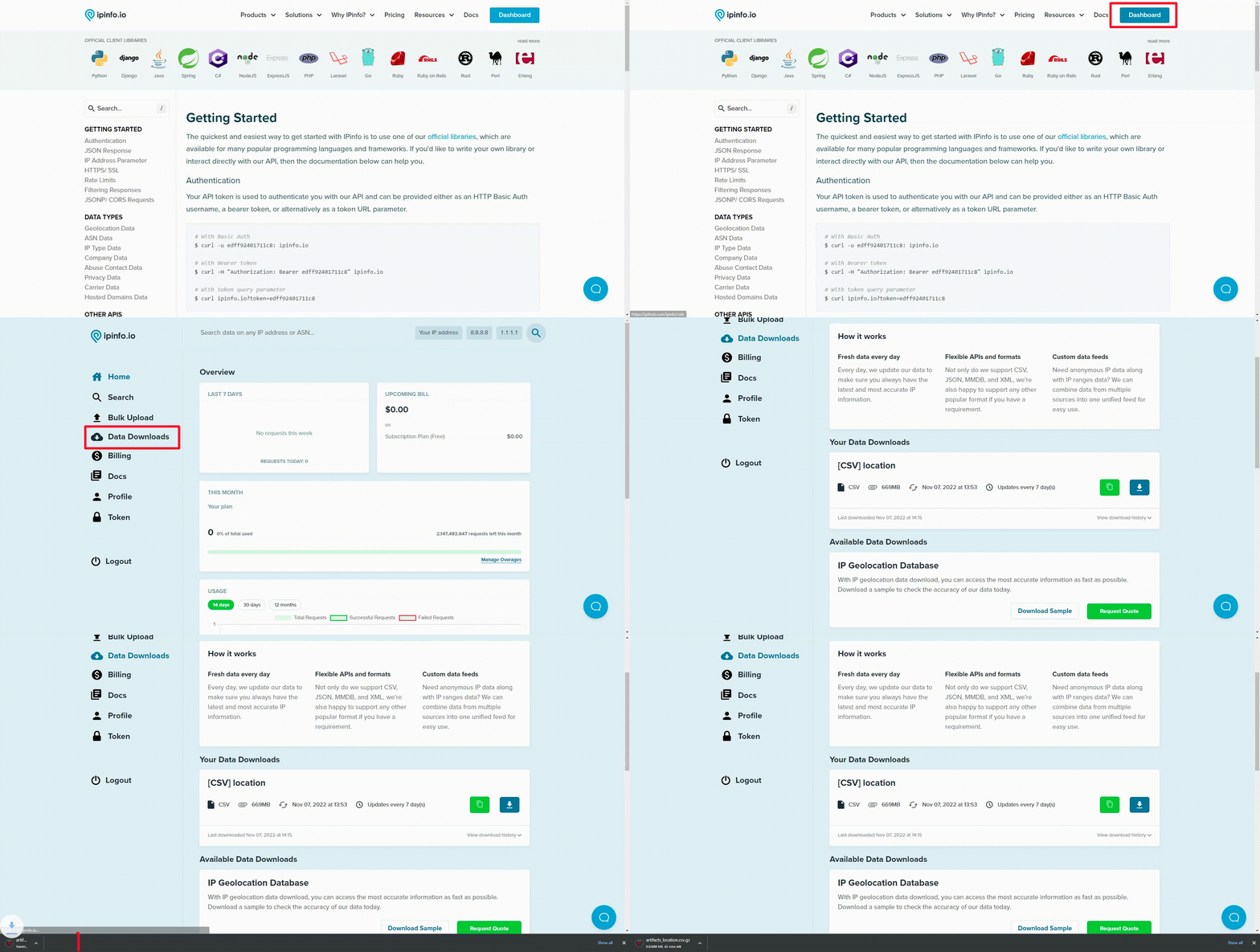
### Option 2: Database download using `cURL`
You can also download your IPinfo database using `cURL`. Please make sure you add the `-L` flag to your `cURL` command, which enables `cURL` to follow redirects.
```bash
curl -L https://ipinfo.io/data/location.csv.gz?token=$TOKEN -o location.csv.gz
```
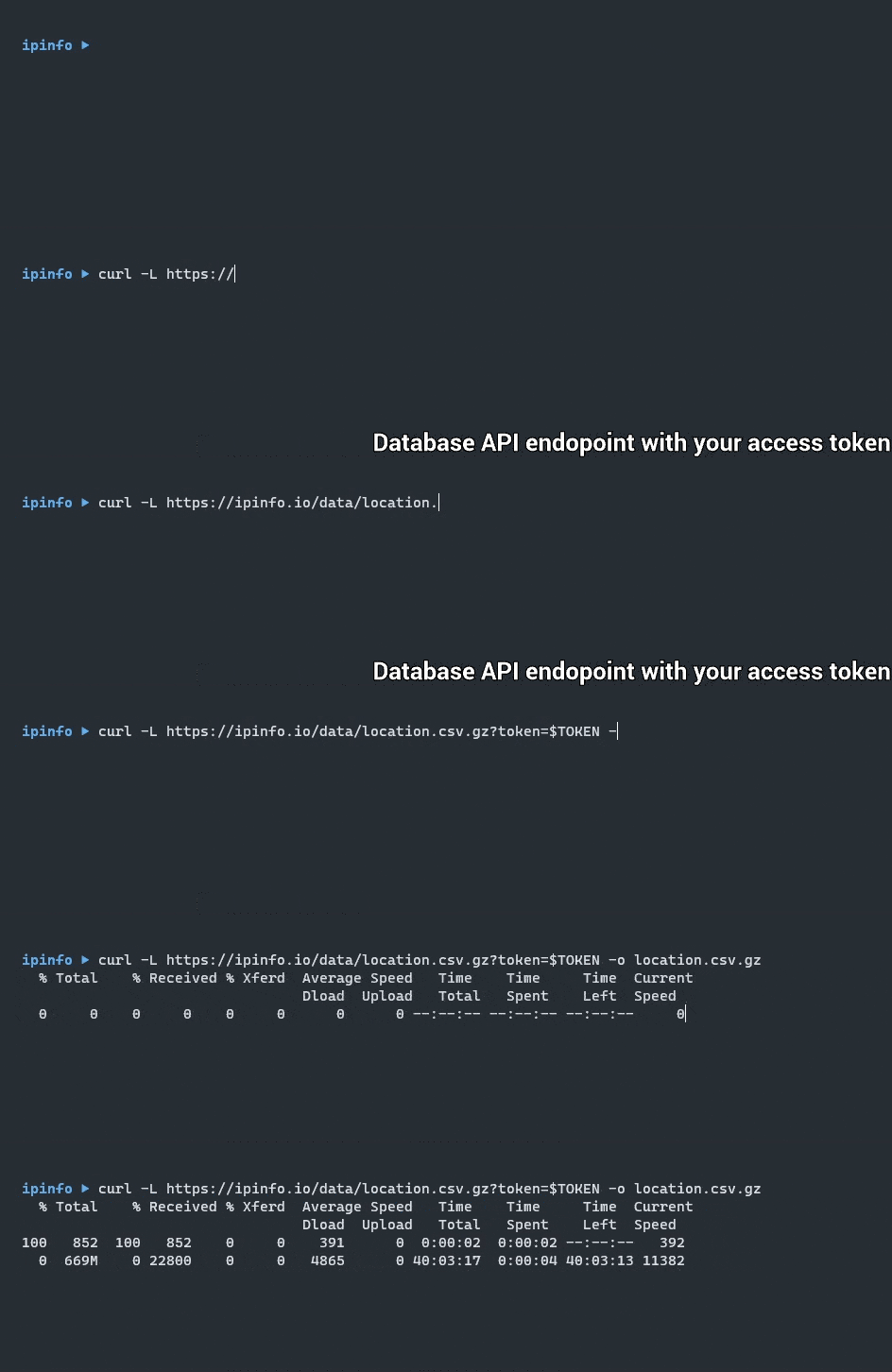
We use `gzip` to compress our database. After downloading the database, you can extract the content or decompress the database using `gzip`, `gunzip`, or any compression software of your choice.
## Database Operations
### Getting specific country location
You can filter out the IP addresses from any specific country by using the `grep` command from your terminal. One thing to remember is that you must start and end the country code with commas, for example: `,US,`, `,IN,`, `,CA,` etc.
```bash
(head -1 location.csv;grep ",US," location.csv) > location_us.csv
```
If you use the solution above, your outputted CSV file will contain the header row as well.

### Filtering the database with multiple countries/ASNs
Like filtering the database based on a single country or ASN, creating a sub-database containing multiple specific countries or ASNs is also possible. Let’s demonstrate that using multiple country filters. Get started by creating a text file(`countries.txt`) that contains your target countries in the following fashion:
```bash
,CA,
,FR,
,US,
,DE,
,UK,
```
As we will be using grep, your country code information must include the starting and trailing commas. Then using the -f option (stands for fixed-strings) run the following command.
```bash
(head -1 location.csv;grep -f countries.txt location.csv) > filtered_location.csv
```
This will create a filtered_locations.csv contains IP information of only the countries included in the countries.txt filter list.
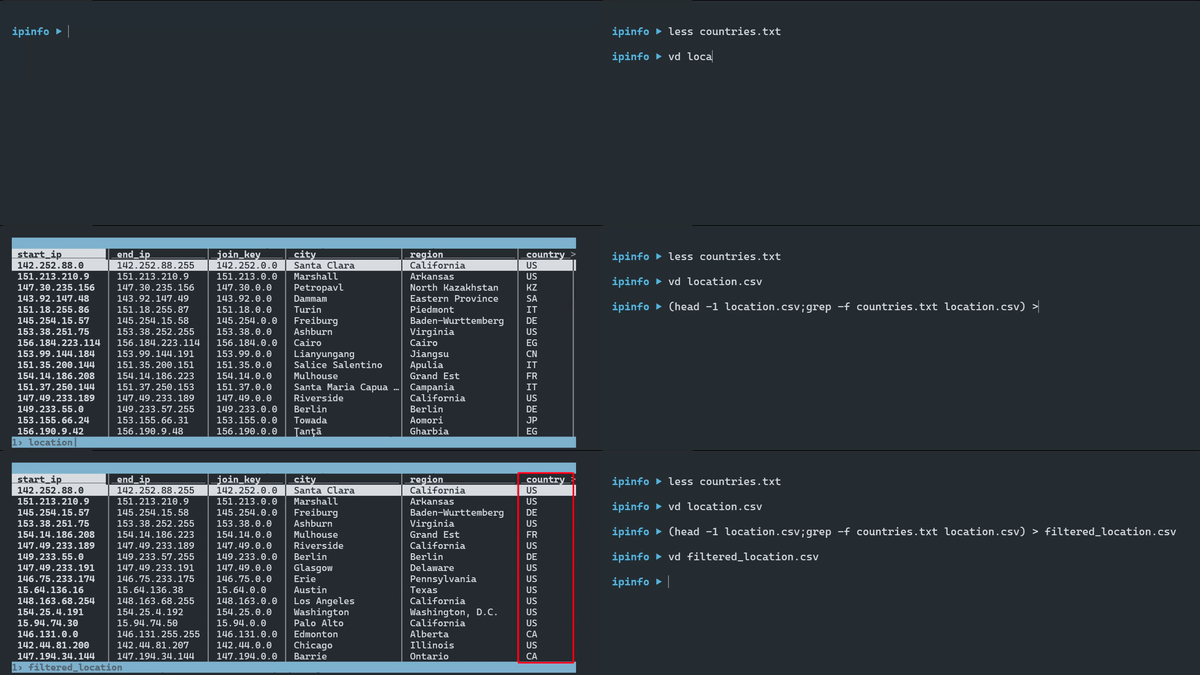
### Convert IP addresses to IP ranges
### Convert IP addresses to IP ranges
If you want to convert the IP address range columns (`start_ip`, `end_ip`) to their CIDR equivalent, you can use our [IPinfo CLI app](https://github.com/ipinfo/cli). The `range2cidr` command of the IPinfo CLI will convert the two columns to their individual CIDR equivalent. For example:
| Input (Start IP - End IP) | Output (CIDR) |
| --- | --- |
| 91.232.89.0 — 91.232.89.255 | 91.232.89.0/24 |

How to use the range2cidr command:
1. Install the [IPinfo CLI from GitHub](https://github.com/ipinfo/cli)
2. Unzip the downloaded IPinfo CSV database
3. Run then `range2cidr` command of the IPinfo CLI and save the output to a file
4. The outputted file would have the `start_ip` and `end_ip` columns converted to `cidr` column
```bash
ipinfo range2cidr location.csv > location_range.csv
```
### Exploring `MMDB` files using mmdbctl
Our open source [mmdbtctl](https://github.com/ipinfo/mmdbctl) makes exploration and management of MMDB files exceptionally easy.
Feel free to explore the documentation here: https://github.com/ipinfo/mmdbctl
| Code Snippet | Description |
| --- | --- |
| `mmdbctl read -f json-pretty 8.8.8.8 location.mmdb` | Lookup specific IP address (8.8.8.8) and output information as JSON from location.mmdb file |
| `mmdbctl read 8.8.8.0/31 location.mmdb` | Checking CIDR (8.8.8.0/31) data |
| `mmdbctl read 8.8.8.0-8.8.8.1 location.mmdb` | Getting IP range (8.8.8.0-8.8.8.1) data |
| `mmdbctl import --in data.csv --out data.mmdb` | Converting a CSV file (data.csv) to an MMDB file (data.mmdb) |
| `mmdbctl export data.mmdb data.csv` | Outputting CSV data (data.csv) from MMDB file (data.mmdb) |

## MMDB reader libraries
If you want to read the MMDB database file using a programming language, you can use an MMDB reader library. The MMDB reader libraries supported by IPinfo are:
- [C](https://github.com/maxmind/libmaxminddb)
- [C#](https://github.com/maxmind/MaxMind-DB-Reader-dotnet)
- [Java](https://github.com/maxmind/MaxMind-DB-Reader-java)
- [Perl](https://github.com/maxmind/MaxMind-DB-Reader-perl)
- [PHP](https://github.com/maxmind/MaxMind-DB-Reader-php)
- [Python](https://github.com/maxmind/MaxMind-DB-Reader-python)
- [Ruby](https://github.com/maxmind/MaxMind-DB-Reader-ruby)
- [Nodejs](https://github.com/runk/node-maxmind) (v3.0.1+ and Node v22+ required for MMDBs larger than 4GiB)
Using the MMDB reader library, you can open the database and lookup an IP address. Using the mmdbctl tool, you can create your own custom MMDB databases as well. If you need any assistance with using these libraries, feel free to reach out to us.
## Downloads Rate limit
We restrict the number of times a database can be downloaded to ten (10) times per day. This restriction applies to each unique IP address for an individual device. However, we are happy to accommodate requests to increase download limits. [Learn more about rate limits on data downloads.](https://community.ipinfo.io/t/announcement-we-are-adding-rate-limits-to-data-downloads/358)
## Checksums
Checksums are essential for ensuring data integrity and security. By comparing the calculated hash values with the provided checksums, users can verify that their downloaded files haven't been tampered with or corrupted during transit.
We offer checksums API endpoints for every data download, supporting all the file formats. Checksums API response includes three hash values: md5, sha1, and sha256. Aside from the API endpoint, you can view checksums from your [data downloads page](https://ipinfo.io/account/data-downloads) on your account dashboard.
```bash
curl https://ipinfo.io/data/free/country.csv.gz/checksums?token=$TOKEN
```
```json
{
"checksums": {
"md5": "75405cbe6ae89342dc4c58eede9f4bb2",
"sha1": "8713da968c5bc0d89eba45ea349f75ac5569e21a",
"sha256": "376f8148b250948bd236c00f4a00c95d2a22696ed3313141e9666af852f9bf1c"
}
}
```
## Cloud Data Delivery
We have the facilities to deliver our IP databases directly to your cloud storage buckets. As part of our IPinfo Enterprise plan, we support multiple cloud platforms and can deliver our IP database downloads directly to user's cloud storage bucket at regular intervals. The facilities we currently support are:
| **Cloud Storage Platform** | Google Cloud Storage AWS S3 Azure Blob Storage |
| --- | --- |
| **Supported File Format** | CSV MMDB JSON Parquet |
| **Delivery Interval** | Daily Weekly Monthly |
If you don't see the cloud platform or format you are looking for, reach out to our [data experts](https://ipinfo.io/contact) and we will get you set up.
## Ecosystem Integrations
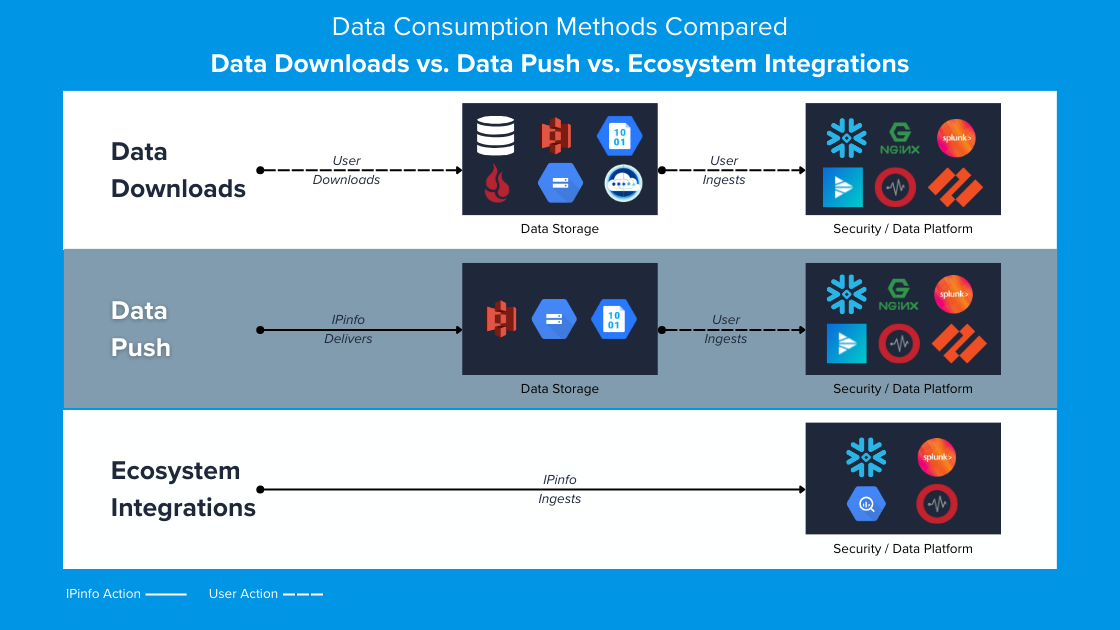
Through our ecosystem integrations program you can access IPinfo's data download capabilities in a number of leading data, IT and security software platforms. Compared to the standard data download and data push mechanisms, our ecosystem integrations offer more enhanced user benefits including; 'on-platform' purchases, out of the box optimized user functions and often an easier path for integrating IPinfo's data across the broader enterprise technology landscape.
Some of the platforms we currently support are:
- Snowflake via [Snowflake Marketplace](https://ipinfo.io/snowflake)
- Google BigQuery via [Google Analytics Hub](https://console.cloud.google.com/bigquery/analytics-hub/exchanges;cameo=analyticshub;pageName=search;pageResource=?visibility=&queryText=ipinfo)
- [Graylog Cloud](https://go2docs.graylog.org/4-1/what_is_graylog/what_is_graylog_cloud.html)
- [Splunk](https://splunkbase.splunk.com/app/4070)
The data push mechanism, although it will deliver the data at your specified interval, it does not facilitate usage of the data across different marketplaces and does not include any out of the box optimized user functions.
If you are interested in exploring our ecosystem integrations, or have a requirement for an integration that we do not currently support, please contact alliances@ipinfo.io
## Column/Field Types
Field types can differ depending on the download format:
- Parquet: fully typed, preserves booleans, numbers, and nulls.
- CSV: untyped, all values are strings; empty fields represents nulls.
- JSON: mostly untyped; numbers and booleans preserved when present, optional fields may be omitted.
- MMDB: typed for most IP database products; booleans and numbers preserved, optional fields may be absent.
## Database Guides
You can read some of our blog articles that showcase how to use our database:
- [Ingesting IPinfo geolocation data with PostgreSQL 13](https://ipinfo.io/blog/ingesting-ipinfo-geolocation-data-with-postgresql-13/)
- [Introducing a Simpler Way to get IP Address Data in Snowflake](https://ipinfo.io/blog/ip-address-data-in-snowflake/)
- [Data downloads vs API, or both?](https://ipinfo.io/blog/data-downloads-vs-api-or-both/)
- [Migrating from MaxMind to IPinfo](https://ipinfo.io/blog/migrating-from-maxmind-to-ipinfo/)
- [Our downloadable IP WHOIS data sets are live!](https://ipinfo.io/blog/our-downloadable-ip-whois-data-sets-are-live/)
- [How to choose the best file format for your IPinfo database?](https://ipinfo.io/blog/ipinfo-database-formats/)
- [IP data enrichment with IPinfo: 4 ways to add insights to your traffic/server logs](https://ipinfo.io/blog/ip-data-enrichment-in-4-ways/)
Want to share your experience as an IPinfo customer by writing an article? Email us at hello@ipinfo.io with an idea, we will get you set up.
================================================================================
PAGE: IP Database Downloads Filename Reference
URL: https://ipinfo.io/developers/database-filename-reference
SLUG: database-filename-reference
DESCRIPTION: Understand IPinfo database file naming conventions and select the right download format for your needs.
================================================================================
# IP Database Downloads Filenames
Reference Table includes:
- Database download names
- Database file types: `CSV`, `JSON`, `MMDB`, and `Parquet` filename references
- The `CSV` and `JSON` files are compressed in `gzip` format
**Database download command using `curl`**
```bash
curl -L https://ipinfo.io/data/standard_location.json.gz?token=$TOKEN -o location.json.gz
```
**Using the sample datasets**
Each sample dataset is updated daily. It contains 100 rows of data in a systematic, randomized pattern. The data across all the different file formats for the same IP database download is identical.
We recommend using these sample datasets for testing and integration development purposes. You can download the sample datasets without an IPinfo Access Token.
## [IPinfo Lite](/developers/ipinfo-lite-database)
| File Format | Database Download URI | Sample Dataset URI |
|-------------|------------------------------------------------------------------------------------------------------------------------|------------------------------------------------------------------------------------------------------|
| **CSV** | [https://ipinfo.io/data/**ipinfo_lite.csv.gz**?token=$TOKEN](https://ipinfo.io/data/ipinfo_lite.csv.gz?token=$TOKEN) | [https://ipinfo.io/data/sample/**ipinfo_lite.csv**](https://ipinfo.io/data/sample/ipinfo_lite.csv) |
| **JSON** | [https://ipinfo.io/data/**ipinfo_lite.json.gz**?token=$TOKEN](https://ipinfo.io/data/ipinfo_lite.json.gz?token=$TOKEN) | [https://ipinfo.io/data/sample/**ipinfo_lite.json**](https://ipinfo.io/data/sample/ipinfo_lite.json) |
| **MMDB** | [https://ipinfo.io/data/**ipinfo_lite.mmdb**?token=$TOKEN](https://ipinfo.io/data/ipinfo_lite.mmdb?token=$TOKEN) | [https://ipinfo.io/data/sample/**ipinfo_lite.mmdb**](https://ipinfo.io/data/sample/ipinfo_lite.mmdb) |
| **Parquet** | [https://ipinfo.io/data/**ipinfo_lite.parquet**?token=$TOKEN](https://ipinfo.io/data/ipinfo_lite.parquet?token=$TOKEN) | |
## [IPinfo Core](/developers/ipinfo-core-database)
| File Format | Database Download URI | Sample Dataset URI |
|-------------|------------------------------------------------------------------------------------------------------------------------|------------------------------------------------------------------------------------------------------|
| **CSV** | [https://ipinfo.io/data/**ipinfo_core.csv.gz**?token=$TOKEN](https://ipinfo.io/data/ipinfo_core.csv.gz?token=$TOKEN) | [https://ipinfo.io/data/sample/**ipinfo_core.csv**](https://ipinfo.io/data/sample/ipinfo_core.csv) |
| **JSON** | [https://ipinfo.io/data/**ipinfo_core.json.gz**?token=$TOKEN](https://ipinfo.io/data/ipinfo_core.json.gz?token=$TOKEN) | [https://ipinfo.io/data/sample/**ipinfo_core.json**](https://ipinfo.io/data/sample/ipinfo_core.json) |
| **MMDB** | [https://ipinfo.io/data/**ipinfo_core.mmdb**?token=$TOKEN](https://ipinfo.io/data/ipinfo_core.mmdb?token=$TOKEN) | [https://ipinfo.io/data/sample/**ipinfo_core.mmdb**](https://ipinfo.io/data/sample/ipinfo_core.mmdb) |
| **Parquet** | [https://ipinfo.io/data/**ipinfo_core.parquet**?token=$TOKEN](https://ipinfo.io/data/ipinfo_core.parquet?token=$TOKEN) | |
## [IPinfo Plus](/developers/ipinfo-plus-database)
| File Format | Database Download URI | Sample Dataset URI |
|-------------|------------------------------------------------------------------------------------------------------------------------|------------------------------------------------------------------------------------------------------|
| **CSV** | [https://ipinfo.io/data/**ipinfo_plus.csv.gz**?token=$TOKEN](https://ipinfo.io/data/ipinfo_plus.csv.gz?token=$TOKEN) | [https://ipinfo.io/data/sample/**ipinfo_plus.csv**](https://ipinfo.io/data/sample/ipinfo_plus.csv) |
| **JSON** | [https://ipinfo.io/data/**ipinfo_plus.json.gz**?token=$TOKEN](https://ipinfo.io/data/ipinfo_plus.json.gz?token=$TOKEN) | [https://ipinfo.io/data/sample/**ipinfo_plus.json**](https://ipinfo.io/data/sample/ipinfo_plus.json) |
| **MMDB** | [https://ipinfo.io/data/**ipinfo_plus.mmdb**?token=$TOKEN](https://ipinfo.io/data/ipinfo_plus.mmdb?token=$TOKEN) | [https://ipinfo.io/data/sample/**ipinfo_plus.mmdb**](https://ipinfo.io/data/sample/ipinfo_plus.mmdb) |
| **Parquet** | [https://ipinfo.io/data/**ipinfo_plus.parquet**?token=$TOKEN](https://ipinfo.io/data/ipinfo_plus.parquet?token=$TOKEN) | |
## [Residential Proxy Detection Database](/developers/ip-to-residential-proxy)
| File Format | Database Download URI | Sample Dataset URI |
|-------------|------------------------------------------------------------------------------------------------------------------|------------------------------------------------------------------------------------------------|
| **CSV** | [https://ipinfo.io/data/**resproxy.csv.gz**?token=$TOKEN](https://ipinfo.io/data/resproxy.csv.gz?token=$TOKEN) | [https://ipinfo.io/data/sample/**resproxy.csv**](https://ipinfo.io/data/sample/resproxy.csv) |
| **JSON** | [https://ipinfo.io/data/**resproxy.json.gz**?token=$TOKEN](https://ipinfo.io/data/resproxy.json.gz?token=$TOKEN) | [https://ipinfo.io/data/sample/**resproxy.json**](https://ipinfo.io/data/sample/resproxy.json) |
| **MMDB** | [https://ipinfo.io/data/**resproxy.mmdb**?token=$TOKEN](https://ipinfo.io/data/resproxy.mmdb?token=$TOKEN) | [https://ipinfo.io/data/sample/**resproxy.mmdb**](https://ipinfo.io/data/sample/resproxy.mmdb) |
| **Parquet** | [https://ipinfo.io/data/**resproxy.parquet**?token=$TOKEN](https://ipinfo.io/data/resproxy.parquet?token=$TOKEN) | |
---
## [IP to Geolocation Database](/developers/ip-to-geolocation-database)
| File Format | Database Download URI | Sample Dataset URI |
|-------------|--------------------------------------------------------------------------------------------------------------------------------|--------------------------------------------------------------------------------------------------------------|
| **CSV** | [https://ipinfo.io/data/**ipinfo_location.csv.gz**?token=$TOKEN](https://ipinfo.io/data/ipinfo_location.csv.gz?token=$TOKEN) | [https://ipinfo.io/data/sample/**ipinfo_location.csv**](https://ipinfo.io/data/sample/ipinfo_location.csv) |
| **JSON** | [https://ipinfo.io/data/**ipinfo_location.json.gz**?token=$TOKEN](https://ipinfo.io/data/ipinfo_location.json.gz?token=$TOKEN) | [https://ipinfo.io/data/sample/**ipinfo_location.json**](https://ipinfo.io/data/sample/ipinfo_location.json) |
| **MMDB** | [https://ipinfo.io/data/**ipinfo_location.mmdb**?token=$TOKEN](https://ipinfo.io/data/ipinfo_location.mmdb?token=$TOKEN) | [https://ipinfo.io/data/sample/**ipinfo_location.mmdb**](https://ipinfo.io/data/sample/ipinfo_location.mmdb) |
| **Parquet** | [https://ipinfo.io/data/**ipinfo_location.parquet**?token=$TOKEN](https://ipinfo.io/data/ipinfo_location.parquet?token=$TOKEN) | |
## [ASN Database](/developers/asn-database)
| File Format | Database Download URI | Sample Dataset URI |
|-------------|----------------------------------------------------------------------------------------------------------------------|----------------------------------------------------------------------------------------------------|
| **CSV** | [https://ipinfo.io/data/**ipinfo_asn.csv.gz**?token=$TOKEN](https://ipinfo.io/data/ipinfo_asn.csv.gz?token=$TOKEN) | [https://ipinfo.io/data/sample/**ipinfo_asn.csv**](https://ipinfo.io/data/sample/ipinfo_asn.csv) |
| **JSON** | [https://ipinfo.io/data/**ipinfo_asn.json.gz**?token=$TOKEN](https://ipinfo.io/data/ipinfo_asn.json.gz?token=$TOKEN) | [https://ipinfo.io/data/sample/**ipinfo_asn.json**](https://ipinfo.io/data/sample/ipinfo_asn.json) |
| **MMDB** | [https://ipinfo.io/data/**ipinfo_asn.mmdb**?token=$TOKEN](https://ipinfo.io/data/ipinfo_asn.mmdb?token=$TOKEN) | [https://ipinfo.io/data/sample/**ipinfo_asn.mmdb**](https://ipinfo.io/data/sample/ipinfo_asn.mmdb) |
| **Parquet** | [https://ipinfo.io/data/**ipinfo_asn.parquet**?token=$TOKEN](https://ipinfo.io/data/ipinfo_asn.parquet?token=$TOKEN) | |
## [IP to Privacy Detection Database](/developers/privacy-detection-database)
| File Format | Database Download URI | Sample Dataset URI |
|-------------|------------------------------------------------------------------------------------------------------------------------------|------------------------------------------------------------------------------------------------------------|
| **CSV** | [https://ipinfo.io/data/**ipinfo_privacy.csv.gz**?token=$TOKEN](https://ipinfo.io/data/ipinfo_privacy.csv.gz?token=$TOKEN) | [https://ipinfo.io/data/sample/**ipinfo_privacy.csv**](https://ipinfo.io/data/sample/ipinfo_privacy.csv) |
| **JSON** | [https://ipinfo.io/data/**ipinfo_privacy.json.gz**?token=$TOKEN](https://ipinfo.io/data/ipinfo_privacy.json.gz?token=$TOKEN) | [https://ipinfo.io/data/sample/**ipinfo_privacy.json**](https://ipinfo.io/data/sample/ipinfo_privacy.json) |
| **MMDB** | [https://ipinfo.io/data/**ipinfo_privacy.mmdb**?token=$TOKEN](https://ipinfo.io/data/ipinfo_privacy.mmdb?token=$TOKEN) | [https://ipinfo.io/data/sample/**ipinfo_privacy.mmdb**](https://ipinfo.io/data/sample/ipinfo_privacy.mmdb) |
| **Parquet** | [https://ipinfo.io/data/**ipinfo_privacy.parquet**?token=$TOKEN](https://ipinfo.io/data/ipinfo_privacy.parquet?token=$TOKEN) | |
## [IP to Company Database](/developers/ip-to-company-database)
| File Format | Database Download URI | Sample Dataset URI |
|-------------|----------------------------------------------------------------------------------------------------------------------------------|----------------------------------------------------------------------------------------------|
| **CSV** | [https://ipinfo.io/data/**standard_company.csv.gz**?token=$TOKEN](https://ipinfo.io/data/standard_company.csv.gz?token=$TOKEN) | [https://ipinfo.io/data/sample/**company.csv**](https://ipinfo.io/data/sample/company.csv) |
| **JSON** | [https://ipinfo.io/data/**standard_company.json.gz**?token=$TOKEN](https://ipinfo.io/data/standard_company.json.gz?token=$TOKEN) | [https://ipinfo.io/data/sample/**company.json**](https://ipinfo.io/data/sample/company.json) |
| **MMDB** | [https://ipinfo.io/data/**standard_company.mmdb**?token=$TOKEN](https://ipinfo.io/data/standard_company.mmdb?token=$TOKEN) | [https://ipinfo.io/data/sample/**company.mmdb**](https://ipinfo.io/data/sample/company.mmdb) |
| **Parquet** | [https://ipinfo.io/data/**standard_company.parquet**?token=$TOKEN](https://ipinfo.io/data/standard_company.parquet?token=$TOKEN) | |
## [IP to Mobile Carrier Database](/developers/ip-to-mobile-carrier-database)
| File Format | Database Download URI | Sample Dataset URI |
|-------------|------------------------------------------------------------------------------------------------------------------------------|------------------------------------------------------------------------------------------------------------|
| **CSV** | [https://ipinfo.io/data/**ipinfo_carrier.csv.gz**?token=$TOKEN](https://ipinfo.io/data/ipinfo_carrier.csv.gz?token=$TOKEN) | [https://ipinfo.io/data/sample/**ipinfo_carrier.csv**](https://ipinfo.io/data/sample/ipinfo_carrier.csv) |
| **JSON** | [https://ipinfo.io/data/**ipinfo_carrier.json.gz**?token=$TOKEN](https://ipinfo.io/data/ipinfo_carrier.json.gz?token=$TOKEN) | [https://ipinfo.io/data/sample/**ipinfo_carrier.json**](https://ipinfo.io/data/sample/ipinfo_carrier.json) |
| **MMDB** | [https://ipinfo.io/data/**ipinfo_carrier.mmdb**?token=$TOKEN](https://ipinfo.io/data/ipinfo_carrier.mmdb?token=$TOKEN) | [https://ipinfo.io/data/sample/**ipinfo_carrier.mmdb**](https://ipinfo.io/data/sample/ipinfo_carrier.mmdb) |
| **Parquet** | [https://ipinfo.io/data/**ipinfo_carrier.parquet**?token=$TOKEN](https://ipinfo.io/data/ipinfo_carrier.parquet?token=$TOKEN) | |
## [Hosted Domains Database](/developers/hosted-domains-database)
| File Format | Database Download URI | Sample Dataset URI |
|-------------|------------------------------------------------------------------------------------------------------------------------------------------------------|------------------------------------------------------------------------------------------------------------------------------------|
| **CSV** | [https://ipinfo.io/data/**standard_ip_hosted_domains.csv.gz**?token=$TOKEN](https://ipinfo.io/data/standard_ip_hosted_domains.csv.gz?token=$TOKEN) | [https://ipinfo.io/data/sample/**standard_ip_hosted_domains.csv**](https://ipinfo.io/data/sample/standard_ip_hosted_domains.csv) |
| **JSON** | [https://ipinfo.io/data/**standard_ip_hosted_domains.json.gz**?token=$TOKEN](https://ipinfo.io/data/standard_ip_hosted_domains.json.gz?token=$TOKEN) | [https://ipinfo.io/data/sample/**standard_ip_hosted_domains.json**](https://ipinfo.io/data/sample/standard_ip_hosted_domains.json) |
| **MMDB** | [https://ipinfo.io/data/**standard_ip_hosted_domains.mmdb**?token=$TOKEN](https://ipinfo.io/data/standard_ip_hosted_domains.mmdb?token=$TOKEN) | [https://ipinfo.io/data/sample/**standard_ip_hosted_domains.mmdb**](https://ipinfo.io/data/sample/standard_ip_hosted_domains.mmdb) |
## [Abuse Contact Database](/developers/abuse-contact-database)
| File Format | Database Download URI | Sample Dataset URI |
|-------------|------------------------------------------------------------------------------------------------------------------------------|------------------------------------------------------------------------------------------------------------|
| **CSV** | [https://ipinfo.io/data/**standard_abuse.csv.gz**?token=$TOKEN](https://ipinfo.io/data/standard_abuse.csv.gz?token=$TOKEN) | [https://ipinfo.io/data/sample/**standard_abuse.csv**](https://ipinfo.io/data/sample/standard_abuse.csv) |
| **JSON** | [https://ipinfo.io/data/**standard_abuse.json.gz**?token=$TOKEN](https://ipinfo.io/data/standard_abuse.json.gz?token=$TOKEN) | [https://ipinfo.io/data/sample/**standard_abuse.json**](https://ipinfo.io/data/sample/standard_abuse.json) |
| **MMDB** | [https://ipinfo.io/data/**standard_abuse.mmdb**?token=$TOKEN](https://ipinfo.io/data/standard_abuse.mmdb?token=$TOKEN) | [https://ipinfo.io/data/sample/**standard_abuse.mmdb**](https://ipinfo.io/data/sample/standard_abuse.mmdb) |
## [RIR WHOIS](/developers/ip-whois-database#rir-whois-database)
| File Format | Database Download URI | Sample Dataset URI |
|-------------|--------------------------------------------------------------------------------------------------------|--------------------------------------------------------------------------------------|
| **CSV** | [https://ipinfo.io/data/**rir.csv.gz**?token=$TOKEN](https://ipinfo.io/data/rir.csv.gz?token=$TOKEN) | [https://ipinfo.io/data/sample/**rir.csv**](https://ipinfo.io/data/sample/rir.csv) |
| **JSON** | [https://ipinfo.io/data/**rir.json.gz**?token=$TOKEN](https://ipinfo.io/data/rir.json.gz?token=$TOKEN) | [https://ipinfo.io/data/sample/**rir.json**](https://ipinfo.io/data/sample/rir.json) |
| **MMDB** | | [https://ipinfo.io/data/sample/**rir.mmdb**](https://ipinfo.io/data/sample/rir.mmdb) |
## [RWHOIS](/developers/ip-whois-database#rwhois-database)
| File Format | Database Download URI | Sample Dataset URI |
|-------------|--------------------------------------------------------------------------------------------------------------|--------------------------------------------------------------------------------------------|
| **CSV** | [https://ipinfo.io/data/**rwhois.csv.gz**?token=$TOKEN](https://ipinfo.io/data/rwhois.csv.gz?token=$TOKEN) | [https://ipinfo.io/data/sample/**rwhois.csv**](https://ipinfo.io/data/sample/rwhois.csv) |
| **JSON** | [https://ipinfo.io/data/**rwhois.json.gz**?token=$TOKEN](https://ipinfo.io/data/rwhois.json.gz?token=$TOKEN) | [https://ipinfo.io/data/sample/**rwhois.json**](https://ipinfo.io/data/sample/rwhois.json) |
| **MMDB** | | [https://ipinfo.io/data/sample/**rwhois.mmdb**](https://ipinfo.io/data/sample/rwhois.mmdb) |
## [IP to Geolocation Extended Database](/developers/ip-to-geolocation-extended)
| File Format | Database Download URI | Sample Dataset URI |
|-------------|------------------------------------------------------------------------------------------------------------------------------------------|------------------------------------------------------------------------------------------------------------------------|
| **CSV** | [https://ipinfo.io/data/**location_extended_v2.csv.gz**?token=$TOKEN](https://ipinfo.io/data/location_extended_v2.csv.gz?token=$TOKEN) | [https://ipinfo.io/data/sample/**location_extended_v2.csv**](https://ipinfo.io/data/sample/location_extended_v2.csv) |
| **JSON** | [https://ipinfo.io/data/**location_extended_v2.json.gz**?token=$TOKEN](https://ipinfo.io/data/location_extended_v2.json.gz?token=$TOKEN) | [https://ipinfo.io/data/sample/**location_extended_v2.json**](https://ipinfo.io/data/sample/location_extended_v2.json) |
| **MMDB** | [https://ipinfo.io/data/**location_extended_v2.mmdb**?token=$TOKEN](https://ipinfo.io/data/location_extended_v2.mmdb?token=$TOKEN) | [https://ipinfo.io/data/sample/**location_extended_v2.mmdb**](https://ipinfo.io/data/sample/location_extended_v2.mmdb) |
## [IP to Privacy Detection Extended Database](/developers/privacy-detection-extended)
| File Format | Database Download URI | Sample Dataset URI |
|-------------|------------------------------------------------------------------------------------------------------------------------------------------------|------------------------------------------------------------------------------------------------------------------------------|
| **CSV** | [https://ipinfo.io/data/**ipinfo_privacy_extended.csv.gz**?token=$TOKEN](https://ipinfo.io/data/ipinfo_privacy_extended.csv.gz?token=$TOKEN) | [https://ipinfo.io/data/sample/**ipinfo_privacy_extended.csv**](https://ipinfo.io/data/sample/ipinfo_privacy_extended.csv) |
| **JSON** | [https://ipinfo.io/data/**ipinfo_privacy_extended.json.gz**?token=$TOKEN](https://ipinfo.io/data/ipinfo_privacy_extended.json.gz?token=$TOKEN) | [https://ipinfo.io/data/sample/**ipinfo_privacy_extended.json**](https://ipinfo.io/data/sample/ipinfo_privacy_extended.json) |
| **MMDB** | [https://ipinfo.io/data/**ipinfo_privacy_extended.mmdb**?token=$TOKEN](https://ipinfo.io/data/ipinfo_privacy_extended.mmdb?token=$TOKEN) | [https://ipinfo.io/data/sample/**ipinfo_privacy_extended.mmdb**](https://ipinfo.io/data/sample/ipinfo_privacy_extended.mmdb) |
| **Parquet** | [https://ipinfo.io/data/**ipinfo_privacy_extended.parquet**?token=$TOKEN](https://ipinfo.io/data/ipinfo_privacy_extended.parquet?token=$TOKEN) | |
If you are interested in learning which database format suits your needs, check out our article: **[How to choose the best file format for your IPinfo database?](https://ipinfo.io/blog/ipinfo-database-formats/)**
================================================================================
PAGE: IP Database Types
URL: https://ipinfo.io/developers/database-types
SLUG: database-types
DESCRIPTION: Overview of all available IPinfo database products including geolocation, ASN, company, privacy detection, mobile carrier, and more.
================================================================================
# IP Database Types Developer Resource
We provide a number of different database products covering different aspects and dimensions of IP information.
## IPinfo Bundle Databases
We offer a number of different IP databases that combine various IP metadata into a single database.
- [IPinfo Lite](/developers/ipinfo-lite-database) (Country, ASN): IPinfo's free data download is the [IPinfo Lite](/developers/ipinfo-lite-database) data downloads, which include country and ASN information. The database is licensed under CC-BY-SA 4.0.
- [IPinfo Core](/developers/ipinfo-core-database) (Location, ASN, Network Flags):IPinfo's IP geolocation, ASN, and network flag (VPN, anycast, carrier, satellite, and hosting flag) database.
- [IPinfo Plus](/developers/ipinfo-plus-database) (Comprehensive IP Database): IPinfo Plus database includes IP geolocation with stability insights, detailed privacy data, ASN, and network flag information.
| Field Name | Example | Data Type | Descrption | [IPinfo Lite](/developers/ipinfo-lite-database) | [IPinfo Core](/developers/ipinfo-lite-database) | [IPinfo Plus](/developers/ipinfo-lite-database) |
| --- | --- | --- | --- | --- | --- | --- |
| `network` | 176.53.177.43 | TEXT | CIDR/IP range or single IP address | ✓ | ✓ | ✓ |
| `city` | London | TEXT | City of the IP address | ✗ | ✓ | ✓ |
| `region` | England | TEXT | Region/State of the IP address | ✗ | ✓ | ✓ |
| `region_code` | ENG | TEXT | Region code in two-letter format in ISO 3166 | ✗ | ✓ | ✓ |
| `country` | United Kingdom | TEXT | Name of the country of the IP address | ✓ | ✓ | ✓ |
| `country_code` | GB | TEXT | ISO 3166 country code of the IP address | ✓ | ✓ | ✓ |
| `continent` | Europe | TEXT | Name of the continent | ✓ | ✓ | ✓ |
| `continent_code` | EU | TEXT | Continent name code in two-letter format | ✓ | ✓ | ✓ |
| `latitude` | 51.50853 | FLOAT | Latitude value of the IP address | ✗ | ✓ | ✓ |
| `longitude` | -0.12574 | FLOAT | Longitude value of the IP address | ✗ | ✓ | ✓ |
| `timezone` | Europe/London | TEXT | Local timezone of the IP address location | ✗ | ✓ | ✓ |
| `postal_code` | E1W | TEXT | Postal code or zip code of the IP address | ✗ | ✓ | ✓ |
| `dma_code` | 6 | TEXT | Direct Marketing Area (DMA) is a unique regional identifier for marketing. | ✗ | ✗ | ✓ |
| `geoname_id` | 2643743 | INTEGER | geonames.org's unique numercial identifier for geographic locations. | ✗ | ✗ | ✓ |
| `radius` | 500 | INTEGER | Location accuracy radius in terms of kilometers | ✗ | ✗ | ✓ |
| `asn` | AS212238 | TEXT | Autonomous System Number (ASN) | ✓ | ✓ | ✓ |
| `as_name` | Datacamp Limited | TEXT | Organization domain name of the ASN | ✓ | ✓ | ✓ |
| `as_domain` | datacamp.co.uk | TEXT | Name of the ASN organization | ✓ | ✓ | ✓ |
| `as_type` | hosting | TEXT | ASN Type: ISP, Hosting, Education, Government or Business | ✗ | ✓ | ✓ |
| `carrier_name` | | TEXT | Name of the mobile carrier organization | ✗ | ✗ | ✓ |
| `mcc` | | INTEGER | Mobile Country Code (MCC) of the carrier | ✗ | ✗ | ✓ |
| `mnc` | | INTEGER | Mobile Network Code (MNC) of the carrier | ✗ | ✗ | ✓ |
| `as_changed` | 2025-08-30 | DATE | Date when the IP address's ASN last changed: Date in YYYY-MM-DD format, ISO-8601 | ✗ | ✗ | ✓ |
| `geo_changed` | 2025-09-21 | DATE | Date when the IP address's location last changed: Date in YYYY-MM-DD format, ISO-8601 | ✗ | ✗ | ✓ |
| `is_anonymous` | TRUE | BOOLEAN | Indicates whether the IP address is anonymous. | ✗ | ✓ | ✓ |
| `is_anycast` | FALSE | BOOLEAN | Indicates whether the IP address is an anycast IP address | ✗ | ✓ | ✓ |
| `is_hosting` | TRUE | BOOLEAN | Indicates whether the IP address is an hosting/cloud/data center IP address | ✗ | ✓ | ✓ |
| `is_mobile` | FALSE | BOOLEAN | Indicates whether the IP address belongs to a mobile network | ✗ | ✓ | ✓ |
| `is_satellite` | FALSE | BOOLEAN | Indicates whether the IP address is part of a satellite internet connection | ✗ | ✓ | ✓ |
| `is_proxy` | FALSE | BOOLEAN | Indicates a open web proxy IP address | ✗ | ✗ | ✓ |
| `is_relay` | FALSE | BOOLEAN | Indicates location preserving anonymous relay service like iCloud private relay. | ✗ | ✗ | ✓ |
| `is_tor` | FALSE | BOOLEAN | Indicates a TOR (The Onion Router) exit node IP address | ✗ | ✗ | ✓ |
| `is_vpn` | TRUE | BOOLEAN | Indicates Virtual Private Network (VPN) service exit node IP address | ✗ | ✗ | ✓ |
| `privacy_name` | NordVPN | TEXT | The name of the privacy service provider includes VPN, Proxy, or Relay service provider name | ✗ | ✗ | ✓ |
[View spreadsheet](https://docs.google.com/spreadsheets/d/e/2PACX-1vT2_7oT9SW6xphJiYAU5pSH6dWLDVbn5w_JTKl4hu9bAXoyk1IjNNdTMj-X-A00qzkOMOwHqCb0SCMg/pubhtml?widget=true&gid=0&headers=false&chrome=true&rm=demo;frameborder=0)
## Standard Databases
Our paid databases include the following:
- [IP to Geolocation](/developers/ip-to-geolocation-database)
- [IP to Company](/developers/ip-to-company-database)
- [ASN Database](/developers/asn-database)
- [IP to Privacy Detection](/developers/privacy-detection-database)
- [IP to Mobile Carrier](/developers/ip-to-mobile-carrier-database)
- [Hosted Domains](/developers/hosted-domains-database)
- [Abuse Contact](/developers/abuse-contact-database)
- [IP WHOIS](/developers/ip-whois-database)
- [IP to Residential Proxy Database](/developers/ip-to-residential-proxy)
## Extended Databases
IPinfo offers extended databases that covers IP geolocation precision data with accuracy radius and comprehensive IP privacy detection database with detection methodology.
- [IP to Geolocation Extended](/developers/ip-to-geolocation-extended)
- [IP to Privacy Detection Extended](/developers/privacy-detection-extended)
If you are interested in a customized database or historical data, please feel free to [reach out to us](/contact).
================================================================================
PAGE: IPinfo Lite Database
URL: https://ipinfo.io/developers/ipinfo-lite-database
SLUG: ipinfo-lite-database
DESCRIPTION: Free IP geolocation database with country and ASN information in CSV, JSON, and MMDB formats.
================================================================================
# IPinfo Lite Database Developer Resource
The IPinfo Lite database is part of our [free IP data downloads offering](https://ipinfo.io/lite). The IPinfo Lite database is our ultimate free IP database combining both country and ASN information in a single database.
The IPinfo Lite Database includes:
- **Country-level geolocation data**: Country and continent information for IP addresses.
- **Basic ASN data**: Autonomous System Number (ASN), organization name, and domain name.
> You can access IPinfo Lite data through our unlimited requests API service: **[IPinfo Lite API](/developers/lite-api)**
## Database Schema
The IPinfo Lite database contains the following fields:
| Field Name | Example | Data Type | Descrption |
| -------------- | ----------------------- | --------- | ---------------------------------------------------------------------- |
| network | `154.24.39.204/30` | TEXT | CIDR/IP range or single IP address |
| country | `Canada` | TEXT | Country name |
| country_code | `CA` | TEXT | Two-letter ISO 3166 country code of the IP addresses |
| continent | `North America` | TEXT | Continent name of the IP location |
| continent_code | `NA` | TEXT | Two-letter continent code of the IP location |
| asn | `AS174` | TEXT | Autonomous System Number, an organization that owns the IP range block |
| as_name | `Cogent Communications` | TEXT | Name of the AS (Autonomous System Number) organization |
| as_domain | `cogentco.com` | TEXT | Official domain or website of the ASN organization |

## Sample Databases
[View spreadsheet](https://docs.google.com/spreadsheets/d/e/2PACX-1vT2_7oT9SW6xphJiYAU5pSH6dWLDVbn5w_JTKl4hu9bAXoyk1IjNNdTMj-X-A00qzkOMOwHqCb0SCMg/pubhtml?widget=true&gid=895829961&headers=false&chrome=true&rm=demo;frameborder=0)
- [IPinfo Lite Database Sample — CSV](https://github.com/ipinfo/sample-database/blob/main/IPinfo%20Lite/ipinfo_lite_sample.csv)
- [IPinfo Lite Database Sample — JSON](https://github.com/ipinfo/sample-database/blob/main/IPinfo%20Lite/ipinfo_lite_sample.json)
- [IPinfo Lite Database Sample — MMDB](https://github.com/ipinfo/sample-database/blob/main/IPinfo%20Lite/ipinfo_lite_sample.mmdb)
## Filename Reference
```bash
curl -L https://ipinfo.io/data/ipinfo_lite.csv.gz?token=$TOKEN -o ipinfo_lite.csv.gz
curl -L https://ipinfo.io/data/ipinfo_lite.mmdb?token=$TOKEN -o ipinfo_lite.mmdb
curl -L https://ipinfo.io/data/ipinfo_lite.json.gz?token=$TOKEN -o ipinfo_lite.json.gz
curl -L https://ipinfo.io/data/ipinfo_lite.parquet?token=$TOKEN -o ipinfo_lite.parquet
```
| File Format | Database Download URI | Sample Dataset URI |
|-------------|------------------------------------------------------------------------------------------------------------------------|------------------------------------------------------------------------------------------------------|
| **CSV** | [https://ipinfo.io/data/**ipinfo_lite.csv.gz**?token=$TOKEN](https://ipinfo.io/data/ipinfo_lite.csv.gz?token=$TOKEN) | [https://ipinfo.io/data/sample/**ipinfo_lite.csv**](https://ipinfo.io/data/sample/ipinfo_lite.csv) |
| **JSON** | [https://ipinfo.io/data/**ipinfo_lite.json.gz**?token=$TOKEN](https://ipinfo.io/data/ipinfo_lite.json.gz?token=$TOKEN) | [https://ipinfo.io/data/sample/**ipinfo_lite.json**](https://ipinfo.io/data/sample/ipinfo_lite.json) |
| **MMDB** | [https://ipinfo.io/data/**ipinfo_lite.mmdb**?token=$TOKEN](https://ipinfo.io/data/ipinfo_lite.mmdb?token=$TOKEN) | [https://ipinfo.io/data/sample/**ipinfo_lite.mmdb**](https://ipinfo.io/data/sample/ipinfo_lite.mmdb) |
| **Parquet** | [https://ipinfo.io/data/**ipinfo_lite.parquet**?token=$TOKEN](https://ipinfo.io/data/ipinfo_lite.parquet?token=$TOKEN) | |
## Database File Metadata
## Attribution and Licensing
Our IPinfo Lite data downloads service is released under Creative[ Commons Attribution-ShareAlike 4.0 International License](https://creativecommons.org/licenses/by-sa/4.0/). Simply credit IPinfo as your data source by including a link to our website on your platform.
Mention us in your website or repository.
```html
IP address data powered by [IPinfo](https://ipinfo.io)
```
Or, give us a shoutout in the social media:
```plaintext
I recently used @IPinfo's free IP database to power my use case. The accuracy is incredible!
```
If you are using our IPinfo Lite data in a significant project, you can [request](https://ipinfo.io/support) us to feature your logo on our [IPinfo Lite homepage](https://ipinfo.io/lite).
## Alternative Database Schema
**`IP to Country + ASN`**
The IP to Country + ASN (`country_asn`) data downloads are structured based on the IP ranges (`start_ip` and `end_ip`). This was the previous version of the IPinfo Lite API service. However, we decided to move to a CIDR/network database structure and improve the schema structure.
| Field Name | Example | Data Type | Description |
| ---------------- | ---------------------------- | --------- | ------------------------------------------------- |
| `start_ip` | 1.0.16.0 | TEXT | Starting IP address of an IP address range |
| `end_ip` | 1.0.31.255 | TEXT | Ending IP address of an IP address range |
| `country` | JP | TEXT | ISO 3166 country code of the location |
| `country_name` | Japan | TEXT | Name of the country |
| `continent` | AS | TEXT | Continent code of the country |
| `continent_name` | Asia | TEXT | Name of the continent |
| `asn` | AS2519 | TEXT | Autonomous System Number |
| `as_name` | ARTERIA Networks Corporation | TEXT | Name of the AS (Autonomous System) organization |
| `as_domain` | arteria-net.com | TEXT | Official domain or website of the AS organization |
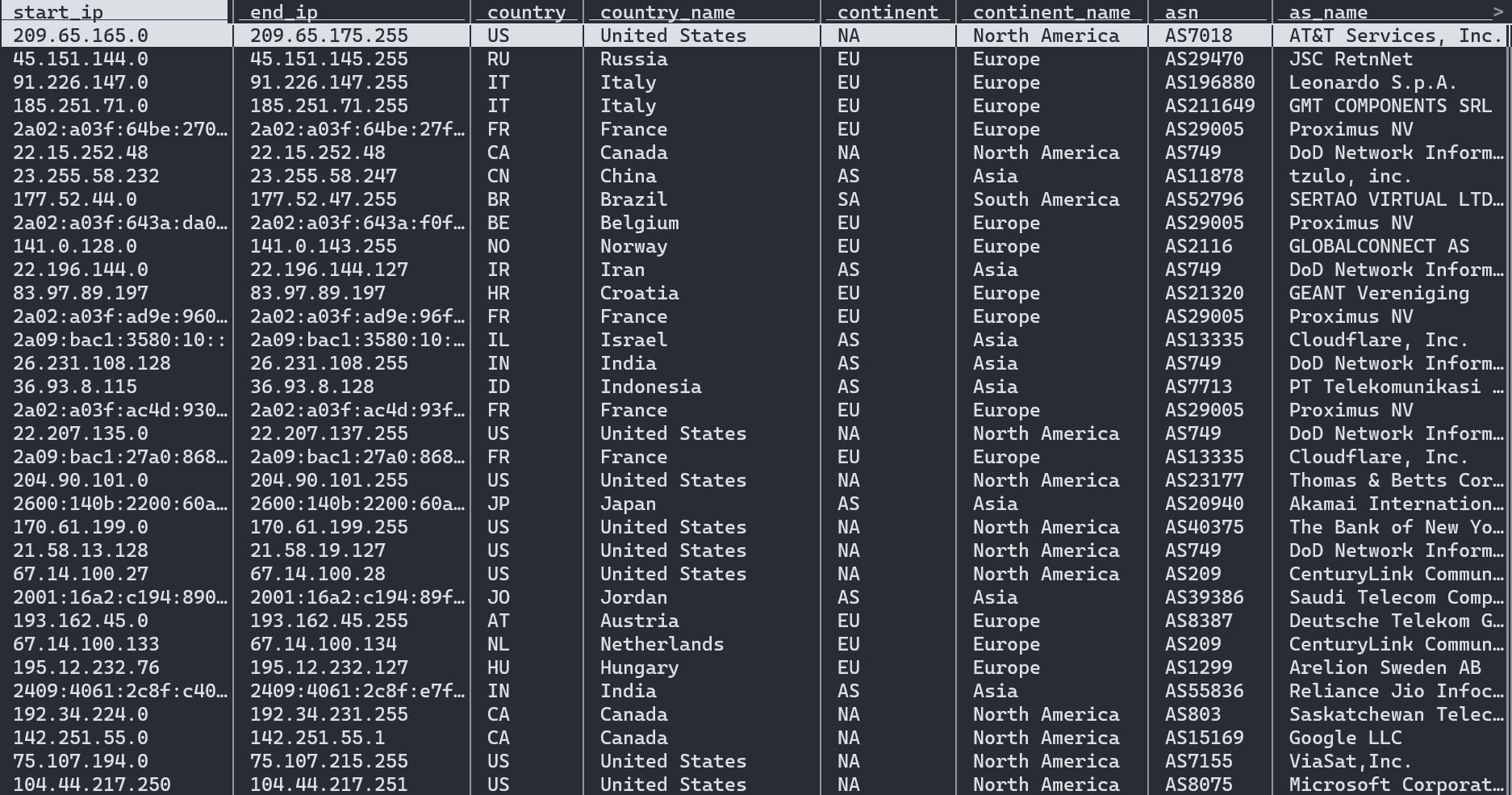
| File Format | Filename / Slug | Terminal Command |
| --- | --- | --- |
| **CSV** | country_asn.csv.gz | `curl -L https://ipinfo.io/data/free/country_asn.csv.gz?token=$TOKEN -o country_asn.csv.gz` |
| **MMDB** | country_asn.mmdb | `curl -L https://ipinfo.io/data/free/country_asn.mmdb?token=$TOKEN -o country_asn.mmdb` |
| **JSON** | country_asn.json.gz | `curl -L https://ipinfo.io/data/free/country_asn.json.gz?token=$TOKEN -o country_asn.json.gz` |
Samples
- [IP to Country + ASN Sample Database — CSV](https://github.com/ipinfo/sample-database/blob/main/IP%20to%20Country%20ASN/ip_country_asn_sample.csv)
- [IP to Country + ASN Sample Database — JSON](https://github.com/ipinfo/sample-database/blob/main/IP%20to%20Country%20ASN/ip_country_asn_sample.json)
- [IP to Country + ASN Sample Database — MMDB](https://github.com/ipinfo/sample-database/blob/main/IP%20to%20Country%20ASN/ip_country_asn_sample.mmdb)
**`IP to Country`**
The IP to Country (`country`) data downloads are structured based on the IP ranges (`start_ip` and `end_ip`). This is the location data subset of the IP to Country + ASN database.
| Field Name | Example | Data Type | Description |
| ---------------- | --------------- | --------- | ------------------------------------------ |
| `start_ip` | 217.220.0.0 | TEXT | Starting IP address of an IP address range |
| `end_ip` | 217.223.255.255 | TEXT | Ending IP address of an IP address range |
| `country` | IT | TEXT | ISO 3166 country code of the location |
| `country_name` | Italy | TEXT | Name of the country |
| `continent` | EU | TEXT | Continent code of the country |
| `continent_name` | Europe | TEXT | Name of the continent |
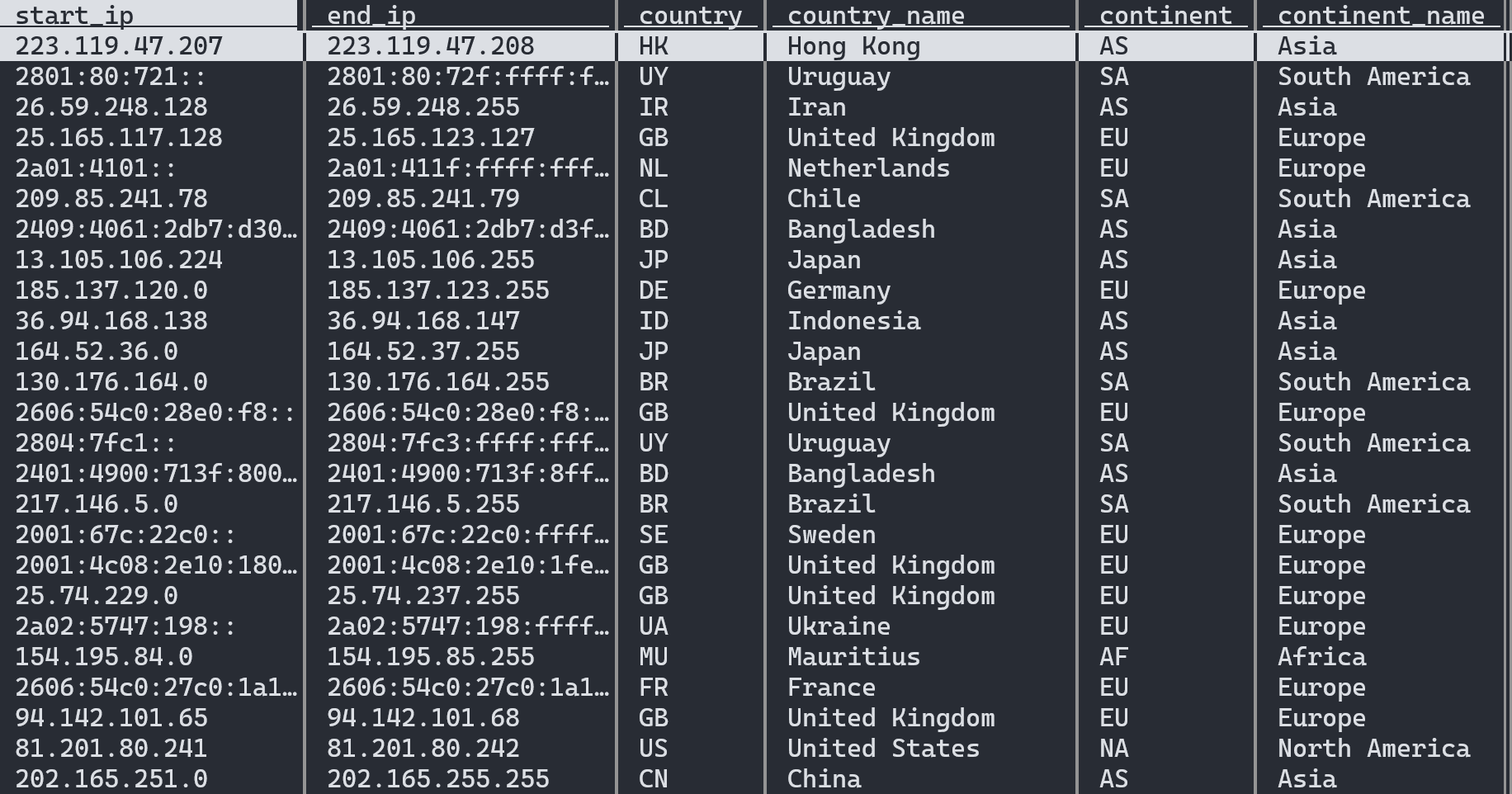
| File Format | Filename / Slug | Terminal Command |
| --- | --- | --- |
| **CSV** | country.csv.gz | `curl -L https://ipinfo.io/data/free/country.csv.gz?token=$TOKEN -o country.csv.gz` |
| **MMDB** | country.mmdb | `curl -L https://ipinfo.io/data/free/country.mmdb?token=$TOKEN -o country.mmdb` |
| **JSON** | country.json.gz | `curl -L https://ipinfo.io/data/free/country.json.gz?token=$TOKEN -o country.json.gz` |
Samples
- [IP to Country Sample Database — CSV](https://github.com/ipinfo/sample-database/blob/main/IP%20to%20Country/ip_country_sample.csv)
- [IP to Country Sample Database — JSON](https://github.com/ipinfo/sample-database/blob/main/IP%20to%20Country/ip_country_sample.json)
- [IP to Country Sample Database — MMDB](https://github.com/ipinfo/sample-database/blob/main/IP%20to%20Country/ip_country_sample.mmdb)
**`IP to ASN (Free)`**
The IP to ASN - Free (`asn`) data downloads are structured based on the IP ranges (`start_ip` and `end_ip`). This is the ASN data subset of the IP to Country + ASN database.
| Field Name | Example | Data Type | Description |
| ------------ | ------------------ | --------- | ------------------------------------------------- |
| **start_ip** | `1.0.0.0` | TEXT | Starting IP address of an IP address range |
| **end_ip** | `1.0.0.255` | TEXT | Ending IP address of an IP address range |
| **asn** | `AS13335` | TEXT | Autonomous System Number |
| **name** | `Cloudflare, Inc.` | TEXT | Name of the AS (Autonomous System) organization |
| **domain** | `cloudflare.com` | TEXT | Official domain or website of the AS organization |

| File Format | Filename / Slug | Terminal Command |
| --- | --- | --- |
| **CSV** | asn.csv.gz | `curl -L https://ipinfo.io/data/free/asn.csv.gz?token=$TOKEN -o asn.csv.gz` |
| **MMDB** | asn.mmdb | `curl -L https://ipinfo.io/data/free/asn.mmdb?token=$TOKEN -o asn.mmdb` |
| **JSON** | asn.json.gz | `curl -L https://ipinfo.io/data/free/asn.json.gz?token=$TOKEN -o asn.json.gz` |
Samples
- [IP to ASN Database Sample Database — CSV](https://github.com/ipinfo/sample-database/blob/main/IP%20to%20ASN/ip_asn_sample.csv)
- [IP to ASN Database Sample Database — JSON](https://github.com/ipinfo/sample-database/blob/main/IP%20to%20ASN/ip_asn_sample.json)
- [IP to ASN Database Sample Database — MMDB](https://github.com/ipinfo/sample-database/blob/main/IP%20to%20ASN/ip_asn_sample.mmdb)
## Links
- [IPinfo Lite — Snowflake Marketplace](https://app.snowflake.com/marketplace/listing/GZSTZSHKQ55S)
- [IPinfo Lite — Google Cloud Marketplace | US](https://console.cloud.google.com/bigquery/analytics-hub/exchanges/projects/ipinfo-public/locations/us/dataExchanges/ipinfo_lite_us_196bb97f14c/listings/ipinfo_lite_196bbbe9d39)
- [IPinfo Lite — Google Cloud Marketplace | EU](https://console.cloud.google.com/bigquery/analytics-hub/exchanges/projects/ipinfo-public/locations/eu/dataExchanges/multi_region_us_196bbc7e1e7/listings/ipinfo_lite_eu_196bbd1d758)
- [IPinfo Sample Database Repo — GitHub](https://github.com/ipinfo/sample-database/tree/main/IPinfo%20Lite/)
We highly encourage projects and software that use our data to be posted on our [IPinfo community](https://community.ipinfo.io/) for bragging rights and enabling other users to learn. The IPinfo Lite API project is dedicated to supporting enterprise, large organization open-source projects, and our community members alike. Sharing your story helps us learn and grow.
================================================================================
PAGE: IPinfo Core Database
URL: https://ipinfo.io/developers/ipinfo-core-database
SLUG: ipinfo-core-database
DESCRIPTION: Premium IP database with city-level geolocation, coordinates, timezones, ASN data, and organization details.
================================================================================
# IPinfo Core Database Developer Resource
IPinfo Core is a robust IP database that combines our location, ASN, network flags data in a single database.
## Database Schema
The IPinfo Core database contains the following fields:
| Field Name | Example | Data Type | Descrption |
| -------------- | ------------------------------- | --------- | --------------------------------------------------------------------------- |
| network | `66.202.64.131` | TEXT | CIDR/IP range or single IP address |
| city | `Chicago` | TEXT | City of the IP address |
| region | `Illinois` | TEXT | Region/State of the IP address |
| region_code | `IL` | TEXT | Region code in two-letter format in ISO 3166 |
| country | `United States` | TEXT | Name of the country of the IP address |
| country_code | `US` | TEXT | ISO 3166 country code of the IP address |
| continent | `North America` | TEXT | Name of the continent |
| continent_code | `NA` | TEXT | Continent name code in two-letter format |
| latitude | `41.85003` | FLOAT | Latitude value of the IP address |
| longitude | `-87.65005` | FLOAT | Longitude value of the IP address |
| timezone | `America/Chicago` | TEXT | Local timezone of the IP address location |
| postal_code | `60666` | TEXT | Postal code or zip code of the IP address |
| asn | `AS7029` | TEXT | Autonomous System Number (ASN) |
| as_name | `Windstream Communications LLC` | TEXT | Name of the ASN organization |
| as_domain | `windstream.com` | TEXT | Organization domain name of the ASN |
| as_type | `isp` | TEXT | ASN Type: ISP, Hosting, Education, Government or Business |
| is_anonymous | `false` | BOOLEAN | Indicates whether the IP address is anonymous. |
| is_anycast | `false` | BOOLEAN | Indicates whether the IP address is an anycast IP address |
| is_hosting | `false` | BOOLEAN | Indicates whether the IP address is an hosting/cloud/data center IP address |
| is_mobile | `false` | BOOLEAN | Indicates whether the IP address belongs to a mobile network |
| is_satellite | `false` | BOOLEAN | Indicates whether the IP address is part of a satellite internet connection |
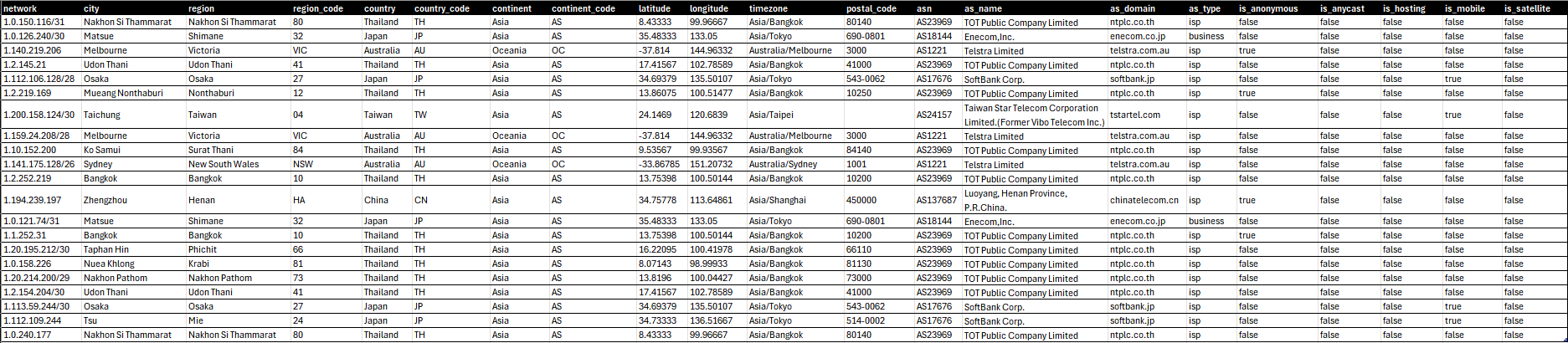
## Sample Databases
[View spreadsheet](https://docs.google.com/spreadsheets/d/e/2PACX-1vT2_7oT9SW6xphJiYAU5pSH6dWLDVbn5w_JTKl4hu9bAXoyk1IjNNdTMj-X-A00qzkOMOwHqCb0SCMg/pubhtml?widget=true&gid=287133590&headers=false&chrome=true&rm=demo;frameborder=0)
- [IPinfo Core Database Sample — CSV](https://github.com/ipinfo/sample-database/blob/main/IPinfo%20Core/ipinfo_core_sample.csv)
- [IPinfo Core Database Sample — JSON](https://github.com/ipinfo/sample-database/blob/main/IPinfo%20Core/ipinfo_core_sample.json)
- [IPinfo Core Database Sample — MMDB](https://github.com/ipinfo/sample-database/blob/main/IPinfo%20Core/ipinfo_core_sample.mmdb)
## Filename References
```bash
curl -L https://ipinfo.io/data/ipinfo_core.csv.gz?token=$TOKEN -o ipinfo_core.csv.gz
curl -L https://ipinfo.io/data/ipinfo_core.mmdb?token=$TOKEN -o ipinfo_core.mmdb
curl -L https://ipinfo.io/data/ipinfo_core.json.gz?token=$TOKEN -o ipinfo_core.json.gz
curl -L https://ipinfo.io/data/ipinfo_core.parquet?token=$TOKEN -o ipinfo_core.parquet
```
| File Format | Database Download URI | Sample Dataset URI |
|-------------|------------------------------------------------------------------------------------------------------------------------|------------------------------------------------------------------------------------------------------|
| **CSV** | [https://ipinfo.io/data/**ipinfo_core.csv.gz**?token=$TOKEN](https://ipinfo.io/data/ipinfo_core.csv.gz?token=$TOKEN) | [https://ipinfo.io/data/sample/**ipinfo_core.csv**](https://ipinfo.io/data/sample/ipinfo_core.csv) |
| **JSON** | [https://ipinfo.io/data/**ipinfo_core.json.gz**?token=$TOKEN](https://ipinfo.io/data/ipinfo_core.json.gz?token=$TOKEN) | [https://ipinfo.io/data/sample/**ipinfo_core.json**](https://ipinfo.io/data/sample/ipinfo_core.json) |
| **MMDB** | [https://ipinfo.io/data/**ipinfo_core.mmdb**?token=$TOKEN](https://ipinfo.io/data/ipinfo_core.mmdb?token=$TOKEN) | [https://ipinfo.io/data/sample/**ipinfo_core.mmdb**](https://ipinfo.io/data/sample/ipinfo_core.mmdb) |
| **Parquet** | [https://ipinfo.io/data/**ipinfo_core.parquet**?token=$TOKEN](https://ipinfo.io/data/ipinfo_core.parquet?token=$TOKEN) | |
## Database File Metadata
## Links
- [IPinfo Core — Snowflake Marketplace](https://app.snowflake.com/marketplace/listing/GZSTZSHKQ56D)
- [IPinfo Core — Google Cloud Marketplace | US](https://console.cloud.google.com/marketplace/product/ipinfo-public/cloud-marketplace-2ed5feaf-4295-4205-bb6a-e33513e13f0e.cloudpartnerservices.goog?hl=en&inv=1&invt=Ab1mSQ)
- [IPinfo Core — Google Cloud Marketplace | EU](https://console.cloud.google.com/marketplace/product/ipinfo-public/cloud-marketplace-5b5e868c-60bb-42a7-b3dd-1d49ba02e67f.cloudpartnerservices.goog?hl=en&inv=1&invt=Ab1mSQ)
- [IPinfo Sample Database Repo — GitHub](https://github.com/ipinfo/sample-database/tree/main/IPinfo%20Core/)
================================================================================
PAGE: IPinfo Plus Database
URL: https://ipinfo.io/developers/ipinfo-plus-database
SLUG: ipinfo-plus-database
DESCRIPTION: Complete IP intelligence database combining geolocation, company, privacy detection, ASN, and hosted domains data in one unified dataset.
================================================================================
# IPinfo Plus Database Developer Resource
IPinfo's Plus is an enterprise-grade IP database that combines our location, insights, and confidence with ASN, privacy, carrier, and network flags in a single database.
## Database Schema
The IPinfo Plus database contains the following fields:
| Field Name | Example | Data Type | Descrption |
| -------------- | -------------------------------- | --------- | -------------------------------------------------------------------------------------------- |
| network | `86.179.219.192/29` | TEXT | CIDR/IP range or single IP address |
| city | `Weymouth` | TEXT | City of the IP address |
| region | `England` | TEXT | Region/State of the IP address |
| region_code | `ENG` | TEXT | Region code in two-letter format in ISO 3166 |
| country | `United Kingdom` | TEXT | Name of the country of the IP address |
| country_code | `GB` | TEXT | ISO 3166 country code of the IP address |
| continent | `Europe` | TEXT | Name of the continent |
| continent_code | `EU` | TEXT | Continent name code in two-letter format |
| latitude | `50.61448` | FLOAT | Latitude value of the IP address |
| longitude | `-2.45991` | FLOAT | Longitude value of the IP address |
| timezone | `Europe/London` | TEXT | Local timezone of the IP address location |
| postal_code | `DT3` | TEXT | Postal code or zip code of the IP address |
| dma_code | `13w` | TEXT | Direct Marketing Area (DMA) is a unique regional identifier for marketing. |
| geoname_id | `2634202` | TEXT | geonames.org's unique numercial identifier for geographic locations. |
| radius | `20` | INTEGER | Location accuracy radius in terms of kilometers |
| asn | `AS2856` | TEXT | Autonomous System Number (ASN) |
| as_name | `British Telecommunications PLC` | TEXT | Name of the ASN organization |
| as_domain | `bt.com` | TEXT | Organization domain name of the ASN |
| as_type | `isp` | TEXT | ASN Type: ISP, Hosting, Education, Government or Business |
| carrier_name | | TEXT | Name of the mobile carrier organization |
| mcc | | TEXT | Mobile Country Code (MCC) of the carrier |
| mnc | | TEXT | Mobile Network Code (MNC) of the carrier |
| as_changed | `2025-01-10` | DATE | Date when the IP address's ASN last changed: Date in YYYY-MM-DD format, ISO-8601 |
| geo_changed | `2024-11-10` | DATE | Date when the IP address's location last changed: Date in YYYY-MM-DD format, ISO-8601 |
| is_anonymous | `false` | BOOLEAN | Indicates whether the IP address is anonymous. |
| is_anycast | `false` | BOOLEAN | Indicates whether the IP address is an anycast IP address |
| is_hosting | `false` | BOOLEAN | Indicates whether the IP address is an hosting/cloud/data center IP address |
| is_mobile | `false` | BOOLEAN | Indicates whether the IP address belongs to a mobile network |
| is_satellite | `false` | BOOLEAN | Indicates whether the IP address is part of a satellite internet connection |
| is_proxy | `false` | BOOLEAN | Indicates a open web proxy IP address |
| is_relay | `false` | BOOLEAN | Indicates location preserving anonymous relay service like iCloud private relay. |
| is_tor | `false` | BOOLEAN | Indicates a TOR (The Onion Router) exit node IP address |
| is_vpn | `false` | BOOLEAN | Indicates Virtual Private Network (VPN) service exit node IP address |
| privacy_name | `NordVPN` | TEXT | The name of the privacy service provider includes VPN, Proxy, or Relay service provider name |


## Sample Databases
[View spreadsheet](https://docs.google.com/spreadsheets/d/e/2PACX-1vT2_7oT9SW6xphJiYAU5pSH6dWLDVbn5w_JTKl4hu9bAXoyk1IjNNdTMj-X-A00qzkOMOwHqCb0SCMg/pubhtml?widget=true&gid=1489235819&headers=false&chrome=true&rm=demo;frameborder=0)
- [IPinfo Plus Database Sample — CSV](https://github.com/ipinfo/sample-database/blob/main/IPinfo%20Plus/ipinfo_plus_sample.csv)
- [IPinfo Plus Database Sample — JSON](https://github.com/ipinfo/sample-database/blob/main/IPinfo%20Plus/ipinfo_plus_sample.json)
- [IPinfo Plus Database Sample — MMDB](https://github.com/ipinfo/sample-database/blob/main/IPinfo%20Plus/ipinfo_plus_sample.mmdb)
## Filename References
```bash
curl -L https://ipinfo.io/data/ipinfo_plus.csv.gz?token=$TOKEN -o ipinfo_plus.csv.gz
curl -L https://ipinfo.io/data/ipinfo_plus.mmdb?token=$TOKEN -o ipinfo_plus.mmdb
curl -L https://ipinfo.io/data/ipinfo_plus.json.gz?token=$TOKEN -o ipinfo_plus.json.gz
curl -L https://ipinfo.io/data/ipinfo_plus.parquet?token=$TOKEN -o ipinfo_plus.parquet
```
| File Format | Database Download URI | Sample Dataset URI |
|-------------|------------------------------------------------------------------------------------------------------------------------|------------------------------------------------------------------------------------------------------|
| **CSV** | [https://ipinfo.io/data/**ipinfo_plus.csv.gz**?token=$TOKEN](https://ipinfo.io/data/ipinfo_plus.csv.gz?token=$TOKEN) | [https://ipinfo.io/data/sample/**ipinfo_plus.csv**](https://ipinfo.io/data/sample/ipinfo_plus.csv) |
| **JSON** | [https://ipinfo.io/data/**ipinfo_plus.json.gz**?token=$TOKEN](https://ipinfo.io/data/ipinfo_plus.json.gz?token=$TOKEN) | [https://ipinfo.io/data/sample/**ipinfo_plus.json**](https://ipinfo.io/data/sample/ipinfo_plus.json) |
| **MMDB** | [https://ipinfo.io/data/**ipinfo_plus.mmdb**?token=$TOKEN](https://ipinfo.io/data/ipinfo_plus.mmdb?token=$TOKEN) | [https://ipinfo.io/data/sample/**ipinfo_plus.mmdb**](https://ipinfo.io/data/sample/ipinfo_plus.mmdb) |
| **Parquet** | [https://ipinfo.io/data/**ipinfo_plus.parquet**?token=$TOKEN](https://ipinfo.io/data/ipinfo_plus.parquet?token=$TOKEN) | |
## Database File Metadata
## Links
- [IPinfo Plus — Snowflake Marketplace](https://app.snowflake.com/marketplace/listing/GZSTZSHKQ56H)
- [IPinfo Plus — Google Cloud Marketplace | US](https://console.cloud.google.com/marketplace/product/ipinfo-public/cloud-marketplace-7b9427b4-5c01-4cee-b100-825f7a382bf7.cloudpartnerservices.goog?hl=en&inv=1&invt=Ab1mSQ)
- [IPinfo Plus — Google Cloud Marketplace | EU](https://console.cloud.google.com/marketplace/product/ipinfo-public/cloud-marketplace-1240abfc-4411-4f8b-83b0-83f543077ba2.cloudpartnerservices.goog?hl=en&inv=1&invt=Ab1mSQ)
- [IPinfo Sample Database Repo — GitHub](https://github.com/ipinfo/sample-database/tree/main/IPinfo%20Plus/)
================================================================================
PAGE: IP to Geolocation Database
URL: https://ipinfo.io/developers/ip-to-geolocation-database
SLUG: ip-to-geolocation-database
DESCRIPTION: Comprehensive IP geolocation database mapping IP addresses to cities, regions, countries, and geographic coordinates.
================================================================================
# IP to Geolocation Database Developer Resource
[IP to Geolocation](/data/ip-geolocation) database provides geolocation information such as city, region/state, country, postal code, timezone, geographic coordinates (latitude & longitude) etc. identified from IP addresses.
## Database Schema
IP Location database contains the following fields:
| Field Name | Example | Data Type | Description |
| -------------- | ------------------ | --------- | ---------------------------------------------- |
| network | `71.50.174.48/28` | TEXT | CIDR or single Address of the IP address block |
| city | `Spring Lake` | TEXT | City of the IP address |
| region | `North Carolina` | TEXT | Region/State of the IP address |
| region_code | `NC` | TEXT | Region code in two-letter format in ISO 3166 |
| country | `United States` | TEXT | Name of the country of the IP address |
| country_code | `US` | TEXT | ISO 3166 country code of the IP address |
| continent | `North America` | TEXT | Name of the continent |
| continent_code | `NA` | TEXT | Continent name code in two-letter format |
| latitude | `35.16794` | FLOAT | Latitude value of the IP address |
| longitude | `-78.97281` | FLOAT | Longitude value of the IP address |
| timezone | `America/New_York` | TEXT | Local timezone of the IP address location |
| postal_code | `28390` | TEXT | Postal code or zip code of the IP address |

## Sample Database
[View spreadsheet](https://docs.google.com/spreadsheets/d/e/2PACX-1vT2_7oT9SW6xphJiYAU5pSH6dWLDVbn5w_JTKl4hu9bAXoyk1IjNNdTMj-X-A00qzkOMOwHqCb0SCMg/pubhtml?widget=true&gid=814553253&headers=false&chrome=true&rm=demo;frameborder=0)
- [IP Geolocation Sample Database — CSV](https://github.com/ipinfo/sample-database/blob/main/IP%20Geolocation/ipinfo_location_sample.csv)
- [IP Geolocation Sample Database — JSON](https://github.com/ipinfo/sample-database/blob/main/IP%20Geolocation/ipinfo_location_sample.json)
- [IP Geolocation Sample Database — MMDB](https://github.com/ipinfo/sample-database/blob/main/IP%20Geolocation/ipinfo_location_sample.mmdb)
## Filename References
```bash
curl -L https://ipinfo.io/data/ipinfo_location.csv.gz?token=$TOKEN -o ipinfo_location.csv.gz
curl -L https://ipinfo.io/data/ipinfo_location.mmdb?token=$TOKEN -o ipinfo_location.mmdb
curl -L https://ipinfo.io/data/ipinfo_location.json.gz?token=$TOKEN -o ipinfo_location.json.gz
curl -L https://ipinfo.io/data/ipinfo_location.parquet?token=$TOKEN -o ipinfo_location.parquet
```
| File Format | Database Download URI | Sample Dataset URI |
|-------------|--------------------------------------------------------------------------------------------------------------------------------|--------------------------------------------------------------------------------------------------------------|
| **CSV** | [https://ipinfo.io/data/**ipinfo_location.csv.gz**?token=$TOKEN](https://ipinfo.io/data/ipinfo_location.csv.gz?token=$TOKEN) | [https://ipinfo.io/data/sample/**ipinfo_location.csv**](https://ipinfo.io/data/sample/ipinfo_location.csv) |
| **JSON** | [https://ipinfo.io/data/**ipinfo_location.json.gz**?token=$TOKEN](https://ipinfo.io/data/ipinfo_location.json.gz?token=$TOKEN) | [https://ipinfo.io/data/sample/**ipinfo_location.json**](https://ipinfo.io/data/sample/ipinfo_location.json) |
| **MMDB** | [https://ipinfo.io/data/**ipinfo_location.mmdb**?token=$TOKEN](https://ipinfo.io/data/ipinfo_location.mmdb?token=$TOKEN) | [https://ipinfo.io/data/sample/**ipinfo_location.mmdb**](https://ipinfo.io/data/sample/ipinfo_location.mmdb) |
| **Parquet** | [https://ipinfo.io/data/**ipinfo_location.parquet**?token=$TOKEN](https://ipinfo.io/data/ipinfo_location.parquet?token=$TOKEN) | |
## Database File Metadata
## Alternative Database Schema
**`standard_location`**
The `standard_location` data download is structured based on IP ranges (`start_ip` and `end_ip`). It includes the [`join_key`](https://community.ipinfo.io/t/ipinfos-join-key-column-explained/5526) column but does not include the columns `region_code` and `country_code` (as the country code is contained in the `country` column and it does not provide the name of the country). Additionally, it does not include the columns `continent` and `continent_name`.
| Field Name | Example | Data Type | Description |
| ----------- | ------------------ | --------- | -------------------------------------------------------- |
| start_ip | `1.253.242.0` | TEXT | Starting IP address of an IP address range |
| end_ip | `1.253.242.255` | TEXT | Ending IP address of an IP address range |
| join_key | `1.253.0.0` | TEXT | Special variable to facilitate database `join` operation |
| city | `Yangsan` | TEXT | City of the IP address |
| region | `Gyeongsangnam-do` | TEXT | Region of the IP address |
| country | `KR` | TEXT | ISO 3166 country code of the IP address |
| latitude | `35.34199` | FLOAT | Latitude value of the IP address |
| longitude | `129.03358` | FLOAT | Longitude value of the IP address |
| postal_code | `50593` | TEXT | Postal code or zip code of the IP address |
| timezone | `Asia/Seoul` | TEXT | Local timezone of the IP address |

Samples
- [Standard IP Geolocation Database Sample - CSV](https://github.com/ipinfo/sample-database/blob/main/IP%20Geolocation/ip_geolocation_sample.csv)
- [Standard IP Geolocation Database Sample - JSON](https://github.com/ipinfo/sample-database/blob/main/IP%20Geolocation/ip_geolocation_sample.json)
- [Standard IP Geolocation Database Sample - MMDB](https://github.com/ipinfo/sample-database/blob/main/IP%20Geolocation/ip_geolocation_sample.mmdb)
**`standard_location_mmcompat`**
The `standard_location_mmcompat` database schema is a custom database that provides easier migration from alternative providers by offering the `geonames_id` field and other location data. Even though the migration process will not be plug and play from an alternative provider, we provide all the necessary information for users to account for only the schema.
| Field Name | Example | Data Type | Descrption |
| -------------- | ----------------- | --------- | ---------------------------------------------------- |
| Network | `50.62.0.0/15` | TEXT | CIDR or IP network of the IP address block |
| City | `Tempe` | TEXT | City of the IP address |
| Continent | `NA` | TEXT | Continent name code in two-letter format |
| Country | `US` | TEXT | ISO 3166 country code of the IP address |
| Country_name | `United States` | TEXT | Name of the country of the IP address |
| Geoname_id | `5317058` | TEXT | Geoname_id that corresponds to geonames.org database |
| Lat | `33.41477` | FLOAT | Latitude value of the location |
| Lng | `-111.90931` | FLOAT | Longitude value of the location |
| Postal | `85285` | TEXT | Postal code or zip code of the IP address |
| Region | `AZ` | TEXT | Region code in two-letter format in ISO 3166 |
| Region_name | `Arizona` | TEXT | Region of the IP address |
| Subregion | `013` | INTEGER | Subregion code |
| Subregion_name | `Maricopa County` | TEXT | Subregion name |
| Timezone | `America/Phoenix` | TEXT | Local timezone of the IP address location |
Samples
- [Compatible IP Geolocation Database Sample — MMDB](https://github.com/ipinfo/sample-database/blob/main//IP%20Geolocation/ip_geolocation_standard_sample.mmdb)
## Links
- [IP to Geolocation Database Download Page — IPinfo.io](https://ipinfo.io/data/ip-geolocation)
- [IPinfo IP Geolocation — Snowflake Marketplace](https://app.snowflake.com/marketplace/listing/GZSTZ3VDMFI)
- [IPinfo Sample Database Repo — GitHub](https://github.com/ipinfo/sample-database/tree/main/IP%20Geolocation)
================================================================================
PAGE: Privacy Detection Database
URL: https://ipinfo.io/developers/privacy-detection-database
SLUG: privacy-detection-database
DESCRIPTION: Detect VPNs, proxies, Tor exit nodes, and hosting providers for fraud prevention and security.
================================================================================
# IP Privacy Detection Database Developer Resource
[Privacy Detection or Anonymous IP database](https://ipinfo.io/data/proxy-vpn-detection) provides data on IP addresses that are associated with VPN, Tor, proxies, relays, and hosting services.
[Watch video](https://www.youtube.com/embed/qHTaCHwSYRg)
## Database Schema
The Privacy Detection database contains the following fields:
| Field Name | Example | Data Type | Descrption |
| ---------- | ------------------- | --------- | -------------------------------------------------------------------- |
| network | `146.70.174.112/31` | TEXT | CIDR or single IP address of the IP address block |
| hosting | `true` | BOOLEAN | Indicates a hosting/cloud service/data center IP address |
| proxy | `false` | BOOLEAN | Indicates a open web proxy IP address |
| tor | `false` | BOOLEAN | Indicates a TOR (The Onion Router) exit node IP address |
| relay | `false` | BOOLEAN | Indicates location preserving anonymous relay service |
| vpn | `true` | BOOLEAN | Indicates Virtual Private Network (VPN) service exit node IP address |
| service | `ProtonVPN` | TEXT | Name of the anonymous IP service provider |
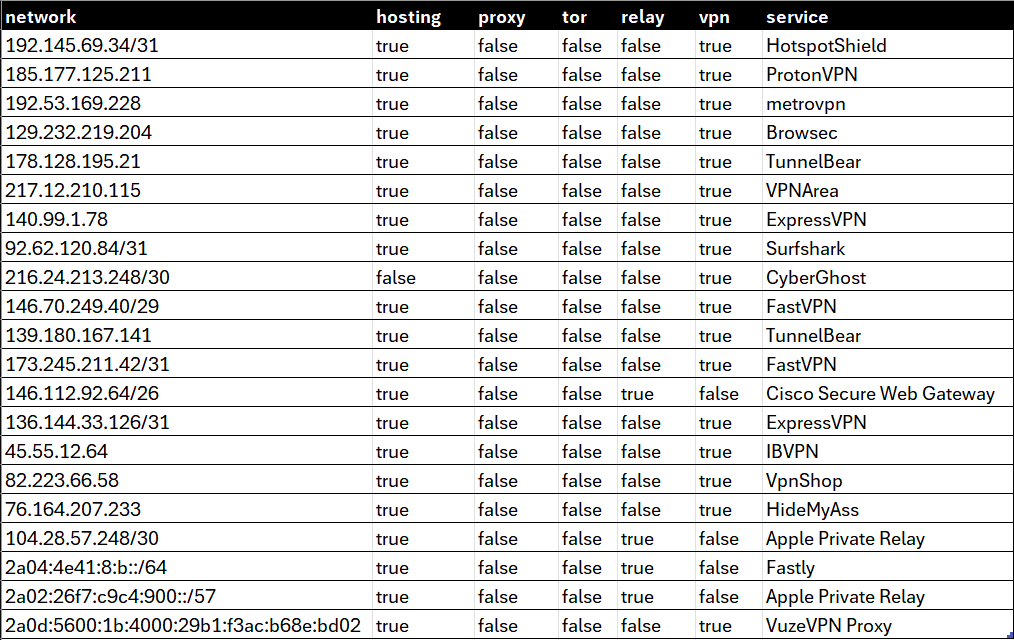
## Sample Database
[View spreadsheet](https://docs.google.com/spreadsheets/d/e/2PACX-1vT2_7oT9SW6xphJiYAU5pSH6dWLDVbn5w_JTKl4hu9bAXoyk1IjNNdTMj-X-A00qzkOMOwHqCb0SCMg/pubhtml?widget=true&gid=1146038007&headers=false&chrome=true&rm=demo;frameborder=0)
- [Privacy Detection Database Sample — CSV](https://github.com/ipinfo/sample-database/blob/main/Privacy%20Detection/ipinfo_privacy_sample.csv)
- [Privacy Detection Database Sample — JSON](https://github.com/ipinfo/sample-database/blob/main/Privacy%20Detection/ipinfo_privacy_sample.json)
- [Privacy Detection Database Sample — MMDB](https://github.com/ipinfo/sample-database/blob/main/Privacy%20Detection/ipinfo_privacy_sample.mmdb)
## Filename References
```bash
curl -L https://ipinfo.io/data/ipinfo_privacy.csv.gz?token=$TOKEN -o ipinfo_privacy.csv.gz
curl -L https://ipinfo.io/data/ipinfo_privacy.mmdb?token=$TOKEN -o ipinfo_privacy.mmdb
curl -L https://ipinfo.io/data/ipinfo_privacy.json.gz?token=$TOKEN -o ipinfo_privacy.json.gz
curl -L https://ipinfo.io/data/ipinfo_privacy.parquet?token=$TOKEN -o ipinfo_privacy.parquet
```
| File Format | Database Download URI | Sample Dataset URI |
|-------------|------------------------------------------------------------------------------------------------------------------------------|------------------------------------------------------------------------------------------------------------|
| **CSV** | [https://ipinfo.io/data/**ipinfo_privacy.csv.gz**?token=$TOKEN](https://ipinfo.io/data/ipinfo_privacy.csv.gz?token=$TOKEN) | [https://ipinfo.io/data/sample/**ipinfo_privacy.csv**](https://ipinfo.io/data/sample/ipinfo_privacy.csv) |
| **JSON** | [https://ipinfo.io/data/**ipinfo_privacy.json.gz**?token=$TOKEN](https://ipinfo.io/data/ipinfo_privacy.json.gz?token=$TOKEN) | [https://ipinfo.io/data/sample/**ipinfo_privacy.json**](https://ipinfo.io/data/sample/ipinfo_privacy.json) |
| **MMDB** | [https://ipinfo.io/data/**ipinfo_privacy.mmdb**?token=$TOKEN](https://ipinfo.io/data/ipinfo_privacy.mmdb?token=$TOKEN) | [https://ipinfo.io/data/sample/**ipinfo_privacy.mmdb**](https://ipinfo.io/data/sample/ipinfo_privacy.mmdb) |
| **Parquet** | [https://ipinfo.io/data/**ipinfo_privacy.parquet**?token=$TOKEN](https://ipinfo.io/data/ipinfo_privacy.parquet?token=$TOKEN) | |
## Database File Metadata
## Alternative Database Schema
**`standard_privacy`**
The `standard_privacy` data download is structured based on IP ranges (`start_ip` and `end_ip`) and includes the [`join_key`](https://community.ipinfo.io/t/ipinfos-join-key-column-explained/5526) column.
| Field Name | Example | Data Type | Description |
| ---------- | ---------------- | --------- | -------------------------------------------------------------------- |
| start_ip | `89.187.171.147` | TEXT | Starting IP address of an IP address range |
| end_ip | `89.187.171.147` | TEXT | Ending IP address of an IP address range |
| join_key | `89.187.0.0` | TEXT | Special variable to facilitate databas `join` operation |
| hosting | `true` | BOOLEAN | Indicates a hosting/cloud service/data center IP address |
| proxy | | BOOLEAN | Indicates a open web proxy IP address |
| tor | | BOOLEAN | Indicates a TOR (The Onion Router) exit node IP address |
| vpn | `true` | BOOLEAN | Indicates Virtual Private Network (VPN) service exit node IP address |
| relay | | BOOLEAN | Indicates location preserving anonymous relay service |
| service | `CyberGhost` | TEXT | Name of the anonymous IP service provider |
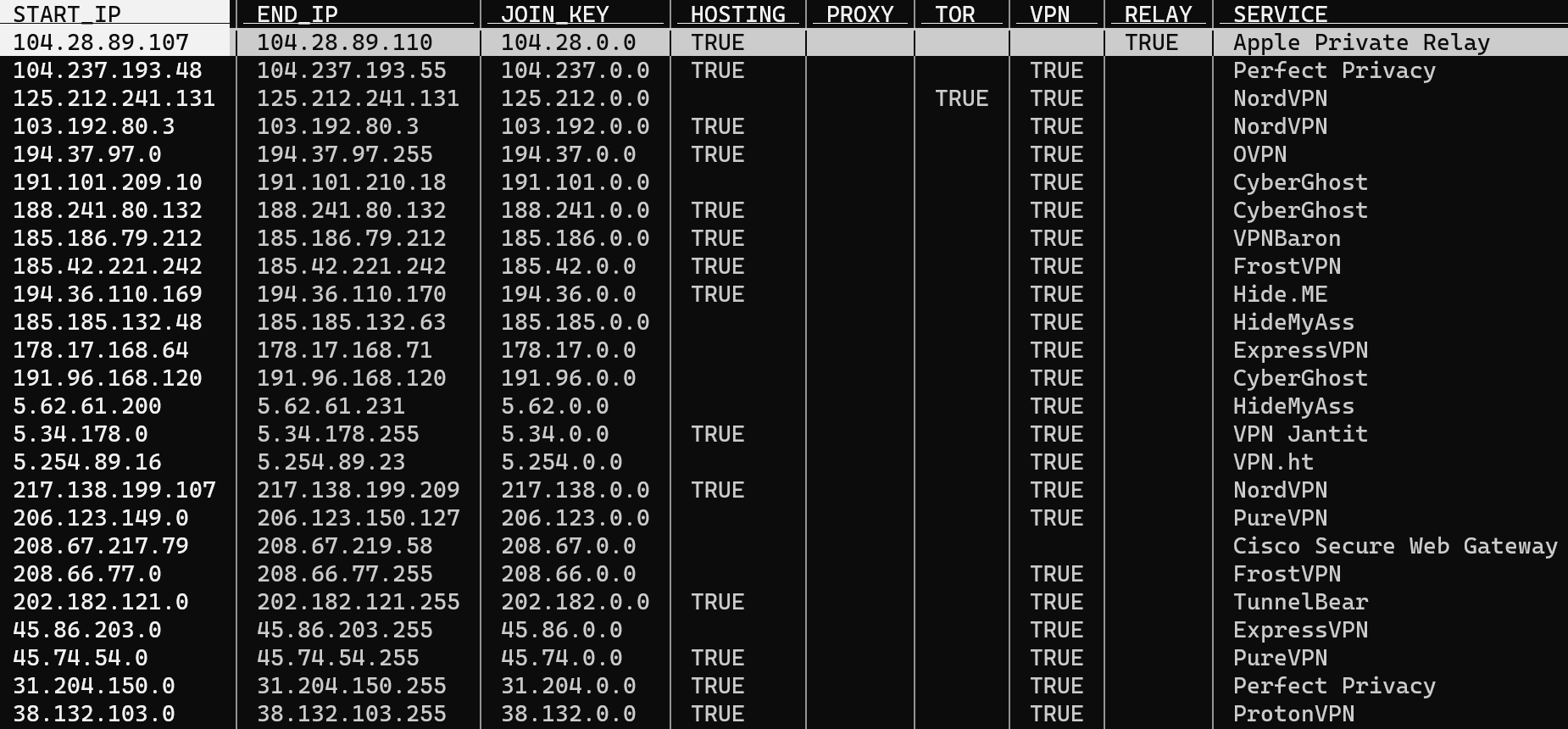
Samples
- [Standard Privacy Detection Database Sample — CSV](https://github.com/ipinfo/sample-database/blob/main/Privacy%20Detection/privacy_detection_sample.csv)
- [Standard Privacy Detection Database Sample — JSON](https://github.com/ipinfo/sample-database/blob/main/Privacy%20Detection/privacy_detection_sample.json)
- [Standard Privacy Detection Database Sample — MMDB](https://github.com/ipinfo/sample-database/blob/main/Privacy%20Detection/privacy_detection_sample.mmdb)
## Links
- [Privacy Detection Database Download Page — IPinfo.io](https://ipinfo.io/data/proxy-vpn-detection)
- [IPinfo IP to Privacy Detection — Snowflake Marketplace](https://app.snowflake.com/marketplace/listing/GZSTZ3VDMFU)
- [IPinfo Sample Database Repo — GitHub](https://github.com/ipinfo/sample-database/tree/main/Privacy%20Detection)
================================================================================
PAGE: IP to Residential Proxy Database
URL: https://ipinfo.io/developers/ip-to-residential-proxy
SLUG: ip-to-residential-proxy
DESCRIPTION: Track residential proxy IP addresses, associated services, the last seen date, and the percentage of days they were active.
================================================================================
# IP to Residential Proxy Database Developer Resource
The IP to Residential Proxy dataset provides information on IP addresses associated with residential, mobile, or datacenter proxy networks, allowing developers to identify proxy IPs, understand their type, and use usage-based signals to build risk or filtering logic. The IP to Residential Proxy Database identifies residential proxy IP addresses from over 100 services, including residential connections, carrier/phone, and data center proxies, and tracks both IPv4 and IPv6 IPs, providing details on the associated proxy service, last seen date, and percentage of days active over a certain time window period—all in a single, comprehensive database. This detection can identify SIM farm-based, compromised device, and smartphone SDK-based proxy IP addresses and more.
We currently recognize three types of residential proxies:
- Standard residential proxies: Residential proxy IP addresses
- Mobile/Carrier/Phone-based residential proxy IP addresses
- Datacenter-based residential proxy IP addresses
## Available Time Window Attributes
The Residential Proxy database is scoped within certain periods of time windows. This affects temporal (time-based) attributes fields such as `last_seen` and `percent_days_seen`.
- 7-day dataset
- 30-day dataset (Default for the Residential Proxy API product)
- 90-day dataset
## Database Schema
The IP Residential Proxy database contains the following fields:
| **Field Name** | **Example** | **Data Type** | **Description** |
| ------------------- | ---------------- | ------------- | ------------------------------------------------------------------------------------------------------------------------------------------------------------- |
| `ip` | 38.222.31.85 | TEXT | IPv4 or IPv6 address associated with a residential proxy. |
| `service` | lightningproxies | TEXT | Name of the residential proxy service. Carrier/mobile services are suffixed with `_mobile` (e.g., `soax_mobile`) and datacenter IPs are suffixed with `_datacenter` (e.g. `brightdata_datacenter`) |
| `last_seen` | 2024-09-07 | DATE | Last recorded date when the residential proxy IP was active, formatted as `YYYY-MM-DD` (ISO-8601). The timezone is UTC. |
| `percent_days_seen` | 2 | INTEGER | Integer indicating the percentage of days the IP was active within a certain time window (7 days, 30 days, and 90 days), reflecting its activity and frequency within a residential proxy pool. |
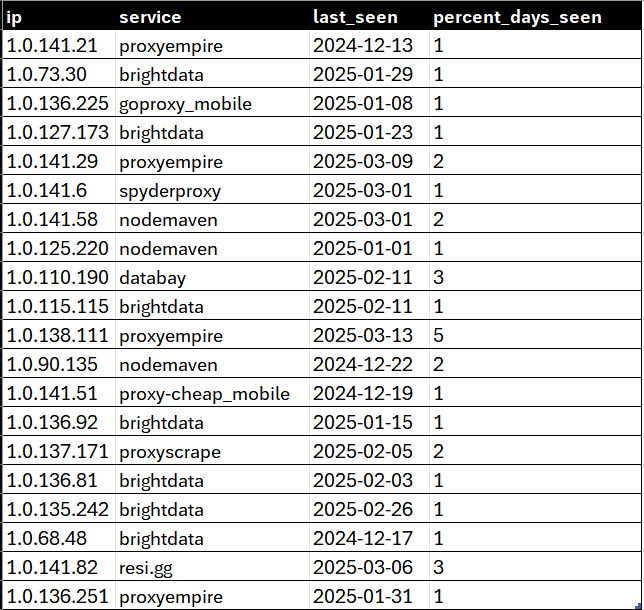
## Sample Database
[View spreadsheet](https://docs.google.com/spreadsheets/d/e/2PACX-1vT2_7oT9SW6xphJiYAU5pSH6dWLDVbn5w_JTKl4hu9bAXoyk1IjNNdTMj-X-A00qzkOMOwHqCb0SCMg/pubhtml?widget=true&gid=2001453180&headers=false&chrome=true&rm=demo;frameborder=0)
- [IP Residential Proxy Sample Database — CSV](https://github.com/ipinfo/sample-database/blob/main/IP%20Residential%20Proxy/ip_residential_proxy_sample.csv)
- [IP Residential Proxy Sample Database — JSON](https://github.com/ipinfo/sample-database/blob/main/IP%20Residential%20Proxy/ip_residential_proxy_sample.json)
- [IP Residential Proxy Sample Database — MMDB](https://github.com/ipinfo/sample-database/blob/main/IP%20Residential%20Proxy/ip_residential_proxy_sample.mmdb)
## Filename Reference
```bash
curl -L https://ipinfo.io/data/resproxy.csv.gz?token=$TOKEN -o resproxy.csv.gz
curl -L https://ipinfo.io/data/resproxy.mmdb?token=$TOKEN -o resproxy.mmdb
curl -L https://ipinfo.io/data/resproxy.json.gz?token=$TOKEN -o resproxy.json.gz
curl -L https://ipinfo.io/data/resproxy.parquet?token=$TOKEN -o resproxy.parquet
```
| File Format | Database Download URI | Sample Dataset URI |
|-------------|------------------------------------------------------------------------------------------------------------------|------------------------------------------------------------------------------------------------|
| **CSV** | [https://ipinfo.io/data/**resproxy.csv.gz**?token=$TOKEN](https://ipinfo.io/data/resproxy.csv.gz?token=$TOKEN) | [https://ipinfo.io/data/sample/**resproxy.csv**](https://ipinfo.io/data/sample/resproxy.csv) |
| **JSON** | [https://ipinfo.io/data/**resproxy.json.gz**?token=$TOKEN](https://ipinfo.io/data/resproxy.json.gz?token=$TOKEN) | [https://ipinfo.io/data/sample/**resproxy.json**](https://ipinfo.io/data/sample/resproxy.json) |
| **MMDB** | [https://ipinfo.io/data/**resproxy.mmdb**?token=$TOKEN](https://ipinfo.io/data/resproxy.mmdb?token=$TOKEN) | [https://ipinfo.io/data/sample/**resproxy.mmdb**](https://ipinfo.io/data/sample/resproxy.mmdb) |
| **Parquet** | [https://ipinfo.io/data/**resproxy.parquet**?token=$TOKEN](https://ipinfo.io/data/resproxy.parquet?token=$TOKEN) | |
## Database File Metadata
## Links
- [IPinfo Residential Proxy — Snowflake Marketplace](https://app.snowflake.com/marketplace/listing/GZSTZSHKQ55W)
- Available on Google Cloud Marketplace and GCP BigQuery:
- [IPinfo: IP Intelligence Database](https://console.cloud.google.com/marketplace/product/ipinfo-public/ipinfo-ip-address-geolocation-and-intelligence-database)
- [IPinfo Sample Database Repo — GitHub](https://github.com/ipinfo/sample-database/blob/main/IP%20Residential%20Proxy)
================================================================================
PAGE: IP to Company Database
URL: https://ipinfo.io/developers/ip-to-company-database
SLUG: ip-to-company-database
DESCRIPTION: Map IP addresses to company names, domains, and business types for B2B intelligence and lead enrichment.
================================================================================
# IP to Company Database Developer Resource
The [IP to Company](/data/ip-company) database provides firmographic data such as the name of the company, company domain, company type, company country, and AS level data.
## Database Schema
The IP to Company database contains the following fields:
| Field Name | Example | Data Type | Description |
| ----------- | ----------------------- | --------- | ---------------------------------------------------------------------- |
| `start_ip` | 107.136.106.168 | TEXT | Starting IP address of an IP address range |
| `end_ip` | 107.136.106.175 | TEXT | Ending IP address of an IP address range |
| `join_key` | 107.136.0.0 | TEXT | Specialized variable to facilitate join operation |
| `name` | ZSPEC FLOW-180709174314 | TEXT | Name of the company |
| `domain` | zspec.com | TEXT | Domain of the company |
| `type` | business | TEXT | Type of business. E.g. Business, ISP, Hosting, Government or Education |
| `asn` | AS7018 | TEXT | ASN associated with the company |
| `as_name` | AT&T Services, Inc. | TEXT | Name of the ASN |
| `as_domain` | att.com | TEXT | Domain name of the ASN |
| `as_type` | isp | TEXT | ASN Type: ISP, Hosting, Business, government or Education |
| `country` | US | TEXT | ISO 3166 country code |
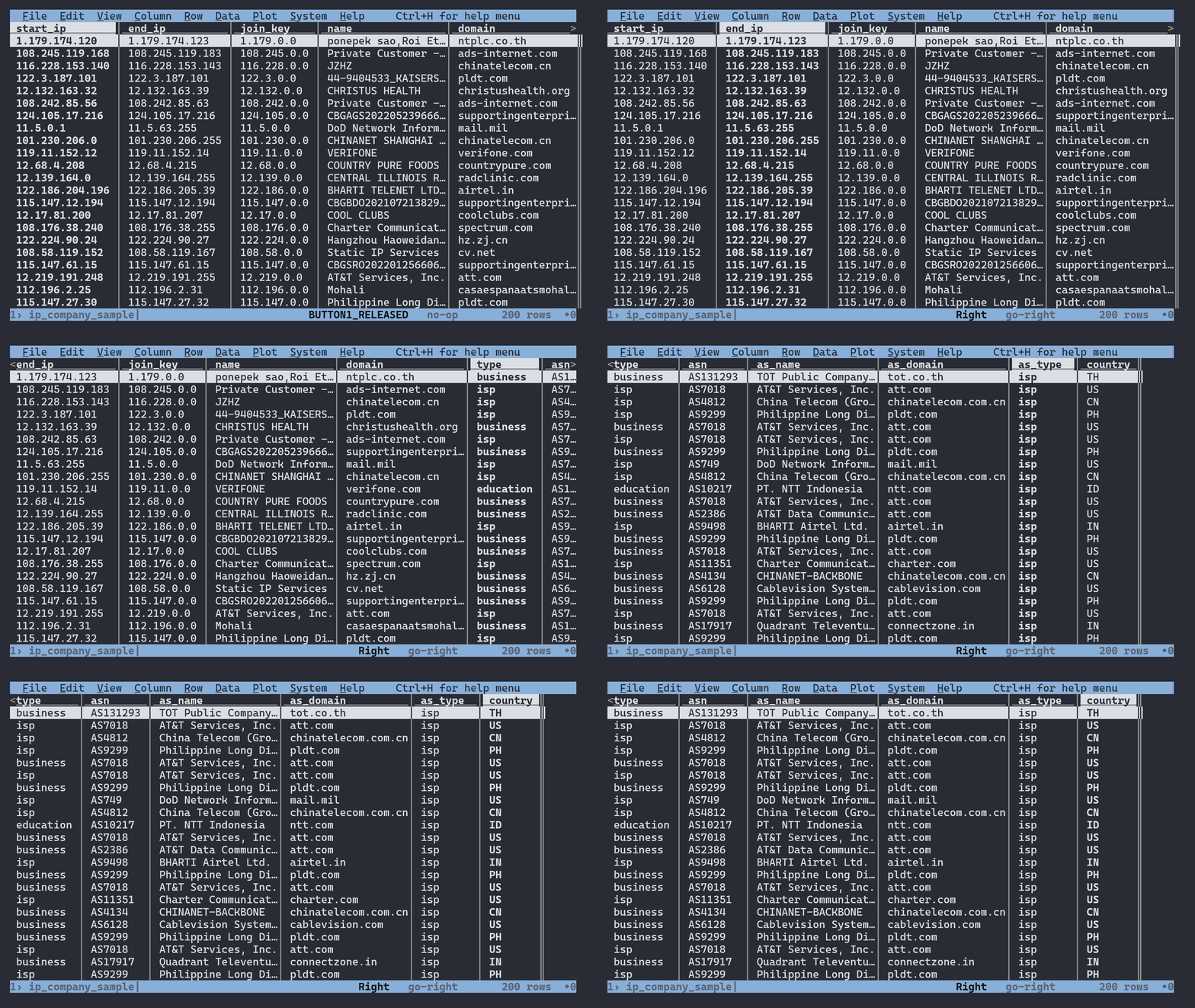
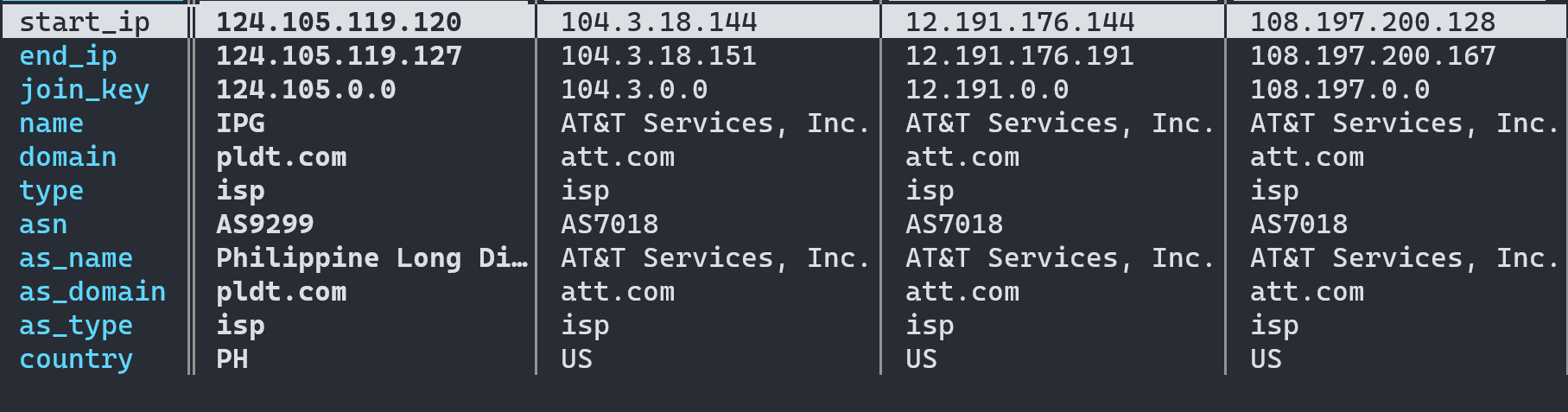
## Sample Database
- [IP to Company Sample Database — CSV](https://github.com/ipinfo/sample-database/blob/main/IP%20to%20Company/ip_company_sample.csv)
- [IP to Company Sample Database — JSON](https://github.com/ipinfo/sample-database/blob/main/IP%20to%20Company/ip_company_sample.json)
- [IP to Company Sample Database — MMDB](https://github.com/ipinfo/sample-database/blob/main/IP%20to%20Company/ip_company_sample.mmdb)
## Filename References
```bash
curl -L https://ipinfo.io/data/standard_company.csv.gz?token=$TOKEN -o standard_company.csv.gz
curl -L https://ipinfo.io/data/standard_company.mmdb?token=$TOKEN -o standard_company.mmdb
curl -L https://ipinfo.io/data/standard_company.json.gz?token=$TOKEN -o standard_company.json.gz
curl -L https://ipinfo.io/data/standard_company.parquet?token=$TOKEN -o standard_company.parquet
```
| File Format | Database Download URI | Sample Dataset URI |
|-------------|----------------------------------------------------------------------------------------------------------------------------------|----------------------------------------------------------------------------------------------|
| **CSV** | [https://ipinfo.io/data/**standard_company.csv.gz**?token=$TOKEN](https://ipinfo.io/data/standard_company.csv.gz?token=$TOKEN) | [https://ipinfo.io/data/sample/**company.csv**](https://ipinfo.io/data/sample/company.csv) |
| **JSON** | [https://ipinfo.io/data/**standard_company.json.gz**?token=$TOKEN](https://ipinfo.io/data/standard_company.json.gz?token=$TOKEN) | [https://ipinfo.io/data/sample/**company.json**](https://ipinfo.io/data/sample/company.json) |
| **MMDB** | [https://ipinfo.io/data/**standard_company.mmdb**?token=$TOKEN](https://ipinfo.io/data/standard_company.mmdb?token=$TOKEN) | [https://ipinfo.io/data/sample/**company.mmdb**](https://ipinfo.io/data/sample/company.mmdb) |
| **Parquet** | [https://ipinfo.io/data/**standard_company.parquet**?token=$TOKEN](https://ipinfo.io/data/standard_company.parquet?token=$TOKEN) | |
## Database File Metadata
## Links
- [IP to Company Database Download Page — IPinfo.io](https://ipinfo.io/data/ip-company)
- [IPinfo IP to Company — Snowflake Marketplace](https://app.snowflake.com/marketplace/listing/GZSTZ3VDMEX)
- [IPinfo Sample Database Repo — GitHub](https://github.com/ipinfo/sample-database/tree/main/IP%20to%20Company)
================================================================================
PAGE: ASN Database
URL: https://ipinfo.io/developers/asn-database
SLUG: asn-database
DESCRIPTION: Autonomous System Number (ASN) database with network ownership, organization details, and routing information.
================================================================================
# ASN Database Developer Resource
The [ASN (Autonomous System Number) database](/data/ip-asn) provides AS-related data such as IP ranges within the AS, ASN, domain name of the AS, name of the AS, AS type (ISP, hosting, government, education, business), and country of the AS.
## Database Schema
The ASN database contains the following fields:
| Field Name | Example | Data Type | Description |
| ---------- | ---------------- | --------- | ------------------------------------------------------------------------- |
| network | `115.76.56.0/23` | TEXT | CIDR or single IP address of the IP address block |
| asn | `AS7552` | TEXT | Autonomous System Number (ASN) |
| domain | `viettel.com.vn` | TEXT | Organization domain name of the ASN |
| name | `Viettel Group` | TEXT | Name of the ASN organization |
| type | `isp` | TEXT | ASN Type: ISP, Hosting, Education, Government or Business |
| country | `VN` | TEXT | ISO 3166 two letter country code of the ASN declared in the WHOIS records |
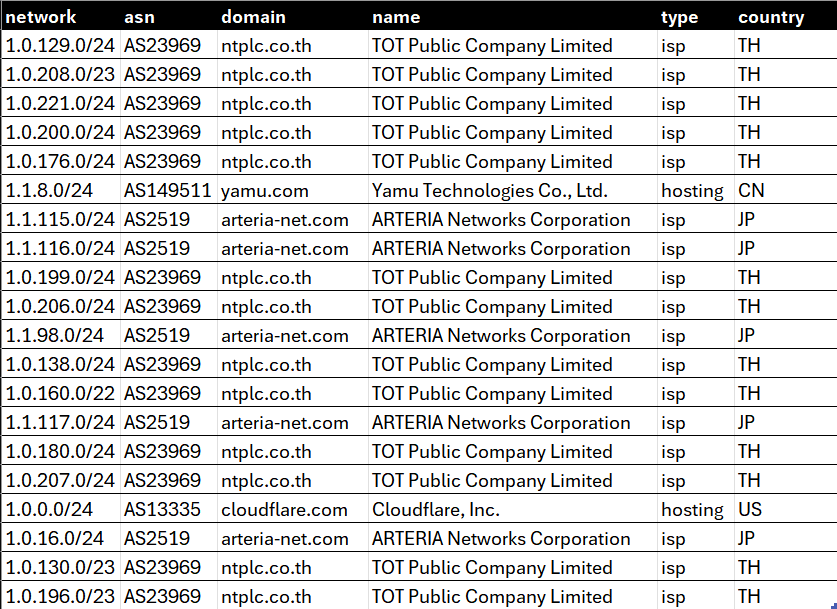
## Sample Databases
- [ASN Database Sample — CSV](https://github.com/ipinfo/sample-database/blob/main/ASN%20Database/ipinfo_asn_sample.csv)
- [ASN Database Sample — JSON](https://github.com/ipinfo/sample-database/blob/main/ASN%20Database/ipinfo_asn_sample.json)
- [ASN Database Sample — MMDB](https://github.com/ipinfo/sample-database/blob/main/ASN%20Database/ipinfo_asn_sample.mmdb)
## Filename references
```bash
curl -L https://ipinfo.io/data/ipinfo_asn.csv.gz?token=$TOKEN -o ipinfo_asn.csv.gz
curl -L https://ipinfo.io/data/ipinfo_asn.mmdb?token=$TOKEN -o ipinfo_asn.mmdb
curl -L https://ipinfo.io/data/ipinfo_asn.json.gz?token=$TOKEN -o ipinfo_asn.json.gz
curl -L https://ipinfo.io/data/ipinfo_asn.parquet?token=$TOKEN -o ipinfo_asn.parquet
```
| File Format | Database Download URI | Sample Dataset URI |
|-------------|----------------------------------------------------------------------------------------------------------------------|----------------------------------------------------------------------------------------------------|
| **CSV** | [https://ipinfo.io/data/**ipinfo_asn.csv.gz**?token=$TOKEN](https://ipinfo.io/data/ipinfo_asn.csv.gz?token=$TOKEN) | [https://ipinfo.io/data/sample/**ipinfo_asn.csv**](https://ipinfo.io/data/sample/ipinfo_asn.csv) |
| **JSON** | [https://ipinfo.io/data/**ipinfo_asn.json.gz**?token=$TOKEN](https://ipinfo.io/data/ipinfo_asn.json.gz?token=$TOKEN) | [https://ipinfo.io/data/sample/**ipinfo_asn.json**](https://ipinfo.io/data/sample/ipinfo_asn.json) |
| **MMDB** | [https://ipinfo.io/data/**ipinfo_asn.mmdb**?token=$TOKEN](https://ipinfo.io/data/ipinfo_asn.mmdb?token=$TOKEN) | [https://ipinfo.io/data/sample/**ipinfo_asn.mmdb**](https://ipinfo.io/data/sample/ipinfo_asn.mmdb) |
| **Parquet** | [https://ipinfo.io/data/**ipinfo_asn.parquet**?token=$TOKEN](https://ipinfo.io/data/ipinfo_asn.parquet?token=$TOKEN) | |
## File Metadata
*Last Updated: Oct 28, 2025 | Lines: 1,632,397*
| Filename | Size |
|--------------------|----------|
| ipinfo_asn.csv.gz | 12.71 MB |
| ipinfo_asn.json.gz | 14.17 MB |
| ipinfo_asn.mmdb | 13.51 MB |
| ipinfo_asn.parquet | 13.26 MB |
## Alternative Database Schema
**`standard_asn`**
The `standard_asn` data download is structured based on IP ranges (`start_ip` and `end_ip`) and includes the [`join_key`](https://community.ipinfo.io/t/ipinfos-join-key-column-explained/5526) column.
| Field Name | Example | Data Type | Description |
| ---------- | --------------------- | --------- | --------------------------------------------------------- |
| start_ip | `125.113.0.0` | TEXT | Starting IP address of the ASN IP address block |
| end_ip | `125.113.255.255` | TEXT | Ending IP address of the ASN IP address block |
| join_key | `125.113.0.0` | TEXT | Special variable to facilitate database `join` operation |
| asn | `AS4134` | TEXT | Autonomous System Number (ASN) |
| domain | `chinatelecom.com.cn` | TEXT | Domain name of the AS |
| name | `CHINANET-BACKBONE` | TEXT | Name of the ASN |
| type | `isp` | TEXT | ASN Type: ISP, Hosting, Education, Government or Business |
| country | `CN` | TEXT | ISO 3166 country code of the ASN from the WHOIS records |
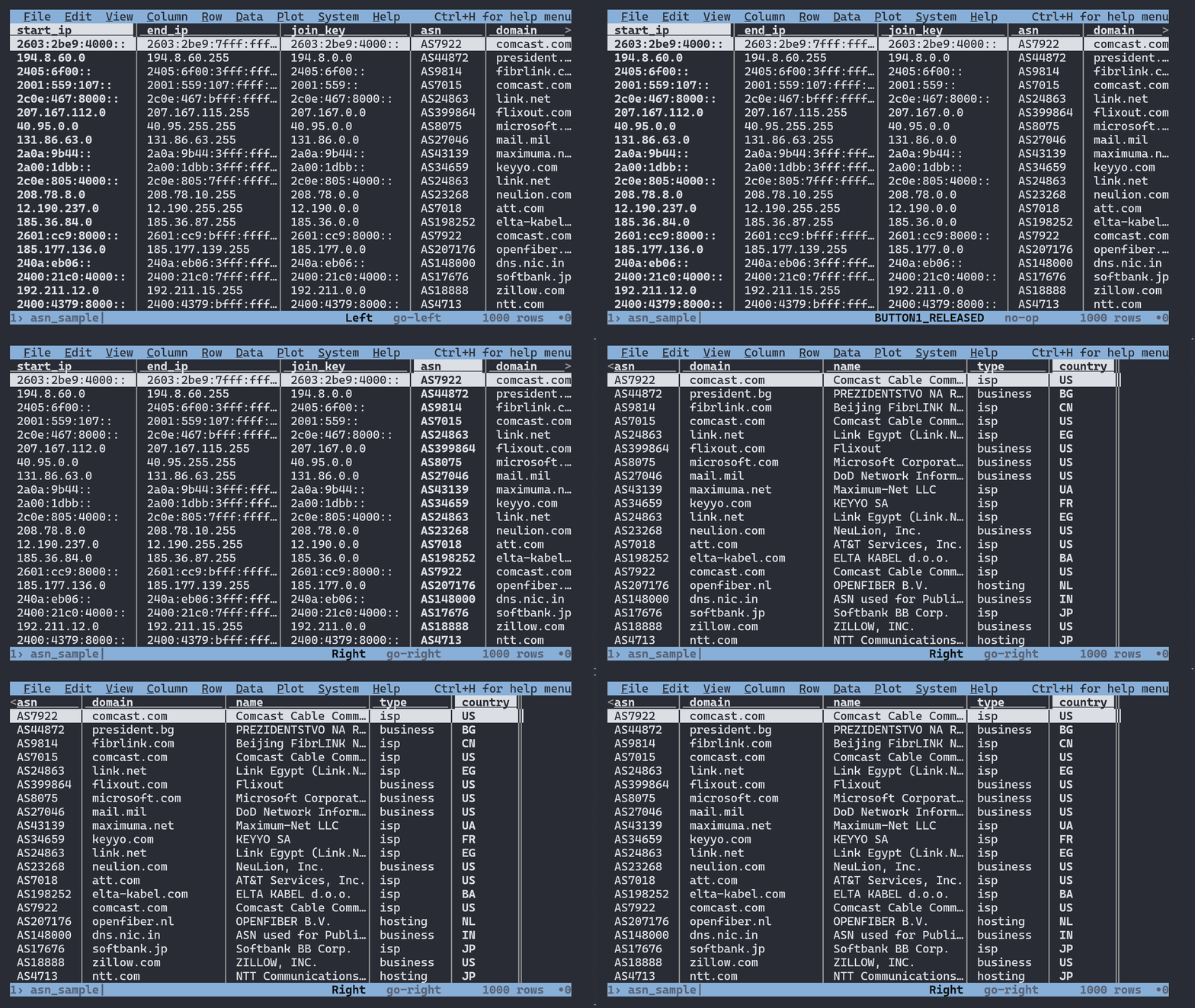
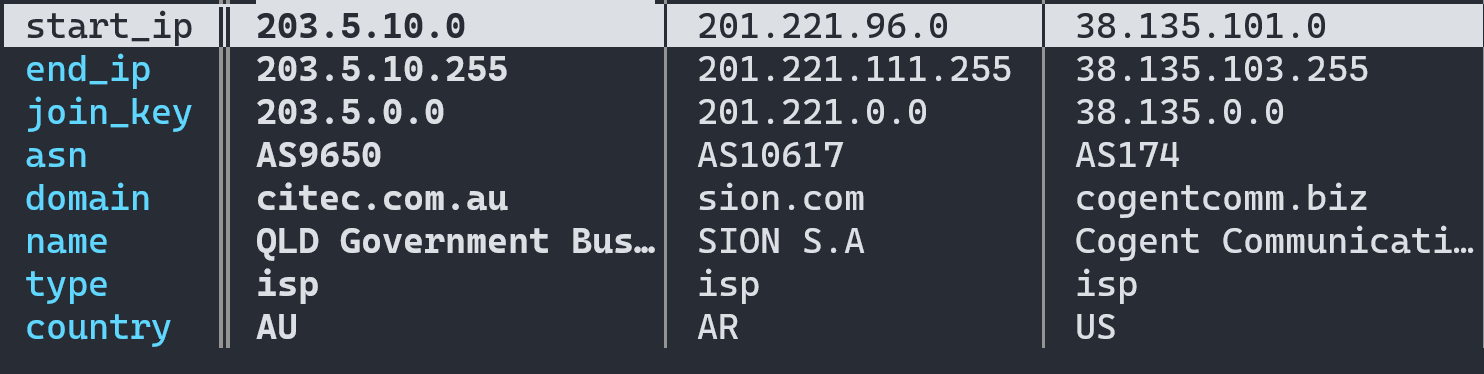
Samples
- [Standard ASN Database Sample — CSV](https://github.com/ipinfo/sample-database/blob/main/ASN%20Database/asn_sample.csv)
- [Standard ASN Database Sample — JSON](https://github.com/ipinfo/sample-database/blob/main/ASN%20Database/asn_sample.json)
- [Standard ASN Database Sample — MMDB](https://github.com/ipinfo/sample-database/blob/main/ASN%20Database/asn_sample.mmdb)
## Links
- [ASN Database Downloads Page — IPinfo.io](https://ipinfo.io/data/ip-asn)
- [IPinfo IP Address to ASN — Snowflake Marketplace](https://app.snowflake.com/marketplace/listing/GZSTZ3VDMFM)
- [IPinfo Sample Database Repo — GitHub](https://github.com/ipinfo/sample-database/tree/main/ASN%20Database)
================================================================================
PAGE: IP to Mobile Carrier Database
URL: https://ipinfo.io/developers/ip-to-mobile-carrier-database
SLUG: ip-to-mobile-carrier-database
DESCRIPTION: Identify mobile carrier networks and detect mobile device IPs for targeted mobile user experiences.
================================================================================
# IP to Mobile Carrier Database Developer Resource
IPinfo’s [IP to Mobile Carrier Database](/data/ip-carrier) provides insights such as IP addresses of mobile devices and their respective carrier name, mobile country code (MCC) and mobile country name (MNC).
## Database Schema
The IP to Mobile Carrier Database contains the following fields:
| Field Name | Example | Data Type | Description |
| ---------- | ---------------- | --------- | ------------------------------------------------- |
| network | `90.50.223.0/24` | TEXT | CIDR or single IP address of the IP address block |
| name | `Orange` | TEXT | Name of the mobile carrier organization |
| country | `FR` | TEXT | ISO 3166 country code of the IP addresses |
| mcc | `208` | INTEGER | Mobile Country Code (MCC) of the carrier |
| mnc | `01` | INTEGER | Mobile Network Code (MNC) of the carrier |
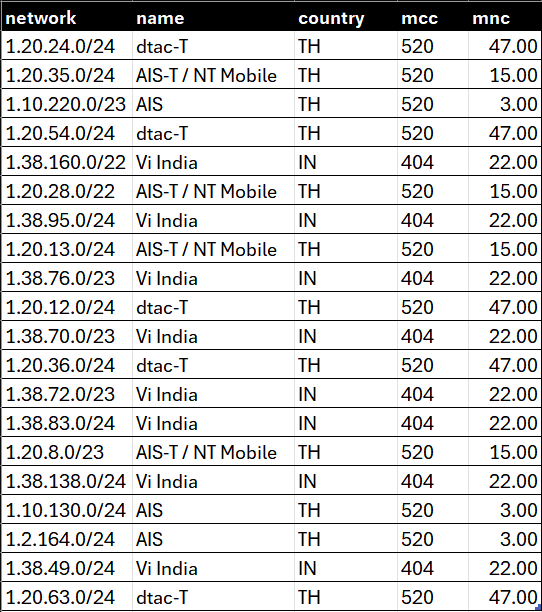
## Sample Database
- [IP Carrier Database Sample — CSV](https://github.com/ipinfo/sample-database/blob/main/IP%20to%20Mobile%20Carrier/ipinfo_carrier_sample.csv)
- [IP Carrier Database Sample — JSON](https://github.com/ipinfo/sample-database/blob/main/IP%20to%20Mobile%20Carrier/ipinfo_carrier_sample.json)
- [IP Carrier Database Sample — MMDB](https://github.com/ipinfo/sample-database/blob/main/IP%20to%20Mobile%20Carrier/ipinfo_carrier_sample.mmdb)
## Filename References
```bash
curl -L https://ipinfo.io/data/ipinfo_carrier.csv.gz?token=$TOKEN -o ipinfo_carrier.csv.gz
curl -L https://ipinfo.io/data/ipinfo_carrier.mmdb?token=$TOKEN -o ipinfo_carrier.mmdb
curl -L https://ipinfo.io/data/ipinfo_carrier.json.gz?token=$TOKEN -o ipinfo_carrier.json.gz
curl -L https://ipinfo.io/data/ipinfo_carrier.parquet?token=$TOKEN -o ipinfo_carrier.parquet
```
| File Format | Database Download URI | Sample Dataset URI |
|-------------|------------------------------------------------------------------------------------------------------------------------------|------------------------------------------------------------------------------------------------------------|
| **CSV** | [https://ipinfo.io/data/**ipinfo_carrier.csv.gz**?token=$TOKEN](https://ipinfo.io/data/ipinfo_carrier.csv.gz?token=$TOKEN) | [https://ipinfo.io/data/sample/**ipinfo_carrier.csv**](https://ipinfo.io/data/sample/ipinfo_carrier.csv) |
| **JSON** | [https://ipinfo.io/data/**ipinfo_carrier.json.gz**?token=$TOKEN](https://ipinfo.io/data/ipinfo_carrier.json.gz?token=$TOKEN) | [https://ipinfo.io/data/sample/**ipinfo_carrier.json**](https://ipinfo.io/data/sample/ipinfo_carrier.json) |
| **MMDB** | [https://ipinfo.io/data/**ipinfo_carrier.mmdb**?token=$TOKEN](https://ipinfo.io/data/ipinfo_carrier.mmdb?token=$TOKEN) | [https://ipinfo.io/data/sample/**ipinfo_carrier.mmdb**](https://ipinfo.io/data/sample/ipinfo_carrier.mmdb) |
| **Parquet** | [https://ipinfo.io/data/**ipinfo_carrier.parquet**?token=$TOKEN](https://ipinfo.io/data/ipinfo_carrier.parquet?token=$TOKEN) | |
## Database File Metadata
## Alternative Database Schema
**`standard_carrier`**
The `standard_carrier` data download is structured based on IP ranges (`start_ip` and `end_ip`) and includes the [`join_key`](https://community.ipinfo.io/t/ipinfos-join-key-column-explained/5526) column.
| Field Name | Example | Data Type | Description |
| ---------- | ------------------------------------------ | --------- | -------------------------------------------------------- |
| start_ip | `5.208.203.0` | TEXT | Starting IP address of an IP address range |
| end_ip | `5.208.203.255` | TEXT | Ending IP address of an IP address range |
| join_key | `5.208.0.0` | TEXT | Special variable to facilitate database `join` operation |
| name | `Mobile Communication Company of Iran PLC` | TEXT | Name of the mobile carrier |
| country | `IR` | TEXT | ISO 3166 country code of the IP addresses |
| mcc | `432` | TEXT | Mobile Country Code (MCC) of the carrier |
| mnc | `11` | TEXT | Mobile Network Code (MNC) of the carrier |
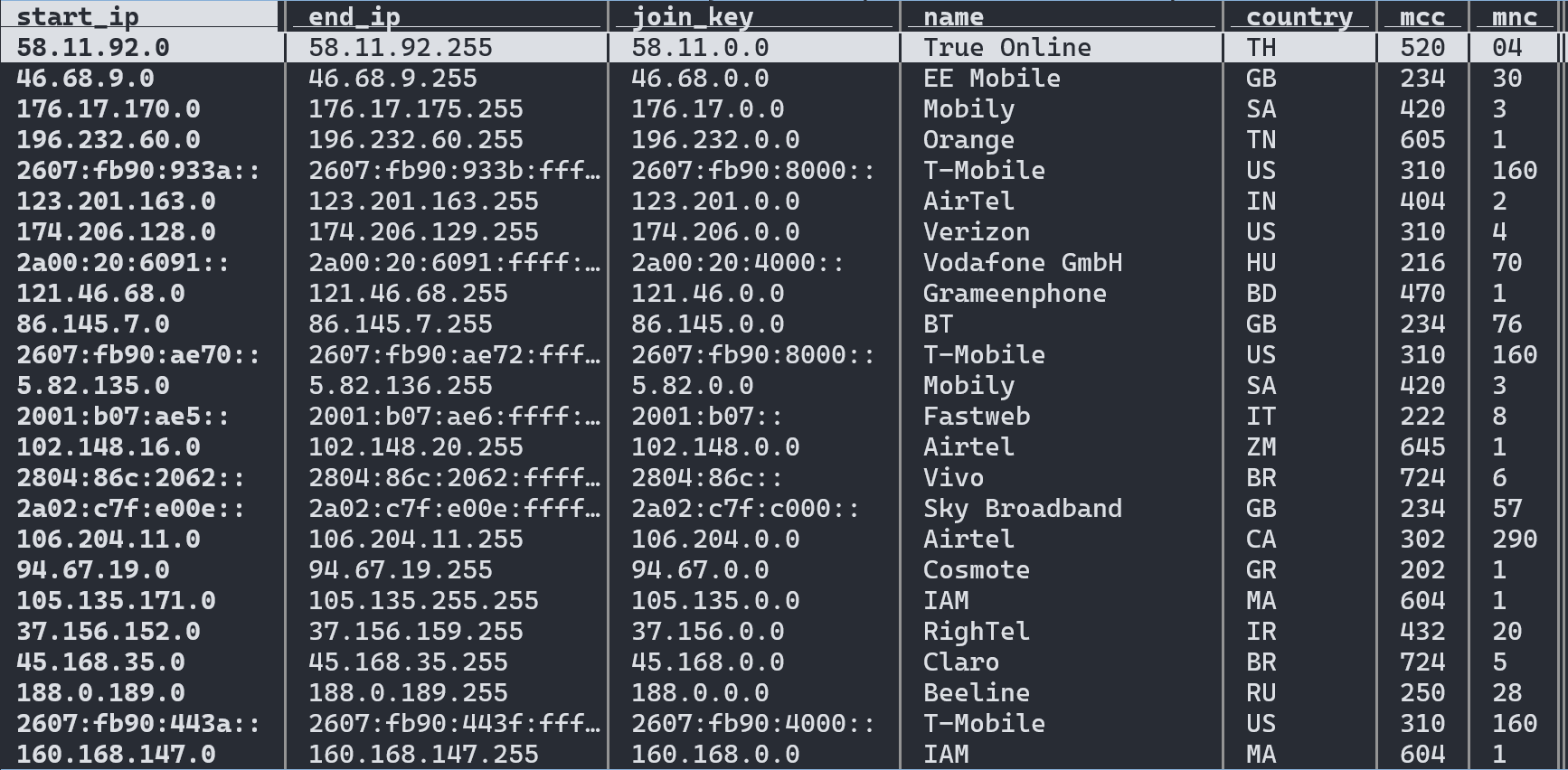
Samples
- [Standard Carrier Database Sample — CSV](https://github.com/ipinfo/sample-database/blob/main/IP%20to%20Mobile%20Carrier/ip_carrier_sample.csv)
- [Standard Carrier Database Sample — JSON](https://github.com/ipinfo/sample-database/blob/main/IP%20to%20Mobile%20Carrier/ip_carrier_sample.json)
- [Standard Carrier Database Sample — MMDB](https://github.com/ipinfo/sample-database/blob/main/IP%20to%20Mobile%20Carrier/ip_carrier_sample.mmdb)
## Links
- [IP to Mobile Carrier Database Download Page — IPinfo.io](https://ipinfo.io/data/ip-carrier)
- [IPinfo IP address to Mobile Carrier — Snowflake Marketplace](https://app.snowflake.com/marketplace/listing/GZSTZ3VDMF6)
- [IPinfo Sample Database Repo — GitHub](https://github.com/ipinfo/sample-database/tree/main/IP%20to%20Mobile%20Carrier)
================================================================================
PAGE: Hosted Domains Database
URL: https://ipinfo.io/developers/hosted-domains-database
SLUG: hosted-domains-database
DESCRIPTION: Complete list of domains hosted on each IP address for competitive intelligence and security research.
================================================================================
# Hosted Domains Database Developer Resource
[Hosted Domains or Reverse IP database](/data/hosted-domains) shows the number and the list of domains hosted on an IP Address. The Hosted Domains database contains upto 1,000 domains per IP address entry.
## Database Schema
The Hosted Domains database contains the following fields:
| Field Name | Example | Data Type | Description |
| ---------- | ------------------------------------------------------------------------------------- | --------- | ---------------------------------------------- |
| `ip` | 198.35.26.98 | TEXT | IP address for reverse IP lookup |
| `total` | 101 | INTEGER | Number of domains registered to the IP Address |
| `domains` | wikipedia.com,wikimedia.biz,wikepedia.org,wikimedia.community,wiki-pedia.org,... | TEXT | Name of the domain(s) under the IP address |
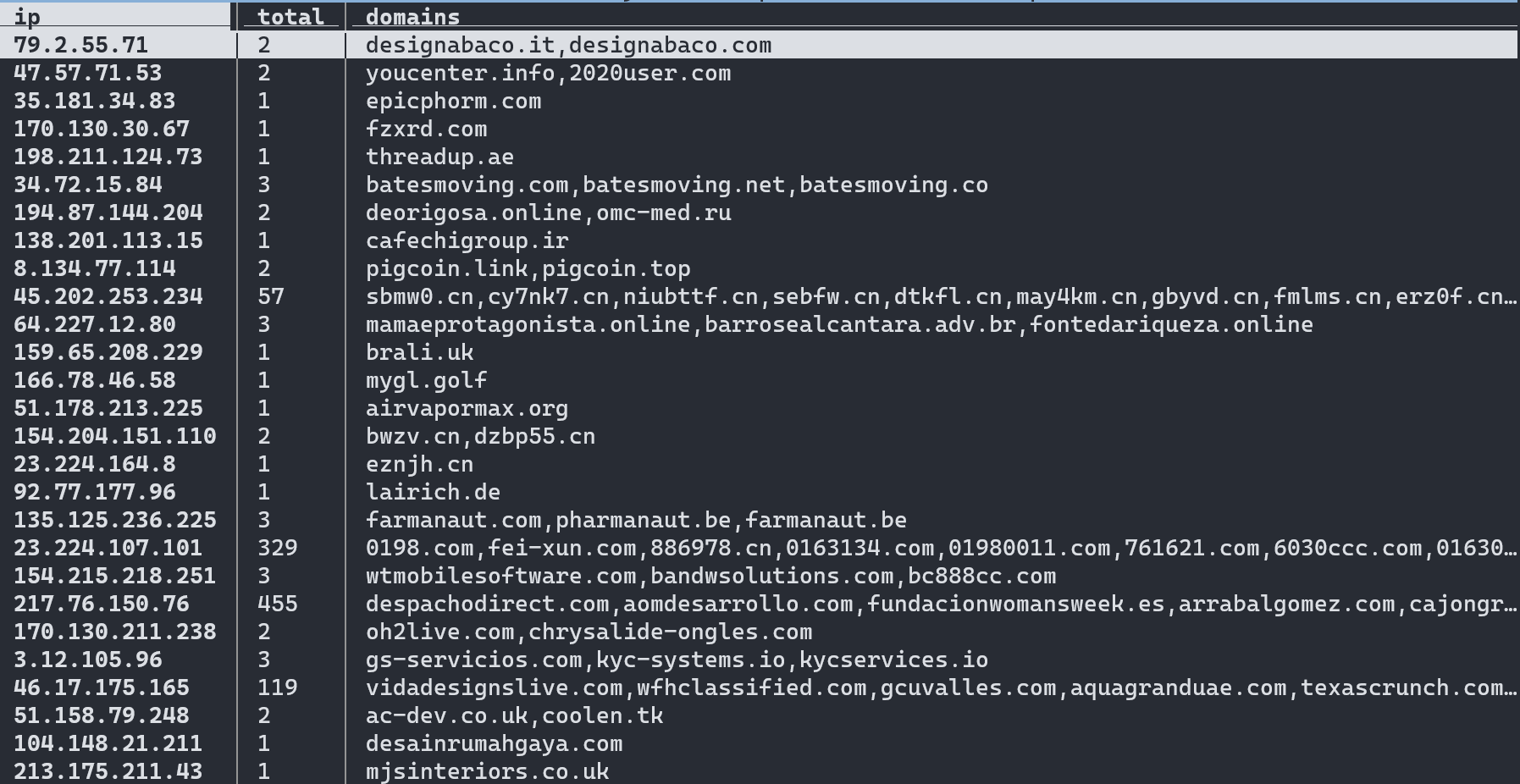
## Sample Database
- [Hosted Domains Sample Database — CSV](https://github.com/ipinfo/sample-database/blob/main/Hosted%20Domains/hosted_domains_sample.csv)
- [Hosted Domains Sample Database — JSON](https://raw.githubusercontent.com/ipinfo/sample-database/main/Hosted%20Domains/hosted_domains_sample.json)
- [Hosted Domains Sample Database — MMDB](https://github.com/ipinfo/sample-database/blob/main/Hosted%20Domains/hosted_domains_sample.mmdb)
## Filename References
```bash
curl -L https://ipinfo.io/data/standard_ip_hosted_domains.csv.gz?token=$TOKEN -o standard_ip_hosted_domains.csv.gz
curl -L https://ipinfo.io/data/standard_ip_hosted_domains.mmdb?token=$TOKEN -o standard_ip_hosted_domains.mmdb
curl -L https://ipinfo.io/data/standard_ip_hosted_domains.json.gz?token=$TOKEN -o standard_ip_hosted_domains.json.gz
```
| File Format | Database Download URI | Sample Dataset URI |
|-------------|------------------------------------------------------------------------------------------------------------------------------------------------------|------------------------------------------------------------------------------------------------------------------------------------|
| **CSV** | [https://ipinfo.io/data/**standard_ip_hosted_domains.csv.gz**?token=$TOKEN](https://ipinfo.io/data/standard_ip_hosted_domains.csv.gz?token=$TOKEN) | [https://ipinfo.io/data/sample/**standard_ip_hosted_domains.csv**](https://ipinfo.io/data/sample/standard_ip_hosted_domains.csv) |
| **JSON** | [https://ipinfo.io/data/**standard_ip_hosted_domains.json.gz**?token=$TOKEN](https://ipinfo.io/data/standard_ip_hosted_domains.json.gz?token=$TOKEN) | [https://ipinfo.io/data/sample/**standard_ip_hosted_domains.json**](https://ipinfo.io/data/sample/standard_ip_hosted_domains.json) |
| **MMDB** | [https://ipinfo.io/data/**standard_ip_hosted_domains.mmdb**?token=$TOKEN](https://ipinfo.io/data/standard_ip_hosted_domains.mmdb?token=$TOKEN) | [https://ipinfo.io/data/sample/**standard_ip_hosted_domains.mmdb**](https://ipinfo.io/data/sample/standard_ip_hosted_domains.mmdb) |
## Database File Metadata
## Links
- [Hosted Domains Database Download Page — IPinfo.io](https://ipinfo.io/data/hosted-domains)
- [IPinfo Hosted Domains — Snowflake Marketplace](https://app.snowflake.com/marketplace/listing/GZSTZ3VDMF2)
- [IPinfo Sample Database Repo — GitHub](https://github.com/ipinfo/sample-database/tree/main/Hosted%20Domains)
================================================================================
PAGE: IP Abuse Contact Database
URL: https://ipinfo.io/developers/abuse-contact-database
SLUG: abuse-contact-database
DESCRIPTION: Abuse contact information for IP ranges to report malicious activity and security incidents.
================================================================================
# IP Abuse Contact Database
The [Abuse Contact database](https://ipinfo.io/data/ip-abuse-contact) provides abuse contact information of ISPs and hosting services for reporting malicious activities.
## Database Schema
The Abuse Contact database contains the following fields:
| Field Name | Example | Data Type | Description |
| ---------- | ------------------------------------------------- | --------- | --------------------------------------------------------- |
| `start_ip` | 119.93.20.248 | TEXT | Starting IP address of an IP address block |
| `end_ip` | 119.93.20.255 | TEXT | Ending IP address of an IP address block |
| `join_key` | 119.93.0.0 | TEXT | Special variable to make join operations incredibly fast. |
| `name` | Nilo Agir | TEXT | Name of the abuse contact |
| `email` | mailto:abuse@pldt.net | TEXT | Organizational email of the abuse contact |
| `address` | Philippine Long Distance Telephone Company, 6/... | TEXT | Organizational address of the abuse contact |
| `country` | PH | TEXT | ISO 3166 country code |
| `phone` | +632-584-1045 | TEXT | Organizational phone number of the abuse contact |
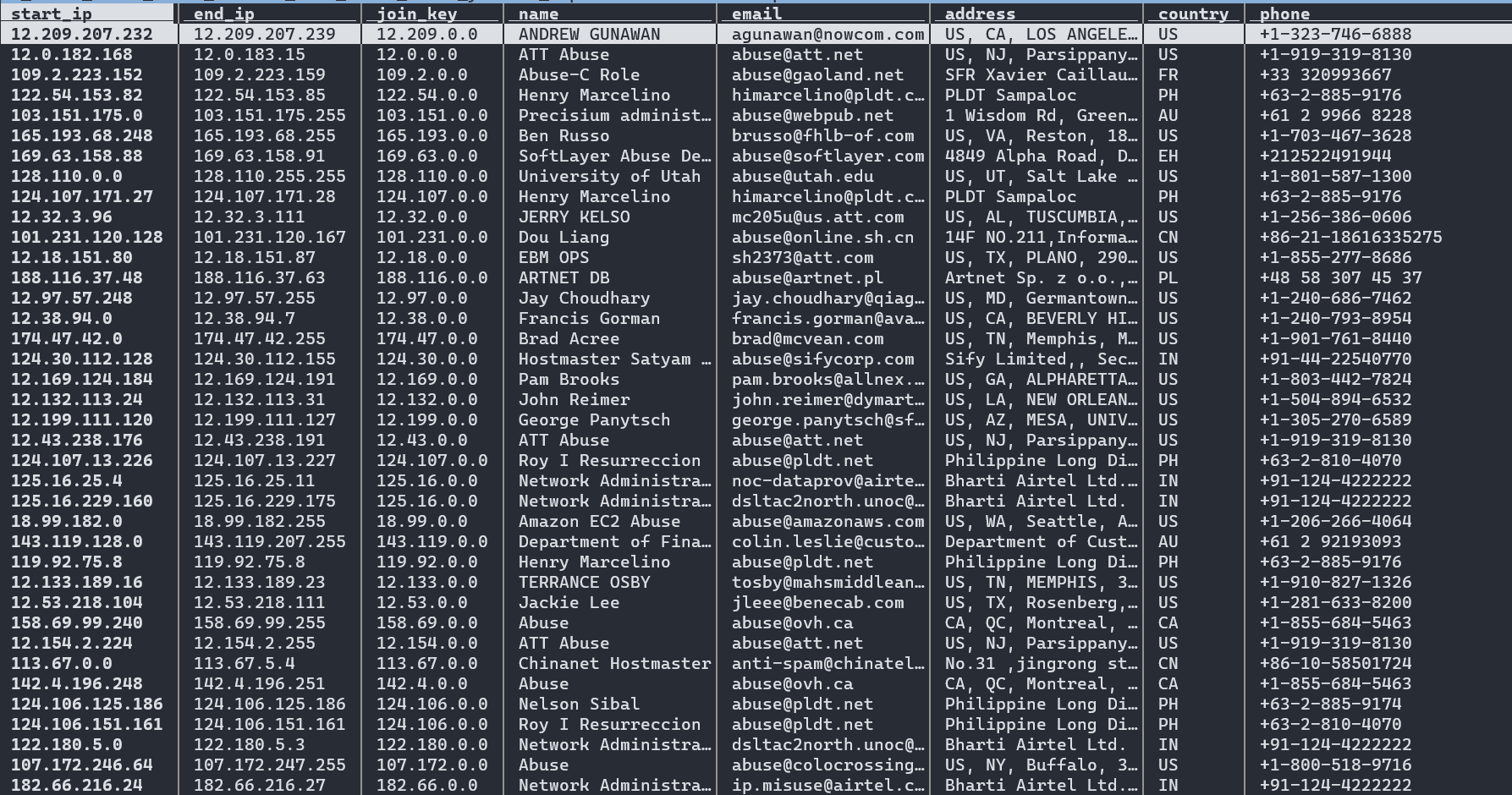
## Sample Database
- [Abuse Contact Sample Database — CSV](https://github.com/ipinfo/sample-database/blob/main/Abuse%20Contact/abuse_contact_sample.csv)
- [Abuse Contact Sample Database — JSON](https://github.com/ipinfo/sample-database/blob/main/Abuse%20Contact/abuse_contact_sample.json)
- [Abuse Contact Sample Database — MMDB](https://github.com/ipinfo/sample-database/blob/main/Abuse%20Contact/abuse_contact_sample.mmdb)
## Filename References
```bash
curl -L https://ipinfo.io/data/standard_abuse.csv.gz?token=$TOKEN -o standard_abuse.csv.gz
curl -L https://ipinfo.io/data/standard_abuse.mmdb?token=$TOKEN -o standard_abuse.mmdb
curl -L https://ipinfo.io/data/standard_abuse.json.gz?token=$TOKEN -o standard_abuse.json.gz
```
| File Format | Database Download URI | Sample Dataset URI |
|-------------|------------------------------------------------------------------------------------------------------------------------------|------------------------------------------------------------------------------------------------------------|
| **CSV** | [https://ipinfo.io/data/**standard_abuse.csv.gz**?token=$TOKEN](https://ipinfo.io/data/standard_abuse.csv.gz?token=$TOKEN) | [https://ipinfo.io/data/sample/**standard_abuse.csv**](https://ipinfo.io/data/sample/standard_abuse.csv) |
| **JSON** | [https://ipinfo.io/data/**standard_abuse.json.gz**?token=$TOKEN](https://ipinfo.io/data/standard_abuse.json.gz?token=$TOKEN) | [https://ipinfo.io/data/sample/**standard_abuse.json**](https://ipinfo.io/data/sample/standard_abuse.json) |
| **MMDB** | [https://ipinfo.io/data/**standard_abuse.mmdb**?token=$TOKEN](https://ipinfo.io/data/standard_abuse.mmdb?token=$TOKEN) | [https://ipinfo.io/data/sample/**standard_abuse.mmdb**](https://ipinfo.io/data/sample/standard_abuse.mmdb) |
## File Metadata
*Last Updated: Oct 28, 2025 | Lines: 36,775,980*
| Filename | Size |
|------------------------|-----------|
| standard_abuse.csv.gz | 363.86 MB |
| standard_abuse.json.gz | 396.11 MB |
| standard_abuse.mmdb | 717.39 MB |
## Use Cases
- [Abuse Contact Database Download Page — IPinfo.io](https://ipinfo.io/data/ip-abuse-contact)
- [IPinfo Sample Database Repo — GitHub](https://github.com/ipinfo/sample-database/tree/main/Abuse%20Contact)
================================================================================
PAGE: IP WHOIS Database
URL: https://ipinfo.io/developers/ip-whois-database
SLUG: ip-whois-database
DESCRIPTION: Complete IP WHOIS records with registration details, network ownership, and contact information.
================================================================================
# IP WHOIS Developer Resource
Comprehensive, contextual, and updated [IP WHOIS database](/data/whois) allows you to look up an IP address and domain ownership, point of contact, organization, networks etc. The different types of WHOIS database we offer are:
- RWHOIS
- RIR WHOIS
- Additional Databases
- WHOIS ASN (Autonomous System Numbers)
- WHOIS MNT (Maintainer)
- WHOIS NET (Network)
- WHOIS ORG (Organization)
- WHOIS POC (Point of Contact)
## RWHOIS Database
Parsed and normalized data we have collected from different Referral Whois (RWHOIS) servers. We also provide additional fields to provide context to the data. The RWHOIS database contains the following fields:
| Field Name | Example | Data Type | Description |
| ----------- | ----------------------------------- | --------- | ------------------------------------------------------------ |
| `range` | 50.28.18.195 | TEXT | IP Address range/netblock |
| `id` | NETBLK-GRADOCEROPUB.50.28.18.195/32 | TEXT | Raw netblock identifier from WHOIS |
| `name` | Grado Cero Publicidad S.A. de C.V. | TEXT | Name of netblock |
| `descr` | GRADOCEROPUB-50.28.18.195 | TEXT | Description |
| `host` | rwhois.liquidweb.com:4321 | TEXT | RWHOIS server hostname and port |
| `email` | mailto:webmaster@gradocero.com | TEXT | Contact email information |
| `abuse` | mailto:abuse@sourcedns.com | TEXT | Abuse email information |
| `domain` | gradocero.com | TEXT | Domain associated with the netblock |
| `country` | MX | TEXT | Stated country of the IP address/hostname in ISO 3166 format |
| `city` | Naucalpan de Juarez | TEXT | City information |
| `street` | Calle Andes #46 | TEXT | Street information |
| `postal` | 53125 | TEXT | Postal Code information |
| `updated` | 2021-01-26 00:00:00 | TEXT | Update date in the WHOIS registry |
| `imported` | 2021-01-27 04:44:47.206483 | TEXT | Imported date in the WHOIS registry |
| File Format | Database Download URI | Sample Dataset URI |
|-------------|--------------------------------------------------------------------------------------------------------------|--------------------------------------------------------------------------------------------|
| **CSV** | [https://ipinfo.io/data/**rwhois.csv.gz**?token=$TOKEN](https://ipinfo.io/data/rwhois.csv.gz?token=$TOKEN) | [https://ipinfo.io/data/sample/**rwhois.csv**](https://ipinfo.io/data/sample/rwhois.csv) |
| **JSON** | [https://ipinfo.io/data/**rwhois.json.gz**?token=$TOKEN](https://ipinfo.io/data/rwhois.json.gz?token=$TOKEN) | [https://ipinfo.io/data/sample/**rwhois.json**](https://ipinfo.io/data/sample/rwhois.json) |
| **MMDB** | | [https://ipinfo.io/data/sample/**rwhois.mmdb**](https://ipinfo.io/data/sample/rwhois.mmdb) |
## RIR WHOIS Database
RIR WHOIS data is created by parsing IP WHOIS data from the Regional Internet Registries (RIR). Aside from normalizing and structuring the data from different RIR, we include additional contexts and insights. The RIR WHOIS Database can be found from here:
| Field Name | Example | Data Type | Description |
| -------------- | ------------------------------------------ | --------- | -------------------------------------------------------------------------------------------------------------------- |
| `range` | 45.142.160.224-45.142.161.255 | TEXT | IP Address range/netblock |
| `id` | PL-DOMYNET-NETWORK | TEXT | Raw netblock identifier from WHOIS |
| `name` | DomyNet Sp. z o.o. | TEXT | Name of netblock |
| `country` | PL | TEXT | ISO 3166 country code |
| `status` | ASSIGNED PA | TEXT | Range assignment type (https://www.ripe.net/publications/docs/ripe-733) |
| `tech` | PK9274-RIPE | TEXT | ID for technical contact of WHOIS record |
| `maintainer` | MNT-PL-DOMYNET-1 | TEXT | ID for contact authorized to update WHOIS record for netblock |
| `admin` | PK9274-RIPE | TEXT | ID for administrative contact of netblock |
| `source` | ripe | TEXT | RIR associated with record (RIPE, ARIN, etc.) |
| `whois_domain` | domynet.pl | TEXT | Domain name (from WHOIS entry) |
| `updated` | 2020-01-09 | TEXT | Last updated date (taken from WHOIS entry) |
| `org` | ORG-DSZO39-RIPE | TEXT | ID or name of organization responsible for netblock |
| `rdns_domain` | domynet.pl | TEXT | Domain associated with IP range (only available if a majority of IPs within range share a common reverse DNS domain) |
| `domain` | domynet.pl | TEXT | Domain associated with netblock (based on our data sets) |
| `geoloc` | 52.2260524 20.9941955 | TEXT | Latitude/longitude coordinates indicating where users of network are located |
| `org_address` | ul. Lindleya 16/301 02-013 Warszawa POLAND | TEXT | Address of the associated organization |
| `asn` | AS208348 | TEXT | Autonomous system number for organization that routes traffic for IP (based on BGP routing data) |
| `as_name` | DomyNet Sp. z o.o. | TEXT | Name of AS (based on our data sets and data processing) |
| `as_domain` | domynet.pl | TEXT | Domain of AS (based on our data sets and data processing) |
| `as_type` | isp | TEXT | ISP, business, or hosting (based on around 20 different features and our custom training set) |
| File Format | Database Download URI | Sample Dataset URI |
|-------------|--------------------------------------------------------------------------------------------------------|--------------------------------------------------------------------------------------|
| **CSV** | [https://ipinfo.io/data/**rir.csv.gz**?token=$TOKEN](https://ipinfo.io/data/rir.csv.gz?token=$TOKEN) | [https://ipinfo.io/data/sample/**rir.csv**](https://ipinfo.io/data/sample/rir.csv) |
| **JSON** | [https://ipinfo.io/data/**rir.json.gz**?token=$TOKEN](https://ipinfo.io/data/rir.json.gz?token=$TOKEN) | [https://ipinfo.io/data/sample/**rir.json**](https://ipinfo.io/data/sample/rir.json) |
| **MMDB** | | [https://ipinfo.io/data/sample/**rir.mmdb**](https://ipinfo.io/data/sample/rir.mmdb) |
Information and sample of other RIR databases data can be found [here](https://github.com/ipinfo/sample-database/tree/main/WHOIS).
## Database File Metadata
*Last Updated: Oct 28, 2025*
| File Format | Filename | Size | Lines |
|-------------|------------------|-----------|------------|
| **CSV** | `rir.csv.gz` | 353.65 MB | 11,316,654 |
| **JSON** | `rir.json.gz` | 413.72 MB | 11,316,654 |
| **CSV** | `rwhois.csv.gz` | 32.05 MB | 691,357 |
| **JSON** | `rwhois.json.gz` | 38.18 MB | 691,357 |
## Sample Databases
- [RWHOIS Sample Database — CSV](https://github.com/ipinfo/sample-database/blob/main/WHOIS/rwhois_sample.csv)
- [RIR WHOIS Sample Database — CSV](https://github.com/ipinfo/sample-database/blob/main/WHOIS/whois_rir_sample.csv)
- [RWHOIS Sample Database — JSON](https://github.com/ipinfo/sample-database/blob/main/WHOIS/rwhois_sample.json)
- [RIR WHOIS Sample Database — JSON](https://github.com/ipinfo/sample-database/blob/main/WHOIS/whois_rir_sample.json)
- [RWHOIS Sample Database — MMDB](https://github.com/ipinfo/sample-database/blob/main/WHOIS/rwhois_sample.mmdb)
- [RIR WHOIS Sample Database — MMDB](https://github.com/ipinfo/sample-database/blob/main/WHOIS/whois_rir_sample.mmdb)
## Links
- [WHOIS Database Download Page — IPinfo.io](https://ipinfo.io/data/whois)
- [IP WHOIS Summary Database — Snowflake Marketplace](https://app.snowflake.com/marketplace/listing/GZSTZ3VDMFE)
- [IP WHOIS Full Database — Snowflake Marketplace](https://app.snowflake.com/marketplace/listing/GZSTZ3VDMFY)
- [IPinfo Sample Database Repo — GitHub](https://github.com/ipinfo/sample-database/tree/main/WHOIS)
================================================================================
PAGE: IP to Geolocation Database (Extended)
URL: https://ipinfo.io/developers/ip-to-geolocation-extended
SLUG: ip-to-geolocation-extended
DESCRIPTION: IP to geolocation extended database offers comprehensive data such as city, region/state, country, geographic coordinates, and more.
================================================================================
# IP to Geolocation Extended Database Developer Resource
IP to Geolocation Extended database offers comprehensive geolocation information such as city, region/state, country, postal code, timezone, and geographic coordinates (latitude & longitude). Additionally, it includes data accuracy measurement in the form of radius data.
## Database Schema
IP Location extended database contains the following fields:
| Field Name | Example | Data Type | Description |
| ------------- | ------------------- | --------- | --------------------------------------------------------- |
| `start_ip` | 171.71.0.0 | TEXT | Starting IP address of an IP address range |
| `end_ip` | 171.71.127.255 | TEXT | Ending IP address of an IP address range |
| `join_key` | 171.71.0.0 | TEXT | Special variable to facilitate join operation |
| `city` | San Jose | TEXT | City of the location |
| `region` | California | TEXT | Region of the location |
| `country` | US | TEXT | ISO 3166 country code of the location |
| `latitude` | 37.4087 | TEXT | Latitude value of the location |
| `longitude` | -121.9406 | TEXT | Longitude value of the location |
| `postal_code` | 95134 | TEXT | Postal code of the location |
| `timezone` | America/Los_Angeles | TEXT | Local time zone |
| `geoname_id` | 5392171 | INTEGER | `geonameId` from [geonames.org](https://www.geonames.org) |
| `radius` | 5 | INTEGER | Accuracy radius in terms of kilometers |

## Sample Databases
- [IP Geolocation (Extended) Sample Database — CSV](https://github.com/ipinfo/sample-database/blob/main/IP%20Geolocation%20Extended/ip_geolocation_extended_sample.csv)
- [IP Geolocation (Extended) Sample Database — JSON](https://github.com/ipinfo/sample-database/blob/main/IP%20Geolocation%20Extended/ip_geolocation_extended_sample.json)
- [IP Geolocation (Extended) Sample Database — MMDB](https://github.com/ipinfo/sample-database/blob/main/IP%20Geolocation%20Extended/ip_geolocation_extended_sample.mmdb)
- [IP Geolocation (Extended) Sample Database - IPv4 — CSV](https://github.com/ipinfo/sample-database/blob/main/IP%20Geolocation%20Extended/ip_geolocation_extended_ipv4_sample.csv)
- [IP Geolocation (Extended) Sample Database - IPv4 — JSON](https://github.com/ipinfo/sample-database/blob/main/IP%20Geolocation%20Extended/ip_geolocation_extended_ipv4_sample.json)
- [IP Geolocation (Extended) Sample Database - IPv4 — MMDB](https://github.com/ipinfo/sample-database/blob/main/IP%20Geolocation%20Extended/ip_geolocation_extended_ipv4_sample.mmdb)
## Filename References
```bash
curl -L https://ipinfo.io/data/location_extended_v2.csv.gz?token=$TOKEN -o location_extended_v2.csv.gz
curl -L https://ipinfo.io/data/location_extended_v2.mmdb?token=$TOKEN -o location_extended_v2.mmdb
curl -L https://ipinfo.io/data/location_extended_v2.json.gz?token=$TOKEN -o location_extended_v2.json.gz
```
| File Format | Database Download URI | Sample Dataset URI |
|-------------|------------------------------------------------------------------------------------------------------------------------------------------|------------------------------------------------------------------------------------------------------------------------|
| **CSV** | [https://ipinfo.io/data/**location_extended_v2.csv.gz**?token=$TOKEN](https://ipinfo.io/data/location_extended_v2.csv.gz?token=$TOKEN) | [https://ipinfo.io/data/sample/**location_extended_v2.csv**](https://ipinfo.io/data/sample/location_extended_v2.csv) |
| **JSON** | [https://ipinfo.io/data/**location_extended_v2.json.gz**?token=$TOKEN](https://ipinfo.io/data/location_extended_v2.json.gz?token=$TOKEN) | [https://ipinfo.io/data/sample/**location_extended_v2.json**](https://ipinfo.io/data/sample/location_extended_v2.json) |
| **MMDB** | [https://ipinfo.io/data/**location_extended_v2.mmdb**?token=$TOKEN](https://ipinfo.io/data/location_extended_v2.mmdb?token=$TOKEN) | [https://ipinfo.io/data/sample/**location_extended_v2.mmdb**](https://ipinfo.io/data/sample/location_extended_v2.mmdb) |
## Database File Metadata
## Links
- Available on Snowflake Marketplace
- [IPinfo Personalized IP Address Database](https://app.snowflake.com/marketplace/listing/GZSTZ3VDMG3/)
- [IPinfo All-in-One IP Address Database](https://app.snowflake.com/marketplace/listing/GZSTZ3VDMCR/)
- [IPinfo Sample Database Repo — GitHub](https://github.com/ipinfo/sample-database/blob/main/IP%20Geolocation%20Extended)
================================================================================
PAGE: Privacy Detection Extended Database
URL: https://ipinfo.io/developers/privacy-detection-extended
SLUG: privacy-detection-extended
DESCRIPTION: Extended privacy detection with service names, detection methods, and detailed VPN/proxy metadata.
================================================================================
# IP Privacy Detection Extended Database Developer Resource
Privacy Detection extended database reveals IP addresses linked to VPNs, Tor, proxies, relays, and hosting services. The database helps users to understand how we detect anonymous IP addresses so that they can use this information to build personalized cybersecurity policies.
## Database Schema
The Privacy Detection extended database contains the following fields:
| Field Name | Example | Data Type | Descrption |
| --------------- | --------------- | --------- | ------------------------------------------------------------------------------------------------------------------------------------------------------------------------------------------------------------------------------------------------------------------------------------------------------------------------------------- |
| network | `45.129.35.234` | TEXT | CIDR/IP Range or single IP address block |
| hosting | `true` | BOOLEAN | Indicates a hosting/cloud service/data center IP address |
| proxy | `false` | BOOLEAN | Indicates a open web proxy IP address |
| relay | `false` | BOOLEAN | Indicates location preserving anonymous relay service |
| tor | `false` | BOOLEAN | Indicates a TOR (The Onion Router) exit node IP address |
| vpn | `true` | BOOLEAN | Indicates Virtual Private Network (VPN) service exit node IP address |
| service | `NordVPN` | TEXT | Name of the privacy service provider includes VPN, Proxy and Relay service providers names |
| first_seen | `2024-10-31` | DATE | Date when the activity on an anonymous IP address was first observed: Date in YYYY-MM-DD format, ISO-8601. Within the 3-month lookback period. |
| last_seen | `2025-01-03` | DATE | Date when the activity on an anonymous IP address was last/recently observed: Date in YYYY-MM-DD format, ISO-8601. |
| confidence | `3` | INTEGER | The level (from 1 to 3) of confidence attributed to the best source associated with this range |
| coverage | `1.0` | FLOAT | For inferred ranges (see `inferred` flag), represents the proportion of the range (in IP count) that we saw direct evidence of VPN activity on; the remaining percentage of the range (1 - coverage) is composed of IPs we did not directly observe. For IPs/ranges we've fully directly observed VPN evidence on, this value is 1.0. |
| census | `false` | BOOLEAN | Ranges where we've observed VPN software/ports on; we run scans on ports and protocols commonly associated with VPN software. Ranges with the census flag are those where these scans obtained positive results |
| census_ports | | INTEGER | The ports we've gotten positive results for when running our VPN detection census |
| device_activity | `false` | BOOLEAN | Ranges on which we've observed device activity compatible with VPN usage (outside of known infrastructure area; simultaneous use around a large area; pingable and/or associated with hosting providers) |
| inferred | `false` | BOOLEAN | Whether the range associated with the record is the result of direct observation or inference based on neighboring IPs |
| vpn_config | `true` | BOOLEAN | Ranges where we confirmed VPN activity by directly running VPN software from almost 200 different providers and collecting exit IPs |
| whois | `false` | BOOLEAN | Ranges where we've observed VPN software/ports on AND have a WHOIS association with either VPNs in general or specific VPN providers. e.g. if our ipsec scan returned a positive result for an IP and its WHOIS record indicates that it is owned by a VPN provider, this flag will be true. |
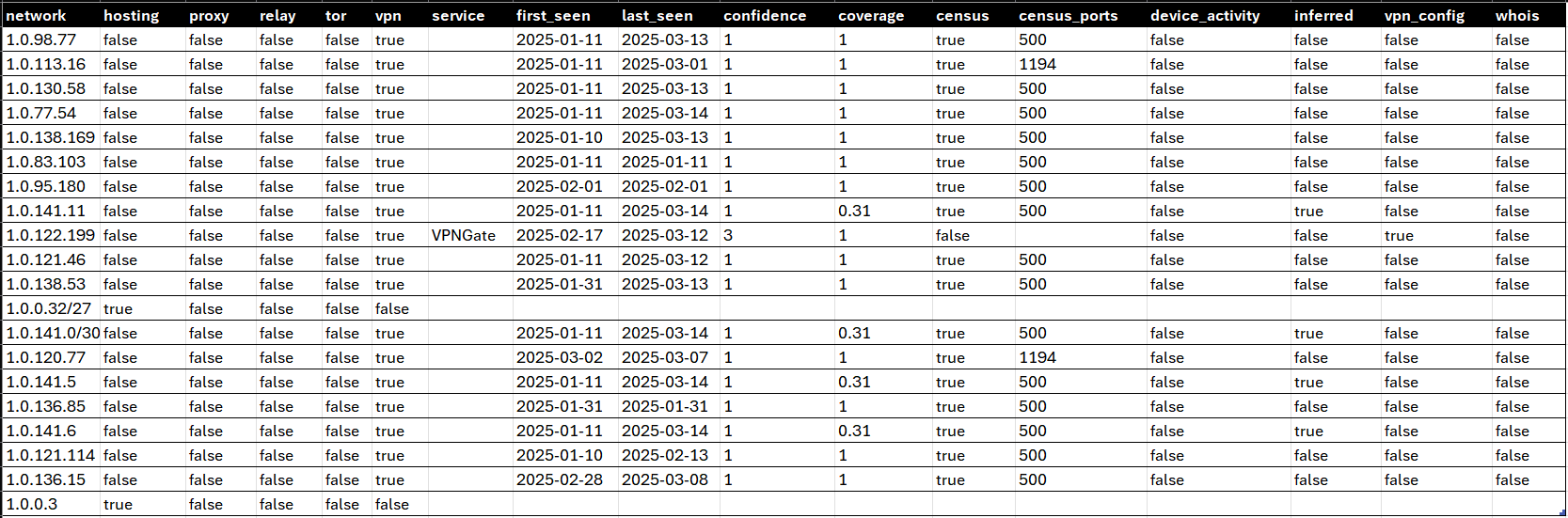
Confidence intervals defined:
| Confidence Level | Description |
| ---------------- | ---------------------------------------------------------------------------------------------------------------------------------------------------------------------------------------------------------------------------------------------------------------------------------------------------------------------- |
| 3 | Direct observation of commercial use (vpn_config) |
| 2 | Direct observation of VPN software running on the range (census) + registrar information associated with VPNs or specific providers OR highly convincing device activity (large spread of devices on pingable networks that are not associated with carrier traffic and known to be associated with hosting providers) |
| 1 | Direct observation of VPN software running on the range (census) without known association to specific providers or VPNs in general OR device data that is suspicious but not associated with hosting ranges |
## Sample Databases
[View spreadsheet](https://docs.google.com/spreadsheets/d/e/2PACX-1vT2_7oT9SW6xphJiYAU5pSH6dWLDVbn5w_JTKl4hu9bAXoyk1IjNNdTMj-X-A00qzkOMOwHqCb0SCMg/pubhtml?widget=true&gid=1326414708&headers=false&chrome=true&rm=demo;frameborder=0)
- [Privacy Detection Extended Database Sample — CSV](https://github.com/ipinfo/sample-database/blob/main/Privacy%20Detection%20Extended/ipinfo_privacy_extended_sample.csv)
- [Privacy Detection Extended Database Sample — JSON](https://github.com/ipinfo/sample-database/blob/main/Privacy%20Detection%20Extended/ipinfo_privacy_extended_sample.json)
- [Privacy Detection Extended Database Sample — MMDB](https://github.com/ipinfo/sample-database/blob/main/Privacy%20Detection%20Extended/ipinfo_privacy_extended_sample.mmdb)
## Filename References
```bash
curl -L https://ipinfo.io/data/ipinfo_privacy_extended.csv.gz?token=$TOKEN -o ipinfo_privacy_extended.csv.gz
curl -L https://ipinfo.io/data/ipinfo_privacy_extended.mmdb?token=$TOKEN -o ipinfo_privacy_extended.mmdb
curl -L https://ipinfo.io/data/ipinfo_privacy_extended.json.gz?token=$TOKEN -o ipinfo_privacy_extended.json.gz
curl -L https://ipinfo.io/data/ipinfo_privacy_extended.parquet?token=$TOKEN -o ipinfo_privacy_extended.parquet
```
| File Format | Database Download URI | Sample Dataset URI |
|-------------|------------------------------------------------------------------------------------------------------------------------------------------------|------------------------------------------------------------------------------------------------------------------------------|
| **CSV** | [https://ipinfo.io/data/**ipinfo_privacy_extended.csv.gz**?token=$TOKEN](https://ipinfo.io/data/ipinfo_privacy_extended.csv.gz?token=$TOKEN) | [https://ipinfo.io/data/sample/**ipinfo_privacy_extended.csv**](https://ipinfo.io/data/sample/ipinfo_privacy_extended.csv) |
| **JSON** | [https://ipinfo.io/data/**ipinfo_privacy_extended.json.gz**?token=$TOKEN](https://ipinfo.io/data/ipinfo_privacy_extended.json.gz?token=$TOKEN) | [https://ipinfo.io/data/sample/**ipinfo_privacy_extended.json**](https://ipinfo.io/data/sample/ipinfo_privacy_extended.json) |
| **MMDB** | [https://ipinfo.io/data/**ipinfo_privacy_extended.mmdb**?token=$TOKEN](https://ipinfo.io/data/ipinfo_privacy_extended.mmdb?token=$TOKEN) | [https://ipinfo.io/data/sample/**ipinfo_privacy_extended.mmdb**](https://ipinfo.io/data/sample/ipinfo_privacy_extended.mmdb) |
| **Parquet** | [https://ipinfo.io/data/**ipinfo_privacy_extended.parquet**?token=$TOKEN](https://ipinfo.io/data/ipinfo_privacy_extended.parquet?token=$TOKEN) | |
## Database File Metadata
## Links
- Available on Snowflake Marketplace
- [IPinfo Personalized IP Address Database](https://app.snowflake.com/marketplace/listing/GZSTZ3VDMG3/)
- [IPinfo All-in-One IP Address Database](https://app.snowflake.com/marketplace/listing/GZSTZ3VDMCR/)
- [IPinfo Sample Database Repo — GitHub](https://github.com/ipinfo/sample-database/tree/main/Privacy%20Detection%20Extended)
================================================================================
PAGE: IP to ASN Database
URL: https://ipinfo.io/developers/ip-to-asn-database
SLUG: ip-to-asn-database
DESCRIPTION: Map IP addresses to their Autonomous System Numbers (ASN) and organization information. Includes ASN, organization name, domain, and network type.
================================================================================
# IP to ASN Database Developer Resource
**We recommend using our [IPinfo Lite Data Downloads](/developers/ipinfo-lite-database) as the database is currently unavailable to new users. Although updated regularly, this is our legacy data download.**
The IP to ASN database provides AS level information from IP address range such as ASN, AS name and AS domain or official website. It is part of our [free IP data downloads offering](/products/free-ip-database). The database is updated daily, provides full accuracy and includes both IPv4 and IPv6 information in one database download.
## Database Schema
The IP to ASN Database database contains the following fields:
| Field Name | Example | Data Type | Description |
| ------------ | ------------------ | --------- | ------------------------------------------------- |
| **start_ip** | `1.0.0.0` | TEXT | Starting IP address of an IP address range |
| **end_ip** | `1.0.0.255` | TEXT | Ending IP address of an IP address range |
| **asn** | `AS13335` | TEXT | Autonomous System Number |
| **name** | `Cloudflare, Inc.` | TEXT | Name of the AS (Autonomous System) organization |
| **domain** | `cloudflare.com` | TEXT | Official domain or website of the AS organization |
## Sample Database
- [IP to ASN Database Sample Database — CSV](https://github.com/ipinfo/sample-database/blob/main/IP%20to%20ASN/ip_asn_sample.csv)
- [IP to ASN Database Sample Database — JSON](https://github.com/ipinfo/sample-database/blob/main/IP%20to%20ASN/ip_asn_sample.json)
- [IP to ASN Database Sample Database — MMDB](https://github.com/ipinfo/sample-database/blob/main/IP%20to%20ASN/ip_asn_sample.mmdb)

## Links
- [IP to ASN Database Database Download Page — IPinfo.io](https://ipinfo.io/products/free-ip-database)
- [IPinfo Sample Database Repo — GitHub](https://github.com/ipinfo/sample-database/tree/main/IP%20to%20ASN)
================================================================================
PAGE: IP to Country Database
URL: https://ipinfo.io/developers/ip-to-country-database
SLUG: ip-to-country-database
DESCRIPTION: Minimal database mapping IP addresses to country codes and names. Perfect for basic geolocation needs with minimal overhead.
================================================================================
# IP to Country Database Developer Resource
**We recommend using our [IPinfo Lite Data Downloads](/developers/ipinfo-lite-database) as the database is currently unavailable to new users. Although updated regularly, this is our legacy data download.**
The IP to Country database provides country and continent geolocation information of IP addresses. It is part of our [free IP data downloads offering](/products/free-ip-database). The database is updated daily, provides full accuracy and includes both IPv4 and IPv6 information in one database download.
## Database Schema
The IP to Country database contains the following fields:
| Field Name | Example | Data Type | Description |
| ---------------- | --------------- | --------- | ------------------------------------------ |
| `start_ip` | 217.220.0.0 | TEXT | Starting IP address of an IP address range |
| `end_ip` | 217.223.255.255 | TEXT | Ending IP address of an IP address range |
| `country` | IT | TEXT | ISO 3166 country code of the location |
| `country_name` | Italy | TEXT | Name of the country |
| `continent` | EU | TEXT | Continent code of the country |
| `continent_name` | Europe | TEXT | Name of the continent |
## Sample Database
- [IP to Country Sample Database — CSV](https://github.com/ipinfo/sample-database/blob/main/IP%20to%20Country/ip_country_sample.csv)
- [IP to Country Sample Database — JSON](https://github.com/ipinfo/sample-database/blob/main/IP%20to%20Country/ip_country_sample.json)
- [IP to Country Sample Database — MMDB](https://github.com/ipinfo/sample-database/blob/main/IP%20to%20Country/ip_country_sample.mmdb)

## Links
- [IP to Country Database Download Page — IPinfo.io](https://ipinfo.io/products/free-ip-database)
- [IPinfo Sample Database Repo — GitHub](https://github.com/ipinfo/sample-database/tree/main/IP%20to%20Country)
================================================================================
PAGE: IP to Country + ASN Database
URL: https://ipinfo.io/developers/ip-to-country-asn-database
SLUG: ip-to-country-asn-database
DESCRIPTION: Lightweight database combining country-level geolocation with ASN and organization data for efficient IP address classification.
================================================================================
# IP to Country + ASN Database Developer Resource
**We recommend using our [IPinfo Lite Data Downloads](/developers/ipinfo-lite-database) as the database is currently unavailable to new users. Although updated regularly, this is our legacy data download.**
The IP to Country + ASN database is a joined single database that combines the data from our - [IP to Country](/developers/ip-to-country-database) and [IP to ASN database](/developers/ip-to-asn-database). The database join is done with respect to the IP address ranges and is optimized for IP address lookups. It is part of our [free IP data downloads offering](/products/free-ip-database). The database is updated daily, provides full accuracy and includes both IPv4 and IPv6 information in one database download.
## Database Schema
The IP to Country + ASN database contains the following fields:
| Field Name | Example | Data Type | Description |
| ---------------- | ---------------------------- | --------- | ------------------------------------------------- |
| `start_ip` | 1.0.16.0 | TEXT | Starting IP address of an IP address range |
| `end_ip` | 1.0.31.255 | TEXT | Ending IP address of an IP address range |
| `country` | JP | TEXT | ISO 3166 country code of the location |
| `country_name` | Japan | TEXT | Name of the country |
| `continent` | AS | TEXT | Continent code of the country |
| `continent_name` | Asia | TEXT | Name of the continent |
| `asn` | AS2519 | TEXT | Autonomous System Number |
| `as_name` | ARTERIA Networks Corporation | TEXT | Name of the AS (Autonomous System) organization |
| `as_domain` | arteria-net.com | TEXT | Official domain or website of the AS organization |
## Sample Database
- [IP to Country + ASN Sample Database — CSV](https://github.com/ipinfo/sample-database/blob/main/IP%20to%20Country%20ASN/ip_country_asn_sample.csv)
- [IP to Country + ASN Sample Database — JSON](https://github.com/ipinfo/sample-database/blob/main/IP%20to%20Country%20ASN/ip_country_asn_sample.json)
- [IP to Country + ASN Sample Database — MMDB](https://github.com/ipinfo/sample-database/blob/main/IP%20to%20Country%20ASN/ip_country_asn_sample.mmdb)

## Links
- [IP to Country + ASN Database Download Page — IPinfo.io](https://ipinfo.io/products/free-ip-database)
- [IPinfo IP to Country + ASN — Snowflake Marketplace](https://app.snowflake.com/marketplace/listing/GZSTZSHKQ4QY)
- [IPinfo Sample Database Repo — GitHub](https://github.com/ipinfo/sample-database/tree/main/IP%20to%20Country%20ASN)
================================================================================
PAGE: IP Data Integrations and Data Platforms
URL: https://ipinfo.io/developers/integrations
SLUG: integrations
DESCRIPTION: Integrate IPinfo data into your existing analytics stack. Support for Snowflake, BigQuery, Splunk, and custom BYOL implementations.
================================================================================
# IP Data Integrations and Data Platforms
IPinfo has partnered with data marketplaces, workflow automation platforms, cybersecurity applications, and IT administration systems. Our goal is to provide an integrated environment that enables users to get and up running with IP data. You can check out our full list of integrations from our [integrations page](https://ipinfo.io/integrations).
The current list of IPinfo Platform integrations includes:
- [Snowflake Data Marketplace](/developers/snowflake)
- [Google BigQuery / Google Cloud Data Marketplace](/developers/gcp-integration)
- [Splunk](/developers/splunk)
- [Cribl](https://community.ipinfo.io/t/using-ipinfo-s-databases-in-cribl/5262)
We provide help in building your own platform-specific IPinfo integration using a [Bring Your Own License integration](/developers/byol-integration).
================================================================================
PAGE: IPinfo on Snowflake Marketplace
URL: https://ipinfo.io/developers/snowflake
SLUG: snowflake
DESCRIPTION: Access IPinfo data directly in Snowflake. Query IP geolocation, company, ASN, and privacy data alongside your existing analytics.
================================================================================
# IPinfo on Snowflake Marketplace
IPinfo is the premier IP data provider in the **[Snowflake Marketplace](https://app.snowflake.com/marketplace/providers/GZSTZ3VDMAT/IPinfo%20Inc.)**. To make the most of our data in Snowflake, we recommend that you go through this documentation.

## IPinfo on the Snowflake Marketplace
[Watch video](https://www.youtube.com/embed/jMP6frL5mZw)
You can check out our IP databases from [our storefront](https://app.snowflake.com/marketplace/listings/IPinfo) as well. Each listing page contains a description of the product, available column/field names, use cases, sample queries, and other useful information to get you up and running. We currently have the following IP datasets available in the Snowflake Marketplace.
| Product | Description |
| ------------------------------------------------------------------------------------------------------------------- | ------------------------------------------------------------------------------------------------------------------------------------------------------------- |
| [IPinfo Lite](https://app.snowflake.com/marketplace/listing/GZSTZSHKQ55S) | Open access, full-accuracy IP datasets that provides IP to country and ASN details. |
| [IPinfo Core](https://app.snowflake.com/marketplace/listing/GZSTZSHKQ56D) | City-level precision and network connection context (anonymous+, satellite and carrier) |
| [IPinfo Plus](https://app.snowflake.com/marketplace/listing/GZSTZSHKQ56H) | Comprehensive IP intelligence, including location, anonymity/privacy, ASN, carrier, and stability. |
| [IPinfo Residential Proxy](https://app.snowflake.com/marketplace/listing/GZSTZSHKQ55W) | Detect residential and mobile proxy IPs with service and usage metrics. |
| [IPinfo IP Geolocation](https://app.snowflake.com/marketplace/listing/GZSTZ3VDMFI) | Accurate IP location with detailed and granular precision. |
| [IPinfo Company IP Address Data](https://app.snowflake.com/marketplace/listing/GZSTZ3VDMEX) | Identify companies and organizations through IP addresses. |
| [IPinfo Privacy Detection (VPN, TOR, Relay, Proxy etc.)](https://app.snowflake.com/marketplace/listing/GZSTZ3VDMFU) | Detect hosting, VPN, proxy, Relay and Tor IPs. |
| [Comprehensive IP WHOIS Data](https://app.snowflake.com/marketplace/listing/GZSTZ3VDMFY) | Structured IP WHOIS data for ASN, Organization, Maintainer, Network & POC Records |
| [IPinfo: IP Geolocation Training/Education Sample](https://app.snowflake.com/marketplace/listing/GZSTZ3VDMEH) | Snowflake's "[The Hands-On Essentials Workshop Series](https://www.snowflake.com/en/resources/learn/snowflake-essentials-training/)" workshop practices data. |
## Database Operations
Let's discuss some of the basic IPinfo IP database operations. For this guide, we expect that you are familiar with the Snowflake platform. However, if you need any assistance, [our data experts are happy to guide you](https://ipinfo.io/contact).
**IPinfo Basic UDFs (User-Defined Functions)**
To ease the process of using our database products and enable our users to use the best-performing solutions, we have developed many handy UDFs (User Defined Functions).
🔗 [Snowflake Documentation on UDF](https://docs.snowflake.com/en/sql-reference/user-defined-functions.html).
Our basic UDFs are scalar in nature and output a single value in `TEXT` or multiple values contained within an `ARRAY`.
| User-Defined Functions (UDF) | Description | |
| ---------------------------- | -------------------------------------------------------------------------------------------------------------- | --- |
| **`RANGE_TO_CIDR`** | Converts `start_ip` and `end_ip` columns to their network range / CIDR equivalent. Data outputted as an array. |
| **`RAND_IP`** | Returns an array of random IPv4 or IPv6 addresses. | |
| **`IP_CONTINENT`** | Returns the continent name for a single IP address lookup. | |
| **`COUNT_IP`** | Counts the IP addresses between the `start_ip` and `end_ip` values. | |
Additionally, we provide a complimentary table called “COUNTRIES” that includes country codes, country names, and continent names.
**Account and share status and metadata**
For account and listing metadata information, you can use our included UDTFs: `STATUS` and `STATUS_DETAILS`.
**`STATUS`** returns artifact/dataset and account-related information. The returned table contains the following information:
- `ACCT`: Account ID.
- `ORG`: Organization ID.
- `REGION`: Cloud platform and region name.
- `REFRESH_FREQUENCY`: The update frequency of the current dataset/artifact.
- `LAST_ALTERED`: Last alter or update date and time.
```sql
SELECT *
FROM TABLE(IPINFO.PUBLIC.STATUS());
```

The `IPINFO` is the dataset name.
**`STATUS_DETAILS`** returns the following information for all the resources included in an IPinfo Snowflake dataset:
- `NAME`: Name of the resource
- `TYPE`: Type of the resource
- `REFRESH_FREQUENCY`: The refresh frequency of the resource
- `LAST_ALTERED`: Last alter or update date and time.
```sql
SELECT *
FROM TABLE(IPINFO.PUBLIC.STATUS_DETAILS());
```

**Sample IP address table**
With all of our listings, we include the `ip_sample` table, which contains 1,000 sample IP addresses, including 500 IPv4 addresses and 500 IPv6 addresses. You can use these IP addresses for query testing.

**IPinfo Query Function**
The IPinfo Query Functions are UDTFs or Table Functions that return tabular data when queried against a specific IP dataset using IP addresses. To enable faster and more efficient IP address lookups from our database, we have developed these UDTFs. These custom functions remove the guesswork from querying our database and ensure best practices.

The query functions are available in the `public` schema of the database listing. When you purchase our listing, you have the option to provide a name for the shared database. You can learn more about this in our [IPinfo community post](https://community.ipinfo.io/t/using-our-daily-updated-databases-on-snowflake/1100#differences-in-data-class-name-2).
Ff you have purchased our [IP geolocation listing](https://app.snowflake.com/marketplace/listing/GZSTZ3VDMFI/) and named our shared database `ipinfo`, then your functions, views, and tables will be available in the `ipinfo.public` namespace. Here, `ipinfo` is the name of the shared database, and `public` is the schema. To access the `IP_LOCATION` UDTF, you would call `ipinfo.public.ip_location`. Similarly, you can access the `IP_GEOLOCATION` view by calling `ipinfo.public.ip_geolocation`.
If you have access to the database product, you will also have access to the associated UDTF. Each UDTF corresponds to its respective database.
## Views, UDTFs and Database Names
Reference list for the database names, views/tables, and UDTFs.
**Database Name**: The database name is assigned when you purchase or trial our database listing. We recommend changing the name upon purchasing the database, as the standard database names can be quite long. We are mentioning the standard database names here for reference purposes only.
**View**: This is where our data lives. Please note that composite database listings may contain multiple views as they usually consist of multiple databases.
**Query Function - UDTF**: A table function used to query our IP databases.
**Composite listings**: Some of our listings contain multiple IP databases. They include multiple views and multiple UDTFs under one database. For example: [IPinfo Whois Full Data](https://app.snowflake.com/marketplace/listing/GZSTZ3VDMFY/)
| Product | UDTF | VIEW / TABLE |
| --- | --- | --- |
| [IPinfo Lite](https://app.snowflake.com/marketplace/listing/GZSTZSHKQ55S) | GET_IP_LITE | LITE |
| [IPinfo Core](https://app.snowflake.com/marketplace/listing/GZSTZSHKQ56D) | GET_IP_CORE | IP_CORE |
| [IPinfo Plus](https://app.snowflake.com/marketplace/listing/GZSTZSHKQ56H) | GET_IP_PLUS | IP_PLUS |
| [IPinfo Residential Proxy](https://app.snowflake.com/marketplace/listing/GZSTZSHKQ55W) | IP_PROXY_RESIDENTIAL | IP_PROXY_RESIDENTIAL |
| [IPinfo IP Geolocation](https://app.snowflake.com/marketplace/listing/GZSTZ3VDMFI) | IP_LOCATION | IP_GEOLOCATION |
| [IPinfo Company IP Address Data](https://app.snowflake.com/marketplace/listing/GZSTZ3VDMEX) | IP_COMPANY | IP_COMPANY |
| [IPinfo Privacy Detection (VPN, TOR, Relay, Proxy etc.)](https://app.snowflake.com/marketplace/listing/GZSTZ3VDMFU) | IP_PRIVACY | IP_PRIVACY |
| [Comprehensive IP WHOIS Data](https://app.snowflake.com/marketplace/listing/GZSTZ3VDMFY) | | IP_WHOIS_NET IP_WHOIS_ASN IP_WHOIS_MNT IP_WHOIS_ORG IP_WHOIS_POC |
## Accessing Our Daily Updated Databases on Snowflake Marketplace
Our standard database listings on Snowflake Marketplace are updated on a monthly basis. However, we offer a daily updated database as part of our Learn more from our [IPinfo community post](https://community.ipinfo.io/t/using-our-daily-updated-databases-on-snowflake/1100).
Our IPinfo Lite data on Snowflake is updated daily and provides full accuracy.
## Joining our database to your database using UDTFs
Our User-Defined Table Functions (UDTFs) provide a highly efficient method for merging our database insights with your log or IP address column. We have presented a list of all the available UDTFs in the preceding section.
For example, let's consider our logs database, which appears as follows:

`IP_LOCATION` UDTF using the IP to Geolocation database:
```sql
SELECT *
FROM logs l
JOIN TABLE (ipinfo.public.ip_location(l.ip));
```
Result:
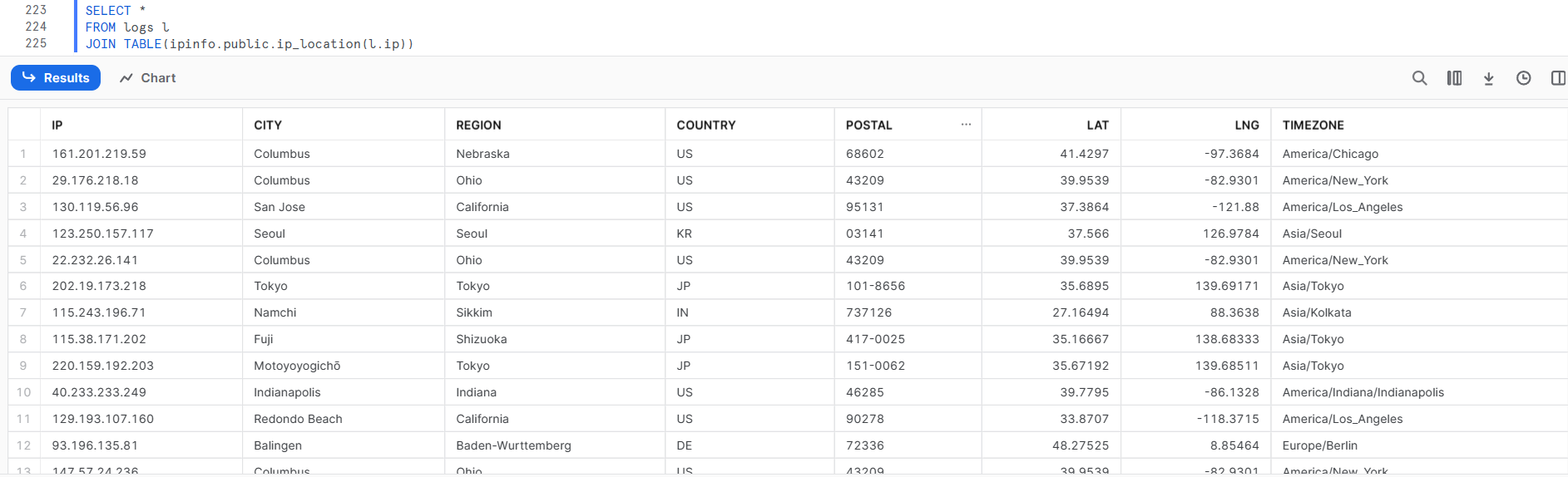
UDTF code Template:
```sql
SELECT *
FROM
JOIN TABLE(..(.));
```
- ``: The input database contains IP addresses. It can be a table, view, database, or even a CTE. In the example, it is `logs`.
- ``: Just an alias for the input database. In the example, we used `l`.
- ``: The IPinfo database name of the share. It is usually the "Standard Listing Name" we discussed in the "Views, UDTFs, and Database Names" section. But you can also change it to anything you want when purchasing the listing. In the example, it is just `ipinfo`.
- `ipinfo_schema`: Usually, the value is `public`.
- `UDTF_name`: The UDTF you want to use to enrich your log or IP database. In the example, we want to add location information to our IP logs, so we used the `IP_LOCATION` UDTF.
- ``: The column that contains the IP addresses in your input database. In the example, it is `ip`.
Another example of a UDTF, `IP_HOSTED_DOMAINS` UDTF uses the [IP to Hosted Domains](https://app.snowflake.com/marketplace/listing/GZSTZ3VDMF2/):
```sql
WITH sample_ips (ip) AS (
SELECT *
FROM (
VALUES ('8.8.8.8'),
('198.35.26.98')
)
)
SELECT *
FROM (
SELECT ip
FROM sample_ips -- sample log database
) logs
JOIN TABLE (ipinfo.public.ip_hosted_domains(logs.ip));
```
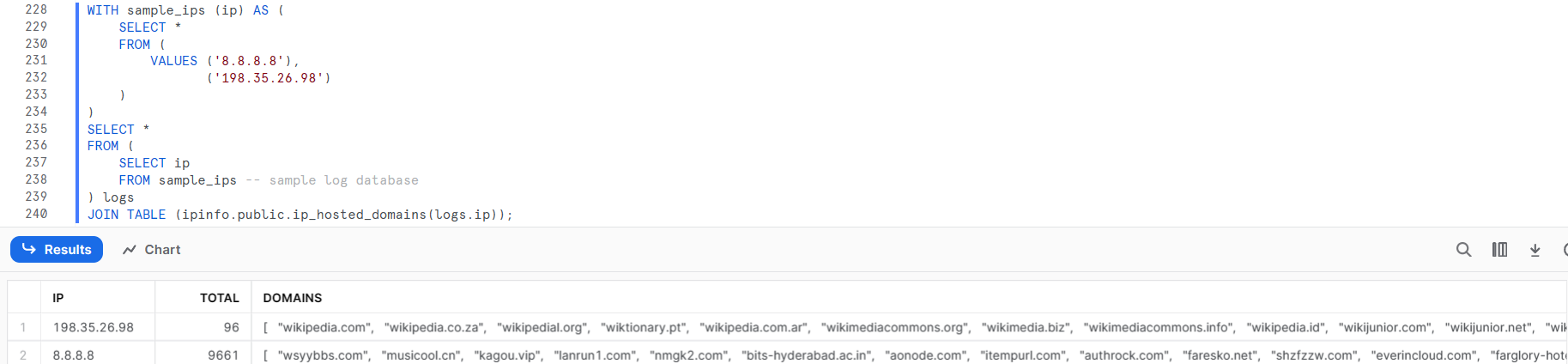
Let's look at another UDTF, `IP_PRIVACY`, which comes with our [IP to Privacy Detection](https://app.snowflake.com/marketplace/listing/GZSTZ3VDMFU/) database. We will be using our logs table again.
```sql
SELECT *
FROM logs l
JOIN TABLE(ipinfo.public.ip_privacy(l.ip));
```

Please note that even though the logs table contains multiple IP addresses, we can only see a few rows here. That is because the code used performs an INNER JOIN.
## IPinfo Lite - IPinfo's Free IP database on Snowflake Marketplace
With our open access [IPinfo Lite](https://app.snowflake.com/marketplace/listing/GZSTZSHKQ55S)'s `GET_IP_LITE` you can get the country and asn information of IP addresses.
```sql
SELECT *
FROM logs l
JOIN TABLE(GET_IP_LITE(l.ip));
```

## IPinfo Snowflake selected Queries (IP data query Cookbook)
In this section, we will cover some general queries that can be applied to any database product we have. These queries can be quite useful in threat intelligence operations and IP address research.
**Preview the database**
Preview the database by selecting the first 10 rows.
```sql
SELECT *
FROM ipinfo.public.IP_RIR_WHOIS
LIMIT 10;
```
We package each listing with samples of the database as well as samples of all our listings. Learn about it here: [Snowflake listings include our data samples with 50 Rows](https://community.ipinfo.io/t/snowflake-listings-include-our-data-samples-with-50-rows/2565)
**Looking up the IP data of an individual IP address.**
You can look up individual IP addresses using UDTFs as well.
```
-- input IP address: 8.8.8.8
SELECT *
FROM TABLE(ipinfo.public.ip_location('8.8.8.8'));
```

**Enriching IP addresses from multiple IPinfo DBs**
If you have purchased multiple database products from us or our All-in-one database and want to perform multiple UDTF operations, as well as join them into a comprehensive table, you should run an OUTER JOIN operation.
```sql
SELECT
l.ip, -- log IP address column
carrier.name carrier, -- asn columns
-- ...
carrier.mnc mnc,
privacy.vpn vpn, -- privacy columns
-- ...
privacy.service privacy_service,
ip_geo.city city, -- ip geolocation columns
-- ...
ip_geo.timezone timezone
FROM logs l
LEFT JOIN (
SELECT *
FROM logs l
JOIN TABLE(ipinfo.public.ip_carrier(l.ip))
) carrier
ON l.ip = carrier.ip
LEFT JOIN (
SELECT *
FROM logs l
JOIN TABLE(ipinfo.public.ip_privacy(l.ip))
) privacy
on l.ip = privacy.ip
LEFT JOIN (
SELECT *
FROM logs l
JOIN TABLE(ipinfo.public.ip_location(l.ip))
) ip_geo
on l.ip = ip_geo.ip;
```
**Converting Start IP & End IP to their CIDR/Network Range equivalent**
You can convert the Start IP (`start_ip`) & End IP (`end_ip`) to their CIDR or network range equivalent using `RANGE_TO_CIDR` UDF. Please note that this will result in an array where there will be one or more items. Example:
```sql
SELECT
ipinfo.public.range_to_cidr(start_ip, end_ip) as "cidr",
*
FROM ipinfo.public.ip_carrier
LIMIT 10;
```

**Describe the database**
Use the `DESCRIBE` or `DESC` ([Snowflake Documentation](https://docs.snowflake.com/en/sql-reference/sql/desc-table)) command to get the schema and other information of the table.
```sql
DESCRIBE TABLE ipinfo.public.ip_rir_whois;
```

**Generating random IP addresses**
For testing purposes, you might need to generate IP addresses. In that case, you can use the included, `RAND_IP` UDF. The `RAND_IP` UDF can generate any number of IPv4 or IPv6 addresses.
The `RAND_IP` UDF takes two parameters:
- **Number of IP addresses**: It could be any number of IP addresses.
- **IP Address type**: For IPv4 it is "`4`", for IPv6 it is "`6`".
```sql
-- SELECT IPINFO.PUBLIC.RAND_IP(, )
SELECT IPINFO.PUBLIC.RAND_IP(3,6);
```

As the random IPs are generated in an array, if you want to convert the array into rows use the following query:
```sql
SELECT
value as "ip"
FROM
TABLE(FLATTEN(IPINFO.PUBLIC.RAND_IP(3,6)));
```

Please note a couple of things:
- When you are generating random IP addresses it might include some [bogon IP addresses](https://ipinfo.io/faq/article/79-what-is-a-bogon-ip-address) and you will not find information regarding them when you run a UDTF command on them.
- The vast majority of IPv6 addresses are unassigned, so there is no information associated with them. So, randomized IPv6 addresses cannot be effective for testing purposes.
**IP to Geolocation: Nearest IP addresses**
Using our [IP to location database](https://app.snowflake.com/marketplace/listing/GZSTZ3VDMFI/) and the `HAVERSINE` function provided by Snowflake ([documentation](https://docs.snowflake.com/en/sql-reference/functions/haversine.html)), we can retrieve information on the IP addresses closest to a given geographical coordinate.
```sql
-- Pass the input lat, lng as the first two arguments
-- to the Haversine function. (e.g. 51.1740, -1.8262)
SELECT
HAVERSINE(51.1740, -1.8262, lat, lng) as distance,
start_ip,
end_ip,
city,
region,
country
FROM ipinfo.public.ip_geolocation
ORDER BY distance
LIMIT 10;
```

**IP to Geolocation: Get Continent**
To obtain only the continent information of a single IP address, you can utilize the `IP_CONTINENT` UDF.
```sql
SELECT IPINFO.PUBLIC.IP_CONTINENT('8.8.8.8');
```

However, please note that this UDF only takes an IP address and returns the name of the continent by utilizing the `IP_LOCATION` database and the `COUNTRIES` complementary database. If you are already using the `IP_LOCATION` UDTF or you have to look up multiple IP addresses, you can join the output table to the `COUNTRIES` complementary database.
```sql
SELECT *
FROM (
SELECT ip
FROM logs -- sample log database
) logs
JOIN TABLE(ipinfo.public.ip_location(logs.ip)) l
LEFT JOIN ipinfo.public.countries c
WHERE l.country=c.cc;
```

**IP to ASN: Number of ASNs per country**
Get the number of ASNs in a country from the [free IP to Country ASN database](https://app.snowflake.com/marketplace/listing/GZSTZSHKQ4QY/) or the [ASN database](https://app.snowflake.com/marketplace/listing/GZSTZ3VDMFM/).
```sql
SELECT
country_code,
count(1) as ASNs
FROM ipinfo.public.lite
GROUP BY 1
ORDER BY 2 DESC
LIMIT 10;
```

Similar queries can be used on all database products.
**IPs That Might Be Static Residential Proxies (Seen >90% of the Time)**
By using the Residential Proxy Detection database, you can discover IPs that may be static residential proxy IP addresses.
```sql
SELECT ip, service, percent_days_seen
FROM proxy_residential
WHERE CAST(percent_days_seen AS INTEGER) > 90
ORDER BY percent_days_seen DESC;
```

**Get IP ranges of an ASN / Organization**
You can obtain the IP ranges in CIDR format of one or more ASN with the following query.
```sql
-- Example asn: AS39927
-- Using the ASN database
SELECT
flat_data.value as IP_RANGE
FROM (
SELECT ipinfo.public.range_to_cidr(start_ip, end_ip) as ip_range
FROM ipinfo.public.ip_asn
WHERE asn='AS39927'
) as_ips,
TABLE(FLATTEN(as_ips.ip_range)) flat_data
```

Please note that for identifying organizations, the `domain` field essentially acts like a primary key, as multinational organizations operate with different names across different countries.
**IPinfo Lite database / IP to Geolocation database: Generate IP ranges by location**
You can retrieve all the ranges for one or more specific countries, regions/states, or cities with the following query.
```sql
-- Example country: Nepal (NP)
-- Using the IP to Country ASN database
SELECT
flat_data.value as IP_RANGE
FROM (
SELECT ipinfo.public.range_to_cidr(start_ip, end_ip) as ip_range
FROM ipinfo.public.lite
WHERE country_code='NP'
) nepal_ips,
TABLE(FLATTEN(nepal_ips.ip_range)) flat_data
```

## IPinfo Community
In our [IPinfo community](https://community.ipinfo.io/), we have created a [repository of all our Snowflake-related queries and technical documentation](https://community.ipinfo.io/docs?tags=snowflake). Through our community, you can learn and explore the technical features of our Snowflake listings as well as ask and participate in discussions about IP data and IPinfo.
🔗 [IPinfo Snowflake Community Documentation](https://community.ipinfo.io/docs?tags=snowflake)

## Frequently Asked Questions (FAQ)
**What is the update interval for the databases?**
IPinfo provides data updates in three intervals - daily, weekly, and monthly. For the Snowflake listings:
- [Standard self service datasets](https://app.snowflake.com/marketplace/listings/IPinfo) are updated monthly, except for the IPinfo Lite data.
- Custom data shares provide flexibility for customers to select their desired refresh frequency from the options available on each dataset.
**Are UDTFs available through manual ingestion or secondary data softwares like dbt?**
IPinfo's UDTFs are part of the marketplace listings, but they are not available for manual data ingestion of IPinfo's data downloads to Snowflake. If Snowflake is being used through dbt or any intermediate software solution, the UDTFs might also not be available. In that case, the user must hard code the UDTF code. Instructions for hard coding UDTFs are available [here](https://community.ipinfo.io/t/using-our-ipinfo-s-data-on-snowflake-through-direct-upload-ingestion/3840).
We highly recommend that users do not write their own custom query codes unless they have a solid grasp of IP lookup mechanisms. The UDTFs were developed with expert consultation between IPinfo's engineers and Snowflake.
**Is IPv6 data available?**
Yes. All IPinfo's IP data downloads include IPv4 and IPv6 data in a single database.
**Can I enrich "`n`" number of IP address?**
If it is under a hundred million IP addresses, you should be good with UDTFs. IPv6 enrichment will be a bit slow but it will still be performant. If you are approaching hundreds of millions or billions of unique IP addresses, reach out to us. We will discuss a solution with you.
**Can I request custom data shares?**
Yes, IPinfo has a few custom datasets that are only available upon request. Please reach out to us at snowflake@ipinfo.io, and we will set up a private share.
## Additional Support
Resources from IPinfo and Snowflake
To enable our customers to learn and effectively use our data, we regularly publish [articles and resources](https://ipinfo.io/blog/tag/snowflake/) that focus on using our data products on the Snowflake platform.
- [Snowflake Marketplace is the simplest, most efficient way to use our data in Snowflake](https://community.ipinfo.io/t/snowflake-marketplace-is-the-simplest-most-efficient-way-to-use-our-data-in-snowflake/4840)
- [Snowflake listings include our data samples with 50 Rows](https://community.ipinfo.io/t/snowflake-listings-include-our-data-samples-with-50-rows/2565)
- [Why the IPinfo community should explore our data in Snowflake](https://community.ipinfo.io/t/why-the-ipinfo-community-should-explore-our-data-in-snowflake/4423)
- [Introducing a simpler way to get IP Address Data in Snowflake](https://ipinfo.io/blog/ip-address-data-in-snowflake/)
- [How customers use IPinfo's data in Snowflake](https://ipinfo.io/blog/ipinfo-data-in-snowflake-use-cases/)
- [What makes IPinfo's Snowflake integration ideal for data engineers?](https://ipinfo.io/blog/ipinfo-snowflake-integration-for-data-engineers/)
- [IPinfo Recognized as A Leader in Snowflake's Modern Marketing Data Stack](https://ipinfo.io/blog/snowflake-ipinfo-modern-marketing-data-stack/)
- [Snowflake and IPinfo threat intelligence webinar](https://ipinfo.io/blog/snowflake-ipinfo-threat-intelligence-webinar/)
- [6 ways users optimize IP data to improve use cases](https://ipinfo.io/blog/ways-users-improve-use-cases/)
Also, please feel free to check our [documentation](https://ipinfo.io/developers) for individual dataset documentation.
Besides the technical documentation, we highly recommend users check out our [articles on IPinfo's Snowflake integration](https://ipinfo.io/blog/tag/snowflake/). If you have any queries regarding our Snowflake partnership, reach out to us at [snowflake@ipinfo.io](mailto:snowflake@ipinfo.io).
Snowflake has published many articles and resources to enable IPinfo customers to effectively achieve their data goals.
- [Marketplace Monetization -- Self service access to Premium datasets](https://medium.com/snowflake/new-in-snowflake-marketplace-monetization-315aa90b86c)
- [[Video] DEMO: Python On Snowflake | Snowpark](https://www.youtube.com/watch?v=zuBnBpFtUjA)
- [[Video] Snowflake Marketplace Demo | Try Before You Buy Experience](https://www.youtube.com/watch?v=Jap9Mu82bt4)
Additionally, you should also check out the Snowflake documentation:
- [Snowflake Documentation](https://docs.snowflake.com/en/)
- [Snowflake Marketplace Documentation](https://docs.snowflake.com/en/user-guide/data-marketplace.html)
Usage Conditions
IPinfo's data contained within the standard self-service listings in the Snowflake Marketplace is subject to an internal use license. It may solely be utilized within business operations, tools, applications, or services intended exclusively for internal staff members.
**1. Limited License:** The data is licensed for internal use only. This means the data can only be used in business operations, tools, applications or services where the end users are internal members of your staff. For the avoidance of doubt, usage under this license strictly excludes any of the following scenarios (note that this is not an exhaustive list):
- Reselling, repackaging or republishing the data
- Sharing the data with any third party
- Integrating the data into any customer (&/or partner) facing product or service, whether paid or free, including managed services solutions
**2. Breach and Termination:** Any violation of these terms constitutes a breach and may result in the immediate termination of your access to the data at IPinfo's sole discretion.
**3. Data Ownership:** IPinfo retains all ownership rights to the data. You are not granted any ownership rights or intellectual property rights by accessing or using the data.
**4. Compliance:** You are responsible for ensuring that your use of the data complies with all applicable laws and regulations.
**5. Modifications:** We reserve the right to modify these terms and conditions at any time. Your continued use of the data following any changes constitutes your acceptance of the revised terms.
If you have any questions, feedback, guidance or support queries, feel free to reach out to us: snowflake@ipinfo.io
================================================================================
PAGE: Splunk Integration
URL: https://ipinfo.io/developers/splunk
SLUG: splunk
DESCRIPTION: Learn how to integrate IPinfo’s API and data downloads into your platform using the Bring Your Own License (BYOL) model, allowing each user to connect their own IPinfo account and access token securely.
================================================================================
# IPinfo Splunk App Installation & Configuration
Download the IPinfo Splunk App from SplunkBase: https://splunkbase.splunk.com/app/4070
The IPinfo Splunk app integrates IPinfo's API and IP database products into the Splunk platform. This app adds the `ipinfo` command to Splunk, which utilizes IPinfo data through the API or IP database (MMDB) to look up IP information for specified IP addresses.
Full in-depth documentation is available at: https://github.com/ipinfo/splunk-docs
> Splunk setup can vary widely and be customized across different installations and ecosystems. So, we recommend investing time into understanding how the platform works with our app.
>
> This documentation is only recommended to be used as a guideline for how to use our Splunk App on the Splunk Enterprise installation. We encourage reaching out to our team to understand the best usage policies for our Splunk app.
## Supported OS and Versions
The current Splunk version is 9.3.0. We support all Splunk supported operating systems: Windows, Linux, and Mac. We also support '8.x.y' versions, like 8.9.1, or earlier (find the documentation for it here: https://github.com/ipinfo/splunk-docs/tree/8.9.1).
## Installation from SplunkBase

1. Visit the IPinfo Splunk App page at Splunkbase: https://splunkbase.splunk.com/app/4070
2. Download the app. The download format will be `.tgz`

3. In Splunk (Enterprise), open the "Apps" dropdown and click "Manage Apps". From there, click "Install App from File". In the "Install App From File" modal, browse and select the IPinfo App (usually named: `ipinfo-app-for-splunk-.tgz`) and click "Upload".

4. Then you will be prompted to set up the IPinfo App.
## Installation via Single Stand Alone Machine (CLI)
Single standalone Splunk Enterprise Installation on Windows/*NIX.
1. Unzip `ipinfo_app.spl` (File available upon request)
2. Copy the unzipped directory `ipinfo_app` to `$SPLUNK_HOME/etc/apps/`
3. Open CLI and restart Splunk using the following command:
```
`./splunk restart`
```
## Installation on Distributed Machines
**Single Indexer Single Search head and Single forwarder (Heavy or Universal) and Deployment server. **
1. Unzip `ipinfo_app.spl`
2. Copy the unzipped directory `ipinfo_app` to deployment server in `$SPLUNK_HOME/etc/deployment-apps/`
3. Add following to `serverclass.conf`
```
[serverClass::app:]
stateOnClient=enabled
restartSplunkd=true
```
4. Open CLI deploy the apps using following command:
```
./splunk reload deploy-server
```
**Multiple non-clustered Indexers, Multiple non-clustered SearchHeads, Forwarder(Heavy or Universal) and Deployment server**
1. Unzip `ipinfo_app.spl`
2. Copy the unzipped directory `ipinfo_app` to deployment server in `$SPLUNK_HOME/etc/deployment-apps/`
3. Add following to serverclass.conf
```
[serverClass::app:]
stateOnClient=enabled
restartSplunkd=true
```
4. Open CLI deploy the apps using following command
```
./splunk reload deploy-server
```
**Single Site clustered Indexer, Clustered Search heads and Forwarder (Heavy or Universal).**
1. Unzip `ipinfo_app.spl`
2. Copy `ipinfo_app` to Deployer server in `$SPLUNK_HOME/etc/shcluster/apps/`
3. Open the CLI on Deployer and deploy the app on Search Head Cluster using following command:
```
./splunk apply shcluster-bundle -target : -auth
:
```
Post-install configuration:
1. After installation and restart, log in to the Splunk web and go to 'Manage'.
2. It will list all the installed applications and their configuration options.
3. Look for 'IPINFO' and click on the 'Set-Up' link to configure the add-on.
4. Make sure to restart the Splunk instance after setting up the app. In the case of the Search Head Cluster, each search needs to be restarted or a rolling restart must be initiated to make all changes work properly.
## Installation from the Web Interface (Manual)
1. On the Splunk Home Page, Click on "Manage"
2. On the Manage Apps page, Click on "Install app from file"
3. Select path for IPINFO Splunk app `.spl` file and Click "Upload"
4. It is good practice to restart the Splunk, please restart.
## Splunk Integration: IP Database Downloads
> Please note that currently the app may use some of our legacy schema variants of the IP Database Downloads. If you want to use our new (*schema) IP database downloads or custom IP database download, please let us know.
1. To use our IP Database Downloads, make sure to check the "Database (MMDB)" field.

2. After that, select the databases you want to access. The "Country ASN MMDB" is available to all users for free. The rest of the databases require a paid subscription. Please note that you can also choose the update cadence.
Currently (October 25, 2025), the following databases are available. Please note that some of these IP databases use the legacy schema, but the underlying data is identical to our new database.

| Database Name | Description | File Name | Frequency |
|------------------------------|--------------------------------------------|--------------------------------|----------------------|
| Lite MMDB | IPinfo Lite Database | `ipinfo_lite.mmdb` | Daily/Weekly/Monthly |
| Core MMDB | IPinfo Core Database | `ipinfo_core.mmdb` | Daily/Weekly/Monthly |
| Plus MMDB | IPinfo Plus Database | `ipinfo_plus.mmdb` | Daily/Weekly/Monthly |
| Location MMDB | IP to Location Database | `standard_location.mmdb` | Daily/Weekly/Monthly |
| Location Extended MMDB | IP to Location Extended Database | `extended_location.mmdb` | Daily/Weekly/Monthly |
| Location Extended Label MMDB | IP to Location Extended Labelled Database | `extended_location_label.mmdb` | Daily/Weekly/Monthly |
| Location Aggregated MMDB | IP to Location Aggregated Database | `agg_location.mmdb` | Daily/Weekly/Monthly |
| Privacy Extended MMDB | IP to Privacy Detection Extended Database | `extended_privacy.mmdb` | Daily/Weekly/Monthly |
| Privacy MMDB | IP to Privacy Detection Database | `privacy.mmdb` | Daily/Weekly/Monthly |
| ASN MMDB | ASN Database | `standard_asn.mmdb` | Daily/Weekly/Monthly |
| Company MMDB | IP to Company Database | `standard_company.mmdb` | Daily/Weekly/Monthly |
| Carrier MMDB | IP to Carrier Database | `standard_carrier.mmdb` | Daily/Weekly/Monthly |
| Domains MMDB | Hosted Domains Database | `standard_domains.mmdb` | Daily/Weekly/Monthly |
| Abuse MMDB | IP to Abuse Contact Database | `standard_abuse.mmdb` | Daily/Weekly/Monthly |
| Country ASN MMDB | IP to Country ASN Database | `free_country_asn.mmdb` | Daily/Weekly/Monthly |
| Residential Proxy MMDB | IP to Residential Proxy Detection Database | `resproxy.mmdb` | Daily/Weekly/Monthly |
| Data Type | Fields Included |
|--------------------------|---------------------------------------------------------------------------------------------------------------------------------------------------------------------------------------------------------------------------------------------------------------------------------------------------------------------------------------------------------------|
| Lite Bundle | ip, asn, as_name, as_domain, country_code, country, continent_code, continent |
| Core Bundle | ip, city, region, region_code, country, country_code, continent, continent_code, latitude, longitude, timezone, postal_code, asn, as_name, as_domain, as_type, is_anonymous, is_anycast, is_hosting, is_mobile, is_satellite |
| Plus Bundle | ip, city, region, region_code, country, country_code, continent, continent_code, latitude, longitude, timezone, postal_code, dma_code, geoname_id, radius, geo_changed, asn, as_name, as_domain, as_type, as_changed, carrier_name, mcc, mnc, is_anonymous, is_anycast, is_hosting, is_mobile, is_satellite, is_proxy, is_relay, is_tor, is_vpn, privacy_name |
| Location | ip, city, country, lat, lon, postal, region, region_code, timezone, geoname_id |
| Location Extended | ip, city, country, country_name, lat, lon, postal, radius, region, region_code, timezone, geoname_id |
| Location Extended Labels | ip, city, city_confidence, country, country_confidence, country_name, lat, lon, postal, radius, region, region_confidence, region_code, timezone, geoname_id |
| Location Aggregated | ip, city, country, lat, lon, postal, region, region_code, timezone, geoname_id |
| ASN | asn_asn, asn_name, asn_domain, asn_route, asn_type |
| Company | company_name, company_domain, company_type |
| Carrier | carrier_name, carrier_mcc, carrier_mnc, carrier_cc, carrier_network |
| Privacy | vpn, proxy, tor, hosting, relay, service |
| Privacy Extended | anycast, census, census_port, device_activity, hosting, network, proxy, relay, tor, vpn, vpn_config, vpn_name, whois |
| Domains | total_domains, domains |
| Abuse | abuse_address, abuse_country, abuse_name, abuse_email, abuse_network, abuse_phone |
| Country ASN | country_asn_domain, country_asn_name, country_asn_asn, country_continent, country_continent_name, country_country, country_country_name |
| Residential Proxy | resproxy_last_seen, resproxy_percent_days_seen, resproxy_service |
To learn more about the advanced settings and proxy settings, please review the full documentation available here: https://github.com/ipinfo/splunk-docs. We are going to proceed with default settings.
Now you have selected the IP databases that you will work with on Splunk.

3. Now, after completing the setup, you should initiate the database with a forced refresh. After the forced refresh, the database will be updated on the update cadence you have selected automatically.

You can check the overview page to see if your downloads have been completed.

> Note that we generally recommend setting up the Splunk app using the IP database downloads, as with this configuration you can have access to both the database downloads and API service. However, if you set up the app with the API configuration, you only have access to the API data.
> Note: MMDB is downloaded in `/lookups` section of app directory. And does not overwrite splunk’s default MMDB.
## Splunk Integration: API Service
> Please note that the app currently does not support the updated API system (`api.ipinfo.io`). The app relies on the legacy API (`ipinfo.io`). If you want to use our updated API system (Lite, Core, Plus, etc.) in Splunk, let the IPinfo team know.
To use our API service, make sure to check the "API" field.

You can set up the proxy settings if you want as well.
> Please note that in the search operation, you can use the API service even when the app is set for IP database downloads by using the `restapi` parameter set to `true`. However, you can only use the IP database downloads for lookups when the app is not set up for the API. It is recommended that you set the app for database downloads only and use the API service through the `restapi` parameter set to `true`.
## Splunk Integration: App Overview
The IPinfo Splunk App includes functionality and information across several tabs. They are described below.
**Overview**
High-level overview of the IPinfo Splunk App. Contains usage metrics across the API service, IP database, and the MMDB status section, which shows which MMDBs are available to be used along with timestamp and size metadata information.

**IPinfo**
The single IP lookup interface section can be used to look up IP addresses against the API or IP database downloads. The location information is utilized to present map details. Also, you have the option to export the IP data enrichment as a PDF or print it.

**Search**
The search functionality allows you to use the Splunk Search Processing Language (SPL) syntax to enrich IP addresses using the `ipinfo` command. A detailed overview of this section is provided in the Usage section.

**Log Status**
Shows operational activity. This could be related to file downloads, errors, and other log information.

**Refresh**
This section is used for hard forced refresh of IP database downloads ahead of the regularly scheduled update time.

**Documentation**
The documentation section redirects the user to the IPinfo Splunk full documentation guide.

## Splunk Integration: Usage
After the setup is complete, you can begin looking up some IP addresses. Go to the "IPinfo" tab and look up an IP address. You will receive the information available from the IP databases you have set up.

The location information comes from your API subscription (if you have set up the API) or the `standard_location.mmdb` file (if you have set up the database download), and the other information comes from the other databases you have set up or the API data you have access to.
For example, on the API setup, this is what the overview page looks like if you are on the IPinfo Business plan that gives you access to location, ASN, company, carrier, domains, privacy, and abuse data.
On the IP database setup, this is what the overview page looks like if you have access to the IP to location, IP to Country ASN, and IP to Privacy Database. Note that the other database sections like company, carrier, etc. have `N/A` as their values as we have not set up those databases.
Aside from singular IP lookups from the IPinfo tab, you can use the full search functionality available in Splunk. You can perform log enrichment and more, as well as real-time IP enrichment with the available database. The Splunk app uses binary MMDB files, so lookups are extremely fast. And since you are using an offline database, there are no request limits or usage limits.
> The search tab fully supports Splunk Search Processing Language (SPL) syntax. You can use it to perform IP address extraction, filtering, IP metadata analysis, aggregation, etc. Instructions related to SPL have been skipped in this documentation.
These `ipinfo` command search parameters accept boolean input. In general, you just set them as true, as the default value is `false`. If you do not specify the search data parameter, the default response will be IP to Location data.
- `privacy`: Available both in IP database download and API setup.
- `asn`: Available both in IP database download and API setup.
- `company`: Available both in IP database download and API setup.
- `carrier`: Available both in IP database download and API setup.
- `domains`: Available both in IP database download and API setup.
- `abuse`: Available both in IP database download and API setup.
- `country_asn`: Available only in the IP database download setup.
- `resproxy`
- `restapi`: Used in database download setup. Uses the API endpoint using the database download access token. Returns available API data the token has access to.
- `alltypes`: Returns all the information available across all the available database downloads or API accesses.
> You can add two or more flags in single search query.
To keep things simple, we can perform dummy lookups using random IP addresses (`random()%192, IP2=random()%210, IP3=random()%230, IP4=random()%192, IP='IP1'.".".'IP2'.".".'IP3'.".".'IP4'`). In real-world applications, you will pass your IP addresses from web traffic logs here.
Please remember that location information is our default response. Simply use the 'ipinfo' command to retrieve location information for the IP addresses being looked up.
**`ipinfo `**: Single IP address lookup.
```bash
| makeresults
| eval IP="1.0.178.0"
| ipinfo IP
```

**`ipinfo `**: Multiple rows (2000) of singular IP address lookup.
```bash
| makeresults count=2000
| eval IP1=random()%192, IP2=random()%210, IP3=random()%230, IP4=random()%192, IP='IP1'.".".'IP2'.".".'IP3'.".".'IP4'
| table _time IP
| ipinfo IP
```

**`ipinfo `**: Multiple rows (100) of multiple (`SRCIP`, `DESTIP`) IP address lookup.
```bash
| makeresults count=100
| eval IP1=random()%192, IP2=random()%210, IP3=random()%230, IP4=random()%192, SRCIP='IP1'.".".'IP2'.".".'IP3'.".".'IP4'
| eval IP1=random()%192, IP2=random()%210, IP3=random()%230, IP4=random()%192, DESTIP='IP1'.".".'IP2'.".".'IP3'.".".'IP4'
| table _time SRCIP DESTIP
| ipinfo SRCIP DESTIP
```

**`ipinfo prefix=true `**: The `prefix=true` can be thought of as an input column name addition. When you add `prefix=true` before each column, your input parameter column name will be added. If you are looking up singular IP addresses, you will get `city`, `region`, etc., and with `prefix=true` and your column name being `SRCIP`, it will become `SRCIP_city`, `SRCIP_region`, etc. Note that if you are looking up multiple columns of IP addresses (`ipinfo SRCIP DESTIP`), the prefix is automatically set to `true`.
```bash
| makeresults count=100
| eval IP1=random()%192, IP2=random()%210, IP3=random()%230, IP4=random()%192, SRCIP='IP1'.".".'IP2'.".".'IP3'.".".'IP4'
| table _time SRCIP
| ipinfo prefix=true SRCIP
```

**`ipinfo =true`**: Specify the IP metadata to return for the IP address. If you do not pass any argument to the core `ipinfo` search command, the IP addresses will be looked up against the IPinfo Location API or database, depending on your setup. If you want to combine that information with other IP metadata that you have access to, you must specify them. The available database commands are:
- `ipinfolite` (API / IP Database)
- `ipinfocore` (API / IP Database)
- `ipinfoplus` (API / IP Database)
- `privacy` (API / IP Database)
- `asn` (API / IP Database)
- `company` (API / IP Database)
- `carrier` (API / IP Database)
- `domains` (API / IP Database)
- `abuse` (API / IP Database)
- `country_asn` (IP Database)
I am looking up the IP to Company data from the API service:
```bash
| makeresults count=100
| eval IP1=random()%192, IP2=random()%210, IP3=random()%230, IP4=random()%192, SRCIP='IP1'.".".'IP2'.".".'IP3'.".".'IP4'
| table _time SRCIP
| ipinfo SRCIP company=true
```

You can even combine multiple different IP metadata parameters. For example, here we are looking up both ASN information and IP to Abuse Contact information simultaneously (`asn=true abuse=true`) from the API service:
```bash
| makeresults count=100
| eval IP1=random()%192, IP2=random()%210, IP3=random()%230, IP4=random()%192, SRCIP='IP1'.".".'IP2'.".".'IP3'.".".'IP4'
| table _time SRCIP
| ipinfo SRCIP asn=true abuse=true
```
**`ipinfo alltypes=true`**: Returns all the information that your access token has access to. If you have set up the API, it will return all the information you have access to.
```bash
| makeresults count=100
| eval IP1=random()%192, IP2=random()%210, IP3=random()%230, IP4=random()%192, SRCIP='IP1'.".".'IP2'.".".'IP3'.".".'IP4'
| table _time SRCIP
| ipinfo SRCIP alltypes=true
```

If you have set up the IP database downloads, it will use the available database downloads. In this example, I have the location, privacy, and country as database setup.
```bash
| makeresults count=100
| eval IP1=random()%192, IP2=random()%210, IP3=random()%230, IP4=random()%192, SRCIP='IP1'.".".'IP2'.".".'IP3'.".".'IP4'
| table _time SRCIP
| ipinfo SRCIP alltypes=true
```

**`ipinfo restapi=true`**: When you have set up the IP database downloads you can still get the API response by setting `restapi=true`. This will use the access token you have used to download the IP address database.
```bash
| makeresults count=100
| eval IP1=random()%192, IP2=random()%210, IP3=random()%230, IP4=random()%192, SRCIP='IP1'.".".'IP2'.".".'IP3'.".".'IP4'
| table _time SRCIP
| ipinfo SRCIP restapi=true
```
By setting `restapi=true`, your search operation will only look up the IP address using the API. It will not use the database downloads for the lookup, not even for the location lookup. For example, setting `country_asn=true` will not work when `restapi=true`. However, if you do not have access to a certain database but you have access to certain IP metadata through the API, you can look them up.
For example, in this setup, I do not have access to download the IP to Company database, but I have access to the IP to Company API service. This means by setting `restapi=true` and `company=true`, we can get the IP to Company data from the API.
```bash
| makeresults count=100
| eval IP1=random()%192, IP2=random()%210, IP3=random()%230, IP4=random()%192, SRCIP='IP1'.".".'IP2'.".".'IP3'.".".'IP4'
| table _time SRCIP
| ipinfo SRCIP restapi=true company=true
```

Even though you have set the app for IP database downloads, by using `restapi=true`, you can also get all the data from the API service using the `alltypes=true` function parameter.
```bash
| makeresults count=100
| eval IP1=random()%192, IP2=random()%210, IP3=random()%230, IP4=random()%192, SRCIP='IP1'.".".'IP2'.".".'IP3'.".".'IP4'
| table _time SRCIP
| ipinfo SRCIP restapi=true alltypes=true
```

## Notes, FAQs and Advanced Operations:
**Advanced options on database downloads**
The IPinfo Splunk App uses MMDB files to perform IP address lookups. In distributed Splunk environments—such as **Search Head Clusters (SHCs)** and **Indexer Clusters**—you must decide how and where these MMDB files are downloaded and replicated.
The following settings control how the files are distributed and how lookups are executed across the cluster:
- Replicate on search heads — determines how MMDB files are shared within a Search Head Cluster.
- Replicate database to indexers — determines whether MMDB files should be sent to indexers so they can perform IPinfo lookups during search streaming, improving search performance.
These options affect download behavior, cluster bandwidth, search speed, and bundle size.
**Replicate on Search Heads**
This setting decides how MMDB files are shared among search heads in a Search Head Cluster.
- Internally: Use this option when you want only one Search Head to download the MMDB files from IPinfo.io. Splunk will then replicate these files to all other search heads in the cluster.
- Reduces the number of external downloads
- Can be slower overall because the primary SH must copy the MMDB to every peer
- Externally: Use this option when you want each Search Head to download its own MMDB files directly from IPinfo.io.
- Faster because no inter-SH replication happens
- Uses more outbound bandwidth because each SH downloads the file independently
**Replicate Database to Indexers**
This setting determines whether MMDB files are included in the knowledge bundle that gets replicated to indexers.
- When set to “Yes”
- The MMDB files are distributed to indexers in the cluster
- Enables a modified lookup mode so IPinfo lookups run in streaming mode, which can significantly improve search performance
- Increases the size of the knowledge bundle that search heads push to indexers
Enable this if:
- You are running the IPinfo app on a Search Head Cluster, and
- You have an Indexer Cluster, and
- You want indexers to perform lookups as part of distributed search (for speed)
**Replication Issues**
Large MMDB files can cause replication problems in distributed Splunk environments. When either of the following settings is enabled:
- Replicate on search heads = Internally
- Replicate database to indexers = Yes
The MMDB files must be included in the knowledge bundle that Splunk replicates across the cluster. This can become an issue when using large MMDB packages—such as the Plus Bundle (approximately 4.45 GB)—because the bundle may exceed Splunk’s default size limits.
Symptoms
- Bundle replication failures
- Search head cluster members falling out of sync
- Indexers rejecting knowledge bundle pushes
You can address replication failures in one of two ways:
- Increase the maxBundleSize setting: Splunk limits knowledge bundle size to 2 GB by default. You can raise this limit by modifying the maxBundleSize parameter in the replicationSettings stanza. (Refer to the [official Splunk documentation](https://help.splunk.com/en/data-management/splunk-enterprise-admin-manual/9.4/configuration-file-reference/9.4.5-configuration-file-reference/distsearch.conf) for the exact stanza and configuration path.)
- Switch "Replicate on search heads" to "Externally": This avoids adding the MMDB files to the replication bundle because each search head will download the database directly from IPinfo.io, bypassing the need for SH-to-SH replication.
---
We welcome your feedback and if you have any feature requests or need support using the IPinfo Splunk app, please create a post in our [IPinfo Community](https://community.ipinfo.io/).
================================================================================
PAGE: IPinfo on Google Cloud Platform - BigQuery
URL: https://ipinfo.io/developers/gcp-integration
SLUG: gcp-integration
DESCRIPTION: Integrate IPinfo databases with Google BigQuery for large-scale IP data analysis and enrichment.
================================================================================
# IPinfo on Google Cloud Platform
This document explores how to use our IP database within the Google Cloud Platform (GCP)'s data warehouse platform, BigQuery, delivered through Google Marketplace.

## IPinfo Datasets available on Google Cloud Platform
The GCP integration allows our users to access the following features:
- **Automatic loading into BigQuery**: No need for custom scripts; data is automatically loaded into BigQuery.
- **Built-in metadata**: Tracks updates and ensures data freshness.
- **Efficient query functions**: Ready-to-use, highly optimized query functions with clear documentation.
- **Centralized data**: Simplifies IP data enrichment across other datasets and logs in BigQuery.
> Just like our [Cloud Data Push](/developers/database-download#cloud-data-delivery) and [Snowflake datasets](/developers/snowflake), we keep your GCP IP datasets in your BigQuery environment up to date with regular updates — you don’t need to do anything after the initial subscription. The data you query on your BQ environment is the latest data we have!
## Available Datasets
We offer our [IPinfo Lite database](https://console.cloud.google.com/bigquery/analytics-hub/exchanges/projects/ipinfo-public/locations/us/dataExchanges/ipinfo_lite_us_196bb97f14c/listings/ipinfo_lite_196bbbe9d39?inv=1&invt=Ab1mYA) through the Google Cloud Analytics Hub platform, but for our premium databases like [IPinto Core](https://console.cloud.google.com/marketplace/product/ipinfo-public/cloud-marketplace-2ed5feaf-4295-4205-bb6a-e33513e13f0e.cloudpartnerservices.goog?hl=en&inv=1&invt=Ab1mSQ), [IPinfo Plus](https://console.cloud.google.com/marketplace/product/ipinfo-public/cloud-marketplace-7b9427b4-5c01-4cee-b100-825f7a382bf7.cloudpartnerservices.goog?hl=en&inv=1&invt=Ab1mSQ), and [any custom IP databases](https://console.cloud.google.com/marketplace/product/ipinfo-public/ipinfo-ip-address-geolocation-and-intelligence-database?hl=en&inv=1&invt=Ab1mSQ), we offer them through the [Google Cloud Marketplace](https://console.cloud.google.com/marketplace/browse?hl=en&inv=1&invt=Ab1mSQ&q=IPinfo). Getting started only takes a click of a button.
| IP Database | Region | Access | Features |
| --- | --- | --- | --- |
| **IPinfo Lite** | [US / Default](https://console.cloud.google.com/bigquery/analytics-hub/exchanges/projects/ipinfo-public/locations/us/dataExchanges/ipinfo_lite_us_196bb97f14c/listings/ipinfo_lite_196bbbe9d39) | Self Serve – Free | Accurate country and ASN info for free—no fees, no credit card, and unlimited usage. |
| EU Recommended reading: [Data Downloads vs API, or Both?](/blog/data-downloads-vs-api)
## BYOL Integration: IPinfo API Service
### API Endpoints
- Current: `https://api.ipinfo.io`
- Legacy: `https://ipinfo.io` (still supported indefinitely; but not recommended)
Both support HTTPS and can be hardcoded in your integration.
### Key resources:
- [API Documentation](/developers)
- [API Products](/developers/ipinfo-api)
- [Data Types](/developers/data-types)
- [Other APIs](/developers/)
- [Bulk/Batch API](/developers/advanced-usage#bulkbatch-api)
- [API Code Snippets](/developers/code-snippets)
- [OpenAPI spec](/developers/openapi.yaml)
### Best Practices for API Integration
- Start with [IPinfo Lite API](/developers/ipinfo-api) to validate your integration.
- You can even integrate the Lite API directly into the platform, as the IPinfo Lite API has a commercial/redistribution-friendly license.
- You can create a project specific access token to support IPinfo Lite API access across all users.
- Use official IPinfo SDKs/libraries for built-in caching, async requests, and bulk lookups.
- Implement asynchronous requests and use bulk endpoints for enrichment.
- Cache responses to avoid duplicate lookups and reduce quota usage.
- Handle errors and rate limits gracefully:
- `429` → rate limited (retry with backoff)
- `403` → invalid token
- Timeouts/retries as per your SLA
- Keep integration dynamic since responses depend on the customer’s subscription tier.
Examples:
- [RethinkDNS](https://community.ipinfo.io/t/rethink-dns-just-adopted-ipinfo-lite/6990)
- [Google Chronicle](https://docs.cloud.google.com/chronicle/docs/soar/marketplace-integrations/ipinfo)
## BYOL Integration: IPinfo Data Downloads
Supported Formats for data downloads:
- MMDB (recommended for lookups)
- Parquet (recommended for analytics)
- CSV and JSON (compressed, uncompress before ingestion)
References:
- [Choosing a format](https://ipinfo.io/blog/ipinfo-database-formats)
- [Database Filename Reference](https://ipinfo.io/developers/database-filename-reference)
- [Database Download Docs](https://ipinfo.io/developers/database-download)
Best Practices for Data Downloads
- Start with [IPinfo Lite IP database](/developers/ipinfo-lite-database).
- You can integrate the Lite Data Downloads directly into the platform, as the IPinfo Lite Data Downloads has a commercial/redistribution-friendly license.
- You can create a project specific access token to support IPinfo Lite Data Downloads access across all users.
- Use stable download URLs from the [filename reference](/developers/database-filename-reference).
- Develop against [sample datasets](https://github.com/ipinfo/sample-database) before using production data.
- Validate dataset integrity with the [checksums endpoint](/developers/database-download#database-operations):
- Automate download, verification, and refresh.
- Prioritize MMDB file format for optimal IP lookup performance.
- Be mindful of update cadence (daily, weekly, biweekly, monthly).
Example:
- [Opnsense](https://docs.opnsense.org/manual/how-tos/ipinfo_geo_ip.html)
- [Akvorado](https://demo.akvorado.net/)
- [Nzyme](https://www.nzyme.org/)
## BYOL Integration: Production Readiness
Moving from prototype to production? Follow these steps:
- Staging Rollout: Deploy to a non-production environment and replay representative traffic.
- Validation Checklist
- Schema alignment
- Authentication flow works with BYOL tokens
- Rate limits respected; backoff logic in place
- Caching strategy documented
- Errors handled (timeouts, retries, rate limits)
- Monitoring
- Request counts, latency, and error codes
- Cache hit/miss ratio
- Alerts for quota breaches and failures
- Security Review
- Access controls for stored datasets
- Data retention policies
### Go-Live Checklist
- Correct datasets + refresh cadence configured
- Authentication tested with BYOL credentials
- Throughput within limits; graceful retry/backoff implemented
- Dashboards/alerts created for usage and errors
- Runbook in place for incidents (contacts, rollback steps)
- Contract/licensing terms reflected in deployment notes
## Where to get help
- **Support**: For technical assistance, please contact support@ipinfo.io and include your environment, integration method, and a brief description of the error/goal to speed up troubleshooting.
- **Partner contact**: Your IPinfo partner manager for commercial or scope questions.
- **Feedback on these docs**: We welcome feedback to improve our docs. Please send suggestions to alliances@ipinfo.io
Staying up to date
- Release notes & dataset changes: Subscribe to IPinfo product newsletter to track schema updates, new fields, and deprecations.
- Roadmap & feature requests: Share requests and priorities via your partner manager.
================================================================================
PAGE: Code Snippets
URL: https://ipinfo.io/developers/code-snippets
SLUG: code-snippets
DESCRIPTION: IPinfo Code Snippets - API, Libraries, Data Platforms, and Integrations
================================================================================
# Code Snippets
The Code Snippets page provides practical examples and commands for leveraging IPinfo's data, services, and libraries.
## General Code Snippets
**Extract only IPv4 addresses using the [IPinfo CLI](https://github.com/ipinfo/cli) from any text**
`-o` stands for only and `-4` is for IPv4.
```bash
cat ./access_logs | ipinfo grepip -o -4
```
**Create an [IPinfo summary report](/tools/summarize-ips) from IP addresseses**
The command will return a link where your summary report will be available.
```bash
cat iplist.txt | curl -XPOST --data-binary @- "ipinfo.io/tools/summarize-ips?cli=1"
```
**Create an [IPinfo map](/tools/map) from IP addresseses**
The command will provide a link for your IPinfo map.
```bash
cat iplist.txt | curl -XPOST --data-binary @- "https://ipinfo.io/tools/map?cli=1"
```
**Get a list of IPv4 prefixes owned by an [ASN](/developers/asn) using JQ**
```bash
curl "ipinfo.io/AS7922/json?token=$TOKEN" | jq -r '.prefixes[].netblock'
```
## Lite API Snippets
The IPinfo Lite API service provides information on the country and ASN of IP addresses. The IPinfo Lite API endpoint uses the `/lite/` API endpoint.
**Using the IPinfo Lite API service, get your/user/visitor IP address information:**
```bash
https://api.ipinfo.io/lite/me?token=$TOKEN
```
*Response:*
```json
{
"ip": "82.163.118.147",
"asn": "AS57276",
"as_name": "Vorboss Limited",
"as_domain": "optimity.co.uk",
"country_code": "GB",
"country": "United Kingdom",
"continent_code": "EU",
"continent": "Europe"
}
```
**Using the IPinfo Lite API service, get input IP address (IPv4) information:**
```bash
https://api.ipinfo.io/lite/3.153.114.80?token=$TOKEN
```
*Response:*
```json
{
"ip": "3.153.114.80",
"asn": "AS16509",
"as_name": "Amazon.com, Inc.",
"as_domain": "amazon.com",
"country_code": "US",
"country": "United States",
"continent_code": "NA",
"continent": "North America"
}
```
**Using the IPinfo Lite API service, get input IP address (IPv6) information:**
```bash
https://api.ipinfo.io/lite/2001:1900:2100:280e::f0?token=$TOKEN
```
*Response:*
```json
{
"ip": "2001:1900:2100:280e::f0",
"asn": "AS3356",
"as_name": "Level 3 Parent, LLC",
"as_domain": "lumen.com",
"country_code": "US",
"country": "United States",
"continent_code": "NA",
"continent": "North America"
}
```
**Using the IPinfo Lite API service, identify bogon IP address:**
```bash
https://api.ipinfo.io/lite/235.167.17.62?token=$TOKEN
```
*Response:*
```json
{
"ip": "235.167.17.62",
"bogon": true
}
```
**Using the IPinfo Lite API service to get information an unannounced/non-routed IP address:**
```bash
https://api.ipinfo.io/lite/64.201.151.1?token=$TOKEN
```
*Response:*
```json
{
"ip": "64.201.151.1",
"country_code": "US",
"country": "United States",
"continent_code": "NA",
"continent": "North America"
}
```
**Using the IPinfo Lite API service, get your/user/visitor public IP address information:**
```bash
https://api.ipinfo.io/lite/me/ip?token=$TOKEN
```
*Response*:
```text
82.163.118.147
```
**Using the IPinfo Lite API service, get your/user/visitor IP address ASN information:**
```bash
https://api.ipinfo.io/lite/me/asn?token=$TOKEN
```
*Response*:
```text
AS57276
```
**Using the IPinfo Lite API service, get your/user/visitor IP address ASN Organization Name information:**
```bash
https://api.ipinfo.io/lite/me/as_name?token=$TOKEN
```
*Response*:
```text
Vorboss Limited
```
**Using the IPinfo Lite API service, get your/user/visitor IP address ASN Organization Domain Name information:**
```bash
https://api.ipinfo.io/lite/me/as_domain?token=$TOKEN
```
*Response*:
```text
optimity.co.uk
```
**Using the IPinfo Lite API service, get your/user/visitor IP address 2 Letter Country Code information:**
```bash
https://api.ipinfo.io/lite/me/country_code?token=$TOKEN
```
*Response*:
```text
GB
```
**Using the IPinfo Lite API service, get your/user/visitor IP address country name:**
```bash
https://api.ipinfo.io/lite/me/country?token=$TOKEN
```
*Response*:
```text
United Kingdom
```
**Using the IPinfo Lite API service, get your/user/visitor IP address continent code information:**
```bash
https://api.ipinfo.io/lite/me/continent_code?token=$TOKEN
```
*Response*:
```text
EU
```
**Using the IPinfo Lite API service, get your/user/visitor IP address continent name information:**
```bash
https://api.ipinfo.io/lite/me/continent?token=$TOKEN
```
*Response*:
```text
Europe
```
**Using the IPinfo Lite API service, you can access the API from an IPv6 connection explicitly:**
```bash
https://v6.api.ipinfo.io/lite/2001:4930:98::1?token=$TOKEN
https://v6.api.ipinfo.io/lite/82.163.118.147?token=$TOKEN
https://v6.api.ipinfo.io/lite/me?token=$TOKEN
```
**Using the IPinfo Lite API service, you can access the API from an IPv4 connection explicitl:**
```bash
https://v4.api.ipinfo.io/lite/2001:4930:98::1?token=$TOKEN
https://v4.api.ipinfo.io/lite/82.163.118.147?token=$TOKEN
https://v4.api.ipinfo.io/lite/me?token=$TOKEN
```
## Core API Snippets
The IPinfo Core API endpoint uses the `/lookup/` API endpoint.
**Using the IPinfo Core API service, get your/user/visitor IP address information:**
```bash
https://api.ipinfo.io/lookup/me?token=$TOKEN
```
*Response:*
```json
{
"ip": "23.233.46.1",
"hostname": "23-233-46-1.cpe.pppoe.ca",
"geo": {
"city": "Mississauga",
"region": "Ontario",
"region_code": "ON",
"country": "Canada",
"country_code": "CA",
"continent": "North America",
"continent_code": "NA",
"latitude": 43.5789,
"longitude": -79.6583,
"timezone": "America/Toronto",
"postal_code": "L5C"
},
"as": {
"asn": "AS5645",
"name": "TekSavvy Solutions, Inc.",
"domain": "teksavvy.com",
"type": "isp"
},
"is_anonymous": false,
"is_anycast": false,
"is_hosting": false,
"is_mobile": false,
"is_satellite": false
}
```
**Using the IPinfo Core API service, get input IP address (IPv4) information:**
```bash
https://api.ipinfo.io/lookup/106.54.79.181?token=$TOKEN
```
*Response:*
```json
{
"ip": "106.54.79.181",
"geo": {
"city": "Shanghai",
"region": "Shanghai",
"region_code": "SH",
"country": "China",
"country_code": "CN",
"continent": "Asia",
"continent_code": "AS",
"latitude": 31.22222,
"longitude": 121.45806,
"timezone": "Asia/Shanghai",
"postal_code": "200000"
},
"as": {
"asn": "AS45090",
"name": "Shenzhen Tencent Computer Systems Company Limited",
"domain": "tencent.com",
"type": "hosting"
},
"is_anonymous": false,
"is_anycast": false,
"is_hosting": true,
"is_mobile": false,
"is_satellite": false
}
```
**Using the IPinfo Core API service, get input IP address (IPv6) information:**
```bash
https://api.ipinfo.io/lookup/2001:1900:2100:280e::f0?token=$TOKEN
```
*Response:*
```json
{
"ip": "2001:1900:2100:280e::f0",
"geo": {
"city": "San Francisco",
"region": "California",
"region_code": "CA",
"country": "United States",
"country_code": "US",
"continent": "North America",
"continent_code": "NA",
"latitude": 37.77493,
"longitude": -122.41942,
"timezone": "America/Los_Angeles",
"postal_code": "94102"
},
"as": {
"asn": "AS3356",
"name": "Level 3 Parent, LLC",
"domain": "lumen.com",
"type": "isp"
},
"is_anonymous": false,
"is_anycast": false,
"is_hosting": false,
"is_mobile": false,
"is_satellite": false
}
```
**Using the IPinfo Core API service, when the ip address does not have a region or region code:**
```bash
https://api.ipinfo.io/lookup/42.200.144.116?token=$TOKEN
```
*Response:*
```json
{
"ip": "42.200.144.116",
"hostname": "42-200-144-116.static.imsbiz.com",
"geo": {
"city": "Hong Kong",
"country": "Hong Kong",
"country_code": "HK",
"continent": "Asia",
"continent_code": "AS",
"latitude": 22.27832,
"longitude": 114.17469,
"timezone": "Asia/Hong_Kong",
"postal_code": "999077"
},
"as": {
"asn": "AS4760",
"name": "HKT Limited",
"domain": "netvigator.com",
"type": "isp"
},
"is_anonymous": false,
"is_anycast": false,
"is_hosting": false,
"is_mobile": false,
"is_satellite": false
}
```
**Using the IPinfo Core API service, when the ip address does not have a postal or zip code:**
```bash
https://api.ipinfo.io/lookup/217.165.3.147?token=$TOKEN
```
*Response:*
```json
{
"ip": "217.165.3.147",
"hostname": "bba-217-165-3-147.alshamil.net.ae",
"geo": {
"city": "Musaffah",
"region": "Abu Dhabi",
"region_code": "AZ",
"country": "United Arab Emirates",
"country_code": "AE",
"continent": "Asia",
"continent_code": "AS",
"latitude": 24.35893,
"longitude": 54.48267,
"timezone": "Asia/Dubai"
},
"as": {
"asn": "AS5384",
"name": "Emirates Internet",
"domain": "emirates.net.ae",
"type": "isp"
},
"is_anonymous": true,
"is_anycast": false,
"is_hosting": false,
"is_mobile": false,
"is_satellite": false
}
```
**Using the IPinfo Core API service, to get information of an unannounced/non-routed IP address:**
```bash
https://api.ipinfo.io/lookup/67.59.233.209?token=$TOKEN
```
*Response:*
```json
{
"ip": "67.59.233.209",
"hostname": "cbr104-te5-1-0.cmts.nrwlct.cv.net",
"geo": {
"city": "Norwalk",
"region": "Connecticut",
"region_code": "CT",
"country": "United States",
"country_code": "US",
"continent": "North America",
"continent_code": "NA",
"latitude": 41.1176,
"longitude": -73.4079,
"timezone": "America/New_York",
"postal_code": "06851"
},
"as": {},
"is_anonymous": false,
"is_anycast": false,
"is_hosting": false,
"is_mobile": false,
"is_satellite": false
}
```
**Using the IPinfo Core API service to get information of an anonymous IP address (VPN, proxy, relay or TOR):**
```bash
https://api.ipinfo.io/lookup/122.27.50.39?token=$TOKEN
```
*Response:*
```json
{
"ip": "122.27.50.39",
"hostname": "p2049039-ipxg00g01niho.hiroshima.ocn.ne.jp",
"geo": {
"city": "Hiroshima",
"region": "Hiroshima",
"region_code": "34",
"country": "Japan",
"country_code": "JP",
"continent": "Asia",
"continent_code": "AS",
"latitude": 34.4,
"longitude": 132.45,
"timezone": "Asia/Tokyo",
"postal_code": "730-0011"
},
"as": {
"asn": "AS4713",
"name": "NTT Communications Corporation",
"domain": "ntt.com",
"type": "isp"
},
"is_anonymous": true,
"is_anycast": false,
"is_hosting": false,
"is_mobile": false,
"is_satellite": false
}
```
**Using the IPinfo Core API service to get information of an anycast IP address:**
```bash
https://api.ipinfo.io/lookup/146.75.15.224?token=$TOKEN
```
*Response:*
```json
{
"ip": "146.75.15.224",
"geo": {
"city": "Christchurch",
"region": "Canterbury",
"region_code": "CAN",
"country": "New Zealand",
"country_code": "NZ",
"continent": "Oceania",
"continent_code": "OC",
"latitude": -43.53333,
"longitude": 172.63333,
"timezone": "Pacific/Auckland",
"postal_code": "8011"
},
"as": {
"asn": "AS54113",
"name": "Fastly, Inc.",
"domain": "fastly.com",
"type": "hosting"
},
"is_anonymous": true,
"is_anycast": true,
"is_hosting": true,
"is_mobile": false,
"is_satellite": false
}
```
**Using the IPinfo Core API service to get information of a hosting or data center type IP address:**
```bash
https://api.ipinfo.io/lookup/107.182.226.232?token=$TOKEN
```
*Response:*
```json
{
"ip": "107.182.226.232",
"geo": {
"city": "New York City",
"region": "New York",
"region_code": "NY",
"country": "United States",
"country_code": "US",
"continent": "North America",
"continent_code": "NA",
"latitude": 40.71427,
"longitude": -74.00597,
"timezone": "America/New_York",
"postal_code": "10001"
},
"as": {
"asn": "AS13213",
"name": "UK-2 Limited",
"domain": "ingenuitycloudservices.com",
"type": "hosting"
},
"is_anonymous": false,
"is_anycast": false,
"is_hosting": true,
"is_mobile": false,
"is_satellite": false
}
```
**Using the IPinfo Core API service to get information of a mobile or carrier type IP address:**
```bash
https://api.ipinfo.io/lookup/206.47.33.149?token=$TOKEN
```
*Response:*
```json
{
"ip": "206.47.33.149",
"geo": {
"city": "Toronto",
"region": "Ontario",
"region_code": "ON",
"country": "Canada",
"country_code": "CA",
"continent": "North America",
"continent_code": "NA",
"latitude": 43.6561,
"longitude": -79.3406,
"timezone": "America/Toronto",
"postal_code": "M4M"
},
"as": {
"asn": "AS577",
"name": "Bell Canada",
"domain": "bell.ca",
"type": "isp"
},
"is_anonymous": false,
"is_anycast": false,
"is_hosting": false,
"is_mobile": true,
"is_satellite": false
}
```
**Using the IPinfo Core API service to get information of a satellite type IP address:**
```bash
https://api.ipinfo.io/lookup/65.181.4.152?token=$TOKEN
```
*Response:*
```json
{
"ip": "65.181.4.152",
"hostname": "customer.tkyojpn1.pop.starlinkisp.net",
"geo": {
"city": "Tokyo",
"region": "Tokyo",
"region_code": "13",
"country": "Japan",
"country_code": "JP",
"continent": "Asia",
"continent_code": "AS",
"latitude": 35.6895,
"longitude": 139.69171,
"timezone": "Asia/Tokyo",
"postal_code": "101-8656"
},
"as": {
"asn": "AS14593",
"name": "Space Exploration Technologies Corporation",
"domain": "spacex.com",
"type": "isp"
},
"is_anonymous": false,
"is_anycast": false,
"is_hosting": false,
"is_mobile": false,
"is_satellite": true
}
```
**Using the IPinfo Core API service, get your/user/visitor IP address location information:**
```bash
https://api.ipinfo.io/lookup/me/geo?token=$TOKEN
```
*Response:*
```json
{
"city": "Mississauga",
"region": "Ontario",
"region_code": "ON",
"country": "Canada",
"country_code": "CA",
"continent": "North America",
"continent_code": "NA",
"latitude": 43.5789,
"longitude": -79.6583,
"timezone": "America/Toronto",
"postal_code": "L5C"
}
```
**Using the IPinfo Core API service, get your/user/visitor IP address city information:**
```bash
https://api.ipinfo.io/lookup/me/geo/city?token=$TOKEN
```
*Response*:
```text
Mississauga
```
**Using the IPinfo Core API service, get your/user/visitor IP address region or state information:**
```bash
https://api.ipinfo.io/lookup/me/geo/region?token=$TOKEN
```
*Response*:
```text
Ontario
```
**Using the IPinfo Core API service, get your/user/visitor IP address region code information:**
```bash
https://api.ipinfo.io/lookup/me/geo/region_code?token=$TOKEN
```
*Response*:
```text
ON
```
**Using the IPinfo Core API service, get your/user/visitor IP address country name:**
```bash
https://api.ipinfo.io/lookup/me/geo/country?token=$TOKEN
```
*Response*:
```text
Canada
```
**Using the IPinfo Core API service, get your/user/visitor IP address two letter country code:**
```bash
https://api.ipinfo.io/lookup/me/geo/country_code?token=$TOKEN
```
*Response*:
```text
CA
```
**Using the IPinfo Core API service, get your/user/visitor IP address continent name:**
```bash
https://api.ipinfo.io/lookup/me/geo/continent?token=$TOKEN
```
*Response*:
```text
North America
```
**Using the IPinfo Core API service, get your/user/visitor IP address two leter continent code:**
```bash
https://api.ipinfo.io/lookup/me/geo/continent_code?token=$TOKEN
```
*Response*:
```text
NA
```
**Using the IPinfo Core API service, get your/user/visitor IP address latitude value of the geographic coordinate:**
```bash
https://api.ipinfo.io/lookup/me/geo/latitude?token=$TOKEN
```
*Response*:
```text
43.5789
```
**Using the IPinfo Core API service, get your/user/visitor IP address longitude value of the geographic coordinate:**
```bash
https://api.ipinfo.io/lookup/me/geo/longitude?token=$TOKEN
```
*Response*:
```text
-79.6583
```
**Using the IPinfo Core API service, get your/user/visitor IP address timezone information:**
```bash
https://api.ipinfo.io/lookup/me/geo/timezone?token=$TOKEN
```
*Response*:
```text
America/Toronto
```
**Using the IPinfo Core API service, get your/user/visitor IP address postal or zip code:**
```bash
https://api.ipinfo.io/lookup/me/geo/postal_code?token=$TOKEN
```
*Response*:
```text
L5C
```
**Using the IPinfo Core API service, get your/user/visitor IP address ASN information:**
```bash
https://api.ipinfo.io/lookup/me/as?token=$TOKEN
```
*Response:*
```json
{
"asn": "AS5645",
"name": "TekSavvy Solutions, Inc.",
"domain": "teksavvy.com",
"type": "isp"
}
```
**Using the IPinfo Core API service, get your/user/visitor IP address ASN value:**
```bash
https://api.ipinfo.io/lookup/me/as/asn?token=$TOKEN
```
*Response*:
```text
AS5645
```
**Using the IPinfo Core API service, get your/user/visitor IP address ASN organization name:**
```bash
https://api.ipinfo.io/lookup/me/as/name?token=$TOKEN
```
*Response*:
```text
TekSavvy Solutions, Inc.
```
**Using the IPinfo Core API service, get your/user/visitor IP address AS organization official domain:**
```bash
https://api.ipinfo.io/lookup/me/as/domain?token=$TOKEN
```
*Response*:
```text
teksavvy.com
```
**Using the IPinfo Core API service, get your/user/visitor IP address AS organization type (`government`, `education`, `business`, `isp` and `hosting`):**
```bash
https://api.ipinfo.io/lookup/me/as/type?token=$TOKEN
```
*Response*:
```text
isp
```
**Using the IPinfo Core API service, get your/user/visitor IP address anonymous status:**
```bash
https://api.ipinfo.io/lookup/me/is_anonymous?token=$TOKEN
```
*Response*:
```text
false
```
**Using the IPinfo Core API service, get your/user/visitor IP address anycast status:**
```bash
https://api.ipinfo.io/lookup/me/is_anycast?token=$TOKEN
```
*Response*:
```text
false
```
**Using the IPinfo Core API service, get your/user/visitor IP address hosting IP status:**
```bash
https://api.ipinfo.io/lookup/me/is_hosting?token=$TOKEN
```
*Response*:
```text
false
```
**Using the IPinfo Core API service, get your/user/visitor IP address mobile / carrier IP status:**
```bash
https://api.ipinfo.io/lookup/me/is_mobile?token=$TOKEN
```
*Response*:
```text
false
```
**Using the IPinfo Core API service, get your/user/visitor IP address satellite IP status:**
```bash
https://api.ipinfo.io/lookup/me/is_satellite?token=$TOKEN
```
*Response*:
```text
false
```
**Using the IPinfo Core API service, you can access the API from an IPv6 connection explicitly:**
```bash
https://v6.api.ipinfo.io/lookup/2001:4930:98::1?token=$TOKEN
https://v6.api.ipinfo.io/lookup/82.163.118.147?token=$TOKEN
https://v6.api.ipinfo.io/lookup/me?token=$TOKEN
```
**Using the IPinfo Core API service, you can access the API from an IPv4 connection explicitly:**
```bash
https://v4.api.ipinfo.io/lookup/2001:4930:98::1?token=$TOKEN
https://v4.api.ipinfo.io/lookup/82.163.118.147?token=$TOKEN
https://v4.api.ipinfo.io/lookup/me?token=$TOKEN
```
## Plus API Snippets
The IPinfo Plus API endpoint uses the `/lookup/` API endpoint.
**Using the IPinfo Plus API service, get your/user/visitor IP address information:**
```bash
https://api.ipinfo.io/lookup/me?token=$TOKEN
```
*Response:*
```json
{
"ip": "178.197.6.67",
"geo": {
"city": "Zürich",
"region": "Zurich",
"region_code": "ZH",
"country": "Switzerland",
"country_code": "CH",
"continent": "Europe",
"continent_code": "EU",
"latitude": 47.3789,
"longitude": 8.5204,
"timezone": "Europe/Zurich",
"postal_code": "8004",
"geoname_id": "2657896",
"radius": 200,
"last_changed": "2024-03-24"
},
"as": {
"asn": "AS3303",
"name": "Swisscom (Switzerland) Ltd",
"domain": "swisscom.ch",
"type": "isp",
"last_changed": "2025-09-28"
},
"mobile": {},
"anonymous": {
"is_proxy": false,
"is_relay": false,
"is_tor": false,
"is_vpn": false
},
"is_anonymous": false,
"is_anycast": false,
"is_hosting": false,
"is_mobile": false,
"is_satellite": false
}
```
**Using the IPinfo Plus API service, get input IP address (IPv4) information:**
```bash
https://api.ipinfo.io/lookup/88.246.188.185?token=$TOKEN
```
*Response:*
```json
{
"ip": "88.246.188.185",
"hostname": "88.246.188.185.static.ttnet.com.tr",
"geo": {
"city": "Ankara",
"region": "Ankara",
"region_code": "06",
"country": "Turkey",
"country_code": "TR",
"continent": "Asia",
"continent_code": "AS",
"latitude": 39.91987,
"longitude": 32.85427,
"timezone": "Europe/Istanbul",
"postal_code": "06420",
"geoname_id": "323786",
"radius": 50,
"last_changed": "2025-08-03"
},
"as": {
"asn": "AS47331",
"name": "TTNet A.S.",
"domain": "ttnet.com.tr",
"type": "isp",
"last_changed": "2025-09-28"
},
"mobile": {},
"anonymous": {
"is_proxy": false,
"is_relay": false,
"is_tor": false,
"is_vpn": false
},
"is_anonymous": false,
"is_anycast": false,
"is_hosting": false,
"is_mobile": false,
"is_satellite": false
}
```
**Using the IPinfo Plus API service, get input IP address (IPv6) information:**
```bash
https://api.ipinfo.io/lookup/2c0f:4280:6040:1dbe:89e4:b86e:9e0a:cbb0?token=$TOKEN
```
*Response:*
```json
{
"ip": "2c0f:4280:6040:1dbe:89e4:b86e:9e0a:cbb0",
"geo": {
"city": "Tunis",
"region": "Tunis Governorate",
"region_code": "11",
"country": "Tunisia",
"country_code": "TN",
"continent": "Africa",
"continent_code": "AF",
"latitude": 36.81897,
"longitude": 10.16579,
"timezone": "Africa/Tunis",
"geoname_id": "2464470",
"radius": 20,
"last_changed": "2025-09-21"
},
"as": {
"asn": "AS37705",
"name": "TOPNET",
"domain": "topnet.tn",
"type": "isp",
"last_changed": "2025-09-28"
},
"mobile": {},
"anonymous": {
"is_proxy": false,
"is_relay": false,
"is_tor": false,
"is_vpn": false
},
"is_anonymous": false,
"is_anycast": false,
"is_hosting": false,
"is_mobile": false,
"is_satellite": false
}
```
**Using the IPinfo Plus API service for IP address without a region or region code:**
```bash
https://api.ipinfo.io/lookup/42.200.144.116?token=$TOKEN
```
*Response:*
```json
{
"ip": "42.200.144.116",
"hostname": "42-200-144-116.static.imsbiz.com",
"geo": {
"city": "Hong Kong",
"country": "Hong Kong",
"country_code": "HK",
"continent": "Asia",
"continent_code": "AS",
"latitude": 22.27832,
"longitude": 114.17469,
"timezone": "Asia/Hong_Kong",
"postal_code": "999077",
"geoname_id": "1819729",
"radius": 20,
"last_changed": "2025-09-21"
},
"as": {
"asn": "AS4760",
"name": "HKT Limited",
"domain": "netvigator.com",
"type": "isp"
},
"mobile": {},
"anonymous": {
"is_proxy": false,
"is_relay": false,
"is_tor": false,
"is_vpn": false
},
"is_anonymous": false,
"is_anycast": false,
"is_hosting": false,
"is_mobile": false,
"is_satellite": false
}
```
**Using the IPinfo Plus API service, when the IP address does not have a postal or zip code:**
```bash
https://api.ipinfo.io/lookup/217.165.3.147?token=$TOKEN
```
*Response:*
```json
{
"ip": "217.165.3.147",
"hostname": "bba-217-165-3-147.alshamil.net.ae",
"geo": {
"city": "Musaffah",
"region": "Abu Dhabi",
"region_code": "AZ",
"country": "United Arab Emirates",
"country_code": "AE",
"continent": "Asia",
"continent_code": "AS",
"latitude": 24.35893,
"longitude": 54.48267,
"timezone": "Asia/Dubai",
"geoname_id": "12042053",
"radius": 10
},
"as": {
"asn": "AS5384",
"name": "Emirates Internet",
"domain": "emirates.net.ae",
"type": "isp",
"last_changed": "2025-09-28"
},
"mobile": {},
"anonymous": {
"is_proxy": false,
"is_relay": false,
"is_tor": false,
"is_vpn": true
},
"is_anonymous": true,
"is_anycast": false,
"is_hosting": false,
"is_mobile": false,
"is_satellite": false
}
```
**Using the IPinfo Plus API service to get information of an unannounced/non-routed IP address:**
```bash
https://api.ipinfo.io/lookup/67.59.233.209?token=$TOKEN
```
*Response:*
```json
{
"ip": "67.59.233.209",
"hostname": "cbr104-te5-1-0.cmts.nrwlct.cv.net",
"geo": {
"city": "Norwalk",
"region": "Connecticut",
"region_code": "CT",
"country": "United States",
"country_code": "US",
"continent": "North America",
"continent_code": "NA",
"latitude": 41.1176,
"longitude": -73.4079,
"timezone": "America/New_York",
"postal_code": "06851",
"dma_code": "501",
"geoname_id": "4839822",
"radius": 50
},
"as": {},
"mobile": {},
"anonymous": {
"is_proxy": false,
"is_relay": false,
"is_tor": false,
"is_vpn": false
},
"is_anonymous": false,
"is_anycast": false,
"is_hosting": false,
"is_mobile": false,
"is_satellite": false
}
```
**Using the IPinfo Plus API service to get information of an anonymous IP address (VPN, proxy, relay or TOR):**
```bash
https://api.ipinfo.io/lookup/162.120.206.244?token=$TOKEN
```
*Response:*
```json
{
"ip": "162.120.206.244",
"geo": {
"city": "Saint-Avold",
"region": "Grand Est",
"region_code": "GES",
"country": "France",
"country_code": "FR",
"continent": "Europe",
"continent_code": "EU",
"latitude": 49.10465,
"longitude": 6.70402,
"timezone": "Europe/Paris",
"postal_code": "57500",
"dma_code": "57",
"geoname_id": "2981492",
"radius": 10
},
"as": {
"asn": "AS15169",
"name": "Google LLC",
"domain": "google.com",
"type": "hosting",
"last_changed": "2025-09-28"
},
"mobile": {},
"anonymous": {
"name": "Google One VPN",
"is_proxy": false,
"is_relay": true,
"is_tor": false,
"is_vpn": false
},
"is_anonymous": true,
"is_anycast": false,
"is_hosting": true,
"is_mobile": false,
"is_satellite": false
}
```
**Using the IPinfo Plus API service, information of an anycast IP address:**
```bash
https://api.ipinfo.io/lookup/146.75.15.224?token=$TOKEN
```
*Response:*
```json
{
"ip": "146.75.15.224",
"geo": {
"city": "Christchurch",
"region": "Canterbury",
"region_code": "CAN",
"country": "New Zealand",
"country_code": "NZ",
"continent": "Oceania",
"continent_code": "OC",
"latitude": -43.53333,
"longitude": 172.63333,
"timezone": "Pacific/Auckland",
"postal_code": "8011",
"geoname_id": "2192362",
"radius": 10,
"last_changed": "2024-04-14"
},
"as": {
"asn": "AS54113",
"name": "Fastly, Inc.",
"domain": "fastly.com",
"type": "hosting",
"last_changed": "2025-09-28"
},
"mobile": {},
"anonymous": {
"name": "Fastly",
"is_proxy": false,
"is_relay": true,
"is_tor": false,
"is_vpn": false
},
"is_anonymous": true,
"is_anycast": true,
"is_hosting": true,
"is_mobile": false,
"is_satellite": false
}
```
**Using the IPinfo Plus API service, information of a hosting or data center type IP address:**
```bash
https://api.ipinfo.io/lookup/107.182.226.232?token=$TOKEN
```
*Response:*
```json
{
"ip": "107.182.226.232",
"geo": {
"city": "New York City",
"region": "New York",
"region_code": "NY",
"country": "United States",
"country_code": "US",
"continent": "North America",
"continent_code": "NA",
"latitude": 40.71427,
"longitude": -74.00597,
"timezone": "America/New_York",
"postal_code": "10001",
"dma_code": "501",
"geoname_id": "5128581",
"radius": 10,
"last_changed": "2024-05-19"
},
"as": {
"asn": "AS13213",
"name": "UK-2 Limited",
"domain": "ingenuitycloudservices.com",
"type": "hosting",
"last_changed": "2025-09-28"
},
"mobile": {},
"anonymous": {
"is_proxy": false,
"is_relay": false,
"is_tor": false,
"is_vpn": false
},
"is_anonymous": false,
"is_anycast": false,
"is_hosting": true,
"is_mobile": false,
"is_satellite": false
}
```
**Using the IPinfo Plus API service, information of mobile or carrier type IP address:**
```bash
https://api.ipinfo.io/lookup/206.47.33.149?token=$TOKEN
```
*Response:*
```json
{
"ip": "206.47.33.149",
"geo": {
"city": "Toronto",
"region": "Ontario",
"region_code": "ON",
"country": "Canada",
"country_code": "CA",
"continent": "North America",
"continent_code": "NA",
"latitude": 43.6561,
"longitude": -79.3406,
"timezone": "America/Toronto",
"postal_code": "M4M",
"geoname_id": "6167865",
"radius": 50,
"last_changed": "2025-09-21"
},
"as": {
"asn": "AS577",
"name": "Bell Canada",
"domain": "bell.ca",
"type": "isp"
},
"mobile": {
"name": "Bell Mobility",
"mcc": "302",
"mnc": "610"
},
"anonymous": {
"is_proxy": false,
"is_relay": false,
"is_tor": false,
"is_vpn": false
},
"is_anonymous": false,
"is_anycast": false,
"is_hosting": false,
"is_mobile": true,
"is_satellite": false
}
```
**Using the IPinfo Plus API service, information of satellite type IP address:**
```bash
https://api.ipinfo.io/lookup/65.181.4.152?token=$TOKEN
```
*Response:*
```json
{
"ip": "65.181.4.152",
"hostname": "customer.tkyojpn1.pop.starlinkisp.net",
"geo": {
"city": "Tokyo",
"region": "Tokyo",
"region_code": "13",
"country": "Japan",
"country_code": "JP",
"continent": "Asia",
"continent_code": "AS",
"latitude": 35.6895,
"longitude": 139.69171,
"timezone": "Asia/Tokyo",
"postal_code": "101-8656",
"geoname_id": "1850147",
"radius": 10,
"last_changed": "2022-10-09"
},
"as": {
"asn": "AS14593",
"name": "Space Exploration Technologies Corporation",
"domain": "spacex.com",
"type": "isp"
},
"mobile": {},
"anonymous": {
"is_proxy": false,
"is_relay": false,
"is_tor": false,
"is_vpn": false
},
"is_anonymous": false,
"is_anycast": false,
"is_hosting": false,
"is_mobile": false,
"is_satellite": true
}
```
**Using the IPinfo Plus API service, get your/user/visitor IP address location information:**
```bash
https://api.ipinfo.io/lookup/me/geo?token=$TOKEN
```
*Response:*
```json
{
"city": "Rome",
"region": "Lazio",
"region_code": "62",
"country": "Italy",
"country_code": "IT",
"continent": "Europe",
"continent_code": "EU",
"latitude": 41.89193,
"longitude": 12.51133,
"timezone": "Europe/Rome",
"postal_code": "00118",
"geoname_id": "3169070",
"radius": 1000,
"last_changed": "2025-07-13"
}
```
**Using the IPinfo Plus API service, get your/user/visitor IP address city information:**
```bash
https://api.ipinfo.io/lookup/me/geo/city?token=$TOKEN
```
*Response*:
```text
Rome
```
**Using the IPinfo Plus API service, get your/user/visitor IP address region or state information:**
```bash
https://api.ipinfo.io/lookup/me/geo/region?token=$TOKEN
```
*Response*:
```text
Lazio
```
**Using the IPinfo Plus API service, get your/user/visitor IP address region code information:**
```bash
https://api.ipinfo.io/lookup/me/geo/region_code?token=$TOKEN
```
*Response*:
```text
62
```
**Using the IPinfo Plus API service, get your/user/visitor IP address country name:**
```bash
https://api.ipinfo.io/lookup/me/geo/country?token=$TOKEN
```
*Response*:
```text
Italy
```
**Using the IPinfo Plus API service, get your/user/visitor IP address two letter country code:**
```bash
https://api.ipinfo.io/lookup/me/geo/country_code?token=$TOKEN
```
*Response*:
```text
IT
```
**Using the IPinfo Plus API service, get your/user/visitor IP address continent name:**
```bash
https://api.ipinfo.io/lookup/me/geo/continent?token=$TOKEN
```
*Response*:
```text
Europe
```
**Using the IPinfo Plus API service, get your/user/visitor IP address two leter continent code:**
```bash
https://api.ipinfo.io/lookup/me/geo/continent_code?token=$TOKEN
```
*Response*:
```text
EU
```
**Using the IPinfo Plus API service, get your/user/visitor IP address latitude value of the geographic coordinate:**
```bash
https://api.ipinfo.io/lookup/me/geo/latitude?token=$TOKEN
```
*Response*:
```text
41.89193
```
**Using the IPinfo Plus API service, get your/user/visitor IP address longitude value of the geographic coordinate:**
```bash
https://api.ipinfo.io/lookup/me/geo/longitude?token=$TOKEN
```
*Response*:
```text
12.51133
```
**Using the IPinfo Plus API service, get your/user/visitor IP address timezone information:**
```bash
https://api.ipinfo.io/lookup/me/geo/timezone?token=$TOKEN
```
*Response*:
```text
Europe/Rome
```
**Using the IPinfo Plus API service, get your/user/visitor IP address postal or zip code:**
```bash
https://api.ipinfo.io/lookup/me/geo/postal_code?token=$TOKEN
```
*Response*:
```text
00118
```
**Using the IPinfo Plus API service, get your/user/visitor IP address DMA code:**
```bash
https://api.ipinfo.io/lookup/me/geo/dma_code?token=$TOKEN
```
*Response*:
```text
534
```
**Using the IPinfo Plus API service, get your/user/visitor IP address geoname.org ID:**
```bash
https://api.ipinfo.io/lookup/me/geo/geoname_id?token=$TOKEN
```
*Response*:
```text
3169070
```
**Using the IPinfo Plus API service, get the accuracy radius in Kilometer for the geographic coordinates the user's or visitor's IP address:**
```bash
https://api.ipinfo.io/lookup/me/geo/radius?token=$TOKEN
```
*Response*:
```text
1000
```
**Using the IPinfo Plus API service, get the last date when the visitor's IP address geolocation information changed:**
```bash
https://api.ipinfo.io/lookup/me/geo/last_changed?token=$TOKEN
```
*Response*:
```text
2025-07-13
```
**Using the IPinfo Plus API service, get your/user/visitor IP address ASN information:**
```bash
https://api.ipinfo.io/lookup/me/as?token=$TOKEN
```
*Response:*
```json
{
"asn": "AS3269",
"name": "Telecom Italia S.p.A.",
"domain": "telecomitalia.com",
"type": "isp",
"last_changed": "2025-09-28"
}
```
**Using the IPinfo Plus API service, get your/user/visitor IP address ASN value:**
```bash
https://api.ipinfo.io/lookup/me/as/asn?token=$TOKEN
```
*Response*:
```text
AS3269
```
**Using the IPinfo Plus API service, get your/user/visitor IP address ASN organization name:**
```bash
https://api.ipinfo.io/lookup/me/as/name?token=$TOKEN
```
*Response*:
```text
Telecom Italia S.p.A.
```
**Using the IPinfo Plus API service, get your/user/visitor IP address AS organization official domain:**
```bash
https://api.ipinfo.io/lookup/me/as/domain?token=$TOKEN
```
*Response*:
```text
telecomitalia.com
```
**Using the IPinfo Plus API service, get your/user/visitor IP address AS organization type (`government`, `education`, `business`, `isp` and `hosting`):**
```bash
https://api.ipinfo.io/lookup/me/as/type?token=$TOKEN
```
*Response*:
```text
isp
```
**Using the IPinfo Plus API service, get your/user/visitor IP address ASN information last change date:**
```bash
https://api.ipinfo.io/lookup/me/as/last_changed/type?token=$TOKEN
```
*Response*:
```text
2025-09-28
```
**Using the IPinfo Plus API service, get your/user/visitor IP address anonymous status:**
```bash
https://api.ipinfo.io/lookup/me/is_anonymous?token=$TOKEN
```
*Response*:
```text
false
```
**Using the IPinfo Plus API service, get your/user/visitor IP address anycast status:**
```bash
https://api.ipinfo.io/lookup/me/is_anycast?token=$TOKEN
```
*Response*:
```text
false
```
**Using the IPinfo Plus API service, get your/user/visitor IP address hosting IP status:**
```bash
https://api.ipinfo.io/lookup/me/is_hosting?token=$TOKEN
```
*Response*:
```text
false
```
**Using the IPinfo Plus API service, get your/user/visitor IP address mobile / carrier IP status:**
```bash
https://api.ipinfo.io/lookup/me/is_mobile?token=$TOKEN
```
*Response*:
```text
false
```
**Using the IPinfo Plus API service, get your/user/visitor IP address satellite IP status:**
```bash
https://api.ipinfo.io/lookup/me/is_satellite?token=$TOKEN
```
*Response*:
```text
false
```
**Using the IPinfo Plus API service, get your/user/visitor IP address mobile/carrier information:**
```bash
https://api.ipinfo.io/lookup/me/mobile?token=$TOKEN
```
*Response*:
```json
{
"name": "TIM",
"mcc": "222",
"mnc": "01"
}
```
**Using the IPinfo Plus API service, get your/user/visitor IP address mobile/carrier name:**
```bash
https://api.ipinfo.io/lookup/me/mobile/name?token=$TOKEN
```
*Response*:
```text
TIM
```
**Using the IPinfo Plus API service, get your/user/visitor IP address Mobile Carrier Code (MCC):**
```bash
https://api.ipinfo.io/lookup/me/mobile/mcc?token=$TOKEN
```
*Response*:
```text
222
```
**Using the IPinfo Plus API service, get your/user/visitor IP address Mobile Network Code (MNC):**
```bash
https://api.ipinfo.io/lookup/me/mobile/mnc?token=$TOKEN
```
*Response*:
```text
01
```
**Using the IPinfo Plus API service, get your/user/visitor IP address anonymity/privacy information:**
```bash
https://api.ipinfo.io/lookup/me/anonymous?token=$TOKEN
```
*Response*:
```json
{
"name": "ExpressVPN",
"is_proxy": false,
"is_relay": false,
"is_tor": false,
"is_vpn": true
}
```
**Using the IPinfo Plus API service, get your/user/visitor IP address proxy status:**
```bash
https://api.ipinfo.io/lookup/me/anonymous/is_proxy?token=$TOKEN
```
*Response*:
```text
false
```
**Using the IPinfo Plus API service, get your/user/visitor IP address relay status:**
```bash
https://api.ipinfo.io/lookup/me/anonymous/is_relay?token=$TOKEN
```
*Response*:
```text
false
```
**Using the IPinfo Plus API service, get your/user/visitor IP address TOR status:**
```bash
https://api.ipinfo.io/lookup/me/anonymous/is_tor?token=$TOKEN
```
*Response*:
```text
false
```
**Using the IPinfo Plus API service, get your/user/visitor IP address VPN status:**
```bash
https://api.ipinfo.io/lookup/me/anonymous/is_vpn?token=$TOKEN
```
*Response*:
```text
true
```
**Using the IPinfo Plus API service, get your/user/visitor IP address privacy service name:**
```bash
https://api.ipinfo.io/lookup/me/anonymous/name?token=$TOKEN
```
*Response*:
```text
ExpressVPN
```
**Using the IPinfo Plus API service, you can access the API from an IPv6 connection explicitly:**
```bash
https://v6.api.ipinfo.io/lookup/2001:4930:98::1?token=$TOKEN
https://v6.api.ipinfo.io/lookup/82.163.118.147?token=$TOKEN
https://v6.api.ipinfo.io/lookup/me?token=$TOKEN
```
**Using the IPinfo Plus API service, you can access the API from an IPv4 connection explicitly:**
```bash
https://v4.api.ipinfo.io/lookup/2001:4930:98::1?token=$TOKEN
https://v4.api.ipinfo.io/lookup/82.163.118.147?token=$TOKEN
https://v4.api.ipinfo.io/lookup/me?token=$TOKEN
```
================================================================================
PAGE: IPinfo OpenAPI Spec & LLM Resources
URL: https://ipinfo.io/developers/openapi-spec
SLUG: openapi-spec
DESCRIPTION: Official IPinfo OpenAPI specification (Swagger). LLM-optimized documentation for IPinfo APIs and databases. Access structured documentation designed for AI assistants and language models.
================================================================================
# IPinfo OpenAPI Specification & LLM resources
## OpenAPI Spec
This page provides the [official IPinfo OpenAPI (Swagger)](/developers/openapi.yaml) specification, commonly searched for under terms such as: IPinfo Swagger, IPinfo API YAML, openapi.yaml, swagger.yaml, or Swagger/OpenAPI spec.
This specification is intended for integration demos, client generation, and any tooling that consumes standard OpenAPI/Swagger definitions. You can access the raw OpenAPI YAML file here: [https://ipinfo.io/developers/openapi.yaml](/developers/openapi.yaml)
## LLM Resources
IPinfo provides LLM-optimized documentation in two formats for AI assistants and language models.
### llms.txt
A clean table of contents linking to all documentation pages. Ideal for quick navigation and token-efficient parsing: [https://ipinfo.io/developers/llms.txt](/developers/llms.txt)
### llms-full.txt
Complete developer documentation in a single aggregated file. All pages combined with HTML-to-markdown conversion applied: [https://ipinfo.io/developers/llms-full.txt](/developers/llms-full.txt)
## Ask AI
- [Open IPinfo Docs in ChatGPT](https://chatgpt.com/?q=Read%20the%20IPinfo%20Docs%20from%20here%2C%20and%20answer%20questions%3A%20https%3A%2F%2Fipinfo.io%2Fdevelopers%2Fllms-full.txt)
- [Open IPinfo Docs in Claude](https://claude.ai/new?q=Read%20the%20IPinfo%20Docs%20from%20here%2C%20and%20answer%20questions%3A%20https%3A%2F%2Fipinfo.io%2Fdevelopers%2Fllms-full.txt)
- [Open IPinfo Docs in Perplexity](https://chatgpt.com/?q=Read%20the%20IPinfo%20Docs%20from%20here%2C%20and%20answer%20questions%3A%20https%3A%2F%2Fipinfo.io%2Fdevelopers%2Fllms-full.txt)
================================================================================
PAGE: API Libraries
URL: https://ipinfo.io/developers/libraries
SLUG: libraries
DESCRIPTION: Official IPinfo libraries for popular programming languages including Python, Node.js, Java, Ruby, PHP, Go, and more.
================================================================================
# Official API Supported Libraries Developer Resource
## For programming languages
We maintain a number of official client libraries for popular programming languages. Using one of our libraries is the easiest way to get setup with our API. They also add some additional functionality, such as including the full country name, and built in support for caching.
| Language | Source code | Package |
| -------- | ------------------------------------------------- | ------------------------------------------------------------------------ |
| PHP | [ipinfo/php](https://github.com/ipinfo/php) | [Packagist](https://packagist.org/packages/ipinfo/ipinfo) |
| Python | [ipinfo/python](https://github.com/ipinfo/python) | [PyPi](https://pypi.org/project/ipinfo/) |
| Perl | [ipinfo/perl](https://github.com/ipinfo/perl) | [CPAN](https://metacpan.org/pod/Geo::IPinfo) |
| Java | [ipinfo/java](https://github.com/ipinfo/java) | [Maven Central](https://mvnrepository.com/artifact/io.ipinfo/ipinfo-api) |
| C# | [ipinfo/csharp](https://github.com/ipinfo/csharp) | [Nuget](https://www.nuget.org/packages/IpInfo/) |
| Ruby | [ipinfo/ruby](https://github.com/ipinfo/ruby) | [Ruby Gems](https://rubygems.org/gems/IPinfo) |
| Go | [ipinfo/go](https://github.com/ipinfo/go) | [GitHub](https://github.com/ipinfo/go) |
| Rust | [ipinfo/rust](https://github.com/ipinfo/rust) | [crates.io](https://crates.io/crates/ipinfo) |
| NodeJS | [ipinfo/node](https://github.com/ipinfo/node) | [NPM package](https://www.npmjs.com/package/node-ipinfo) |
| Erlang | [ipinfo/erlang](https://github.com/ipinfo/erlang) | [hex.pm](https://hex.pm/packages/ipinfo) |
| Swift | [ipinfo/swift](https://github.com/ipinfo/swift) | [GitHub](https://github.com/ipinfo/swift) |
## For frameworks
We also maintain some official libraries for popular web frameworks. These offer framework specific middleware so that with just a few lines of code you can get IPinfo data for every visitor to your site. They also include functionality like user agent filtering, so you can reduce your request volumes by not looking up details for bots and spiders.
| Framework | Source code | Package |
| --------- | -------------------------------------------------------- | --------------------------------------------------------------------------- |
| Express | [ipinfo/express](https://github.com/ipinfo/node-express) | [NPM package](https://www.npmjs.com/package/ipinfo-express) |
| Django | [ipinfo/django](https://github.com/ipinfo/django) | [PyPi](https://pypi.org/project/ipinfo-django/) |
| Laravel | [ipinfo/laravel](https://github.com/ipinfo/laravel) | [Packagist](https://packagist.org/packages/ipinfo/ipinfolaravel) |
| Rails | [ipinfo/rails](https://github.com/ipinfo/rails) | [Ruby Gems](https://rubygems.org/gems/ipinfo-rails) |
| Spring | [ipinfo/spring](https://github.com/ipinfo/spring) | [Maven Central](https://mvnrepository.com/artifact/io.ipinfo/ipinfo-spring) |
## Command Line Interface (CLI)
If you prefer to use our APIs from the command line, we have you covered: try out our [IPinfo CLI](https://github.com/ipinfo/cli).
The CLI allows you to look up IP details in bulk or one-by-one, summarize the details of up to 1000 IPs at a time, open a map of IP locations for any set of IPs, filter IPv4 & IPv6 addresses from any input, print out IP lists for any CIDR or IP range, and much more.
See [installation instructions](https://github.com/ipinfo/cli#installation) for details on how to get setup.
## Third party libraries
There are a large number of unofficial IPinfo libraries written by third parties. While these are not maintained by us and haven't been tested by us they can be a great way to get started quickly with IPinfo if you're using a language or framework that we don't have an official library for. [Search GitHub for IPinfo libraries](https://github.com/search?q=ipinfo.io).
## Platform Integrations
- [Auth0](https://marketplace.auth0.com/integrations/ipinfo)
- [Beam AI](https://beam.ai/integrations/ipinfoio)
- [Crowdstrike SOAR Action](https://marketplace.crowdstrike.com/listings/ipinfo-io-soar-actions/)
- [Dropzone AI](https://docs.dropzone.ai/integrations/data/ipinfo-io)
- [Heroku](https://elements.heroku.com/addons/ipinfo)
- [Integrately](https://integrately.com/integrations/ipinfo)
- [Lindy](https://www.lindy.ai/integrations/ipinfo-io)
- [n8n](https://n8n.io/integrations/ipinfo/)
- [Palo Alto Cortex](https://cortex.marketplace.pan.dev/marketplace/details/ipinfo/)
- [Pipedream](https://pipedream.com/apps/ipinfo-io)
- [Relevance AI](https://relevanceai.com/integrations/ipinfo-io)
- [Rube](https://rube.app/marketplace/ipinfo_io)
- [Sumo Logic](https://www.sumologic.com/help/docs/platform-services/automation-service/app-central/integrations/ipinfo/)
- [Zapier](https://zapier.com/apps/ipinfo/integrations)
================================================================================
PAGE: Guides & Tutorials
URL: https://ipinfo.io/developers/guides
SLUG: guides
DESCRIPTION: Step-by-step tutorials and guides to help you integrate and use IPinfo's products and APIs effectively.
================================================================================
# Guides & Tutorials
Explore our collection of practical guides and tutorials to help you get the most out of IPinfo's products and APIs.
## Blog & FAQs
Visit our [How-To Guides](/blog/tag/how-to) section for step-by-step tutorial. You can also check out our [FAQ Section](/faq) section.
## Community Posts
The [IPinfo Community](https://community.ipinfo.io/) hosts a ton of resources on how to use IPinfo's service, our data-related insights and overall data, cybersecurity and IP intelligence related community posts and microblogs.
### 2025
- [IP addresses that visit non-existing URL paths: A Look into Tags and Our Privacy Data](https://community.ipinfo.io/t/ip-addresses-that-visit-non-existing-url-paths-a-look-into-tags-and-our-privacy-data/7196/1)
- [Why Some IP Addresses Don’t Have ASN Data](https://community.ipinfo.io/t/why-some-ip-addresses-dont-have-asn-data/7195/1)
- [Where do we geolocate an unassigned IP address?](https://community.ipinfo.io/t/where-do-we-geolocate-an-unassigned-ip-address/7192/1)
- [Ipinfo.io/me tells you about the API access you have and your limits](https://community.ipinfo.io/t/ipinfo-io-me-tells-you-about-the-api-access-you-have-and-your-limits/7183/1)
- [IP geolocation is not that hard. Accuracy and granularity is](https://community.ipinfo.io/t/ip-geolocation-is-not-that-hard-accuracy-and-granularity-is/7181/1)
- [MMDB Performance and LMDB for QPS for the Resproxy Database](https://community.ipinfo.io/t/mmdb-performance-and-lmdb-for-qps-for-the-resproxy-database/7180/1)
- [What to do if we flag your IP address as a residential proxy?](https://community.ipinfo.io/t/what-to-do-if-we-flag-your-ip-address-as-a-residential-proxy/7179/1)
- [The updated API systems requires two mandatory parameters: \`context\` and \`parameter\` for the IP](https://community.ipinfo.io/t/the-updated-api-systems-requires-two-mandatory-parameters-context-and-parameter-for-the-ip/7169/1)
- [IPinfo API Response Patterns](https://community.ipinfo.io/t/ipinfo-api-response-patterns/7125/1)
- [Understanding IP Range Details: BGP vs WHOIS](https://community.ipinfo.io/t/understanding-ip-range-details-bgp-vs-whois/7113/1)
- [How Many IPs Are Really Pingable?](https://community.ipinfo.io/t/how-many-ips-are-really-pingable/7043/1)
- [IPinfo Lite: The ultimate IP to country API service](https://community.ipinfo.io/t/ipinfo-lite-the-ultimate-ip-to-country-api-service/6878/1)
- [How our users verify the accuracy of IP geolocation using multi-location ping services](https://community.ipinfo.io/t/how-our-users-verify-the-accuracy-of-ip-geolocation-using-multi-location-ping-services/7013/1)
- [Two Easy Ways to Get IPinfo Data](https://community.ipinfo.io/t/two-easy-ways-to-get-ipinfo-data/7012/1)
- [Understanding Range Aggregation in IPinfo’s IP Databases](https://community.ipinfo.io/t/understanding-range-aggregation-in-ipinfos-ip-databases/6528/1)
- [When One IP Range Becomes Many: Why Adding Location Splits Your CIDRs](https://community.ipinfo.io/t/when-one-ip-range-becomes-many-why-adding-location-splits-your-cidrs/6998/1)
- [Detecting Impossible Travel with IPinfo’s Core service](https://community.ipinfo.io/t/detecting-impossible-travel-with-ipinfo-s-core-service/6938/1)
- [Clarifying API Plans vs Downloadable Databases](https://community.ipinfo.io/t/clarifying-api-plans-vs-downloadable-databases/6931/1)
- [Overview of IPinfo API endpoints](https://community.ipinfo.io/t/overview-of-ipinfo-api-endpoints/6910/1)
- [Using IPinfo’s data in Spark (Using Pyspark)](https://community.ipinfo.io/t/using-ipinfos-data-in-spark-using-pyspark/6911/1)
- [How our API works on IPv4 and IPv6 connection](https://community.ipinfo.io/t/how-our-api-works-on-ipv4-and-ipv6-connection/6909/1)
- [An IPinfo perspective on real-time AI crawlers](https://community.ipinfo.io/t/an-ipinfo-perspective-on-real-time-ai-crawlers/6900/1)
- [It takes less than 40 seconds to start using our data in BigQuery](https://community.ipinfo.io/t/it-takes-less-than-40-seconds-to-start-using-our-data-in-bigquery/6847/1)
- [How IPinfo Validates Real Server Locations for VPNs](https://community.ipinfo.io/t/how-ipinfo-validates-real-server-locations-for-vpns/6892/1)
- [Why is this Orange.com IP range in North Korea?](https://community.ipinfo.io/t/why-is-this-orange-com-ip-range-in-north-korea/6883/1)
- [The North Korean gamers on Steam Map](https://community.ipinfo.io/t/the-north-korean-gamers-on-steam-map/6857/1)
- [Expanding IP Range Data: Beyond BGP Announcements](https://community.ipinfo.io/t/expanding-ip-range-data-beyond-bgp-announcements/6844/1)
- [IPinfo.io/my redirects to your IP address information](https://community.ipinfo.io/t/ipinfo-io-my-redirects-to-your-ip-address-information/6843/1)
- [IPinfo is the IP geolocation data provider of Cloudflare](https://community.ipinfo.io/t/ipinfo-is-the-ip-geolocation-data-provider-of-cloudflare/6841/3)
- [IPinfo Cloud Data Push for Google Cloud Storage (Google Cloud Platform / GCP)](https://community.ipinfo.io/t/ipinfo-cloud-data-push-for-google-cloud-storage-google-cloud-platform-gcp/6773/1)
- [\[IPinfo Lite\] How to generate find IP addresses for smaller ASNs](https://community.ipinfo.io/t/ipinfo-lite-how-to-generate-find-ip-addresses-for-smaller-asns/6767/1)
- [IPinfo Data Push Now Supports Azure Blob Storage](https://community.ipinfo.io/t/ipinfo-data-push-now-supports-azure-blob-storage/6772/1)
- [IPinfo’s Core API service makes accessing privacy data more affordable!](https://community.ipinfo.io/t/ipinfos-core-api-service-makes-accessing-privacy-data-more-affordable/6769/1)
- [WHOIS data context](https://community.ipinfo.io/t/whois-data-context/6736/1)
- [What is an inactive ASN?](https://community.ipinfo.io/t/what-is-an-inactive-asn/6706/1)
- [Monitor network traffic with ClickHouse, GoFlow2 and IPinfo](https://community.ipinfo.io/t/monitor-network-traffic-with-clickhouse-goflow2-and-ipinfo/6675/2)
- [Exploring our IPinfo IP to Residential proxy data](https://community.ipinfo.io/t/exploring-our-ipinfo-ip-to-residential-proxy-data/6651/1)
- [Snowflake listings include our data samples with 50 Rows](https://community.ipinfo.io/t/snowflake-listings-include-our-data-samples-with-50-rows/2565/1)
### 2024
- [\[Announcement\] We are adding rate limits to data downloads](https://community.ipinfo.io/t/announcement-we-are-adding-rate-limits-to-data-downloads/358/1)
- [IPinfo location Names: Endonyms vs. Exonyms and Unicode vs. Romanization](https://community.ipinfo.io/t/ipinfo-location-names-endonyms-vs-exonyms-and-unicode-vs-romanization/6557/1)
- [IP to Hosted domains overview](https://community.ipinfo.io/t/ip-to-hosted-domains-overview/6539/1)
- [How to IP summarize an ASN using our free ASN database and IPinfo CLI](https://community.ipinfo.io/t/how-to-ip-summarize-an-asn-using-our-free-asn-database-and-ipinfo-cli/6514/5)
- [IPv6 coverge, new ranges, and fallback values \[IPinfo Basics\]](https://community.ipinfo.io/t/ipv6-coverge-new-ranges-and-fallback-values-ipinfo-basics/5627/1)
- [How Food Delivery and eCommerce Use IPinfo’s Data](https://community.ipinfo.io/t/how-food-delivery-and-ecommerce-use-ipinfo-s-data/6520/1)
- [Summarizing all the IP ranges of an ASN](https://community.ipinfo.io/t/summarizing-all-the-ip-ranges-of-an-asn/5550/1)
- [Snowflake: Inaccessible function or table](https://community.ipinfo.io/t/snowflake-inaccessible-function-or-table/5791/1)
- [What is Anycast? How does IPinfo geolocate anycast IPs?](https://community.ipinfo.io/t/what-is-anycast-how-does-ipinfo-geolocate-anycast-ips/5742/1)
- [Getting 403 forbidden when accessing the IPinfo API and website](https://community.ipinfo.io/t/getting-403-forbidden-when-accessing-the-ipinfo-api-and-website/303/1)
- [406 response on IPinfo API services: Malformed access token](https://community.ipinfo.io/t/406-response-on-ipinfo-api-services-malformed-access-token/5751/1)
- [IPinfo’s Free IP database now available in Caddy: caddy-ipinfo-free](https://community.ipinfo.io/t/ipinfos-free-ip-database-now-available-in-caddy-caddy-ipinfo-free/5747/1)
- [Using IPinfo’s MMDB database with Rust](https://community.ipinfo.io/t/using-ipinfos-mmdb-database-with-rust/5587/1)
- [Setting up a customer data upload to S3](https://community.ipinfo.io/t/setting-up-a-customer-data-upload-to-s3/1789/3)
- [Lookup IP geolocation and ASN with ClickHouse and IPinfo’s free database](https://community.ipinfo.io/t/lookup-ip-geolocation-and-asn-with-clickhouse-and-ipinfos-free-database/149/5)
- [Why are some IP addresses not always flagged in the privacy detection data?](https://community.ipinfo.io/t/why-are-some-ip-addresses-not-always-flagged-in-the-privacy-detection-data/5626/1)
- [Freshness of data: API vs Data Downloads, which one is more “latest”?](https://community.ipinfo.io/t/freshness-of-data-api-vs-data-downloads-which-one-is-more-latest/5625/1)
- [Why is my ISP getting my location wrong? \[IPinfo Basics\]](https://community.ipinfo.io/t/why-is-my-isp-getting-my-location-wrong-ipinfo-basics/5621/1)
- [Appropriate geofeed URLs](https://community.ipinfo.io/t/appropriate-geofeed-urls/5602/1)
- [Dynamic ASN/range based blocklist](https://community.ipinfo.io/t/dynamic-asn-range-based-blocklist/5603/1)
- [Difference between rDNS and Hosted Domains](https://community.ipinfo.io/t/difference-between-rdns-and-hosted-domains/5601/1)
- [Preventing Ad Fraud using IPinfo’s data](https://community.ipinfo.io/t/preventing-ad-fraud-using-ipinfo-s-data/5591/1)
- [Difference between proxy and VPN according to our privacy detection](https://community.ipinfo.io/t/difference-between-proxy-and-vpn-according-to-our-privacy-detection/5604/1)
- [Measuring geolocation accuracy with ground truth dataset](https://community.ipinfo.io/t/measuring-geolocation-accuracy-with-ground-truth-dataset/1717/1)
- [IPinfo’s data is now available in BigQuery](https://community.ipinfo.io/t/ipinfo-s-data-is-now-available-in-bigquery/5583/1)
- [Introducing the IPinfo Tags pages](https://community.ipinfo.io/t/introducing-the-ipinfo-tags-pages/5577/5)
- [Create a WHOIS server from scratch](https://community.ipinfo.io/t/create-a-whois-server-from-scratch/5574/3)
- [How we classify IP addresses in the IP to Privacy Detection Dataset](https://community.ipinfo.io/t/how-we-classify-ip-addresses-in-the-ip-to-privacy-detection-dataset/5573/1)
- [IP Ranges API update: Redirect destination of a domain](https://community.ipinfo.io/t/ip-ranges-api-update-redirect-destination-of-a-domain/5565/1)
- [Getting all prefixes or parent ranges (IPv4 and IPv6) from the ASN API using JQ](https://community.ipinfo.io/t/getting-all-prefixes-or-parent-ranges-ipv4-and-ipv6-from-the-asn-api-using-jq/5535/1)
- [Regional Internet Registries (RIR) Explained](https://community.ipinfo.io/t/regional-internet-registries-rir-explained/5544/1)
- [ASN (Autonomous System Number) Explained](https://community.ipinfo.io/t/asn-autonomous-system-number-explained/5545/1)
- [Border Gateway Protocol (BGP) Explained](https://community.ipinfo.io/t/border-gateway-protocol-bgp-explained/5546/1)
- [Why do the numbers of columns not match between the CSV/JSON and MMDB files?](https://community.ipinfo.io/t/why-do-the-numbers-of-columns-not-match-between-the-csv-json-and-mmdb-files/5531/7)
- [Database for local language / foreign language / altname translation for geographic regions](https://community.ipinfo.io/t/database-for-local-language-foreign-language-altname-translation-for-geographic-regions/5561/1)
- [The lie in their WHOIS: IP geolocation reporting explored](https://community.ipinfo.io/t/the-lie-in-their-whois-ip-geolocation-reporting-explored/4599/1)
- [An exploration in threat intel mapping using ASN and Company data](https://community.ipinfo.io/t/an-exploration-in-threat-intel-mapping-using-asn-and-company-data/5548/1)
- [Internet from scratch in 10 slides](https://community.ipinfo.io/t/internet-from-scratch-in-10-slides/5524/1)
- [Fail2ban IPs visualized using IPinfo CLI and Sumamry tool](https://community.ipinfo.io/t/fail2ban-ips-visualized-using-ipinfo-cli-and-sumamry-tool/5529/1)
- [Using our IPinfo’s data on Snowflake through direct upload/ingestion](https://community.ipinfo.io/t/using-our-ipinfo-s-data-on-snowflake-through-direct-upload-ingestion/3840/1)
- [Using our daily updated databases on Snowflake](https://community.ipinfo.io/t/using-our-daily-updated-databases-on-snowflake/1100/1)
- [IPinfo’s join\_key column explained](https://community.ipinfo.io/t/ipinfos-join-key-column-explained/5526/1)
- [Announcing our new global geolocation accuracy page](https://community.ipinfo.io/t/announcing-our-new-global-geolocation-accuracy-page/5523/1)
- [\[Update\] IP data pages with ping evidence for geolocation provider discrepancies](https://community.ipinfo.io/t/update-ip-data-pages-with-ping-evidence-for-geolocation-provider-discrepancies/1389/1)
- [Hosting vs ISP? How we decide the IP connection types](https://community.ipinfo.io/t/hosting-vs-isp-how-we-decide-the-ip-connection-types/5521/1)
- [Verify the IP location yourself](https://community.ipinfo.io/t/verify-the-ip-location-yourself/5519/1)
- [Using IPinfo’s data downloads in PostgreSQL](https://community.ipinfo.io/t/using-ipinfo-s-data-downloads-in-postgresql/1000/1)
- [Script to get list of ASN Organizations](https://community.ipinfo.io/t/script-to-get-list-of-asn-organizations/2415/20)
- [Using IPinfo’s databases in Cribl](https://community.ipinfo.io/t/using-ipinfo-s-databases-in-cribl/5262/1)
- [PostgreSQL: IP data lookup function](https://community.ipinfo.io/t/postgresql-ip-data-lookup-function/5000/3)
- [PostgreSQL: \`CREATE TABLE\` and \`CREATE FUNCTION\` (UDF) queries for IPinfo data downloads](https://community.ipinfo.io/t/postgresql-create-table-and-create-function-udf-queries-for-ipinfo-data-downloads/1003/1)
- [Snowflake Marketplace is the simplest, most efficient way to use our data in Snowflake](https://community.ipinfo.io/t/snowflake-marketplace-is-the-simplest-most-efficient-way-to-use-our-data-in-snowflake/4840/1)
### 2023
- [Querying IPinfo IP databases inside BigQuery](https://community.ipinfo.io/t/querying-ipinfo-ip-databases-inside-bigquery/4579/1)
- [Creating MMDB datasets with selected rows](https://community.ipinfo.io/t/creating-mmdb-datasets-with-selected-rows/4571/1)
- [\[Announcement\] IPinfo data downloads now come with access to all available standard file formats](https://community.ipinfo.io/t/announcement-ipinfo-data-downloads-now-come-with-access-to-all-available-standard-file-formats/4549/1)
- [Why the IPinfo community should explore our data in Snowflake](https://community.ipinfo.io/t/why-the-ipinfo-community-should-explore-our-data-in-snowflake/4423/1)
- [Using IPinfo’s MMDB data downloads with Golang](https://community.ipinfo.io/t/using-ipinfos-mmdb-data-downloads-with-golang/4415/1)
- [Creating a htaccess file from the IPinfo IP database](https://community.ipinfo.io/t/creating-a-htaccess-file-from-the-ipinfo-ip-database/4408/1)
- [How do we classify ASN types?](https://community.ipinfo.io/t/how-do-we-classify-asn-types/2236/1)
- [The story behind the IPinfo’s Notecard](https://community.ipinfo.io/t/the-story-behind-the-ipinfos-notecard/4288/1)
- [\[Product Update\] Data download rate limit has been increased from 3 to 10](https://community.ipinfo.io/t/product-update-data-download-rate-limit-has-been-increased-from-3-to-10/4204/1)
- [IPinfo’s ping-based geolocation provides more reliable IP location compared to WHOIS records](https://community.ipinfo.io/t/ipinfos-ping-based-geolocation-provides-more-reliable-ip-location-compared-to-whois-records/3084/1)
- [Why the MMDB database does not include the IP range fields?](https://community.ipinfo.io/t/why-the-mmdb-database-does-not-include-the-ip-range-fields/3052/1)
- [The problem with nested and irregular data structures in IP databases](https://community.ipinfo.io/t/the-problem-with-nested-and-irregular-data-structures-in-ip-databases/2846/1)
- [Script to get list of ASN from a list of AS Organizations from .csv file](https://community.ipinfo.io/t/script-to-get-list-of-asn-from-a-list-of-as-organizations-from-csv-file/2423/1)
- [Using checksums to find data downloads updates](https://community.ipinfo.io/t/using-checksums-to-find-data-downloads-updates/2555/1)
- [IPinfo’s free database is now available on Kaggle!](https://community.ipinfo.io/t/ipinfos-free-database-is-now-available-on-kaggle/2529/1)
- [Creating an ASN based IP bot traffic filterlist: Easily or for free](https://community.ipinfo.io/t/creating-an-asn-based-ip-bot-traffic-filterlist-easily-or-for-free/2271/5)
- [Extracting specific fields from the MMDB database](https://community.ipinfo.io/t/extracting-specific-fields-from-the-mmdb-database/2395/1)
- [Downloading IPinfo’s data downloads samples](https://community.ipinfo.io/t/downloading-ipinfos-data-downloads-samples/2255/1)
- [The caveat of the MMDB file format as a database sample](https://community.ipinfo.io/t/the-caveat-of-the-mmdb-file-format-as-a-database-sample/2256/1)
- [Using IP data in Attribute Based Access Control (ABAC)](https://community.ipinfo.io/t/using-ip-data-in-attribute-based-access-control-abac/2210/1)
- [IPinfo WHOIS data downloads offering](https://community.ipinfo.io/t/ipinfo-whois-data-downloads-offering/1961/1)
- [Preventing bot activity with IPinfo’s IP to Privacy Data](https://community.ipinfo.io/t/preventing-bot-activity-with-ipinfos-ip-to-privacy-data/1811/1)
- [Downloading the IPinfo database / data downloads](https://community.ipinfo.io/t/downloading-the-ipinfo-database-data-downloads/1745/1)
- [Getting IP data from anonymous IP addresses](https://community.ipinfo.io/t/getting-ip-data-from-anonymous-ip-addresses/1743/1)
- [Why the provider’s name is sometimes is missing from our IP to privacy detection data?](https://community.ipinfo.io/t/why-the-provider-s-name-is-sometimes-is-missing-from-our-ip-to-privacy-detection-data/1719/1)
- [Does IPinfo have an ISP database or connection type database?](https://community.ipinfo.io/t/does-ipinfo-have-an-isp-database-or-connection-type-database/1726/1)
- [Do we provide a confidence score for our IP to Privacy data?](https://community.ipinfo.io/t/do-we-provide-a-confidence-score-for-our-ip-to-privacy-data/1723/1)
- [Best way to get location for an anonymized ip address](https://community.ipinfo.io/t/best-way-to-get-location-for-an-anonymized-ip-address/1640/1)
- [Checksum endpoint for data downloads](https://community.ipinfo.io/t/checksum-endpoint-for-data-downloads/1667/1)
- [Difference between RWHOIS and RIR WHOIS](https://community.ipinfo.io/t/difference-between-rwhois-and-rir-whois/1587/1)
- [Getting a list of IP addresses from a certain location radius](https://community.ipinfo.io/t/getting-a-list-of-ip-addresses-from-a-certain-location-radius/1581/1)
- [How affiliate marketing and link tracking sites can use IP data](https://community.ipinfo.io/t/how-affiliate-marketing-and-link-tracking-sites-can-use-ip-data/245/1)
- [Using IPinfo’s IP to Country ASN database in Kaspersky Suricata Rules](https://community.ipinfo.io/t/using-ipinfos-ip-to-country-asn-database-in-kaspersky-suricata-rules/1433/1)
- [Choosing between the ASN, IP to ASN and IP to Company database](https://community.ipinfo.io/t/choosing-between-the-asn-ip-to-asn-and-ip-to-company-database/731/1)
- [The radius field in the IP to Geolocation extended database explained](https://community.ipinfo.io/t/the-radius-field-in-the-ip-to-geolocation-extended-database-explained/694/1)
- [Preventing credential stuffing attacks with IPinfo](https://community.ipinfo.io/t/preventing-credential-stuffing-attacks-with-ipinfo/1201/1)
- [How to request a personalized database from the Snowflakes personalized database listing?](https://community.ipinfo.io/t/how-to-request-a-personalized-database-from-the-snowflakes-personalized-database-listing/1212/1)
- [Can my employer know if I am using a VPN?](https://community.ipinfo.io/t/can-my-employer-know-if-i-am-using-a-vpn/1154/1)
- [Get IP address ranges from the RDNS database on Snowflake by looking up domains/websites](https://community.ipinfo.io/t/get-ip-address-ranges-from-the-rdns-database-on-snowflake-by-looking-up-domains-websites/1136/1)
- [Check AS organization country against a list of countries from IPinfo’s ASN database on Snowflake](https://community.ipinfo.io/t/check-as-organization-country-against-a-list-of-countries-from-ipinfo-s-asn-database-on-snowflake/1133/1)
- [Using IPinfo as a search engine in your browser](https://community.ipinfo.io/t/using-ipinfo-as-a-search-engine-in-your-browser/1070/1)
- [Enrich IP addresses with the CLI and get specific columns of data](https://community.ipinfo.io/t/enrich-ip-addresses-with-the-cli-and-get-specific-columns-of-data/1030/1)
- [IPinfo CLI’s bulk command documentation](https://community.ipinfo.io/t/ipinfo-clis-bulk-command-documentation/1028/1)
- [PostgreSQL: Using and installing the IP4R extension](https://community.ipinfo.io/t/postgresql-using-and-installing-the-ip4r-extension/1011/1)
- [IPinfo database in Postgres in under 1 minute](https://community.ipinfo.io/t/ipinfo-database-in-postgres-in-under-1-minute/998/1)
- [PostgreSQL: Why use the IP4R extension and not Postgres’ network address types?](https://community.ipinfo.io/t/postgresql-why-use-the-ip4r-extension-and-not-postgres-network-address-types/1010/1)
- [Differences in data for the ASN and the IP to Company database](https://community.ipinfo.io/t/differences-in-data-for-the-asn-and-the-ip-to-company-database/730/1)
- [Getting started with the IPinfo-DB Python Library. Download and Query our databases from Python](https://community.ipinfo.io/t/getting-started-with-the-ipinfo-db-python-library-download-and-query-our-databases-from-python/705/1)
- [\[Blog\] Probe network - how we make sure our data is accurate](https://community.ipinfo.io/t/blog-probe-network-how-we-make-sure-our-data-is-accurate/529/1)
- [Filtering ASN database](https://community.ipinfo.io/t/filtering-asn-database/395/1)
- [How the domain field uniquely identifies organizations in the ASN and Company database](https://community.ipinfo.io/t/how-the-domain-field-uniquely-identifies-organizations-in-the-asn-and-company-database/401/1)
- [Database download code snippet on database documentation](https://community.ipinfo.io/t/database-download-code-snippet-on-database-documentation/398/1)
- [Filter ASN database based on a single ASN](https://community.ipinfo.io/t/filter-asn-database-based-on-a-single-asn/393/1)
- [Filter ASN database based on multiple ASNs](https://community.ipinfo.io/t/filter-asn-database-based-on-multiple-asns/394/1)
- [Why are there geolocation discrepancies between IPinfo’s data and other providers?](https://community.ipinfo.io/t/why-are-there-geolocation-discrepancies-between-ipinfo-s-data-and-other-providers/350/1)
- [Extract IP, currency, symbol and flag from a bulk lookup using the IPinfo CLI](https://community.ipinfo.io/t/extract-ip-currency-symbol-and-flag-from-a-bulk-lookup-using-the-ipinfo-cli/92/1)
- [Working with Pandas dataframe and IPinfo’s API](https://community.ipinfo.io/t/working-with-pandas-dataframe-and-ipinfo-s-api/74/1)
================================================================================
END OF DOCUMENTATION
================================================================================
For the latest documentation, visit: https://ipinfo.io/developers
For the table of contents version, see: https://ipinfo.io/developers/llms.txt
API Status: https://status.ipinfo.io
Support: support@ipinfo.io